Pickcel

Core Platform

  • Software Features
  • Pickcel Comms
  • Templates
  • Security & Compliance

Enterprise

  • On-Premise
  • Integrations & Automation
  • Our Services

Extensions & Apps

  • Mobile App
  • App Integrations

Digital Signage Players

  • Android
  • Samsung Tizen
  • BrightSign
  • Amazon Signage Stick
  • View all Players
What is Digital Signage?

Learn the basics of digital signage and how it can transform your business.

Industries We Serve

  • Office
  • Retail
  • Restaurant
  • Manufacturing
  • Hospitality
  • Healthcare
  • Transportation
  • Education
  • View all Industries

Solutions

  • Dashboard
  • FIDS
  • Digital Menu board
  • Car Dealership App
  • Wall Craft
  • Event Stream
  • Transport PIS
  • Social Wall
  • View all Solutions
See How Pickcel  Helped Amazon
See How Pickcel Helped Amazon

Case Studies

  • Mercedes-Benz
  • Accenture
  • Magnolia Bakery
View all

All Resources

  • Digital Signage Blog
  • Learn
  • Digital Signage Gallery
  • Case Studies
  • Support
  • Download
Partnerships
Partnerships

Partnerships

  • White-Label
  • Reseller
Pricing
Login
OverviewProblemSolutionGetting StartedFeaturesCase StudiesTestimonialsComparisonFAQ

Employee Communication App That Reaches Every Worker Without App Installs

Pickcel pushes announcements to screens, desktops, Microsoft Teams, WhatsApp, and SMS from one dashboard. Reach desk-based, deskless, and frontline employees with no app download required.Used by Mercedes-Benz and enterprise teams across manufacturing, healthcare, and logistics

Get Started
Pickcel reviews on Capterra and G2

Used by Mercedes-Benz and enterprise teams

Manufacturing, healthcare, and logistics

Mercedes-Benz
Accenture
Unilever
HCLTech
Nestlé
94%
Message reach within 2 hours across 8 channels
60–75%
Lower cost than five or more separate comms tools
SOC 2
Type II and ISO 27001 certified

What Is an Employee Communication App?

Pickcel's employee communication app is software that delivers announcements, policy updates, and alerts to a workforce across multiple channels, including digital screens, desktops, and mobile messaging, without requiring employees to open a dedicated app or check a corporate inbox. It exists because a growing share of the workforce, particularly shift, warehouse, and retail staff, has no reliable daily access to email.

94%

message reach within 2 hours across 8 channels

60–75%

lower cost than running five or more separate comms tools

SOC 2

Type II and ISO 27001 certified

The challenge

Why Most Employee Communication Tools Fail

Email competes for attention it rarely wins.

The average business user receives around 121 emails a day (Radicati Group, Email Statistics Report, 2024–2028). A safety notice or policy change sent at 8 a.m. sits in that queue alongside client threads, internal CCs, and newsletters. By the time a supervisor scrolls to it, the shift briefing is already over.

121

emails a day for the average business user

Chat tools were not built for people without a desk.

Slack and Teams work well for project conversations, but they assume a laptop and a login habit. An estimated 2.7 billion deskless workforce workers globally do not sit at a desk during their shift (Emergence Capital, State of the Deskless Workforce). For warehouse, retail, and field teams, including logistics and warehouse teams, a Slack channel is simply invisible.

2.7B

deskless workers with no reliable daily email

Fragmented tools quietly drain admin hours.

Comms teams at multi-location organizations often maintain email, a chat tool, an intranet, and a printed noticeboard in parallel, updating the same announcement in three or four places for every rollout. That overhead compounds every time a new location or shift pattern is added.

3–4

places the same announcement gets rewritten

Pickcel for every worker

One App. Eight Channels. Every Employee Reached.

Every channel carries the same message without asking employees to install anything.

01

Announcement or Alert

Policy update, safety notice, or recognition content

Publishing to every channel…0%
02

Pickcel Dashboard

One edit, published once

  • Screens and desktop5 Screens
  • Teams, WhatsApp, SMS3 Screens
03

Every Channel

Screens, desktop, Teams, WhatsApp, SMS

04

Every Employee

Desk-based, deskless, and frontline teams reached

Ready for viewers

Live on the floor

Live — Publishing the announcement…
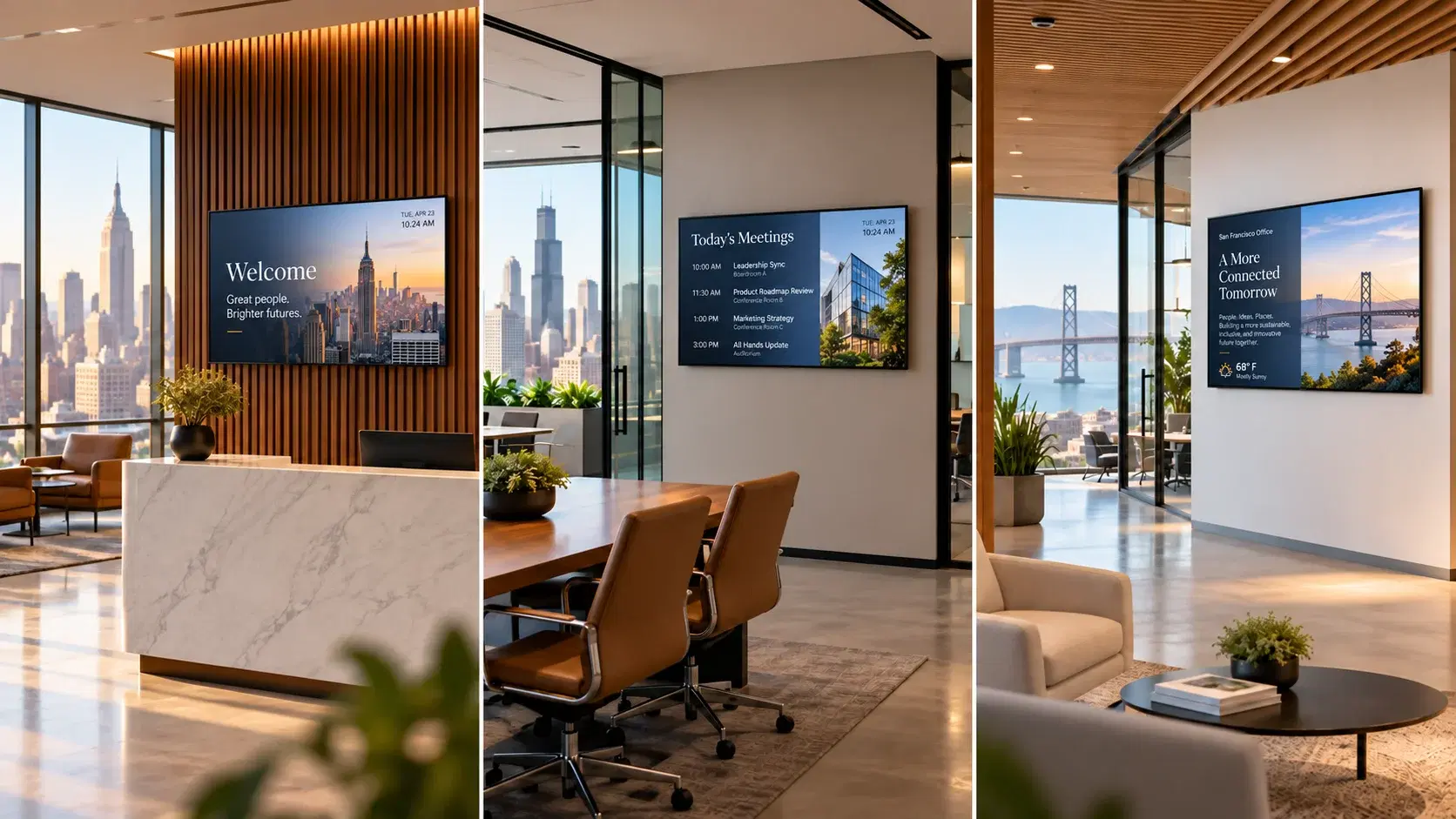
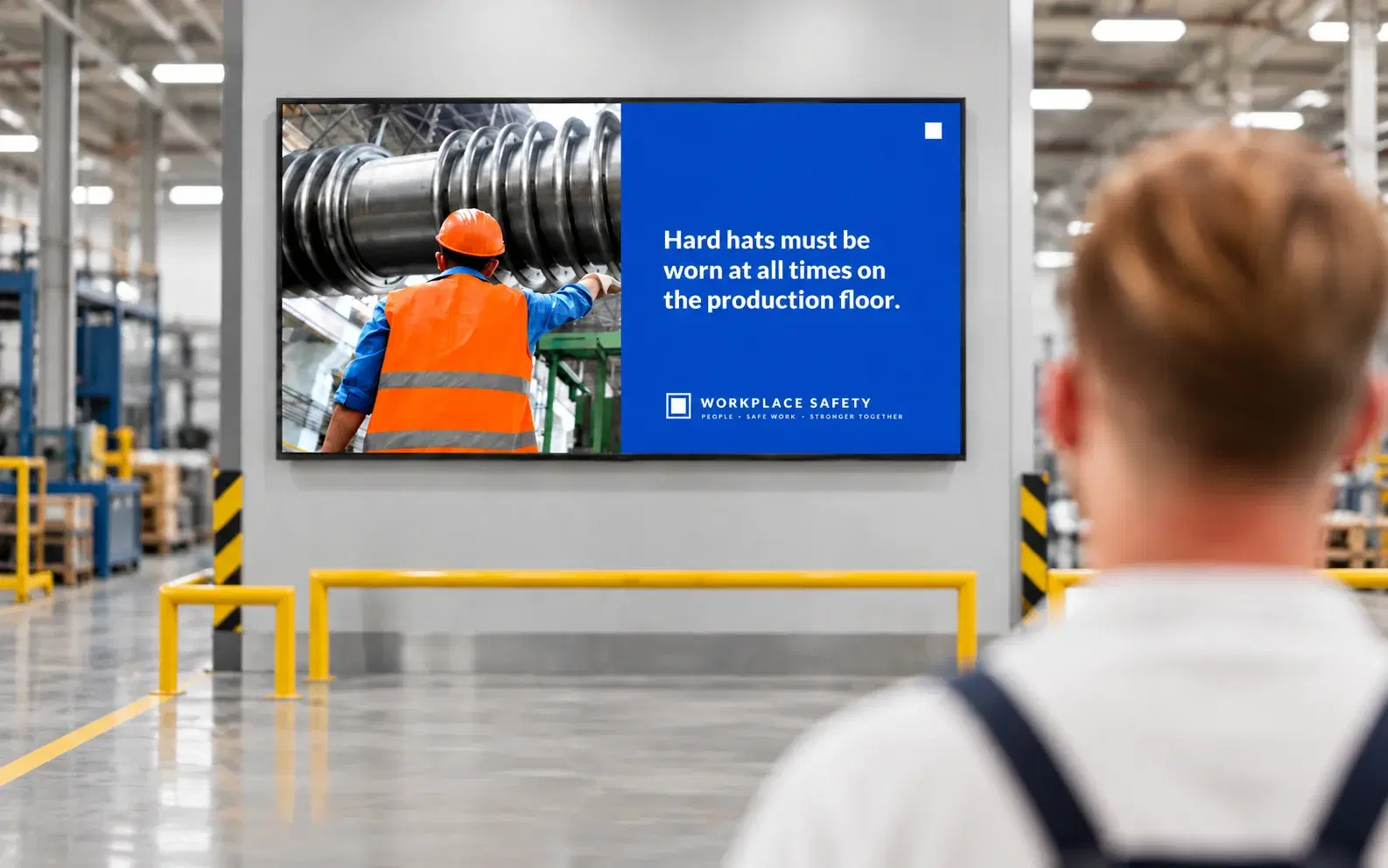
  • Digital screens in lobbies, break rooms, and factory floors

  • Desktop screensaver for branded updates during idle time

  • Desktop scroller, a persistent news-ticker bar

  • Desktop wallpaper with embedded messaging

  • Priority desktop alerts, full-screen or banner, with mandatory acknowledgement

  • Microsoft Teams, structured announcements posted directly to channels

  • WhatsApp, reaching personal phones through the WhatsApp Business API

  • SMS, for shift workers without a smartphone data plan

For a deeper look at how the channel architecture works together, see the multi-channel employee communication platform overview.

What you get

One publish step replaces the resend-and-hope cycle.

Problem you have todayHow Pickcel handles itWhat you get
Deskless staff never see email or SlackPush to digital screens, desktop, WhatsApp, and SMS at once94% message reach within 2 hours
Safety or policy updates need proof of deliveryMandatory acknowledgement tracking with timestamped logsAudit-ready compliance trail
Comms team edits the same message in four toolsOne dashboard, one edit, every channelFewer hours spent on repeat publishing
Deskless staff never see email or Slack

Push to digital screens, desktop, WhatsApp, and SMS at once

94% message reach within 2 hours

Safety or policy updates need proof of delivery

Mandatory acknowledgement tracking with timestamped logs

Audit-ready compliance trail

Comms team edits the same message in four tools

One dashboard, one edit, every channel

Fewer hours spent on repeat publishing

Pickcel replaces the resend-and-hope cycle with a single publish step that reaches screens, desktops, and phones together. Comms teams typically report a meaningful drop in the hours spent re-formatting and re-sending the same update across tools, since one edit now updates every channel.

Rollout follows a predictable pattern rather than a single big-bang cutover: a pilot at one site to confirm device compatibility and content workflows, phased expansion by region or business unit, then full activation with role-based admin access across every location. Most customers move from pilot to full activation within a few weeks, not a full quarter, because there is no employee-side app to install or train on.

Getting Started

From one site to every location

Most customers move from pilot to full activation within a few weeks, because there is no employee-side app to install or train on.

Pickcel pilot site setup dashboard
01

Pilot one site

Confirm device compatibility and content workflows before anyone raises a wider rollout.

Pickcel pilot site setup dashboard

Confirm device compatibility and content workflows before anyone raises a wider rollout.

Expanding Pickcel deployment to additional regions

Add locations and channels on the same agreement, by region or business unit.

Activating all locations in Pickcel with role-based access

Turn on role-based admin access across the fleet without retraining employees.

What Makes Pickcel Different

Guaranteed message visibility.

An announcement sent through Pickcel appears on screens in high-traffic areas, pops up on desktops, and lands on personal phones in the same push. Employees never need to open an app to see it.

No adoption friction.

Most employee communication software still assumes a login and an app install. Screens display content automatically instead, desktop agents run silently in the background, and WhatsApp and SMS arrive on devices people already carry. There is nothing for the average employee to download or learn.

One dashboard for everything.

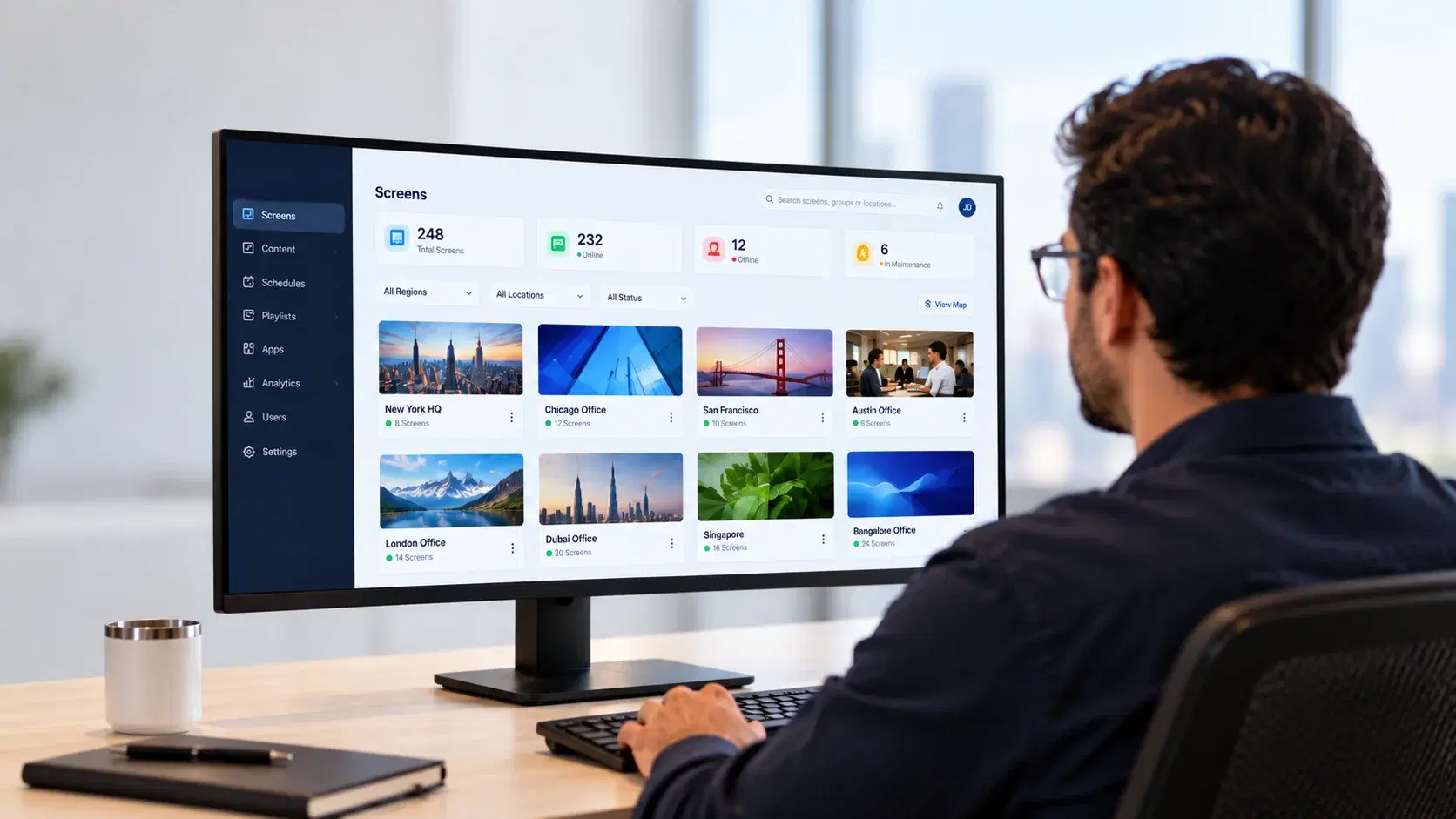
Build a message once in the drag-and-drop editor, target it by location, department, role, or device type, then measure delivery, reach, and acknowledgement without switching tools.

See how Pickcel compares with Staffbase and Poppulo across channels, pricing and security.

Platform capabilities

Everything runs from one login

Every capability below runs on Pickcel's digital signage software, the same cloud CMS that manages screens, desktop channels, and mobile delivery from one login.

Content scheduling and automation

Queue announcements days or months ahead, and set recurring reminders for recertifications or compliance windows without manual re-entry.

Content scheduling calendar interface in Pickcel

Emergency alerts and override

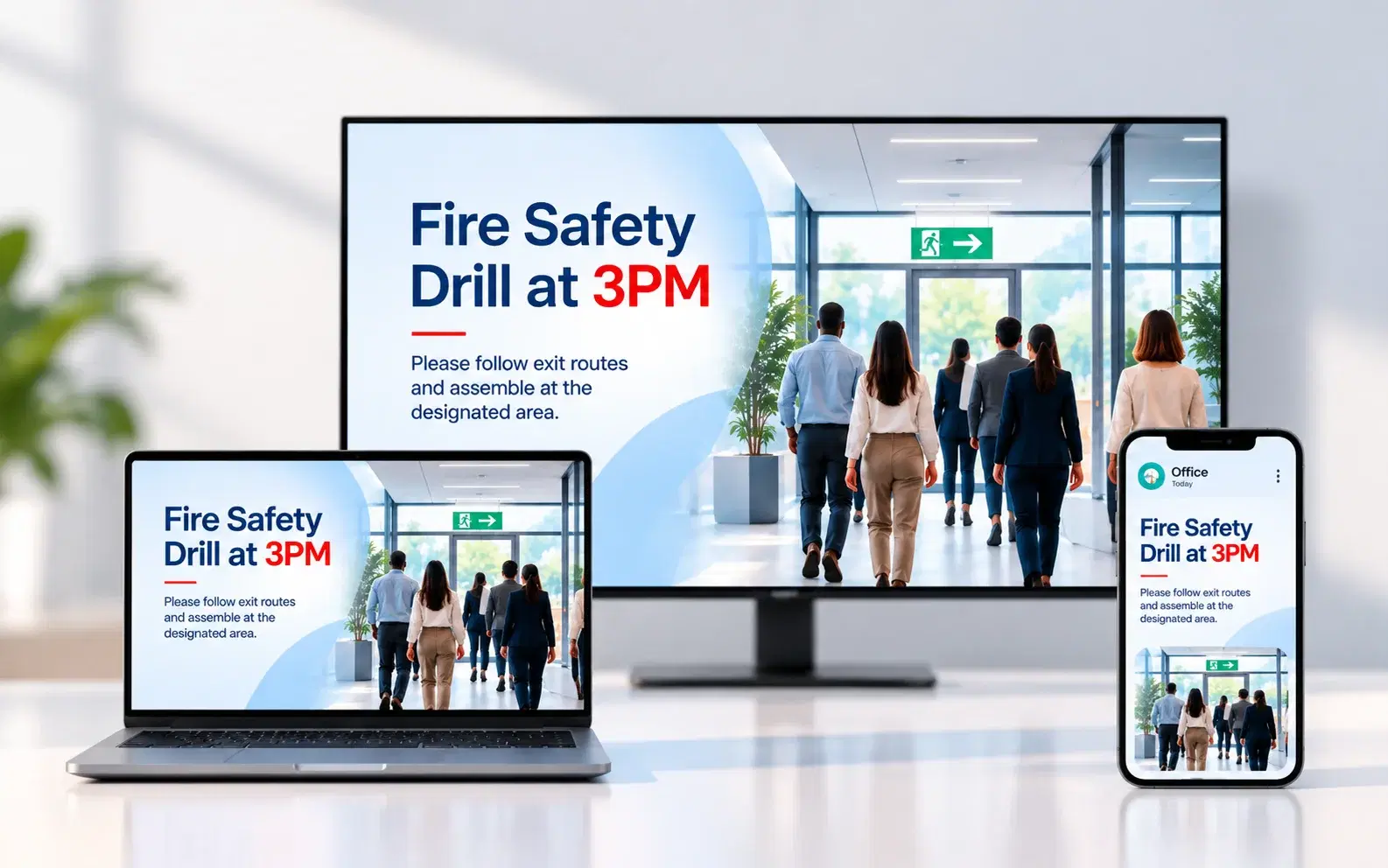
Push a full-screen alert across every channel at once, overriding scheduled content until it is acknowledged or manually cleared.

Emergency alert override screen in Pickcel

Audience targeting and segmentation

Route messages by location, department, role, shift, or device type, so a warehouse alert never lands on an office screen by mistake.

Audience targeting and segmentation settings in Pickcel

HR, HRIS, and CRM connectors

Sync employee groups and location lists from common HR systems so targeting lists update automatically instead of being maintained by hand, and pull recognition or milestone data (anniversaries, safety streaks) from HR records into on-screen content.

HR, HRIS and CRM integration panel in Pickcel

Microsoft Teams and WhatsApp integration

Native connectors post structured announcements directly into Teams channels and reach personal phones through WhatsApp Business API, without a second login.

Microsoft Teams and WhatsApp integration in Pickcel

Real-time analytics and acknowledgement

Track delivery, reach, and mandatory acknowledgement per message, and export compliance reports for audits or safety reviews.

Real-time analytics and message acknowledgement dashboard in Pickcel

Role-based access and approval workflow

Assign editor, publisher, and admin roles, require sign-off before an announcement goes live, and support SSO through common enterprise identity providers.

Role-based access control settings in Pickcel

Content scheduling and automation

Queue announcements days or months ahead, and set recurring reminders for recertifications or compliance windows without manual re-entry.

Content scheduling calendar interface in Pickcel

Emergency alerts and override

Push a full-screen alert across every channel at once, overriding scheduled content until it is acknowledged or manually cleared.

Emergency alert override screen in Pickcel

Audience targeting and segmentation

Route messages by location, department, role, shift, or device type, so a warehouse alert never lands on an office screen by mistake.

Audience targeting and segmentation settings in Pickcel

HR, HRIS, and CRM connectors

Sync employee groups and location lists from common HR systems so targeting lists update automatically instead of being maintained by hand, and pull recognition or milestone data (anniversaries, safety streaks) from HR records into on-screen content.

HR, HRIS and CRM integration panel in Pickcel

Microsoft Teams and WhatsApp integration

Native connectors post structured announcements directly into Teams channels and reach personal phones through WhatsApp Business API, without a second login.

Microsoft Teams and WhatsApp integration in Pickcel

Real-time analytics and acknowledgement

Track delivery, reach, and mandatory acknowledgement per message, and export compliance reports for audits or safety reviews.

Real-time analytics and message acknowledgement dashboard in Pickcel

Role-based access and approval workflow

Assign editor, publisher, and admin roles, require sign-off before an announcement goes live, and support SSO through common enterprise identity providers.

Role-based access control settings in Pickcel
Customer story

Mercedes-Benz

Mercedes-Benz India deployed Pickcel across its corporate offices to deliver company updates, HR policy announcements, and recognition content to screens in lobbies and common areas. The result: consistent messaging across every location, instant updates during time-sensitive events, and printed internal notices eliminated entirely.

Read the case study
Mercedes-Benz India lobby screen running Pickcel employee communication content
What our customers say

What Our Customers Say

“We replaced printed notices across all our office floors with Pickcel screens. Policy updates now reach every employee the same day they're published, and we have a dashboard to prove it.”

Fortune 500 Manufacturing customer

“Our IT team was skeptical about adding another platform. Pickcel's security posture and SSO integration made approval straightforward. We deployed across a dozen locations in under three weeks.”

Multi-location Healthcare customer

“Before Pickcel, our warehouse teams never saw company announcements. Now they walk past screens every day showing safety updates, production targets, and shoutouts. Engagement survey scores improved noticeably.”

Global Logistics customer
Book a demo

See it in 20 minutes

See how Pickcel reaches your deskless and desk-based teams in one 20-minute walkthrough. Bring your current tool stack and we'll map it to the platform.

  • Reach screens, desktops, Teams, WhatsApp and SMS from one login
  • No app install required for employees
  • SOC 2 Type II and ISO 27001 certified
  • Cloud or on-premise deployment

No commitment required. 20-minute session with a specialist.

Pickcel vs. the status quo

Pickcel vs. Email, Chat, and Intranet

Reaches deskless workers

Pickcel

Yes

Email

No

Slack/Teams

No

Intranet

No
No app install needed

Pickcel

Yes

Email

Yes

Slack/Teams

No

Intranet

No
Push-based delivery

Pickcel

Yes

Email

–Partial

Slack/Teams

No

Intranet

No
Emergency alert override

Pickcel

Yes

Email

No

Slack/Teams

No

Intranet

No
Mandatory acknowledgement

Pickcel

Yes

Email

No

Slack/Teams

No

Intranet

No
Multi-location management

Pickcel

Yes

Email

–Manual

Slack/Teams

–Manual

Intranet

–Manual
Typical reach rate

Pickcel

High

Email

–Low

Slack/Teams

–Moderate

Intranet

–Low
CapabilityPickcelEmailSlack/TeamsIntranet
Reaches deskless workersYesNoNoNo
No app install neededYesYesNoNo
Push-based deliveryYes–PartialNoNo
Emergency alert overrideYesNoNoNo
Mandatory acknowledgementYesNoNoNo
Multi-location managementYes–Manual–Manual–Manual
Typical reach rateHigh–Low–Moderate–Low

Pickcel is not a replacement for Slack, Teams, or email for day-to-day project conversation. It is the layer that guarantees a company-wide announcement gets seen, including by the employees those tools were never designed to reach. For a feature-by-feature look at how Pickcel compares to other employee communication platforms, see our Pickcel vs. Staffbase and Pickcel vs. SnapComms comparisons.

Pricing

What Does an Employee Communication App Cost?

Unlike many internal communication software vendors that price per named user, Pickcel's pricing scales with what you actually activate, not a flat per-employee fee. Three factors typically set the cost:

Number of endpoints

Screens, desktop agents, and admin seats you deploy.

Channel mix

Adding WhatsApp or SMS delivery on top of screens and desktop carries its own usage-based cost.

Deployment tier

Single-site pilots price differently from multi-location, multi-region rollouts with role-based access and SSO.

60–75%

estimated drop in licensing cost

Most organizations replacing five or more fragmented tools (email blasts, a chat app, an intranet, a printed noticeboard, and a separate alert system) with one Pickcel deployment see licensing costs fall by an estimated 60–75%, since they retire the redundant tools rather than add Pickcel on top of them.

There is no requirement to commit to a multi-year contract to get started, and setup/onboarding is included in every plan rather than billed as a separate services fee.

For an exact quote, request a demo and describe your location count and channel mix.

Request a Demo
Security and compliance

SOC 2 Type II and ISO 27001

Pickcel is SOC 2 Type II and ISO 27001 certified, covering audited controls for data handling and information security management.

SOC 2 Type II shield

SOC 2 Type II

ISO 27001 shield

ISO 27001

Access and deployment

The platform supports SSO/SAML, end-to-end encryption in transit, an on-premise deployment option for organizations that require it, and role-based access control down to the individual admin.

50+ supported devices

It runs on 50+ supported devices, including Android TV, Samsung Tizen, LG webOS, Amazon Fire TV, Windows, macOS, Linux, and Raspberry Pi.

Named onboarding and a support SLA

Enterprise and multi-location customers get a named onboarding contact and a documented support SLA rather than a shared ticket queue, so a screen outage or delivery failure during a live rollout gets a response on a committed timeline, not a best-effort one.

Industries

One app, tuned to each workplace

Pickcel's employee communication app is deployed across manufacturing, healthcare, logistics and warehousing, banking and financial services, government and public sector, higher education, and technology companies, each with sub-vertical pages covering the specific compliance and shift patterns of that industry.

  • Pickcel frontline worker communication dashboard for manufacturing facilitiesManufacturing
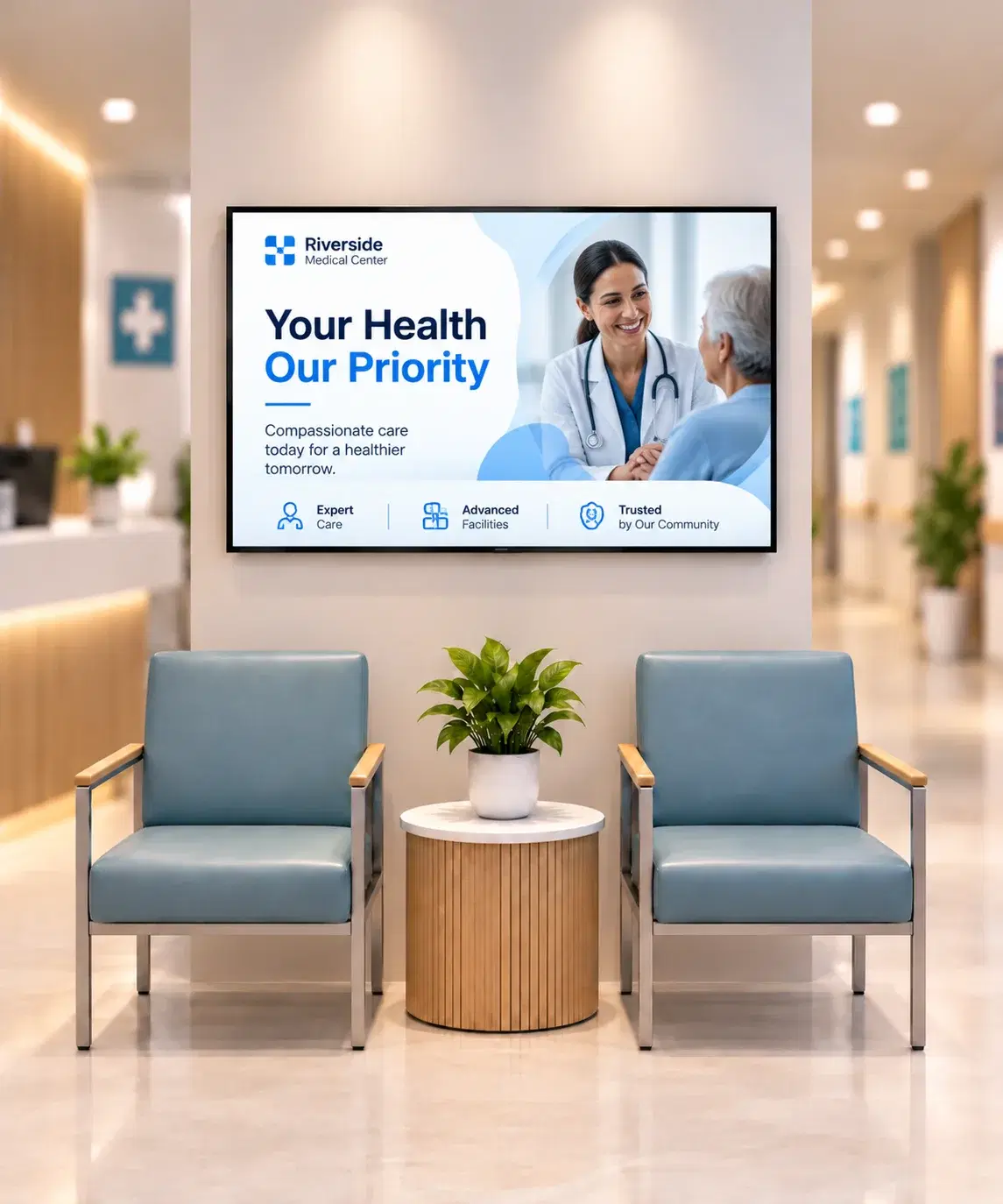
  • Pickcel digital signage dashboard showing healthcare employee communication content on hospital ward screensHealthcare
  • Pickcel warehouse employee communication dashboard showing multi-zone screen management for logistics operationsLogistics & Warehousing
  • Pickcel branch screen displaying compliance update in a bank branchBanking & Financial Services
  • Pickcel government employee communication platform showing multi-site screen management dashboardGovernment & Public Sector
  • Pickcel digital signage dashboard showing separate student and staff screen groups across a university campusHigher Education
  • Internal comms professional reviewing office screen content with open-plan office screens showing sprint dashboardsTechnology
FAQ

Frequently asked questions

Yes, and the two rarely overlap: Slack and Teams stay the channel for project discussion and 1:1 messages, while Pickcel becomes the channel of record for company-wide announcements, policy updates, and time-sensitive alerts that shouldn't depend on someone checking a chat thread. Most customers keep HR or Comms as the Pickcel content owner and leave IT's existing Slack/Teams setup untouched.
One agreement covers every location: Pickcel doesn't require a separate contract or license per site, even when you're rolling out across a dozen offices or warehouses in different regions. Locations and channels can be added to the same agreement as you expand, rather than renegotiating a new contract each time a new site goes live. This is typically handled through the same account team that ran your pilot, not a separate sales process.
Not much: Pickcel's screens and desktop agents connect over standard Wi-Fi or ethernet, so IT typically only needs to whitelist the platform's domains on the firewall and confirm SSO credentials if you use single sign-on. Facilities handles physical screen placement and power in parallel with IT setup, not after it. Sites with unreliable Wi-Fi or shared devices are flagged during the pilot so a fallback like SMS-only delivery gets scoped before the company-wide rollout.
They're still reached through channels that don't depend on a personal device: digital screens in high-traffic common areas, plus desktop alerts on any shared workstation they use during a shift. WhatsApp and SMS extend reach further for employees who do have a phone, but they're additive channels, not a requirement. Nobody is asked to register a personal number to receive a company announcement.
They're picked up automatically, not manually. When employee records sync from your HRIS or CRM connector, contacts missing a company email are flagged for screen, WhatsApp, or SMS delivery instead, so the fallback happens at the data layer rather than as an admin task per person. New hires without a device or number on file yet still see announcements on shared-space screens from day one.
A comms or HR admin manages targeting directly from the dashboard, no IT ticket or developer request required. Role-based permissions can scope an admin to just their own region, so a regional comms lead publishes to their own sites without touching settings for the rest of the company. When two audience rules overlap on the same screen, the more specific rule takes priority over the broader one, so a single-site alert wins over a general company-wide post.
Pickcel and dedicated internal-comms platforms like Staffbase or SnapComms overlap in intent but differ in delivery model: Pickcel is screen- and ambient-channel-first, reaching people without requiring an app download, while those platforms are built around a dedicated employee app. See our detailed Pickcel vs. Staffbase and Pickcel vs. SnapComms comparisons for a full breakdown.
Related

Keep going

  • Pickcel employee communication platform reaching teams across eight channelsMulti-Channel Employee Communication PlatformRead more
  • Pickcel digital signage dashboard showing healthcare employee communication content on hospital ward screensEmployee Communication App for HealthcareRead more
  • Pickcel vs Staffbase employee communication platform comparisonPickcel vs. StaffbaseRead more

Your next company-wide announcement can reach every screen, desktop, and phone in one push, not a resend cycle.

See it running on your own content in a live walkthrough.

Product

  • Software Features
  • Digital Signage Hardware
  • Digital Menu Board Software
  • Digital Signage Player
  • Interactive Kiosk
  • OTT Digital Signage Software
  • Queue Management Software
  • Visitor Management software
  • On-premise Digital Signage

Enterprise

  • Integrations & Automation
  • On-premise Digital Signage
  • Our Services

Solutions

  • Corporate Communication
  • Retail Digital Signage
  • Digital Signage Hospitality
  • Multi Channel Employee Communication
  • Restaurant Digital Signage
  • Banking & Finance Signage
  • Transportation Digital Signage
  • Digital Product Catalogue
  • Electronic Bulletin Board
  • Employee Communication App
  • Wayfinding Signage

Resources

  • Case Studies
  • What is digital signage?
  • Digital Signage Blog
  • Apps
  • Pricing
  • FAQ

Company

  • About Us
  • Contact Us
  • Support
  • Press Release
  • Careers

Trust & Compliance

  • Privacy Policy
  • Terms of Service
  • Refund Policy
  • Data Processing Addendum
  • Sub-processors
  • Security
  • Cookie Policy

Partner program

  • White Label Digital Signage
  • Reseller Digital Signage
Capterra4.6G24.6GoodFirms4.6

© 2026 LaneSquare Technology Pvt Ltd. All rights reserved.