
University Employee Communication: Reach Academic, Administrative, and Facilities Staff Across Every Campus Building
University campuses span dozens of buildings, faculties, and working shifts. Pickcel's cloud-based digital signage software uses your existing screen infrastructure to keep every staff member informed, from administration to facilities.

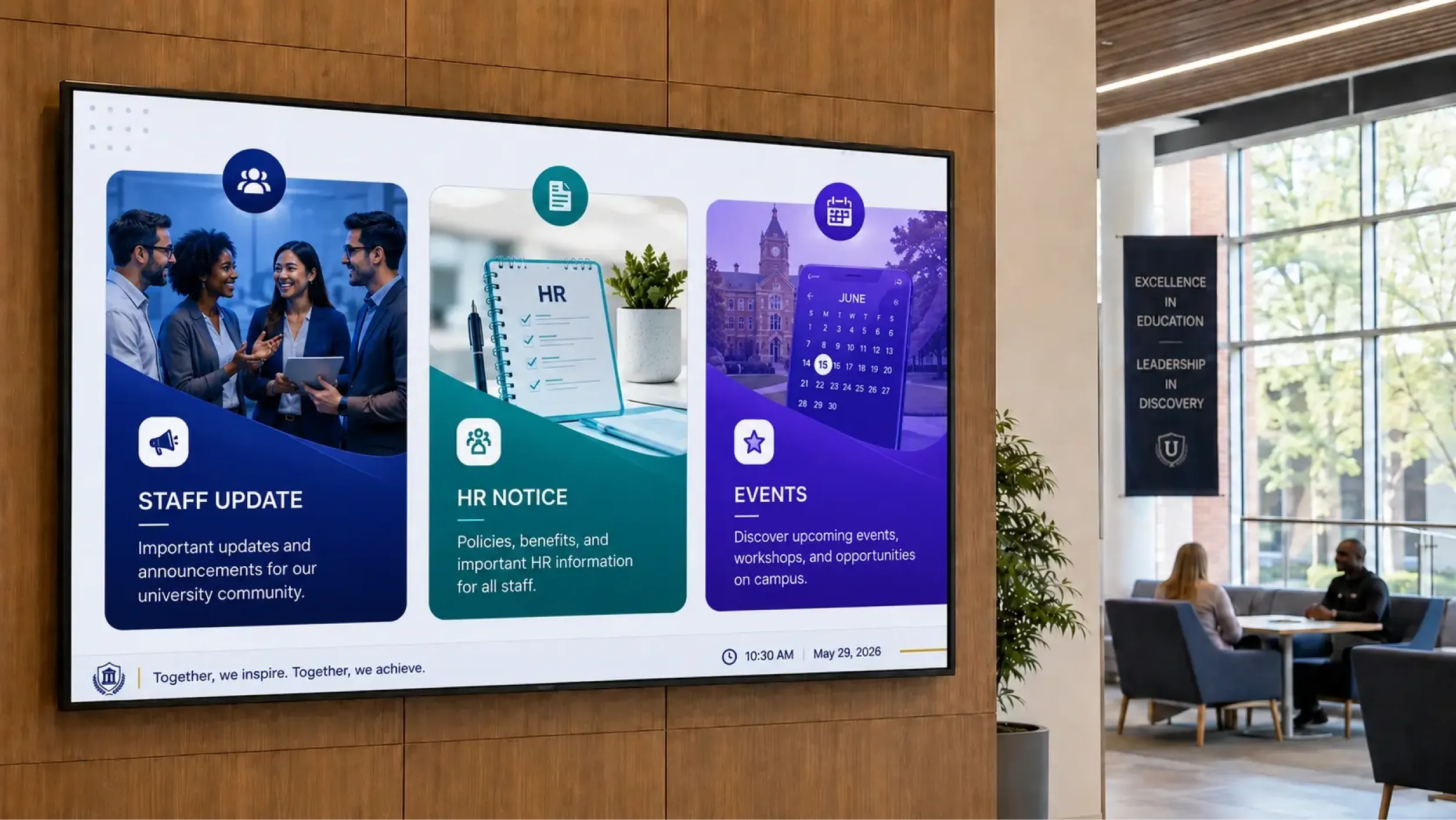
9,000+
Organisations
150,000+
Screens managed
70+
Countries
What is employee communication software for universities?
University employee communication software connects academic, administrative, and facilities staff across a campus. It delivers HR updates, safety notices, policy changes, and institutional announcements to staff-facing screens in every department and building, managed from a central CMS.
The Communication Gap on a University Campus
University campuses are not offices. They are networks of buildings, departments, and shifts occupied by people with very different roles and working patterns. The communication tools designed for desk-based teams rarely reach the people who most need to stay informed.
Fragmented buildings, fragmented communication
A message sent from central HR reaches the administrators in the main building, but it rarely reaches the estates team in the maintenance depot, the technicians in the science labs, or the catering staff in the student union. Physical distance between buildings creates a structural communication gap that email cannot bridge.
Operational staff are not checking their inbox mid-shift
Groundskeepers, laboratory technicians, and catering operatives are not at a desk. University HR and communications teams report that staff in maintenance, catering, and laboratory roles have significantly lower email engagement rates than administrative colleagues, making campus screen-based communication a critical supplementary channel.
Student and staff communication are managed as two separate problems
Most universities already manage a campus screen network for student-facing content. Staff communication happens through a separate channel, or through the same screens with no distinction between audiences. Maintaining two parallel systems is expensive and time-consuming, while running both audiences through the same screens without separation produces content confusion.
One Platform. Two Content Streams. Zero New Infrastructure.
Pickcel's employee communication app runs alongside your existing campus screen network. Student-facing screens and staff-facing screens are managed as separate screen groups within a single CMS, from the same login.
Content for students and content for staff are created, scheduled, and published independently. No new hardware is required. The screen infrastructure your university already operates for students becomes the delivery network for staff communication as well.
| Problem you have today | How Pickcel handles it | What you get |
|---|---|---|
| Staff in distributed campus buildings miss key announcements | Screen groups per building, faculty, or department display relevant content in each space | Updates visible in every staff area, not only the admin offices |
| Facilities, lab, and catering staff do not check email during shifts | Content runs on staff-area screens throughout the working day | Communication reaches operational staff without requiring a device or login |
| Student and staff content management requires two separate systems | One CMS with separate screen group assignments for each audience | Both communication streams managed from a single dashboard |
| Emergency alerts need immediate campus-wide reach | One-click priority broadcast to selected or all campus screens | Time-sensitive messages displayed across campus within minutes of activation |
Communication Results Across Higher Education
Message reach within hours, not days
Campus screen networks reach operational staff in maintenance depots, laboratories, and catering areas without relying on email open rates or intranet logins.
94% message reach within 2 minutes (Pickcel platform data)
Less administrative time spent on manual distribution
Replacing print posters, ad-hoc emails, and per-building noticeboards with one CMS cuts the overhead of coordinating staff communication across faculties, buildings, and shifts.
75% reduction in communication administration time (Pickcel customer estimate)
Lower cost versus maintaining separate tools
Running student and staff content through the same screen infrastructure reduces the need for parallel tools and duplicated licences.
60–75% lower management cost vs. separate systems (Pickcel estimate)
Staff Communication Use Cases at a University
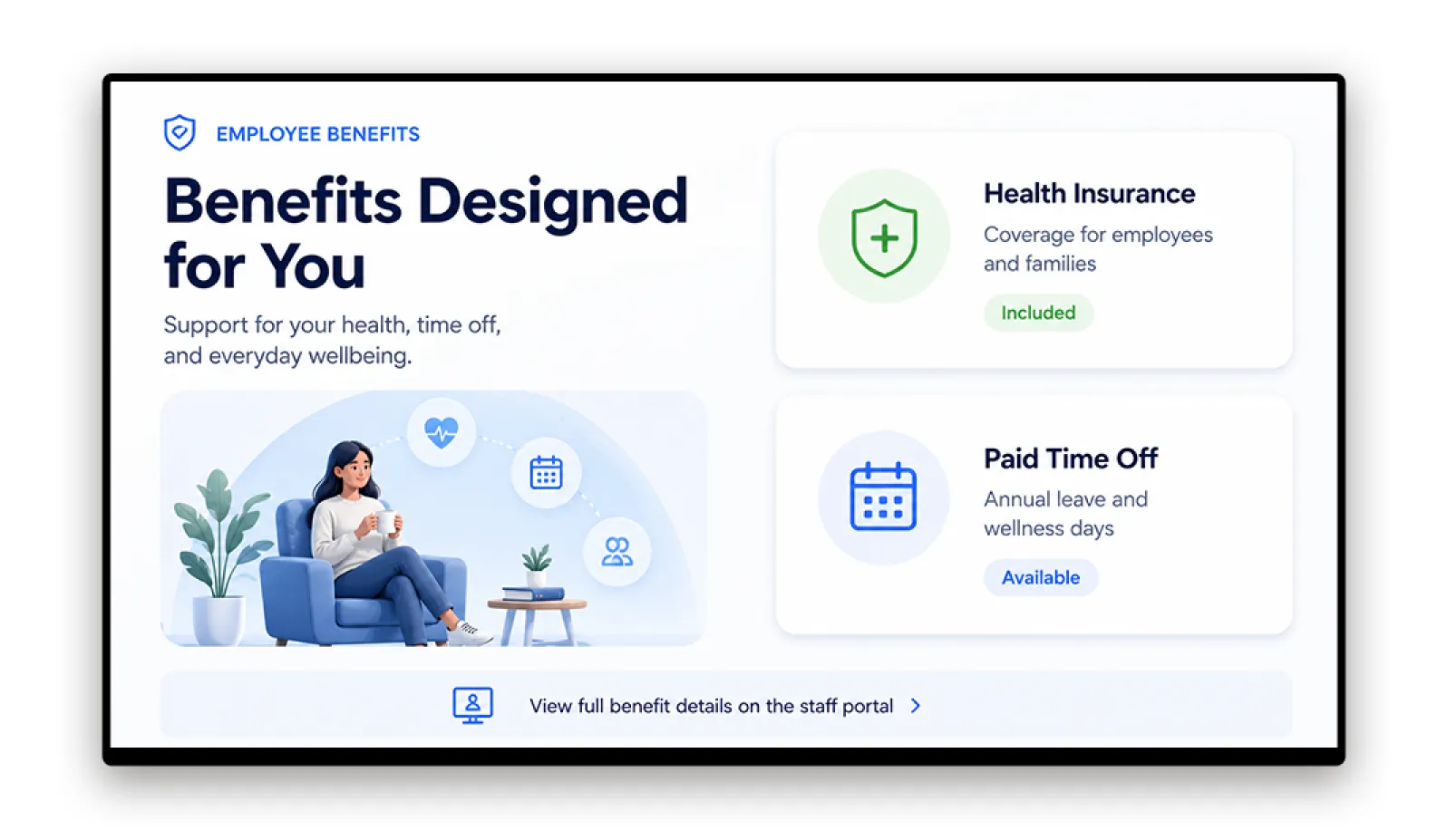
HR Policy Updates and Deadlines
Display benefit enrollment windows, contract renewal reminders, and policy update notices on screens in staff common rooms and faculty administration areas so updates run throughout the day rather than arriving in an inbox once and being forgotten.
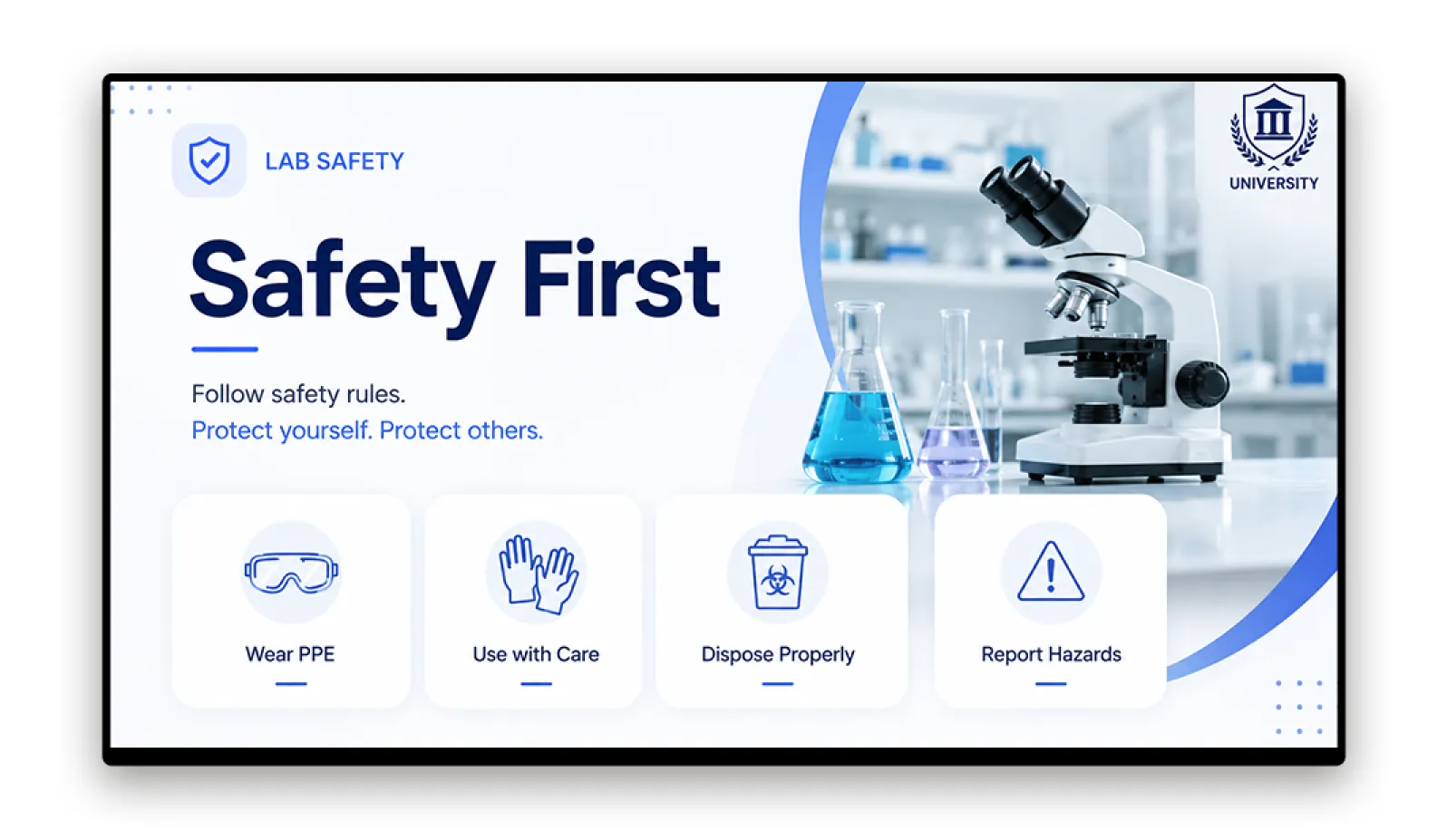
Health and Safety Notices for Lab and Facilities Staff
Post hazard alerts, equipment maintenance schedules, and safety protocol updates on screens in laboratories, maintenance areas, and technical facilities so staff do not need to access a shared drive or check their email to receive updated procedures.
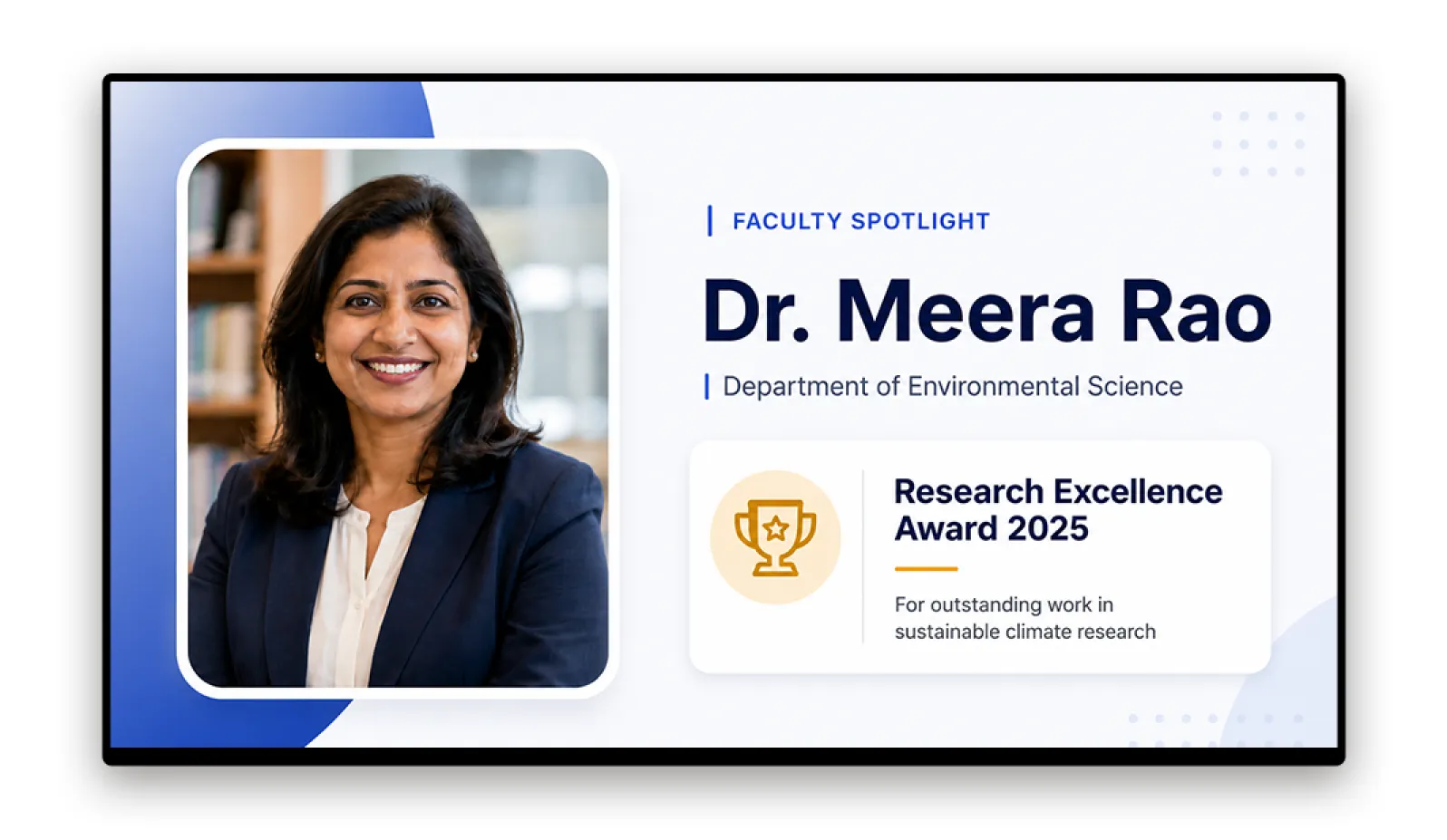
Campus Events and Faculty News for Staff Common Rooms
Announce visiting speakers, faculty achievements, research milestones, and university news on screens in break rooms and shared social spaces to keep all staff connected to the life of the institution.
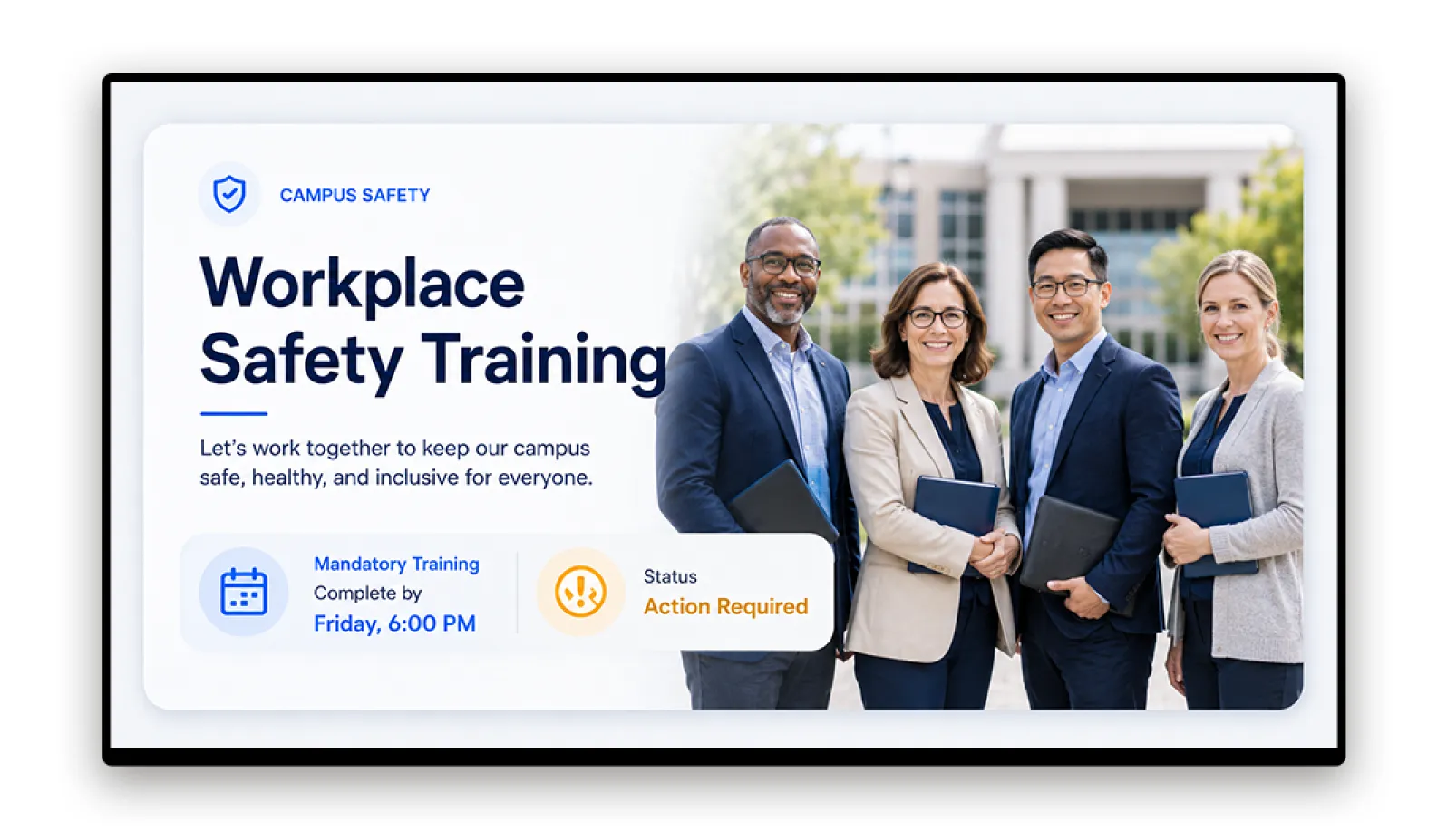
Mandatory Training Reminders
Display training enrollment deadlines, session times, and compliance reminders on screens in departmental areas so visibility is maintained across all shifts.
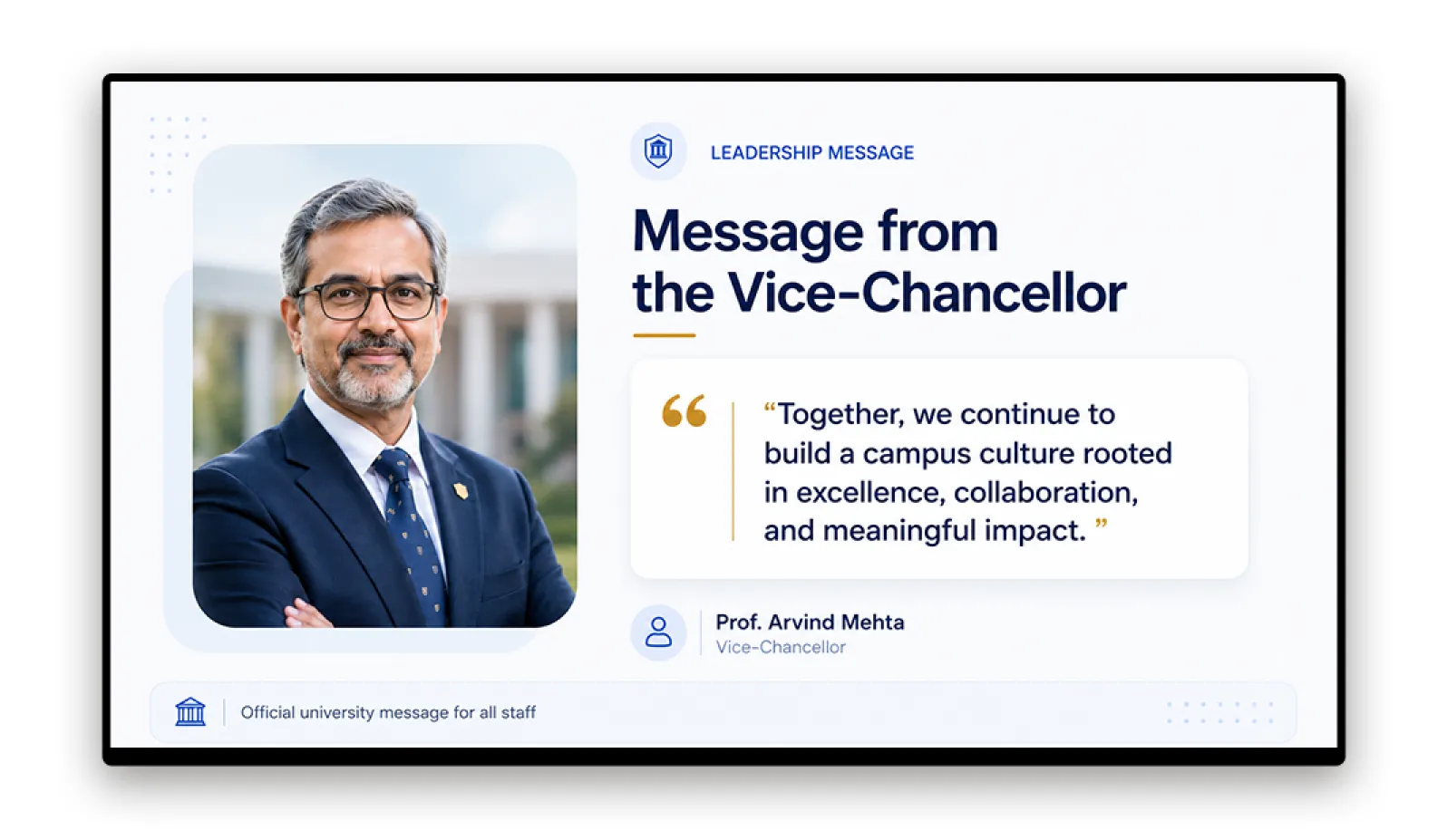
Senior Leadership Announcements and University News
Publish messages from the Vice-Chancellor or senior leadership team on campus screens the moment they are released so staff in all locations see the same announcement at the same time.
What You Get with Pickcel for University Staff Communication
Screen Group Management for Student and Staff Networks
Manage student-facing and staff-facing screens within one CMS. Create groups by building, faculty, department, or campus so each group has its own content schedule and audience.
So you can separate student and staff communication without adding a second platform or duplicating hardware.
Role-Based Access by Faculty or Department
Assign publishing rights to department administrators without granting access to screens across the institution. Faculty and estates teams update their own areas while central IT maintains platform control.
So you can delegate content ownership to the right teams while keeping governance and security centralised.
Multi-Campus Management
Manage all campuses from a single platform login, with content targeting by location, faculty, and audience group. Broadcast network-wide campaigns or focus on a single campus or building.
So you can scale from a single campus to a multi-campus university network without changing tools or processes.
Emergency Broadcast
Activate a priority message to selected or all campus screens with one action from the CMS dashboard. Scheduled content is overridden immediately and resumes automatically when the alert is cleared.
So you can reach every relevant staff area in minutes during emergencies, without depending on email or PA systems.
Security and Compliance for Higher Education
SOC 2 Type II
Independently audited controls across security, availability, and confidentiality.
ISO 27001
Certified information security management system for Pickcel's cloud platform.
Role-based access ensures faculty administrators can publish to their own screen groups without access to other faculties or the student-facing network. Central IT manages platform access and user provisioning.
Content publishing is controlled through role-based access and content schedules. Staff audience groups, screen assignments, and content logs can be configured to meet institutional data governance requirements.
For universities with formal information security review processes, Pickcel's SOC 2 audit reports and security documentation are available on request.
Trusted by Organisations Across 70+ Countries
Pickcel supports more than 9,000 organisations across 70+ countries, with over 150,000 screens under active management. Higher education institutions use Pickcel to manage both student-facing and staff-facing communication from a single platform, across single-site and multi-campus networks.
"Pickcel gave us a single communication layer for staff and students across multiple campuses. Facilities and lab staff now see the same critical updates as administrative colleagues, without depending on email."
Communications Manager
Multi-Campus University
Frequently Asked Questions
Explore Related Education Content
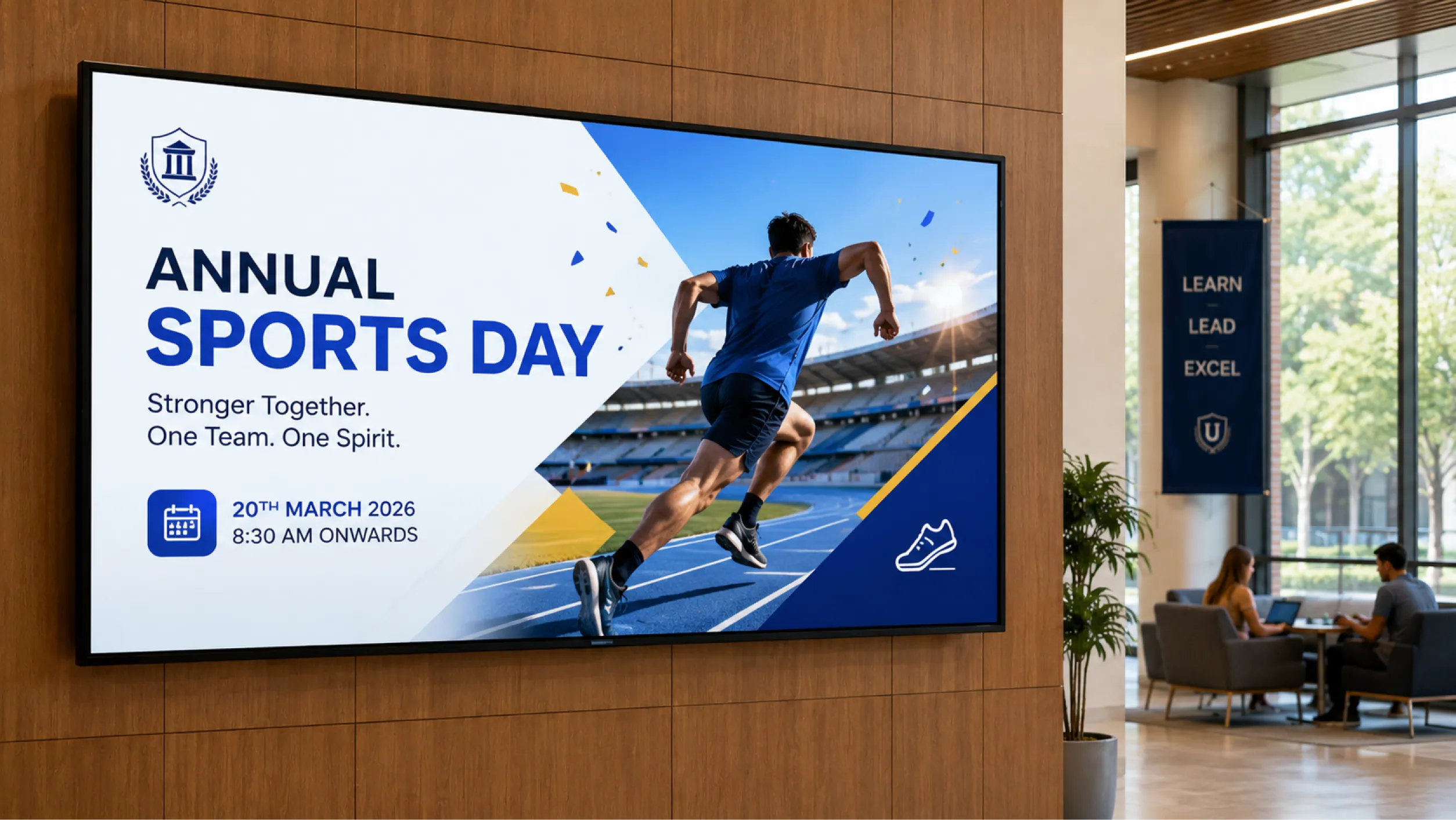
Digital Signage for Education
Broader education digital signage context for both student-facing and staff-facing deployments.
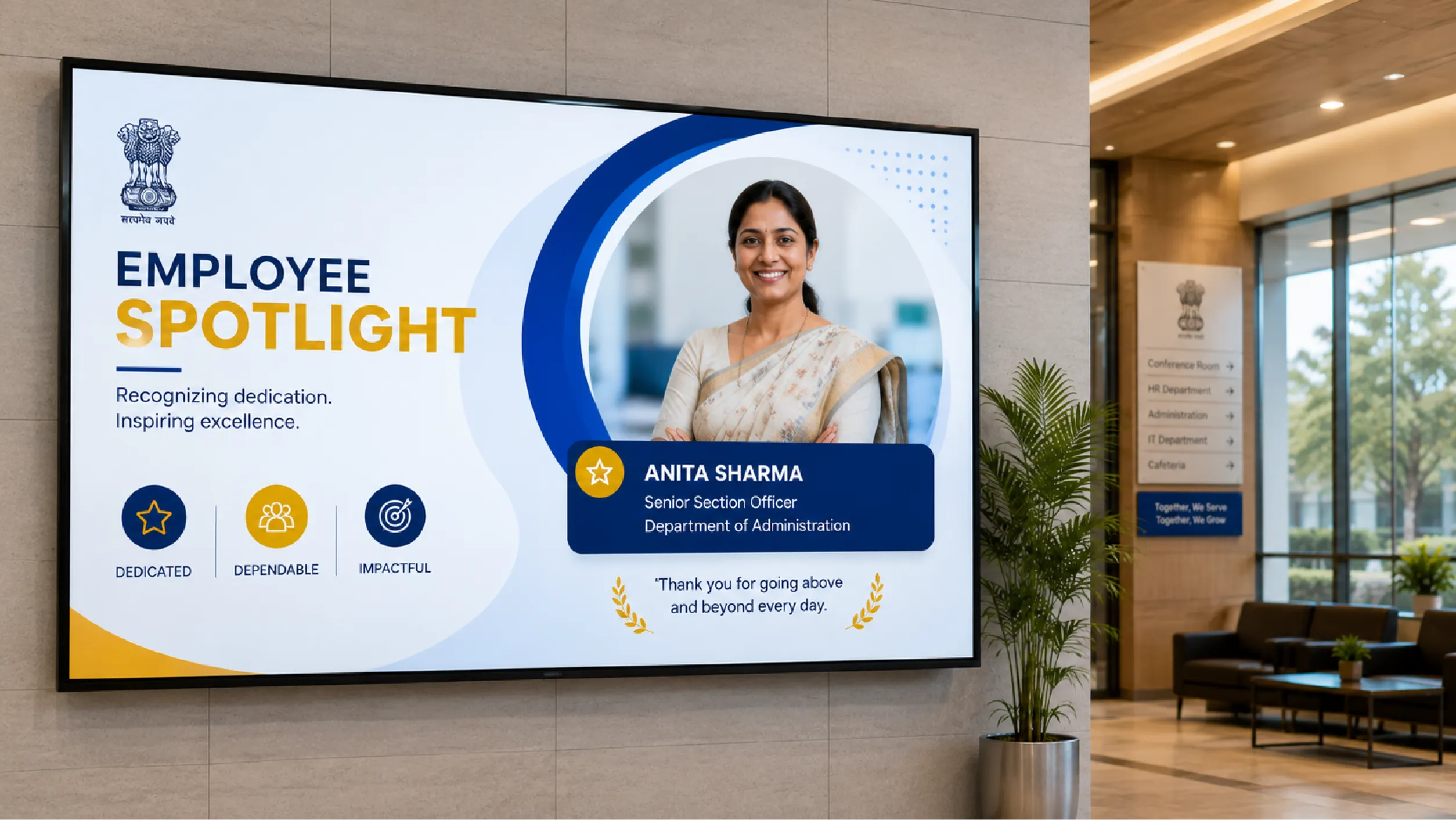
Government Employee Communication
Employee communication for large public-sector organisations with similar dispersed-building challenges.
Amrita University Case Study
How Amrita University deploys Pickcel across a large multi-campus network to manage campus communication.