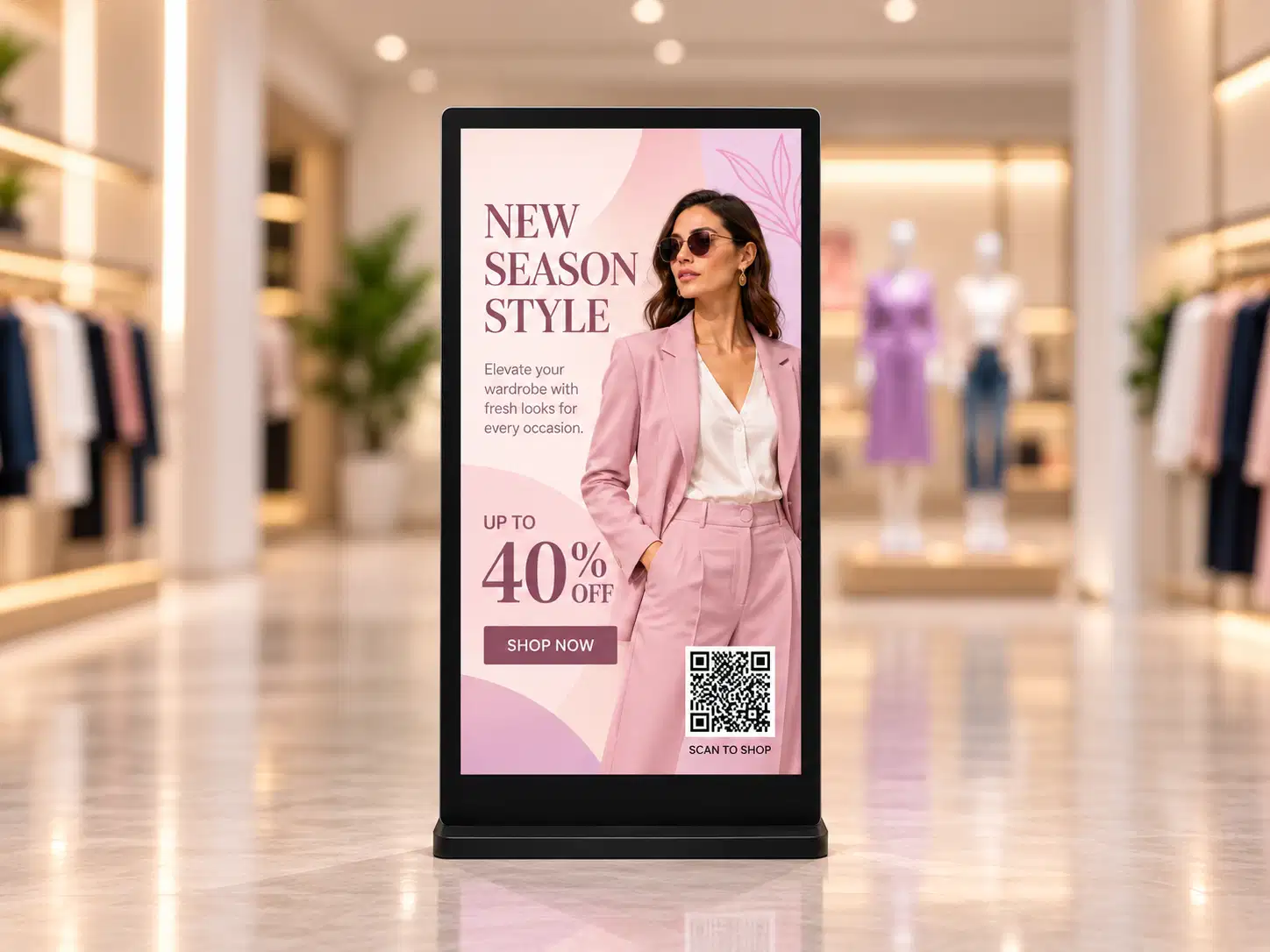
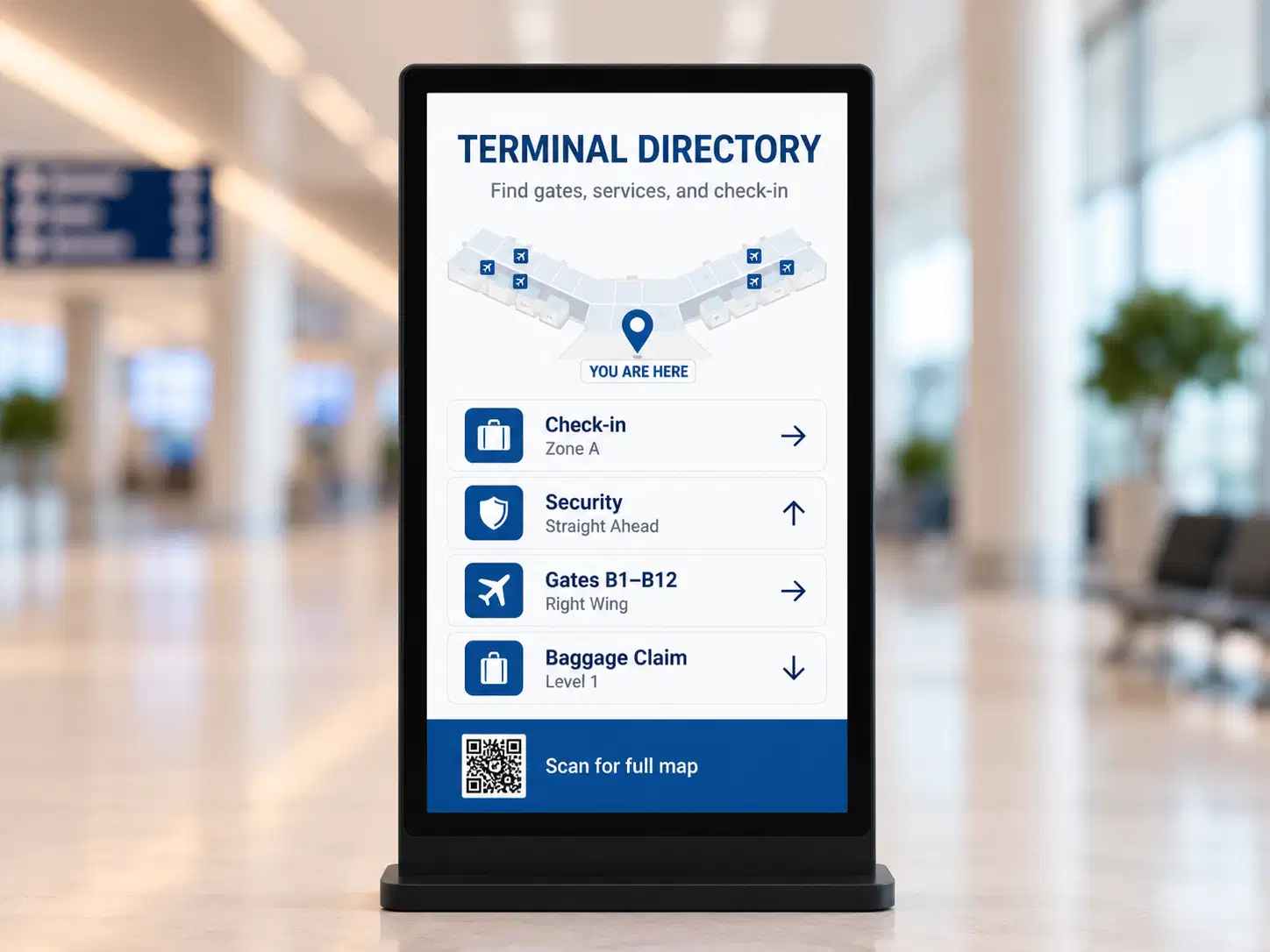
Standard digital signage
A content loop that plays on a schedule. Visitors watch, and the screen accepts no input.
Content loopNo user inputPassive display
Managing interactive kiosks and passive display screens on separate platforms adds operational complexity your team doesn't need. Pickcel runs both from a single cloud dashboard, across Android, Windows, Linux, Chrome OS, and Raspberry Pi, with full remote management from any browser.

Trusted by 9,000+ Businesses








SOC 2 Type II
ISO 27001
5 Operating Systems
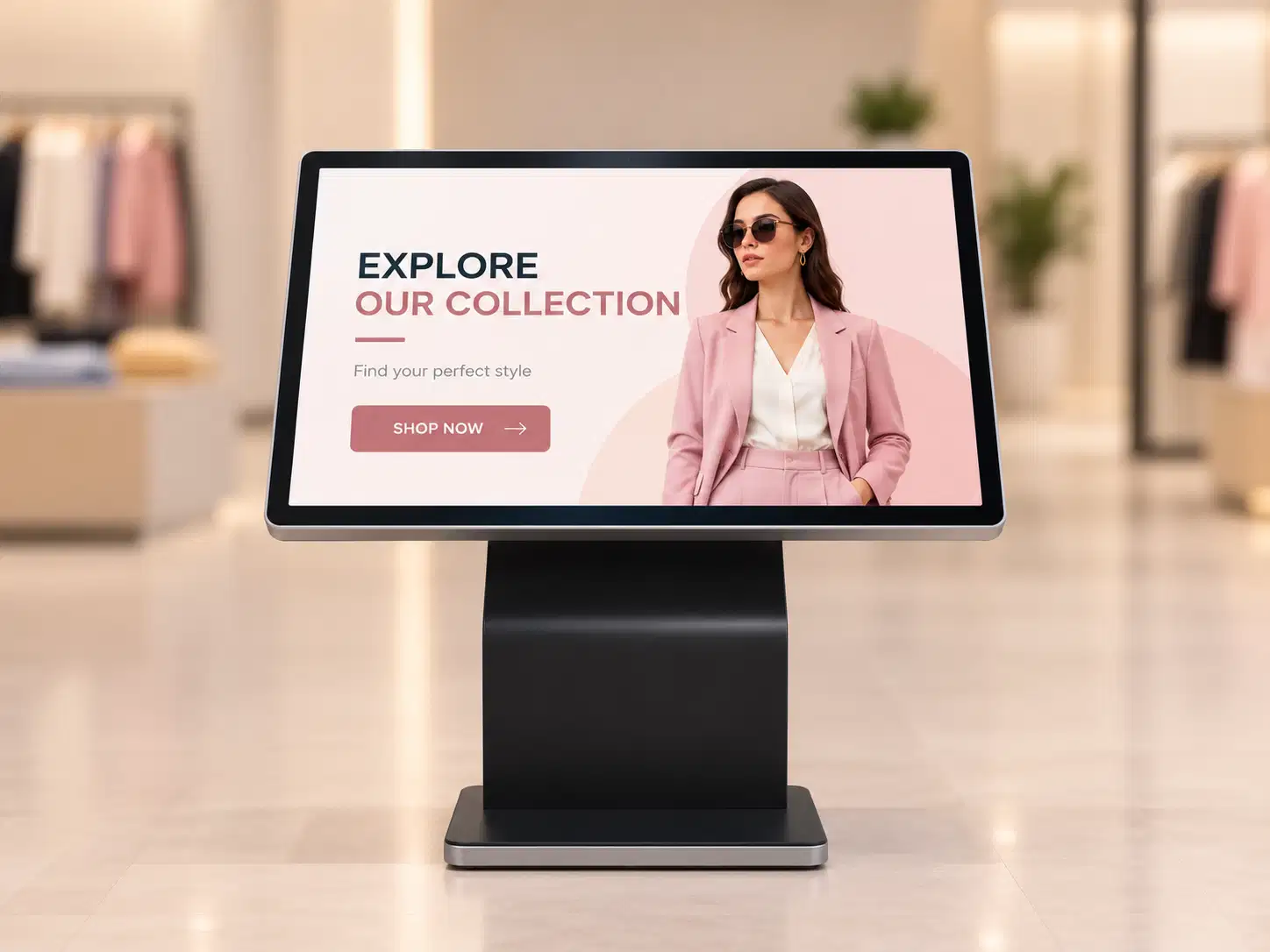
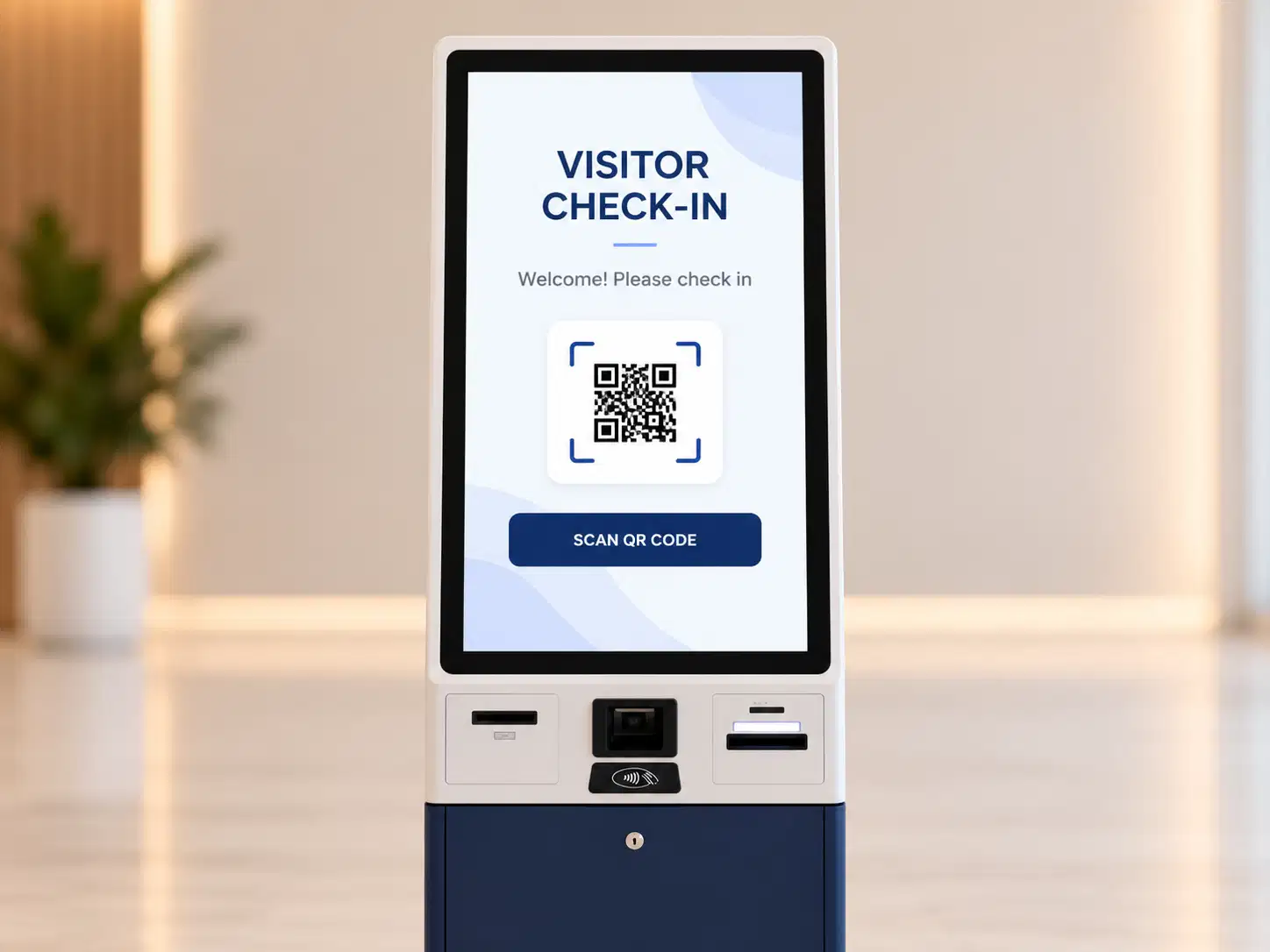
An interactive kiosk, or digital signage kiosk, is a touchscreen display that combines content playback with user-triggered actions, such as wayfinding, product lookup, check-in, or feedback collection, all managed remotely from a cloud platform.
A standard digital signage screen delivers a content loop and accepts no user input. A digital signage kiosk adds a touch layer, workflow logic, and often form-based interaction, while remaining connected to the same content management infrastructure as your other screens.
The distinction matters operationally. Organisations that deploy both screen types typically find themselves managing two content pipelines, two device inventories, and two support escalation paths. Pickcel resolves this by treating all screen types, passive displays and interactive kiosks, as the same class of managed device, with the same dashboard, the same scheduling tools, and the same device health monitoring.
For a broader overview of kiosk deployment models, see our kiosk digital signage guide.
A content loop that plays on a schedule. Visitors watch, and the screen accepts no input.
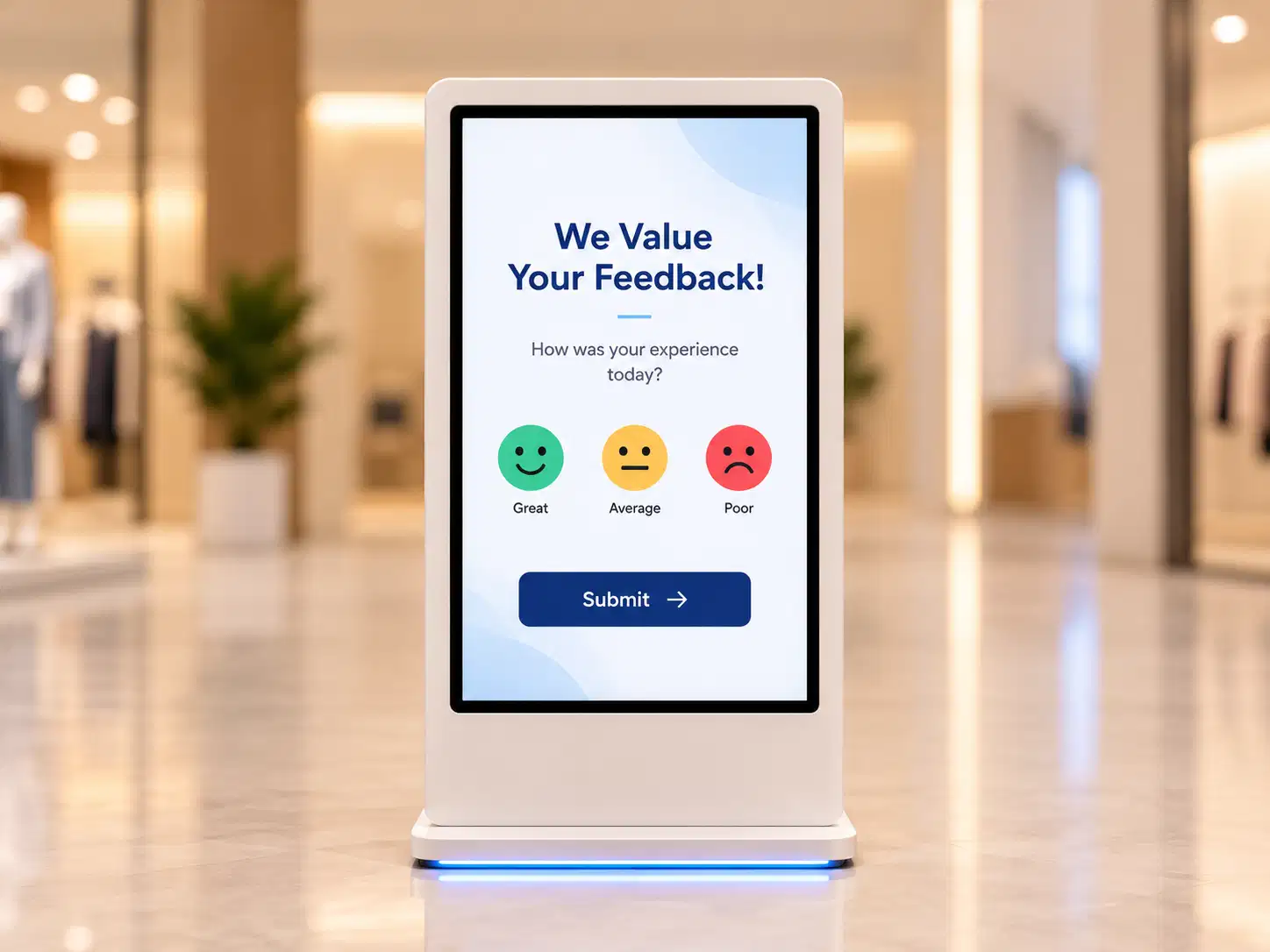
The same playback, plus a touch layer, workflow logic, and form-based actions.
Both stay on one Pickcel dashboard, with the same scheduling tools and the same device health monitoring.
Operations and IT teams deploying kiosks across multiple locations face the same problems repeatedly.
Most kiosk software runs on a single OS. A retail estate with Android tablets at entrances, Windows terminals at service points, and Chrome OS devices in fitting rooms requires three separate kiosk platforms, three license agreements, and three support workflows. When a device fails or a content update is needed, the team must identify which system manages that device before they can act.
A kiosk that stops responding in an out-of-town branch goes unnoticed until a customer reports it or a staff member happens to check. Without live device monitoring integrated into a central dashboard, fault resolution is reactive. In high-footfall environments, including transport hubs, hospitals, and shopping centres, a non-functional kiosk at peak hours creates service disruptions that compound quickly.
Kiosk content, whether a wayfinding map, a self-service menu, or a check-in form, typically lives outside the main digital signage CMS. Updating it means either physical access to the device or logging into a separate content portal. The disconnect between signage and kiosk content management creates version control problems and increases the administrative overhead per update, particularly for teams managing ten or more locations.
Customer-facing kiosks that handle personal data, process inputs, or display sensitive content are subject to different security expectations than internal displays. Organisations in healthcare, banking, and government face explicit compliance requirements. Standard digital signage platforms are not built for this; kiosk software that meets SOC 2 and ISO 27001 is the exception, not the baseline.
Problem you have today
Separate kiosk and signage management systems
How Pickcel handles it
Single cloud CMS for all screen types
What you get
One system, one training overhead, one support contract
Problem you have today
OS fragmentation: Android, Windows, Linux, Chrome OS, Raspberry Pi across sites
How Pickcel handles it
Native apps on all five OS platforms
What you get
Full device fleet managed from one dashboard, regardless of hardware
Problem you have today
No real-time visibility into offline or failing devices
How Pickcel handles it
Live device health monitoring with status alerts
What you get
Proactive fault resolution before visitors encounter disruption
Problem you have today
Content updates require on-site visits or separate portals
How Pickcel handles it
Cloud-based scheduling and push deployment
What you get
Real-time content changes from any browser, at any location
Problem you have today
Customer-facing kiosks need security and access controls
How Pickcel handles it
SOC 2 Type II + ISO 27001 + role-based access + lockdown mode
What you get
Audit-ready kiosk environments that meet enterprise and regulated-sector requirements
Android, Windows, Linux, Chrome OS, Raspberry Pi: native support across all five major kiosk OS environments
Use Pickcel to manage screens across retail, healthcare, transport, corporate, and hospitality globally
One cloud platform for remote management, lockdown, multi-OS playback, offline reliability, and touch workflows across every kiosk type.
Pickcel lets you update, reboot, and monitor any kiosk from your browser, at any hour, from any location, without requiring physical access to the device.
The full device lifecycle is managed from the CMS. Push content updates to individual devices or device groups. Restart screens remotely from the dashboard. Check online and offline status in real time. Schedule maintenance windows to minimise visitor disruption during updates.
For multi-location deployments with dozens or hundreds of kiosk units, this removes the operational dependency on on-site technical staff for routine maintenance tasks. A national retailer's IT team in a central office can manage a kiosk in a regional store with the same controls and response time as a local unit.
Remote management also improves fault visibility. The dashboard shows each device's current status, last heartbeat, and content sync state. When a device goes offline, the team is alerted before a visitor notices. The same monitoring applies to passive display screens, which means one view covers your entire screen estate.

Pickcel's kiosk lockdown mode restricts the device to a single app or an approved content set, preventing visitors from accessing the underlying OS, other applications, or the open browser.
Lockdown is essential for customer-facing deployments. You define exactly what the visitor can access, and the system enforces it continuously. Whether the kiosk is running a self-service menu, a visitor registration form, a product catalogue, or a feedback survey, the visitor cannot exit to the underlying OS or any other application.
Staff cannot accidentally dismiss the kiosk mode. Hardware button combinations that would normally exit an app are suppressed. Remote configuration allows the approved content and permission set to be updated without physical device access. For regulated environments, lockdown is documented as a security control and appears in compliance audit reports.

Pickcel kiosk software runs natively on Android, Windows, Linux, Chrome OS, and Raspberry Pi, the broadest OS support available in the interactive kiosk software category.
This matters for organisations with mixed hardware estates. A hospital with Android tablets at reception, Windows terminals in radiology, and a Raspberry Pi display at the pharmacy can run all three on Pickcel with identical management controls and the same CMS interface.
The support is native, not emulated. Each OS has a purpose-built Pickcel app that accesses full device management functionality: lockdown mode, offline playback, device health reporting, and push content sync. You are not choosing a primary OS and tolerating partial functionality on others.
For IT teams standardising their signage and kiosk infrastructure, multi-OS support means hardware choices are not constrained by software limitations. The OS that performs best for a given use case can be deployed without creating a management exception.

Content cached locally on the device plays back without interruption when the internet connection drops. The device continues displaying its assigned content loop or interactive workflow. No error screen. No frozen display.
When the connection is restored, the device re-syncs automatically. Any content updates pushed during the offline period are applied as soon as connectivity returns. The re-sync is incremental, downloading only changed assets rather than the full content library, which reduces bandwidth use at sites with limited connectivity.
Offline reliability is particularly relevant for kiosks in basement locations, underground transit stations, high-density venues where network congestion is unpredictable, and rural or semi-remote sites. The failure mode of a kiosk showing an error screen in a hospital corridor or airport terminal is reputational. Offline playback eliminates that failure mode at the device level.

Over 10 pre-built kiosk application templates cover the most common deployment types: visitor registration, wayfinding, queue management, feedback collection, product lookup, event scheduling, and appointment booking. Each template is configurable within the Pickcel CMS without requiring custom development.
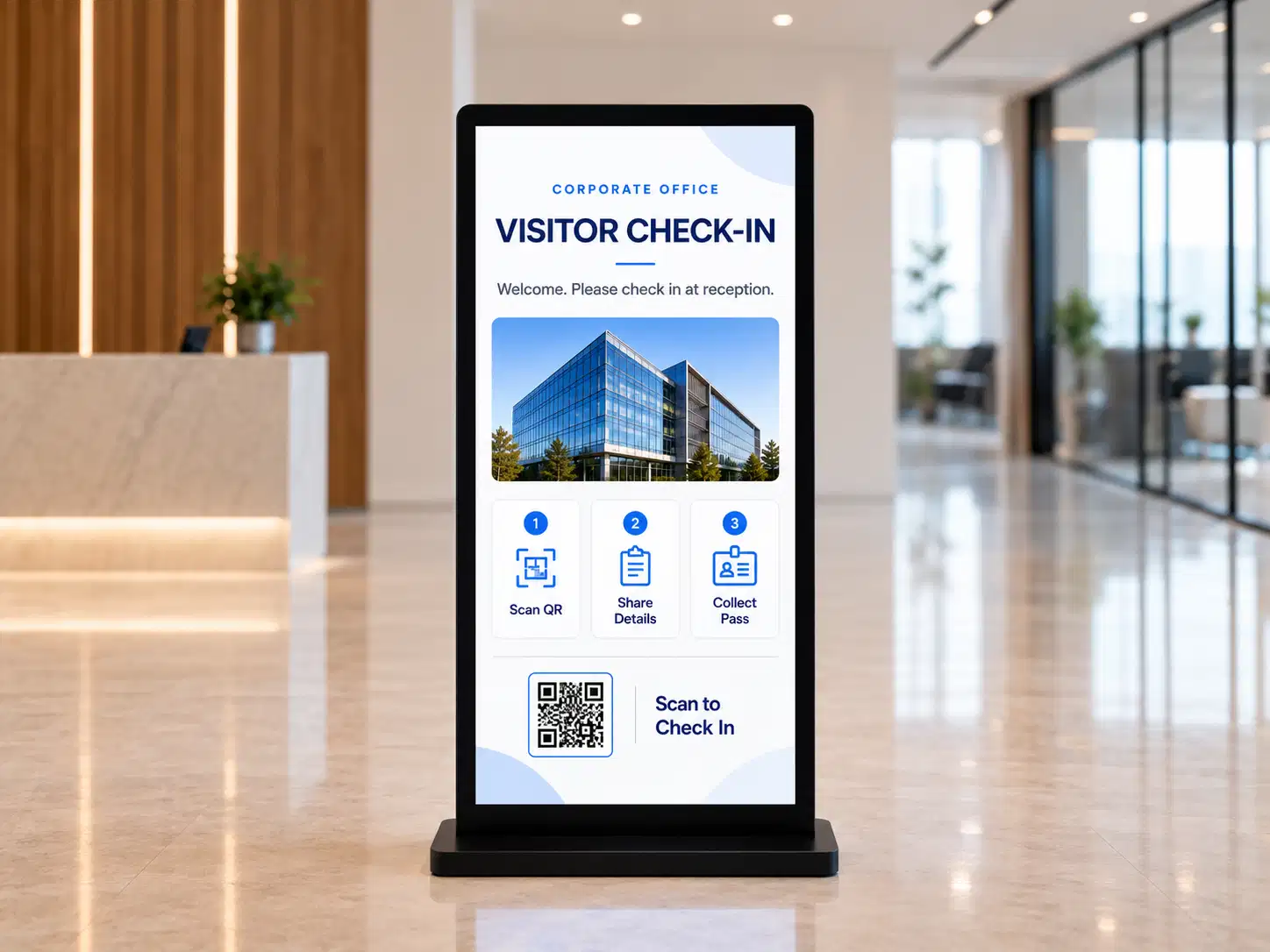
For organisations with standard use cases, this accelerates deployment. A corporate campus deploying visitor registration kiosks at five entry points can configure and push the same template to all five simultaneously, with location-specific variables (building name, floor map, receptionist contact) set per device. The deployment timeline is measured in hours, not weeks.
For unique workflow requirements, the Pickcel API allows custom application integration. Interactive forms, third-party data sources, and CRM or POS connectors can be built against the API and deployed through the same CMS interface.

Pickcel's touch interface layer supports single-touch and multi-touch gestures on certified touchscreen hardware. Gesture-based navigation, form submission, content browsing, and interactive map interaction all work within the Pickcel CMS without additional development.
The interface layer is configurable per device, which allows the interaction model to match the deployment context. A high-traffic retail kiosk in a shopping centre can use a simplified gesture set with large tap targets optimised for casual visitors. An employee self-service terminal in a corporate office can support a more complex navigation structure. Configuration is done in the CMS without requiring a code change.
For deployments focused on non-kiosk interactive touchscreens, see Pickcel's interactive display software.

20-minute walkthrough. No obligation.
Interactive kiosks that handle visitor inputs, display sensitive content, or operate in regulated sectors require a security baseline that standard digital signage platforms do not provide.Pickcel holds SOC 2 Type II and ISO 27001 certifications, both audited annually by independent assessors. These certifications cover Pickcel's cloud infrastructure, data handling practices, and access control framework. For kiosk deployments specifically, the security model includes:
Operational security controls, independently verified.
Information security management, independently audited.
Role-based access control: Content managers, regional administrators, and IT staff each operate within defined permission boundaries. A regional manager cannot modify kiosk configurations outside their assigned location group. A content editor cannot change device-level settings. Permission levels are granular and auditable.
Kiosk lockdown mode: Restricts the device to approved applications and content. Prevents visitors from accessing the underlying OS or any other application. Documented as a security control in SOC 2 audit reports.
Remote wipe capability: Allows device decommissioning without physical access. Critical for devices that have been physically compromised or decommissioned at a closed location.
Complete audit trail: All CMS actions, including content changes, user access events, configuration changes, and device reboots, are logged with timestamps and user attribution. Available for compliance review on request.
Data handling: Pickcel's infrastructure does not store visitor interaction data from kiosk sessions by default. Custom data capture via API is subject to your own privacy controls and data residency requirements.
 SOC 2 Type II
 ISO 27001Role-based access controlKiosk lockdown modeRemote wipeFull audit trail
Need the full security details?
Review Pickcel's security documentation, including certifications and controls.
For sectors with explicit compliance requirements, including healthcare (HIPAA-adjacent deployments), banking, and government, the full SOC 2 Type II report and ISO 27001 certificate are available under NDA on request. Support contact for security documentation: Pickcel support.
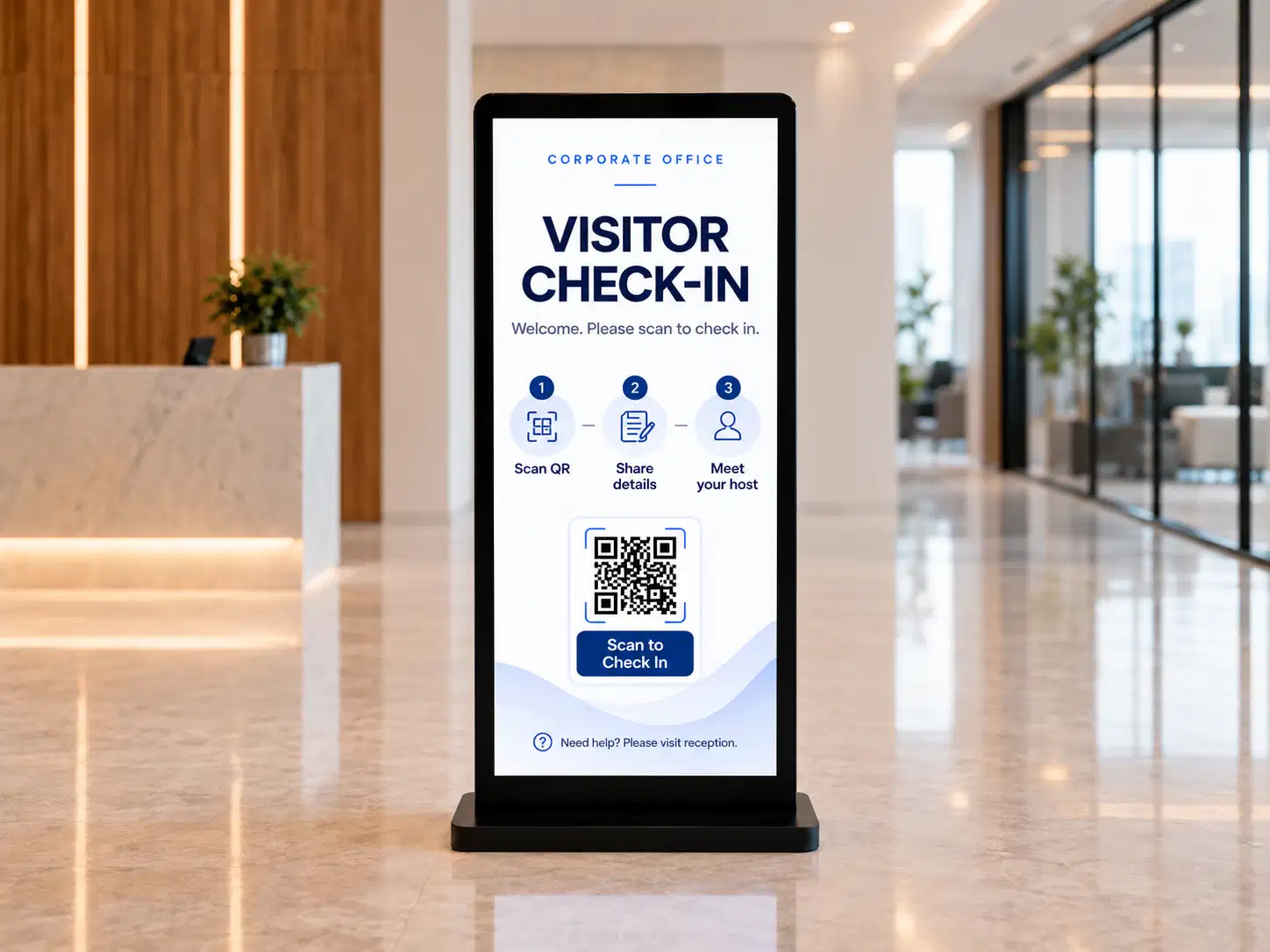
Create your Pickcel account. Install the Pickcel app on your kiosk hardware, whether that is an Android tablet, a Windows terminal, a Linux device, a Chrome OS display, or a Raspberry Pi. The device appears in your CMS dashboard within minutes. No professional services engagement is required for standard deployments.
Choose a pre-built kiosk template or upload your own. Set lockdown permissions for the device, assign it to a location group, and schedule content rotations or interaction workflows. All configuration is in the CMS browser interface, with no command-line or device-side configuration required.
Once live, manage all devices from the dashboard. Check device status, push content updates, restart devices, review interaction logs, and add new locations using the same interface. Scaling from five kiosks to five hundred uses the same operational model, with no additional tooling or processes required.
The return on an interactive kiosk deployment comes from two directions.
Centralised remote management reduces the frequency of site visits required for content updates and device maintenance. Organisations that previously sent a technician or regional coordinator to update kiosk content across multiple locations report meaningful reductions in travel cost and coordination overhead. The impact is most pronounced for fleets of 20 or more units at dispersed locations, where the cost of physical access per device accumulates quickly. The exact saving depends on fleet size, site geography, and the current update frequency.
Strongest at 20+ units across dispersed sites
Self-service kiosks in retail and hospitality environments expand transaction capacity at peak hours when staffing is constrained. Organisations deploying product catalogue kiosks in retail settings consistently report higher average transaction values compared to counter-only sales, reflecting the well-documented tendency of self-serve interfaces to surface complementary products without time pressure on either party. Queue reduction through self-service check-in kiosks in healthcare and government settings reduces administrative staff time allocated to manual check-in processes, which frees that capacity for higher-value tasks.
Higher ATV, shorter queues, freed staff capacity
The ROI case is strongest for operations with three or more locations, regular content update requirements, and OS diversity across their device fleet.

Asian Paints deployed Pickcel across their retail network to manage both passive display screens and interactive kiosks from a single platform. Their operations team manages content updates and device monitoring centrally, without requiring site visits for routine changes.
The platform's multi-location management capability and remote monitoring tools were key to the deployment decision: Asian Paints needed a solution that could scale with their distribution network without proportional growth in operational overhead.
The same digital signage software manages passive display screens, interactive kiosks, and digital menu boards. There are no parallel systems to maintain, no duplicate training requirements, and no separate support escalation paths for different device categories.
Android, Windows, Linux, Chrome OS, and Raspberry Pi are all supported natively. Hardware decisions are not constrained by software limitations, and an existing mixed-OS estate does not require hardware replacement to standardise on Pickcel.
From five kiosks to five thousand, the operational model does not change. Add new locations, assign content, change lockdown settings, and monitor device health from the same dashboard. Fleet growth does not require new tools or processes.
SOC 2 Type II and ISO 27001 certifications, kiosk lockdown, role-based access control, and a full audit trail are included as standard features for all customers, not as an enterprise supplement or compliance add-on.
Pickcel connects to CRM, POS, queue management, HR, and analytics platforms via API. Pre-built connectors reduce development time for common integrations. Custom integrations are built against a documented API with no dependency on Pickcel's development roadmap for delivery.
Standard kiosk deployments are configured and live within 30 minutes per device, using the CMS browser interface. No on-site technical resource is required. Enterprise deployments with custom integrations have a separate scoping process, but the standard product is self-service from day one.