

Interactive Display Software: Manage Every Screen From Anywhere
A display is only as useful as the content on it. And content is only useful if it can be updated, scheduled, and controlled without sending someone on-site.Pickcel is the interactive display software that powers touch, touchless, and dynamic content across your entire display network, from a single cloud dashboard. Whether you manage five screens in one office or 500 screens across multiple facilities, Pickcel keeps every interactive display current, functional, and connected.
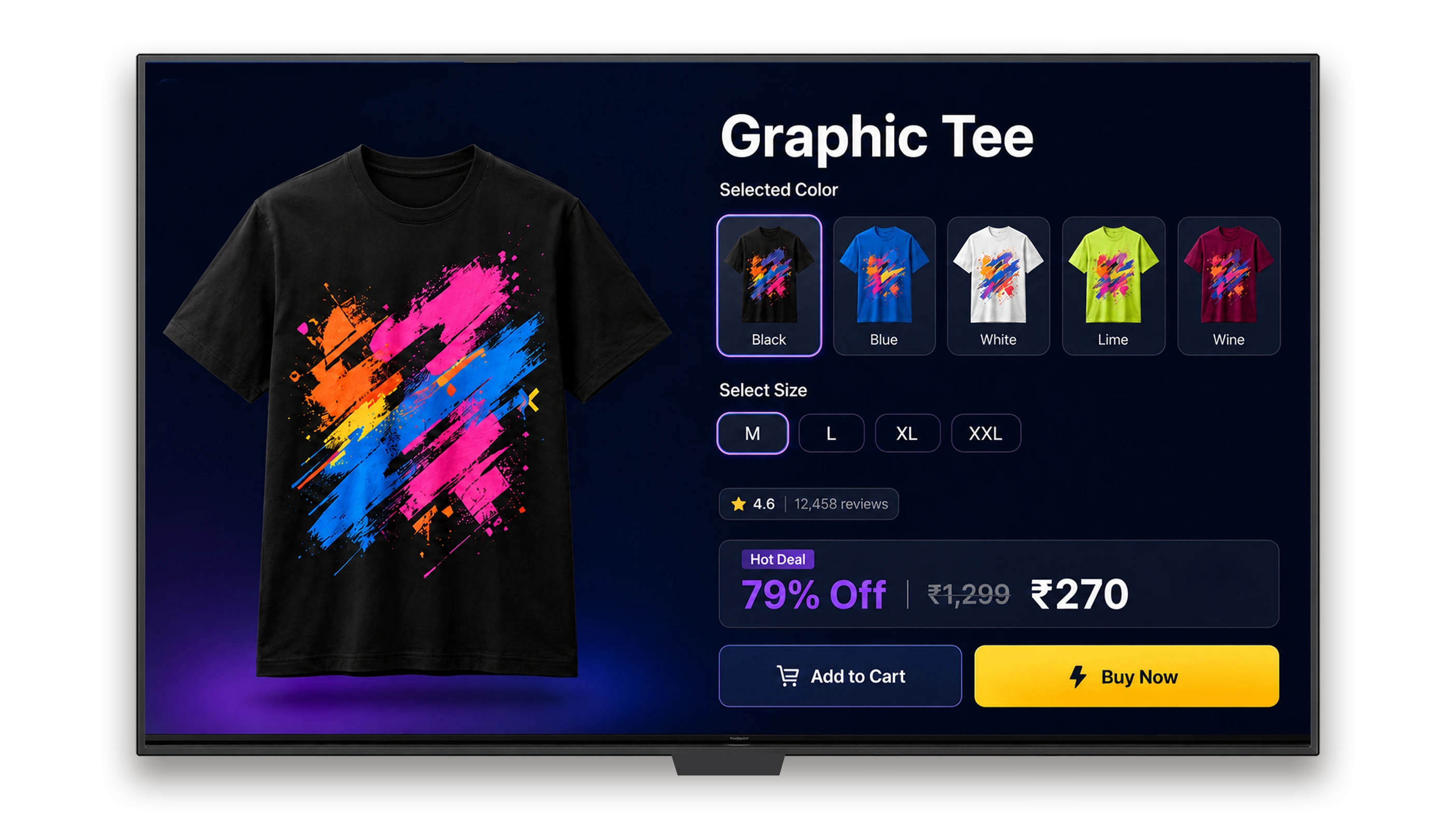
What Is an Interactive Display?
An interactive display is a screen that responds to user input through touch, gesture, or QR code scan and shows dynamic content based on that interaction. Used in offices, retail stores, healthcare facilities, and public spaces, interactive displays give users direct control over the information they access.
Key facts
- What it is: A screen that responds to user input — touch, gesture, or QR code scan — and shows dynamic content based on that interaction
- Key scale: 9,000+ organisations · 150,000+ screens managed · 70+ countries
- Device compatibility: 50+ device types — Android, Windows, Linux, ChromeOS, Samsung SSSP, LG webOS
- Interaction modes: Capacitive touch · QR code scan · Gesture and motion · Touchless proximity
- Certifications: SOC 2 Type II · ISO 27001
Best for
The key distinction between a standard digital signage screen and an interactive display is input capability. A standard display broadcasts content to a passive viewer. An interactive display responds: it shows different content depending on what the viewer does.
Interaction methods include:
- Capacitive touch: Users tap or swipe directly on the screen surface
- QR code scan: Users scan a code on the display with their own device to continue an interaction on their phone
- Gesture and motion: Displays respond to hand or body movement without physical contact
- Touchless proximity: Content changes as a user approaches the screen
In business environments, interactive displays serve both public-facing and employee-facing purposes: customer self-service kiosks, wayfinding directories, room booking panels, training stations, and safety compliance checkpoints.
To understand the broader context of interactive digital signage, see: Interactive Digital Signage: All You Need to Know
The Hardware Is the Easy Part
Organisations consistently find that acquiring interactive display hardware is the straightforward part. Making those displays interactive, updatable, and manageable across multiple locations is where the gap appears.
Three challenges appear regularly across corporate, retail, healthcare, and education deployments:
Content Goes Stale
Interactive displays that rely on local media players or USB updates require someone to visit the screen physically to change what it shows. When updating 20 screens across three floors means 20 separate manual interventions, content quickly falls out of date.
Visibility Is Zero
Without a management platform, teams have no way to know which screens are functioning, what content is currently displayed, or whether a screen has gone offline. Issues are discovered only when someone walks past and notices the problem.
Multi-Location Deployment Becomes Unmanageable
A single screen in one office is manageable without software. Fifty screens across five locations is not. Without a centralised dashboard, each location becomes an independent management problem: no consistent content, no coordinated updates, and no audit trail.
One Platform. Every Interactive Display.
Pickcel is interactive display software that makes screens responsive, manageable, and connected: it handles touch and touchless interactions, enables real-time remote content updates, and gives teams full visibility and control across every screen in their network.
Touch and Touchless Interaction
Pickcel supports capacitive touch, QR code scan, gesture, and touchless proximity interactions. Build interactive menus, wayfinding trees, self-service forms, and content carousels that respond to how users engage with the screen. Works with any compatible display hardware.
Remote Content Management
Update content on any screen or group of screens from a single cloud dashboard, in real time, from any device. No on-site access required. Push a safety alert to all manufacturing floor screens simultaneously. Update a retail promotion across 50 locations in seconds.
Multi-Location Display Control
Manage interactive displays across 100s of locations from one account. Group screens by location, floor, or department. Set schedules and permissions by group. View screen status, uptime, and content history from the dashboard.
Device-Agnostic Compatibility
Pickcel works with 50+ display types across Android, Windows, Linux, ChromeOS, Samsung SSSP, and LG webOS. Bring your existing display hardware: no replacement required, no hardware lock-in.
How interactive display management approaches compare
| Approach | Content updates | Multi-site visibility | Interaction support | Compliance |
|---|---|---|---|---|
| Hardware-only (no platform) | USB or manual, on-site per screen | None | None | Not applicable |
| Local media player | Manual update, on-site per screen | No central dashboard | Limited | Varies by vendor |
| Pickcel cloud platform | Real-time, from any location or device | Single dashboard, unlimited sites | Touch, touchless, QR | SOC 2 Type II · ISO 27001 |
For organisations deploying self-service kiosks specifically, see: Interactive Touch Kiosk Digital Signage Software
Getting Pickcel Running on Interactive Displays
Getting Pickcel running on an interactive display is a straightforward IT process that does not require a technical team at each location.
Connect
Install the Pickcel app on your display device, or use a dedicated Pickcel media player. Pickcel supports Android, Windows, Linux, ChromeOS, Samsung SSSP, and LG webOS. Once connected, the screen appears in your cloud dashboard.
Design
Build interactive content in Pickcel's drag-and-drop CMS. Create touch menus, wayfinding flows, self-service kiosks, or dynamic display layouts without writing code. Publish to one screen or all screens from the same interface.
Publish and Monitor
Go live instantly. Monitor screen status, content delivery, and uptime from the dashboard. Update content remotely as needed. No visits to individual screens required.
See how easy setup is. Book a Walkthrough.
No credit card required.
How Organisations Use Interactive Displays
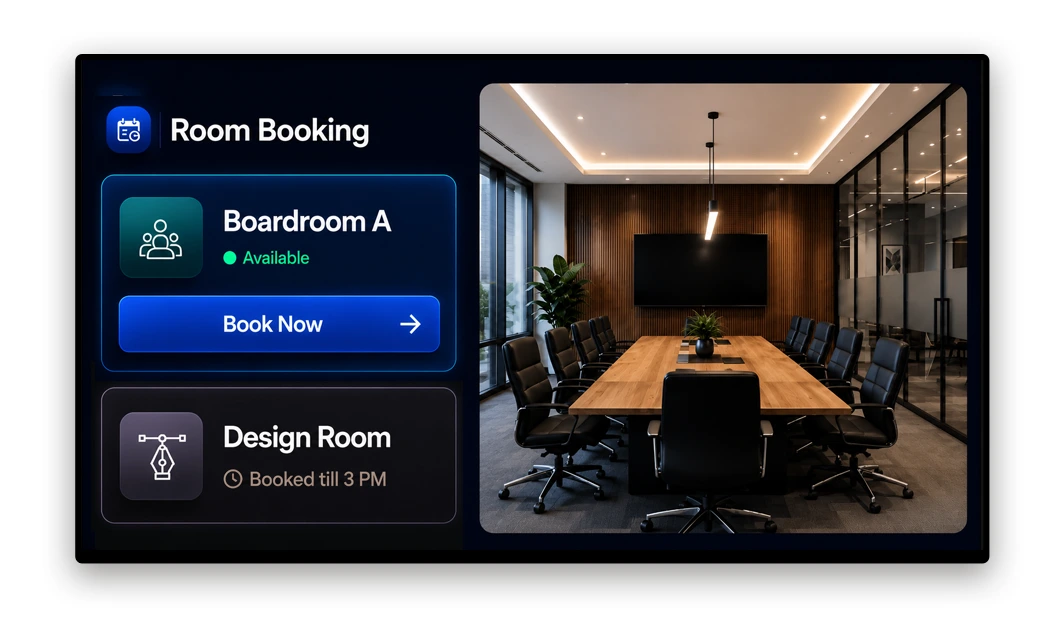
Office Wayfinding and Room Booking
Office interactive displays help employees and visitors find meeting rooms, locate colleagues, access floor directories, and book available spaces on the spot. A touch-enabled lobby or corridor display removes the need for reception assistance for routine navigation. Pickcel updates floor plans and room availability in real time as bookings change. For dedicated wayfinding deployments in larger facilities, see Digital Wayfinding Signage.
So you can Who uses this: Corporate, Enterprise
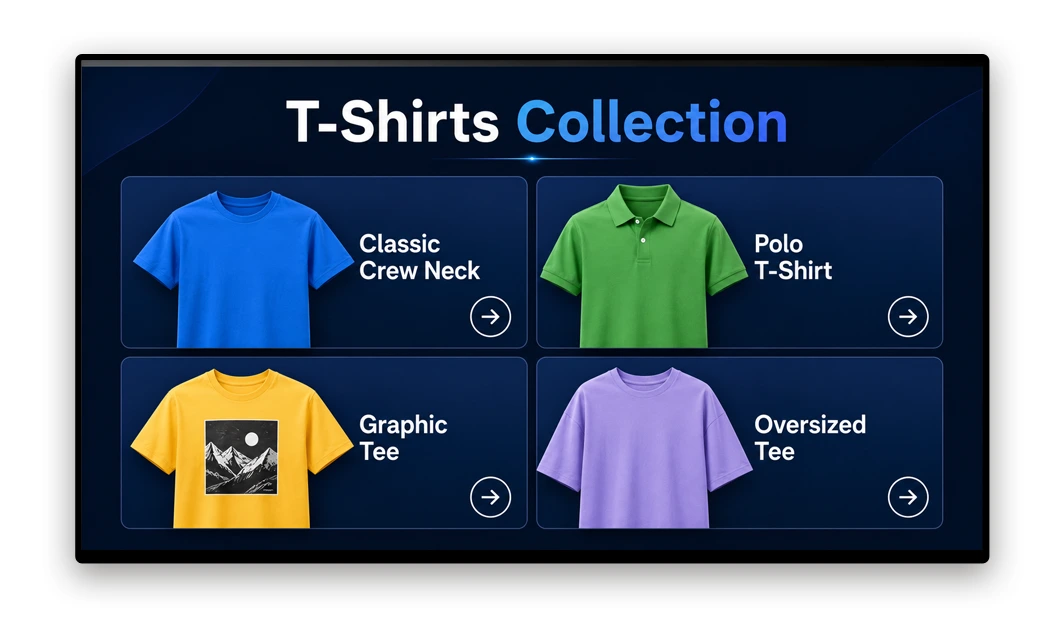
Retail Self-Service
Retail interactive displays allow customers to browse product catalogues, check stock availability, access loyalty programmes, or place orders without requiring staff assistance. Organisations deploying self-service displays consistently report shorter queue times and higher customer satisfaction for routine transactions.
So you can Who uses this: Retail
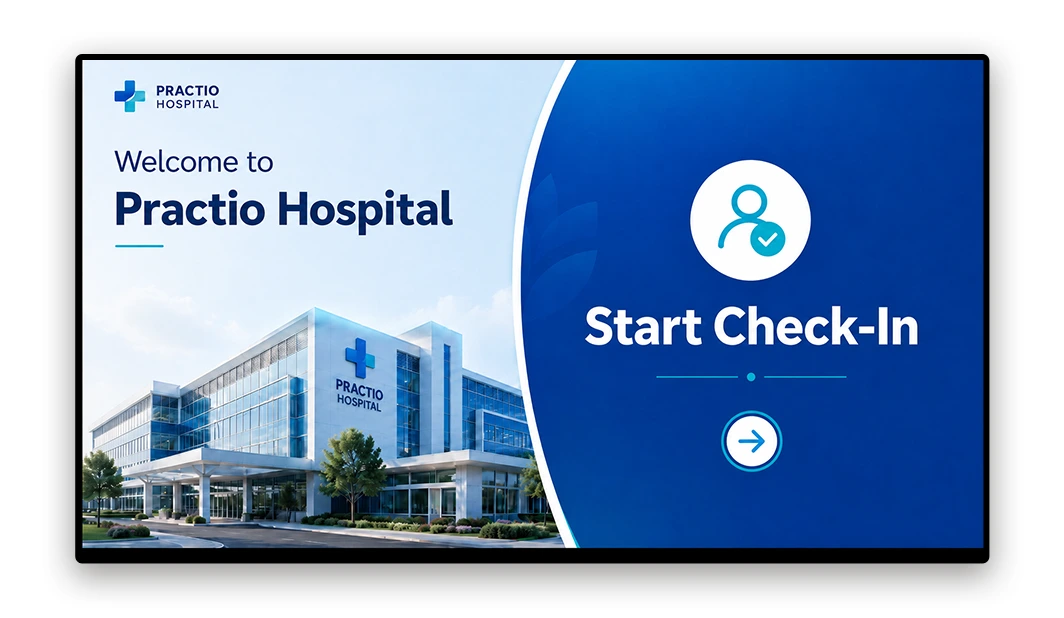
Healthcare Patient Check-In and Wayfinding
Healthcare facilities use interactive displays for patient self-check-in, appointment confirmation, and department wayfinding. A well-placed interactive display at a hospital entrance or clinic reception reduces administrative workload and helps patients navigate large facilities without staff direction for every query.
So you can Who uses this: Healthcare
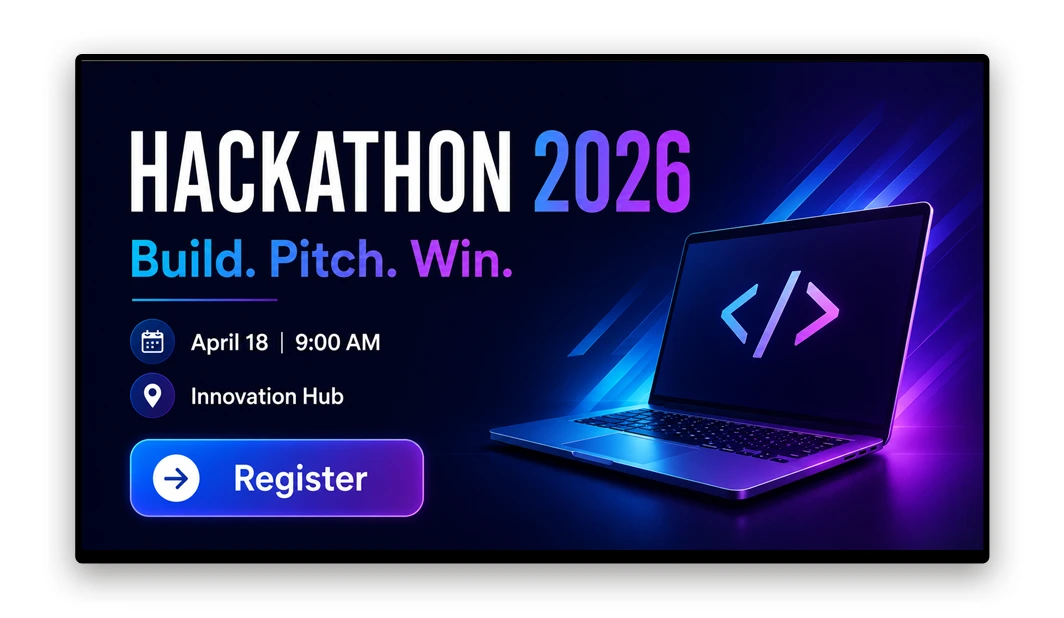
University Campus Directories and Events
University campuses deploy interactive displays for building directories, event listings, timetable lookups, and campus maps. Students and visitors can find departments, check room schedules, and access event information without approaching staff. Content is managed centrally and updated across all campus screens from one dashboard.
So you can Who uses this: Education
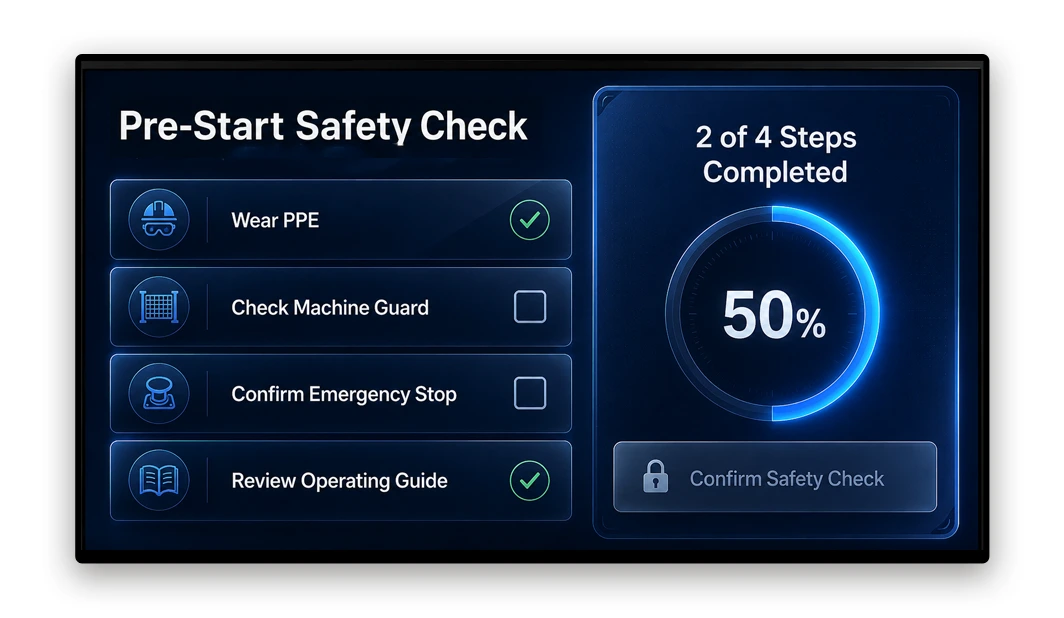
Manufacturing Safety and KPI Stations
Factory and warehouse facilities use interactive displays at equipment stations for safety checklists, process guides, and shift KPI access. Employees can confirm safety protocols, report issues, or access operational data directly at the workstation. Pickcel updates these displays remotely when protocols or targets change.
So you can Who uses this: Manufacturing
Trusted Across Industries
Pickcel powers interactive display networks across a wide range of industries, with 9,000+ organisations in 70+ countries and 150,000+ screens managed globally. SOC 2 Type II and ISO 27001 certified.
| Industry | Common Interactive Display Use |
|---|---|
| Corporate / Enterprise | Wayfinding, room booking, visitor management |
| Retail | Self-service kiosks, product catalogues, loyalty access |
| Healthcare | Patient check-in, wayfinding, appointment confirmation |
| Education | Campus directories, timetables, event listings |
| Hospitality | Concierge screens, event schedules, dining menus |
| Government | Public information kiosks, service directories |
| Manufacturing | Safety checklists, KPI stations, process guides |
Enterprise-Grade Security for Every Deployment
For healthcare and regulated environments, this is particularly important: interactive displays often handle patient data, access logs, and compliance confirmations. Pickcel's security architecture includes:
Role-Based Access Control
Assign content editing and publishing permissions by user, location, or department.
Encrypted Data Transmission
All content delivery and dashboard communication over TLS.
Audit Logs
Full record of who changed what, when, and on which screens.
Offline Playback
Screens continue to display cached content if the internet connection is interrupted, then sync automatically on reconnection.
IT teams in healthcare, finance, and government organisations can review Pickcel's compliance documentation as part of their evaluation process.
Multi-Location Display Management at Scale
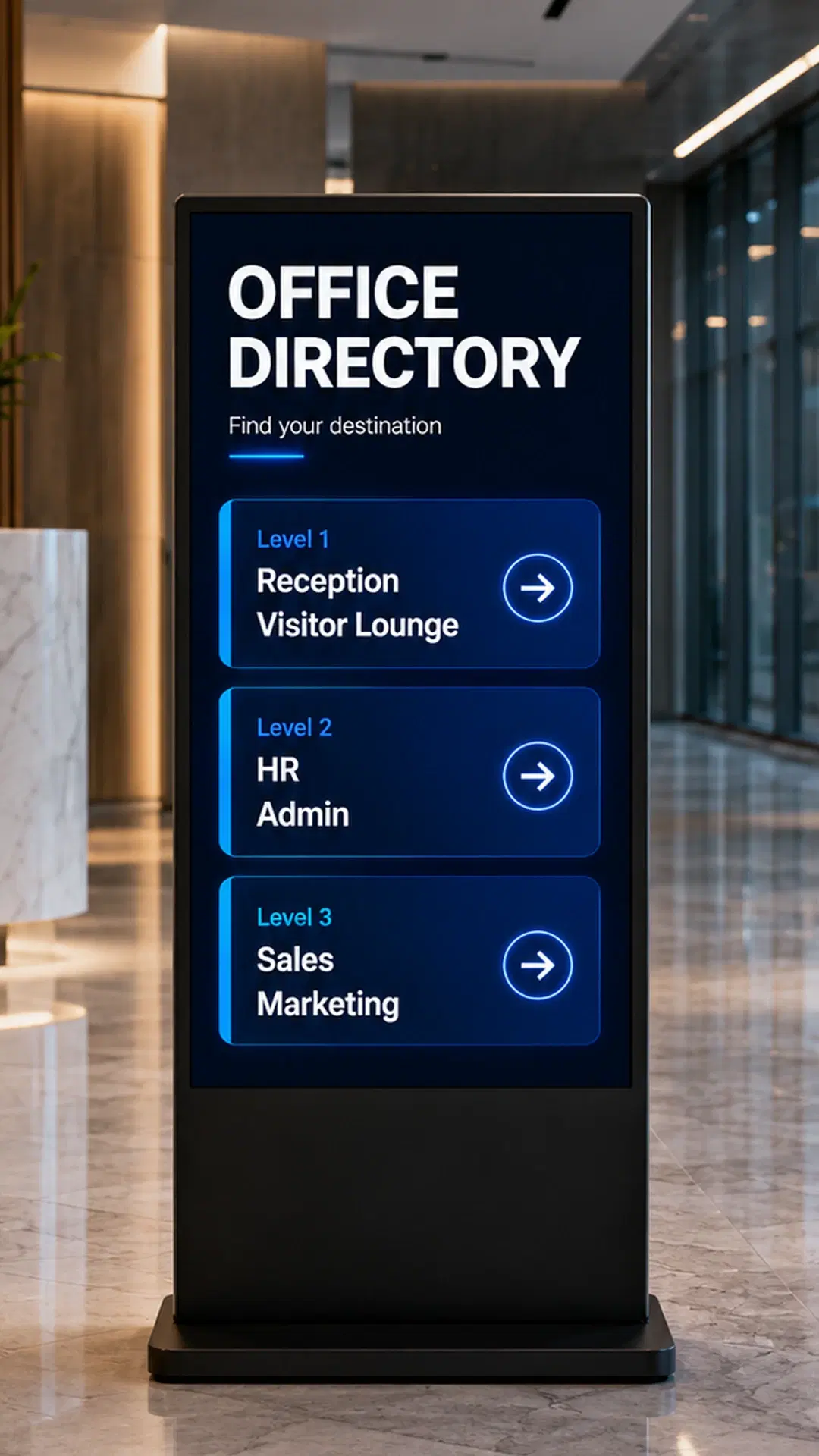
Corporate / Enterprise · Accenture
Accenture Offices: Displays Managed From One Dashboard
The Challenge
Centralised control at scale: the ability to push content updates to all screens simultaneously without manual on-site intervention across a diverse hardware environment and multiple facilities.
The Outcome
Accenture deployed Pickcel across its corporate offices to manage multi-location digital displays from a single dashboard. The deployment covers office directories, internal communication screens, and dynamic content areas across multiple facilities — all managed centrally without requiring a technical team at each location. Pickcel's cloud-based management and device-agnostic compatibility allowed the Accenture team to manage content across a diverse hardware environment from one account.
Frequently Asked Questions
An interactive display is a screen that responds to user input through touch, gesture, or QR code scan and shows dynamic content based on that interaction. Used in offices, retail stores, healthcare facilities, and public spaces, interactive displays give users direct control over the information they access.
The defining feature is input capability. A standard digital signage screen broadcasts content to a passive viewer. An interactive display responds to what the viewer does, showing different content or completing a transaction based on the interaction. Interactive displays are distinct from traditional monitors or passive signage because they create a two-way communication channel, enabling organisations to collect user input, track engagement patterns, and deliver personalised content sequences based on what each user selects.
You Might Also Like
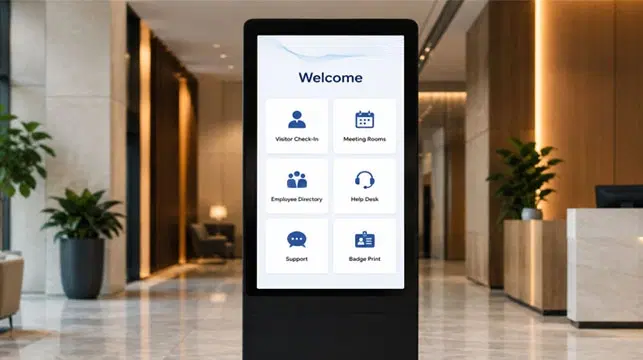
Interactive Touch Kiosk Digital Signage Software
Closest solution sibling; self-service kiosk software for organisations deploying touchscreen kiosks specifically.
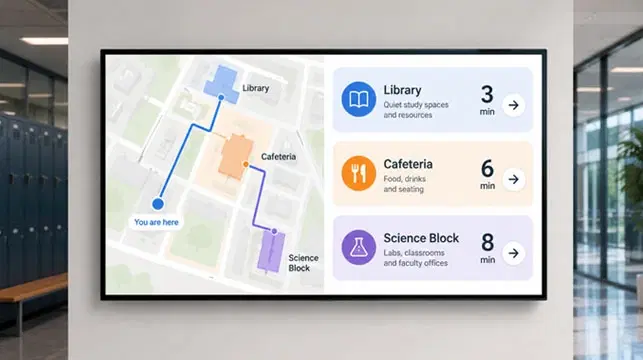
Digital Wayfinding Signage
Direct use case overlap; organisations deploying interactive office displays often need dedicated wayfinding configuration.
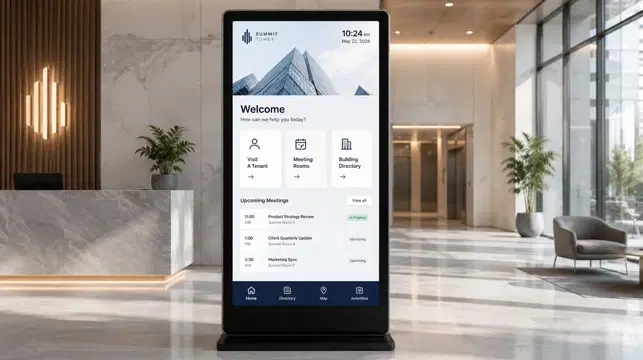
Interactive Digital Signage: All You Need to Know
Informational primer on interactive digital signage; provides deeper context for readers evaluating software options.
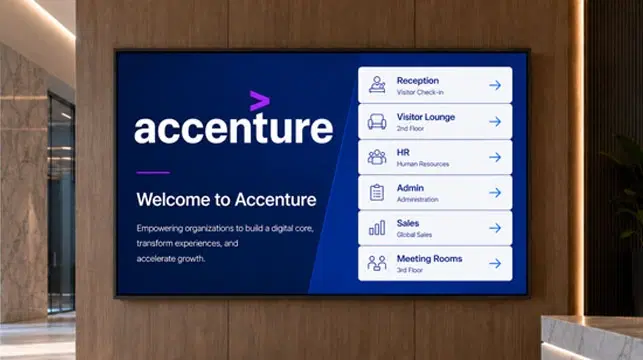
Accenture Case Study
Corporate multi-location case study; directly relevant for IT and AV managers evaluating enterprise deployments.