
Digital Menu Board Software — Update Every Restaurant Screen in Seconds
Pickcel is cloud-based digital menu board software that lets restaurants, cafes, and QSR chains create, schedule, and update menus on every screen from one dashboard. Integrated with your POS. No design skills needed.Restaurant operators are among Pickcel's largest user base, with dedicated digital signage for restaurants covering dine-in menus, drive-thru boards, and multi-location chains.

Trusted by restaurants and food service brands worldwide





SOC 2 Type II
ISO Certified
What Is Digital Menu Board Software?
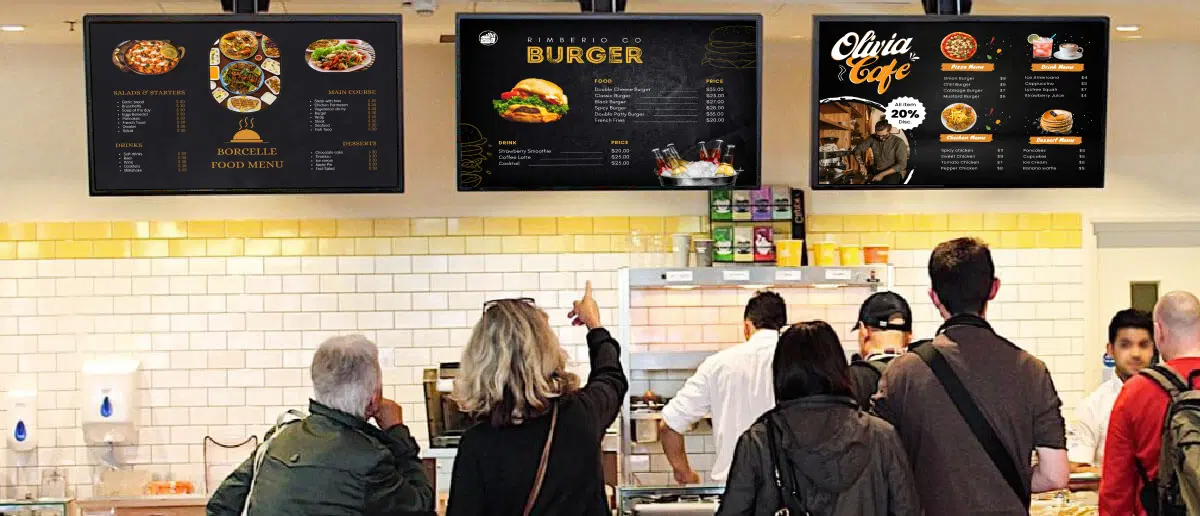
Digital menu board software is a cloud-based platform that enables restaurants and food service businesses to design, manage, and display dynamic menus on digital screens across one or multiple locations from a centralized dashboard.
It replaces static printed menus with digital displays that can be updated instantly — changing prices, adding items, running promotions, or switching to seasonal menus — all without reprinting or visiting each location.
Pickcel combines remote publishing, POS integration, dayparting, and multi-location control so restaurant teams can keep menus accurate and promotions timely across every screen.
1,300+
McDonald's India displays managed centrally with Pickcel
700+
Third Wave Coffee screens rolled out in under a week
50+
supported device types including Android, LG webOS, and Tizen
Why Do Restaurants Struggle with Menu Management?
Managing menus across multiple locations with printed boards or outdated systems creates real, measurable problems.

Slow, Expensive Menu Updates
Reprinting menus for every price change, seasonal item, or promotion costs time and money. Many QSR chains spend thousands of dollars per location each year on print alone — and changes still take days or weeks to roll out.

Inconsistent Pricing Across Locations
When prices differ between your POS and displayed menus, you lose customer trust and create compliance headaches. Manual updates across dozens or hundreds of locations practically guarantee inconsistencies.

Missed Upsell & Dayparting Opportunities
Static printed menus can’t adapt to time of day, inventory, or campaigns. Digital menus with dynamic visuals and smart scheduling routinely increase average order value — benefits you simply can’t unlock with print.
How Does Pickcel Solve Restaurant Menu Challenges?
Pickcel maps directly to every pain point in restaurant menu management — replacing complexity with one-click simplicity.
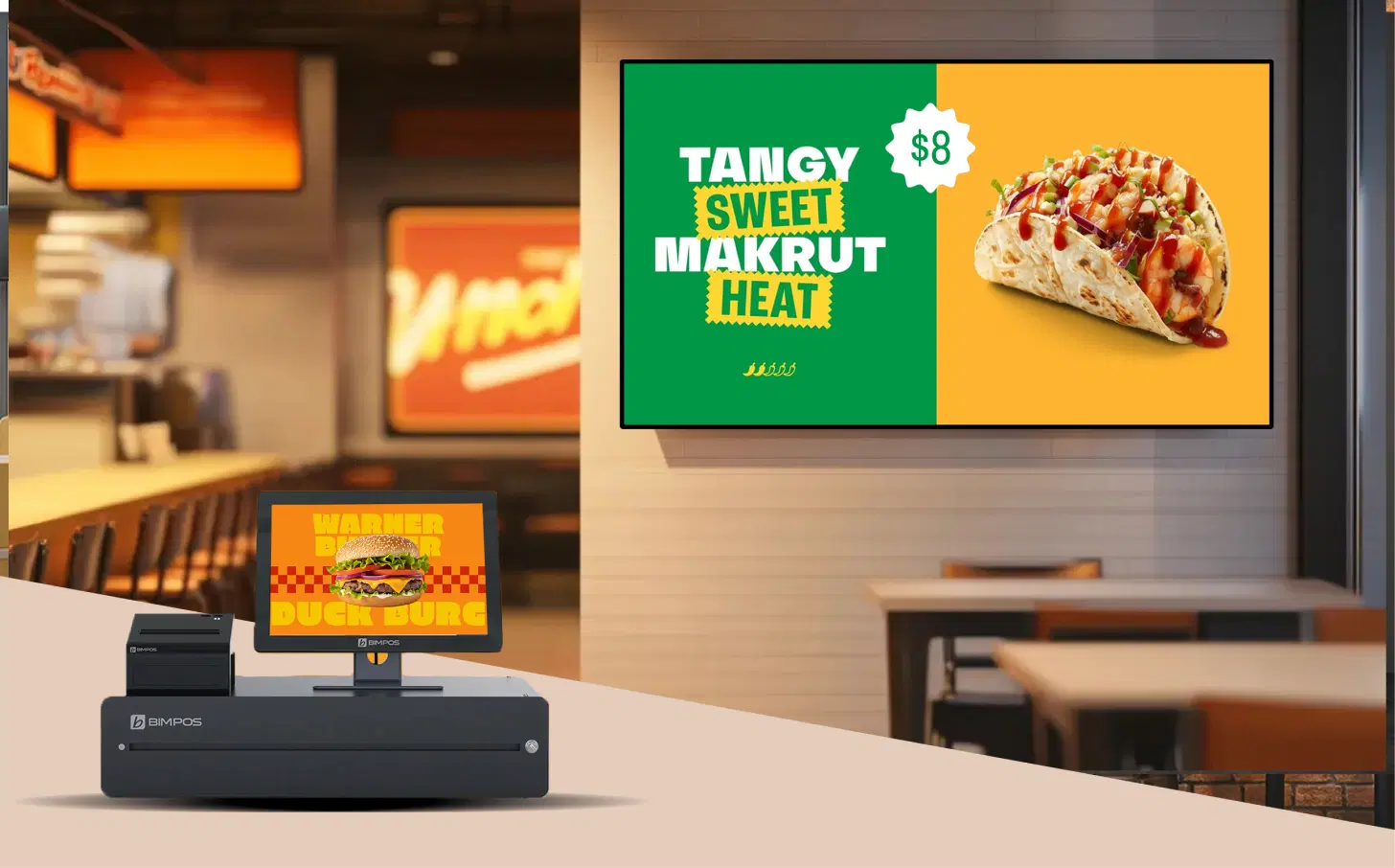
Your POS and Menu Boards — Always in Sync
Pickcel integrates directly with Square, Shopify, and any POS system via API. When you update a price or add an item in your POS, the change reflects on your digital menu boards automatically. No manual intervention. No pricing discrepancies.
This is a clear differentiator: most digital signage platforms require you to update menus separately from your POS. Pickcel eliminates that double work entirely.
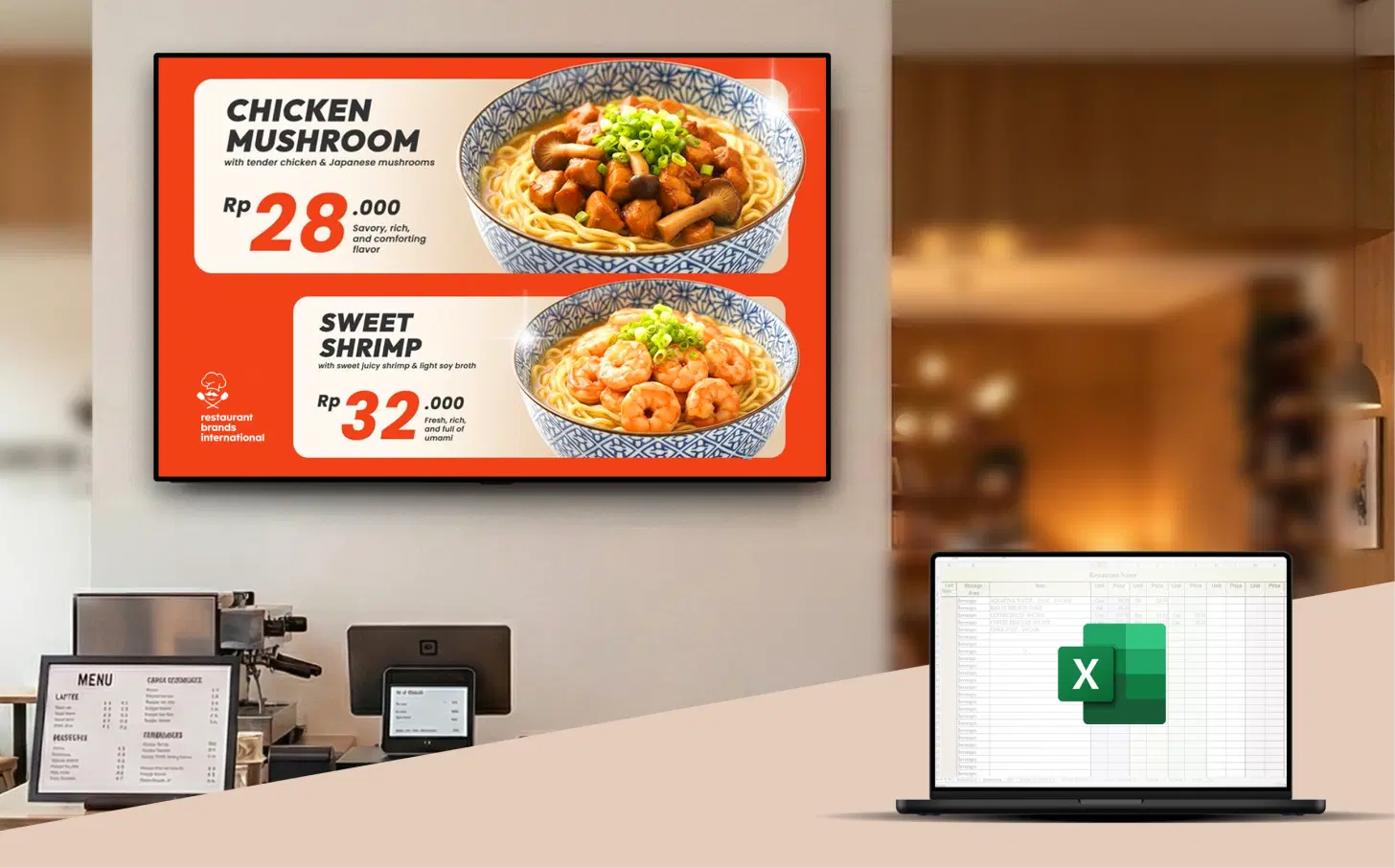
Pull Menus Directly from Google Sheets or Excel
Beyond POS integration, Pickcel lets you manage menu data from a Google Sheet or Excel file. Update your spreadsheet, and your menu boards refresh automatically. This means your operations team can manage menu content without learning any new software — just edit a spreadsheet they already know.
This eliminates the need to redesign menu templates every time an item changes. Your design stays consistent; only the data updates. It's one of the reasons brands like McDonald's India chose Pickcel for their QSR digital signage rollout.
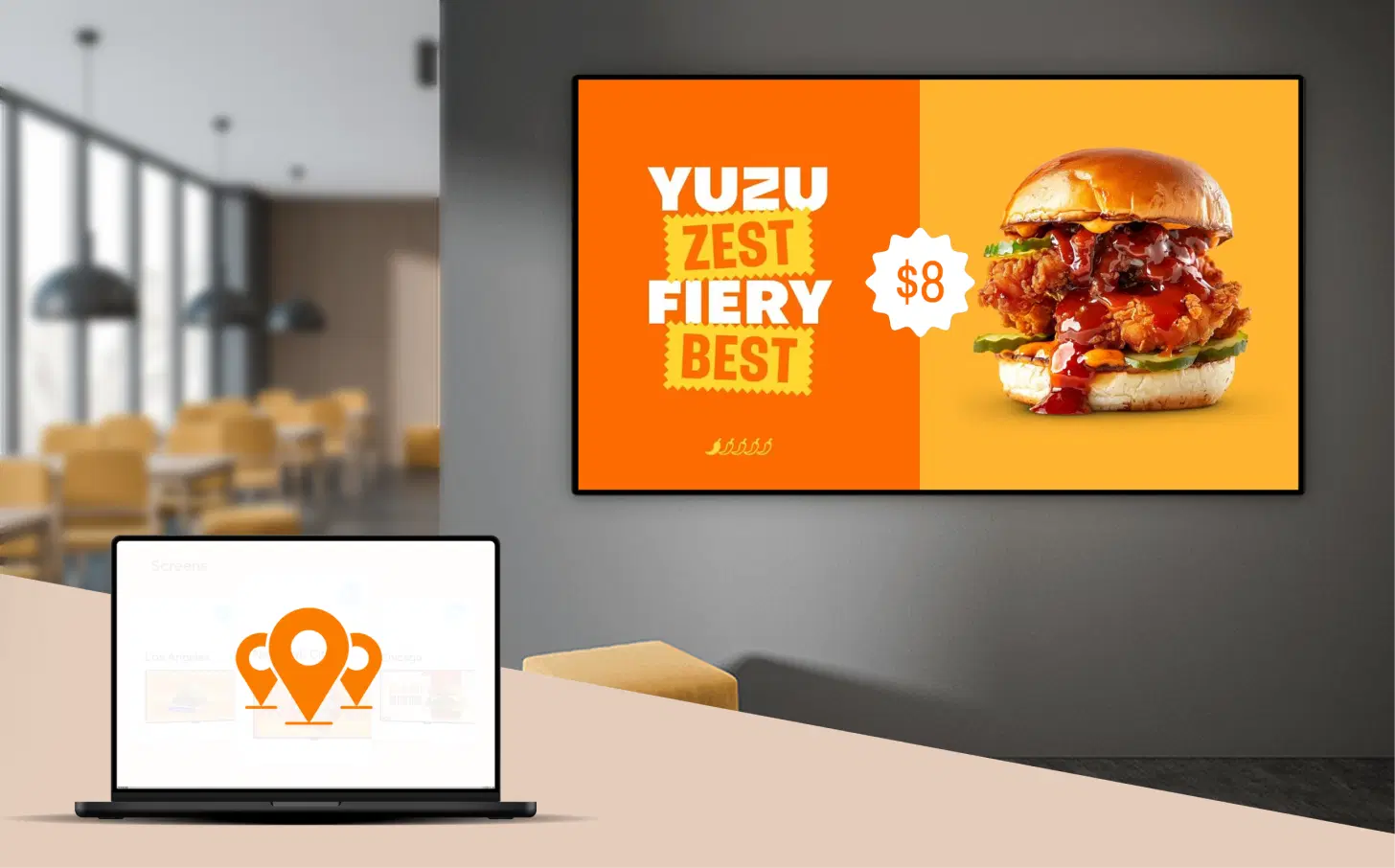
Manage Every Screen in Every Location from One Dashboard
Pickcel's multi-location management lets you control digital menu boards across all your restaurants from a single cloud dashboard. Group screens by location, region, or brand. Push company-wide promotions or location-specific menus with equal ease.
Multi-region chains can also learn how to manage menus in multiple languages with digital signage to localize each location's screen.
McDonald's India deployed Pickcel across 1,300+ displays in under a week. Third Wave Coffee rolled out 700+ screens across their Indian stores with the same speed. Whether you run 5 locations or 500, the workflow stays the same.
Auto-Switch Menus by Time of Day, Day of Week, or Season
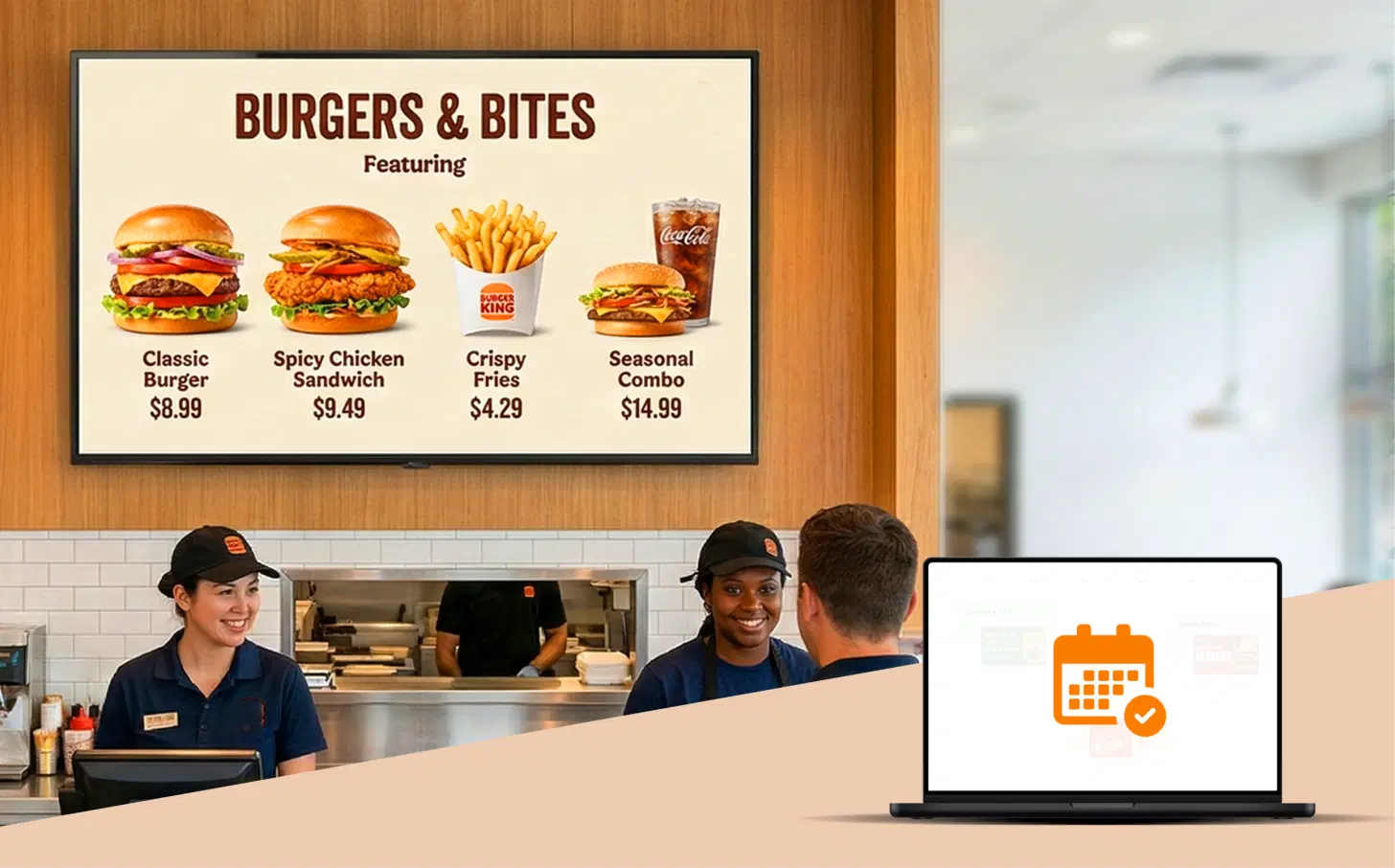
Pickcel's content scheduling supports dayparting — automatically showing your breakfast menu from 6 AM to 11 AM, lunch specials at noon, happy hour promotions in the evening, and dinner menus at night. No daily manual switching.
You can also schedule seasonal menus, limited-time offers, and holiday promotions in advance. Set the start and end dates, and Pickcel handles the rest. McDonald's India uses advanced tag-based scheduling with 5–6 parameters to manage complex menu rotations across their network.
What Are the Benefits of Digital Menu Boards for Restaurants?
Digital menu boards deliver measurable operational savings and revenue uplift for food service businesses of every size.

Increase Average Order Value by Up to 28%
Dynamic visuals, animated food photography, and strategic combo promotions drive impulse purchases. Research by Samsung found that digital menu boards can boost average order size by up to 28%.Restaurants looking to boost restaurant upsells with digital menu boards often start with combo deals.
Eliminate Print Costs Permanently
No more reprinting for price changes, seasonal updates, or new items. Restaurants using digital menu boards report saving $2,000–$8,000 annually per location on print materials.

Update All Locations in Under 60 Seconds
Push price changes, new items, or promotions to every screen in every restaurant — simultaneously and instantly. What used to take days with printed menus now takes seconds with Pickcel.

Reduce Order Errors with POS Sync
When your menu boards are connected to your POS, displayed prices always match what customers are charged. Zero discrepancies. Zero confused customers. Zero compliance risks.
Scale from 1 Screen to 10,000+ Screens
Pickcel's cloud infrastructure handles single-location cafes and global QSR chains alike. Currently managing 150,000+ screens across 70+ countries for 9,000+ businesses.
Manage from Any Device, Anywhere
Pickcel's cloud dashboard works on desktop, tablet, or phone. Plus, a dedicated mobile app lets you manage menus on the go. You don't need to be at the restaurant to update the menu.
How Are Restaurant Brands Using Pickcel?
From global QSR chains to local cafes, food service businesses trust Pickcel for their digital menu board operations.
McDonald's India
QSR · 1,300+ Displays
The Challenge
Scaling real-time menu and price updates across 1,300+ screens, with a mix of POS, Excel, and multiple device types (LG webOS, Samsung Tizen, Android) made manual updates impossible.
The Outcome
"Pickcel's multi-OS support and Excel integration helped us manage menu boards across our entire network securely and efficiently."
Third Wave Coffee
Cafe Chain · 700+ Displays
The Challenge
Rolling out time-sensitive campaigns, seasonal promotions, and store-specific offers across 700+ screens required a solution that could update everywhere at once without delay.
The Outcome
"We can push a new promotion or product launch to every store in minutes. Pickcel gave us the speed and control we needed."
Magnolia Bakery
Bakery · Multi-Location
The Challenge
Maintaining brand-consistent digital menu displays across all outlets while keeping seasonal offerings and daily specials in sync from a single team.
The Outcome
"Pickcel helped us keep our digital menus as consistent and inviting as our desserts — from one dashboard, everywhere."
How Do You Set Up Digital Menu Boards with Pickcel?
Go from zero to live digital menus in four steps — most restaurants are up and running in under an hour.
Connect Your Screens
Install the Pickcel player app on your Android, Windows, LG webOS, Samsung Tizen, or BrightSign device. Use screens you already own or add new ones — Pickcel works with 50+ device types.
Design Your Menu
Use Pickcel's drag-and-drop Artboard editor or start with ready-made menu board templates. Import your menu data from your POS, Google Sheets, or Excel — your design stays locked while data updates dynamically.
Schedule & Publish
Set up dayparting schedules for breakfast, lunch, and dinner menus. Assign content to specific screens, locations, or regions. Hit publish — and your menus go live instantly.
Manage from Anywhere
Use the cloud dashboard from any device — desktop, tablet, or phone — to update items, push promotions, or swap content. Changes deploy in real time across all connected screens in all locations.
The Features Restaurant Teams Rely On Most
Pickcel's menu board platform is built for busy QSRs, cafes, and food courts — from a single outlet to a global chain.
Real-Time POS Integration
Auto-sync menu items, prices, and availability with Square, Shopify, or any POS via API. No manual updates, no pricing mismatches.

Google Sheets & Excel Data Feed
Pull menu data from spreadsheets you already maintain. Update the sheet — the menu board updates itself. No template redesign needed.
Drag-and-Drop Menu Designer
Pickcel's Artboard editor works in both portrait and landscape. Add food photos, allergen tags, nutritional labels, and QR codes — no design skills required.

Smart Tags & Allergen Labels
Add icons for vegetarian, vegan, gluten-free, spicy, or halal items. Help customers make faster, more confident ordering decisions.For a full walkthrough on how to display allergen information on digital menu boards, including regional labelling rules, see Pickcel's compliance guide.

Dynamic Playlists
Create rotating playlists to showcase your full menu across limited screen space. Cycle through categories — appetizers, mains, beverages, desserts — on a single display.
QR Code Integration
Embed QR codes on your menu boards so customers can scan to view the full menu on their phone, place orders, or make payments — bridging physical and digital ordering.

Offline Playback
Content is cached locally on the media player. If your internet goes down, your menu boards keep displaying the last-published content without interruption.

SOC 2 & ISO 27001 Certified
Pickcel is SOC 2 Type II and ISO 27001 certified — enterprise-grade security for your content and network. Your data is protected by industry-leading encryption and access controls.
Works on 50+ Device Types
Deploy Pickcel on Android, Windows, LG webOS, Samsung Tizen, BrightSign, ChromeOS, Fire TV, and more — without locking yourself into proprietary hardware.
How Do Digital Menu Boards Compare to Printed Menus?
A side-by-side comparison of operational impact, cost, and customer experience.
Update speed
Printed menu boards
Days to weeks (reprint, ship, install)Digital menu boards (Pickcel)
Under 60 seconds (push from dashboard)Annual print cost per location
Printed menu boards
$2,000–$8,000+Digital menu boards (Pickcel)
$0 after initial hardware setupPOS price sync
Printed menu boards
 Manual
Digital menu boards (Pickcel)
 Automatic real-time sync
Dayparting (time-based menus)
Printed menu boards
Not possibleDigital menu boards (Pickcel)
Automated schedulingRich media (video, animation)
Printed menu boards
Static onlyDigital menu boards (Pickcel)
Full video, animation, live feedsMulti-location consistency
Printed menu boards
Difficult to enforceDigital menu boards (Pickcel)
Guaranteed — one dashboard, all screensUpsell and promotion flexibility
Printed menu boards
Limited (fixed layout)Digital menu boards (Pickcel)
Dynamic combos, timed specials, suggestive sellsEnvironmental impact
Printed menu boards
Recurring paper and ink wasteDigital menu boards (Pickcel)
Zero paper waste after deployment| Capability | Printed Menu Boards | Digital Menu Boards (Pickcel) |
|---|---|---|
| Update speed | Days to weeks (reprint, ship, install) | Under 60 seconds (push from dashboard) |
| Annual print cost per location | $2,000–$8,000+ | $0 after initial hardware setup |
| POS price sync | Manual | Automatic real-time sync |
| Dayparting (time-based menus) | Not possible | Automated scheduling |
| Rich media (video, animation) | Static only | Full video, animation, live feeds |
| Multi-location consistency | Difficult to enforce | Guaranteed — one dashboard, all screens |
| Upsell and promotion flexibility | Limited (fixed layout) | Dynamic combos, timed specials, suggestive sells |
| Environmental impact | Recurring paper and ink waste | Zero paper waste after deployment |
For a detailed cost analysis, see our guide: How much do digital menu boards cost?
Which Types of Restaurants Use Pickcel Digital Menu Boards?
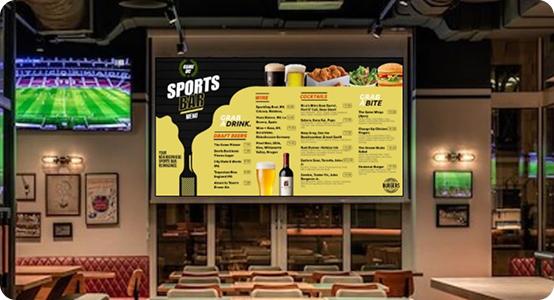
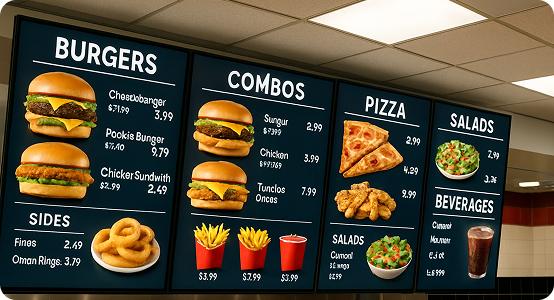
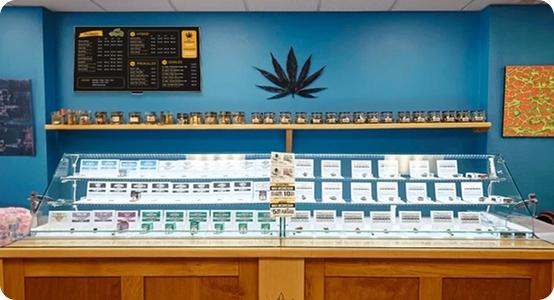
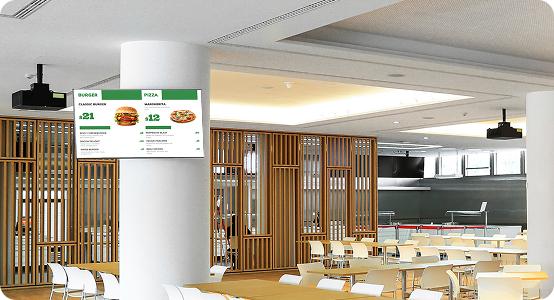
Pickcel serves every segment of the food service industry — from single-location cafes to global QSR franchises with hundreds of outlets.
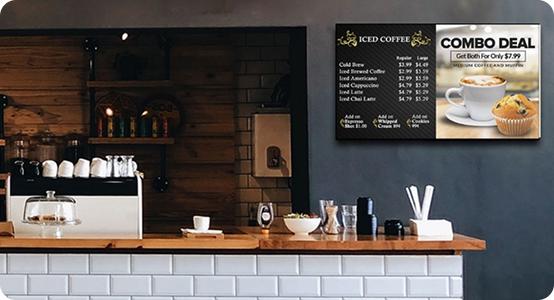
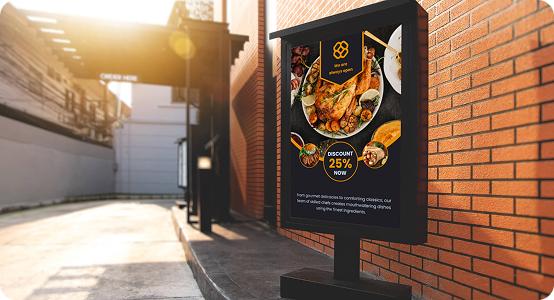
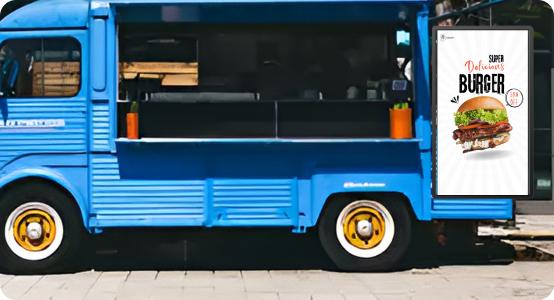
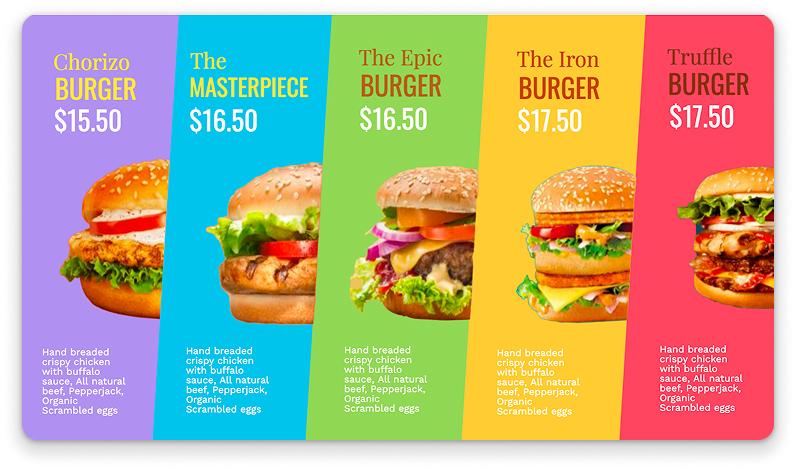
Ready-to-Use Digital Menu Board Templates
Start with professionally designed templates for every restaurant type. Customize colors, fonts, images, and layout in Pickcel's Artboard editor — no graphic design skills needed.
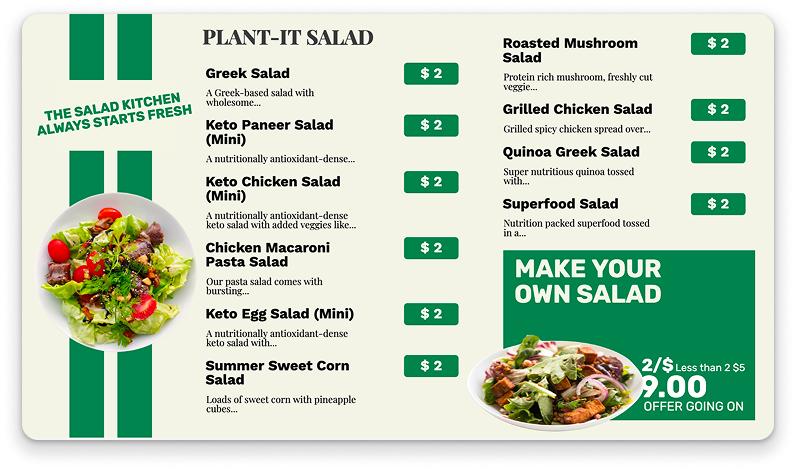
QSR Combo Menu Template
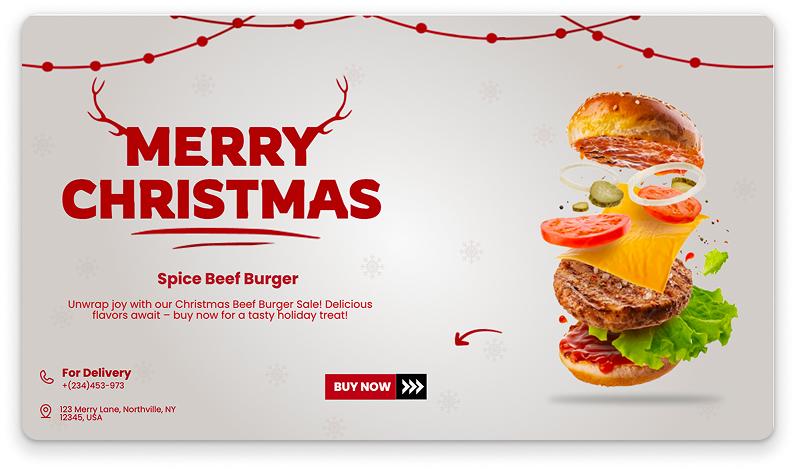
Coffee Shop Menu Template
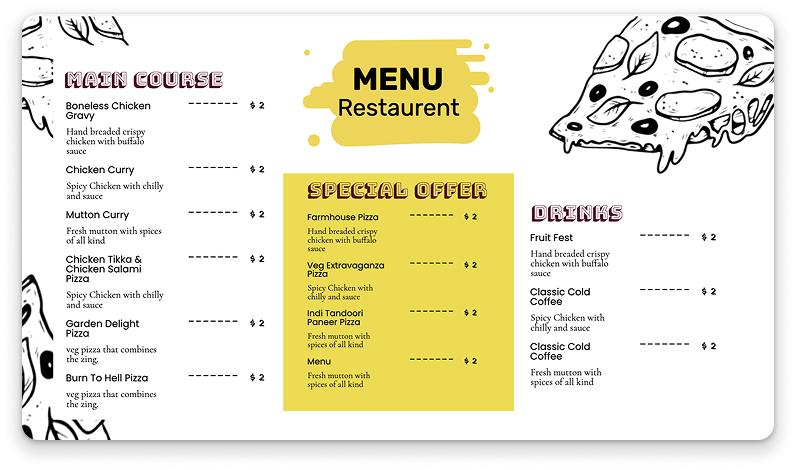
Pizza Restaurant Template
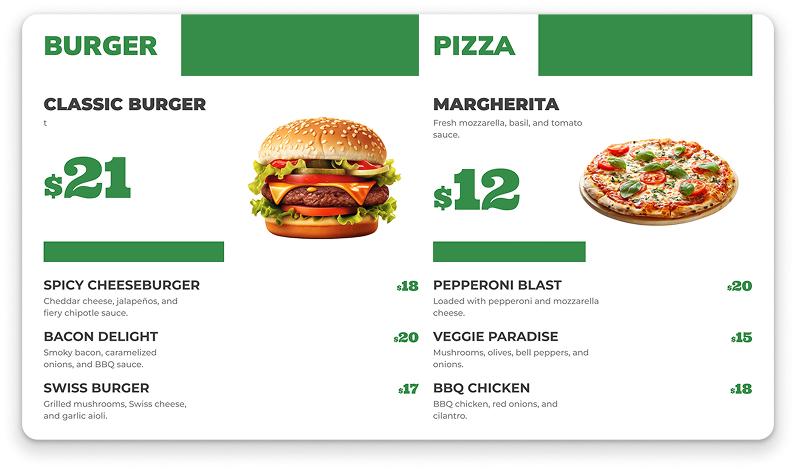
Bar & Beverage Template
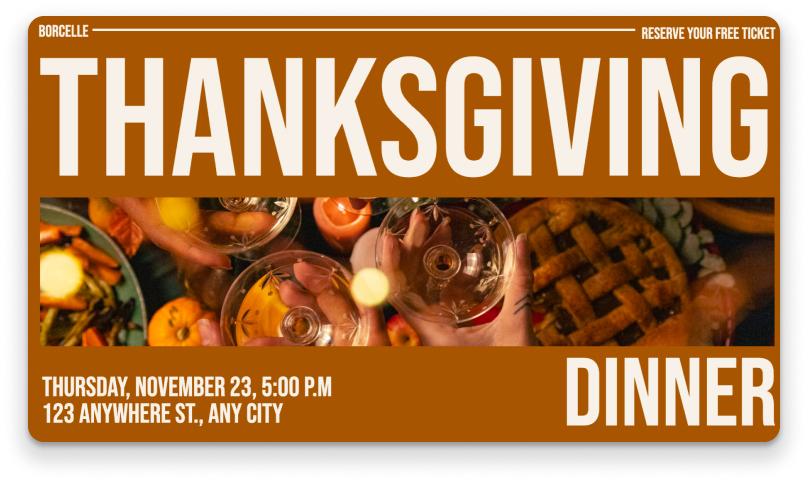
Food Truck Menu Template
Bakery Display Template
What Hardware and Integrations Does Pickcel Support?
Pickcel works with the hardware you already own and integrates with the tools your restaurant already uses.
Supported Operating Systems
Android, Windows, LG webOS, Samsung Tizen, BrightSign OS, ChromeOS, Fire TV, Raspberry Pi OS — totaling 50+ device types. Use commercial displays, smart TVs, or media players you already have. Download the Pickcel player and start in minutes.
POS & Data Integrations
Direct integration with Square POS and Shopify POS. API connectivity for any other POS system. Google Sheets and Excel data feeds for spreadsheet-based menu management. Plus 70+ digital signage apps including social media feeds, weather, news, and more.
Managed Operations
Pickcel offers fully managed operations for enterprise clients — including display uptime monitoring, content scheduling, design support, coordination, and maintenance. Your team focuses on the food; Pickcel handles the screens.
Security & Compliance
SOC 2 Type II and ISO 27001 certified. Enterprise-grade encryption, role-based access controls, and secure cloud infrastructure. Your content and customer data stays protected at every layer.
Restaurant Brands Trust Pickcel
"We rolled out Pickcel across our cafes in under a week, bringing more than 700 screens online without disrupting store operations. Scheduling tools now let us launch and localize campaigns in near real time, keeping every menu fresh and on-brand."
Third Wave Coffee
Cafe Chain — 700+ Screens
"Pickcel handles a complex mix of LG webOS, Samsung Tizen, and Android players across our network. With POS and Excel integrations, our operations team can roll out price changes and seasonal menus centrally, without touching the signage software layer."
McDonald's India
QSR — 1,300+ Screens
"Digital menu boards from Pickcel make it easy to keep seasonal items, daily specials, and pricing consistent across every bakery. Our in-store teams stay focused on guests, while the central marketing team controls content and design from one dashboard."
Magnolia Bakery
Bakery — Multi-location
Frequently Asked Questions About Digital Menu Board Software
Learn More About Digital Menu Boards
In-depth guides, cost breakdowns, and design inspiration from the Pickcel blog.
To explore outdoor-specific requirements, start with our outdoor digital menu board guide.
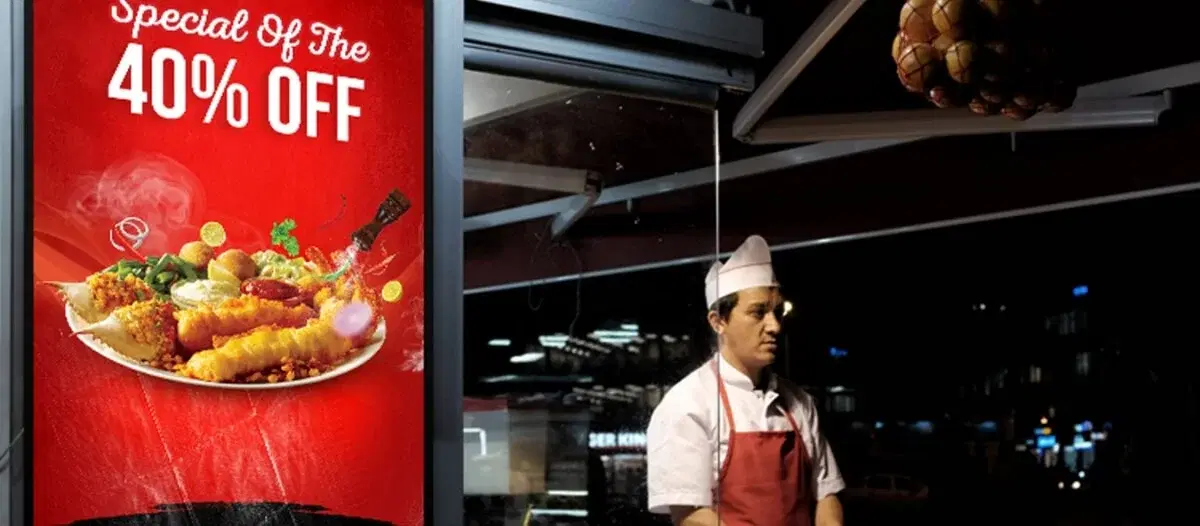
Digital Menu Board Companies: Top 10 Platforms Compared
A comparison of the top digital menu board platforms with features, pricing, and use cases.
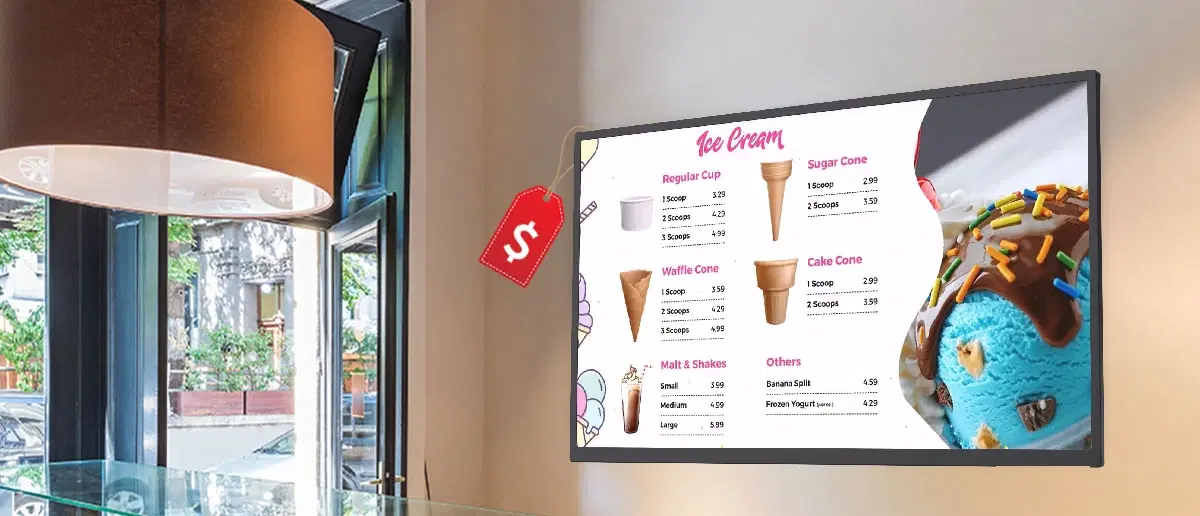
How Much Do Digital Menu Boards Cost? Complete 2026 Guide
Hardware, software, and installation costs broken down by restaurant type and scale.
All You Need to Know About Digital Menu Boards for Restaurants
The complete guide to selecting, setting up, and optimizing digital menus for your restaurant.