
Employee Communication for Tech Companies: Ambient Screens That Reach Everyone Without Adding to the Notification Pile
Your engineers check Slack dozens of times per hour. Pickcel displays sprint metrics, company news, and recognition content on common area screens without competing for their attention.

Trusted by 9,000+ businesses · 150,000+ screens · 70+ countries





SOC 2 Type II
ISO Certified
9,000+
Businesses
150,000+
Screens
70+
Countries
99.99%
Uptime SLA
What is employee communication software for IT companies?
Employee communication software for IT companies distributes company announcements, operational data, and culture content across the channels employees actually check: office screens, desktops, mobile, and messaging apps. For tech companies, it reaches engineering and product teams without competing with email, Slack, or Teams.
Three Communication Problems That Get Worse as Your Tech Company Grows
Important Announcements Get Buried in the Notification Stream
According to Microsoft's 2025 Work Trend Index, the average knowledge worker receives 153 Teams messages daily. In that environment, a company-wide announcement competes directly with pull request reviews, code comments, and sprint planning pings. Internal communications teams at technology companies consistently report the same result: critical company news gets buried beneath project notifications, or simply ignored.
The problem compounds at scale. A 500-person engineering organisation has hundreds of Slack channels, dozens of project threads, and multiple standups daily. An announcement posted to #general at 10 AM may be 200 messages back by lunch.
Common Area Screens Are Idle Communication Surfaces
The typical tech company invests in open offices, collaborative lounges, and shared floor space, then leaves the screens empty or displaying generic content. Every kitchen, lobby, breakout room, and open floor is a passive communication surface that goes unused.
Engineers and designers walk past dozens of screens every day. Without active content, none of those screens carry company context. That is a missed opportunity for message reach that requires zero additional effort from the employee.
Hybrid Teams Miss the Physical Office Context
Tech companies with distributed teams face a secondary problem: the informal context that exists in a physical office does not translate to remote staff. A product launch banner in the lobby, a Q4 target board near the engineering floor, a recognition wall by the kitchen, none of these reach the engineer working from home. The asynchronous Slack message sent to compensate gets lost in the same notification stack described above.
Pickcel Adds a Passive Communication Layer That Reaches Everyone in the Space
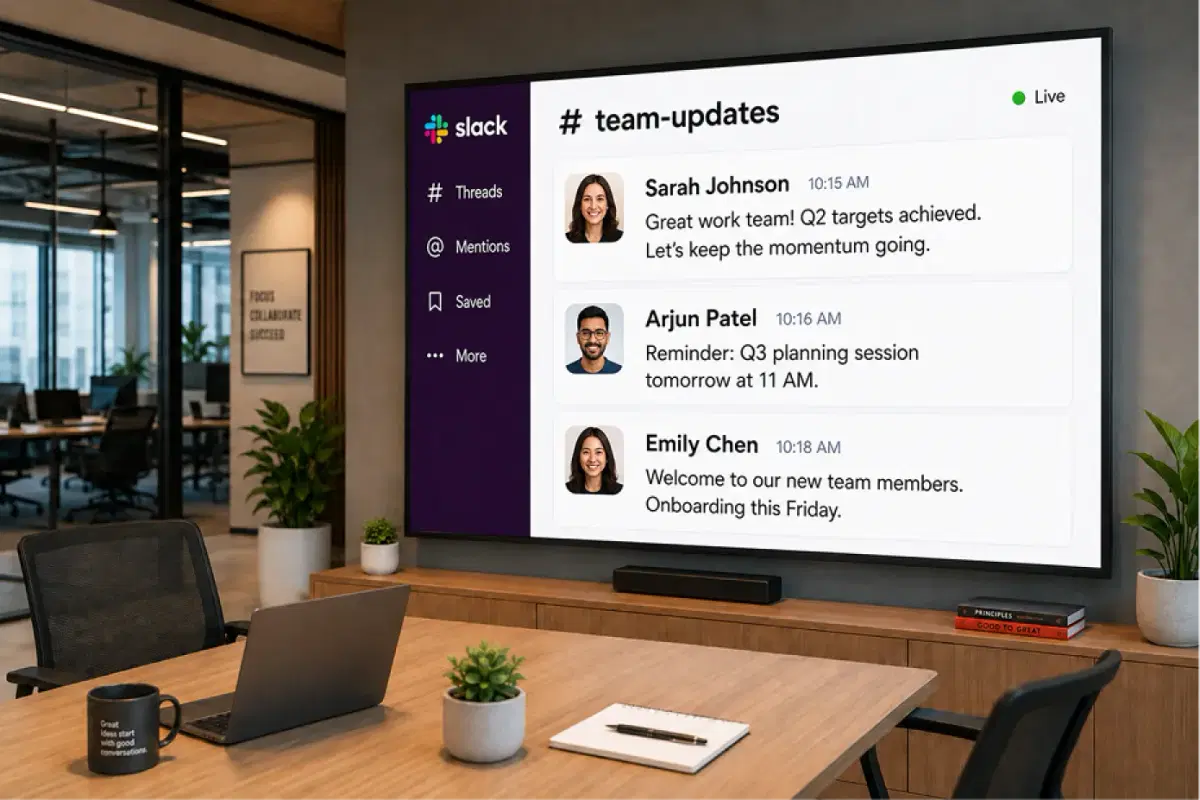
Pickcel turns common area screens into always-on communication surfaces. In the lobby, kitchen, engineering floor, and breakout room, office screens display the content that matters: sprint progress, company announcements, OKR dashboards, and recognition boards. The content shows up automatically. No employee has to open an app, check a notification, or take any action.
This is not another inbox. Slack and Teams handle directed communication where a response is expected. Pickcel handles broadcast communication where awareness is the goal. The two layers complement each other rather than competing.
People Ops and Internal Comms teams manage content from a browser-based digital signage software platform. Content scheduling, location targeting, and real-time data integrations are built in. IT involvement is limited to one-time network setup.
| Problem you have today | How Pickcel handles it | What you get |
|---|---|---|
| Critical announcements buried in Slack channels | Office screens in common areas display announcements automatically, without requiring employees to check anything | Company-wide awareness without consuming inbox attention |
| Sprint and KPI data invisible outside standups | Pull live data from Jira, Linear, GitHub, or Google Sheets onto screens via API or webhook | Real-time metrics visible to the full team throughout the day |
| Common area screens idle or showing generic content | No-code CMS lets People Ops publish content in minutes without IT support | Idle screens become active communication surfaces |
| Communication inconsistent across office locations | Single dashboard manages all locations; global and location-specific content zones | Every office sees the same message at the same time |
| No proof that employees received mandatory communications | Delivery tracking and acknowledgement logging per channel | Audit trail for compliance-critical communications |
The Communication Reality in a Tech Company
Knowledge workers lacking the time or energy to do their job effectively
Microsoft Work Trend Index, April 2025.
80% (Microsoft Work Trend Index, April 2025)
Employee message reach within 2 hours using multi-channel delivery
Pickcel, Internal Comms data.
94% message reach (Pickcel, Internal Comms data)
Average Teams messages received per employee per day
Microsoft Work Trend Index, April 2025.
153 messages/day (Microsoft Work Trend Index, April 2025)
How Tech Companies Use Pickcel in Practice
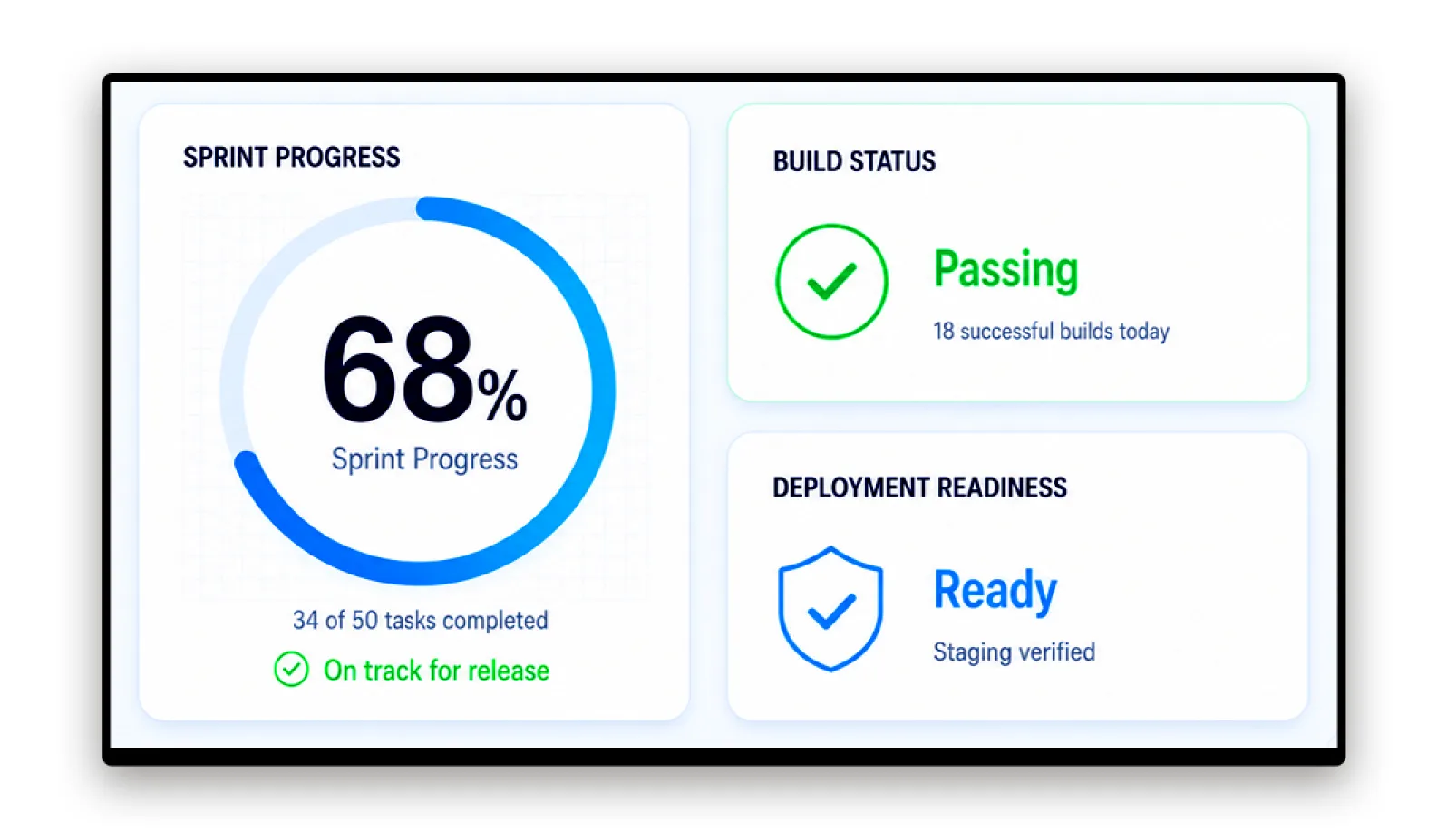
Engineering Sprint Metrics and Build Status Boards
Display live sprint progress, build pipeline status, and deployment logs on screens near engineering floors. Engineers and QA teams see current sprint health without leaving the workspace or opening a separate dashboard. Data pulls from existing tools via Pickcel's API or webhook integration, updating automatically throughout the sprint cycle.
So you can keep sprint health visible to the whole team without anyone opening a separate dashboard.
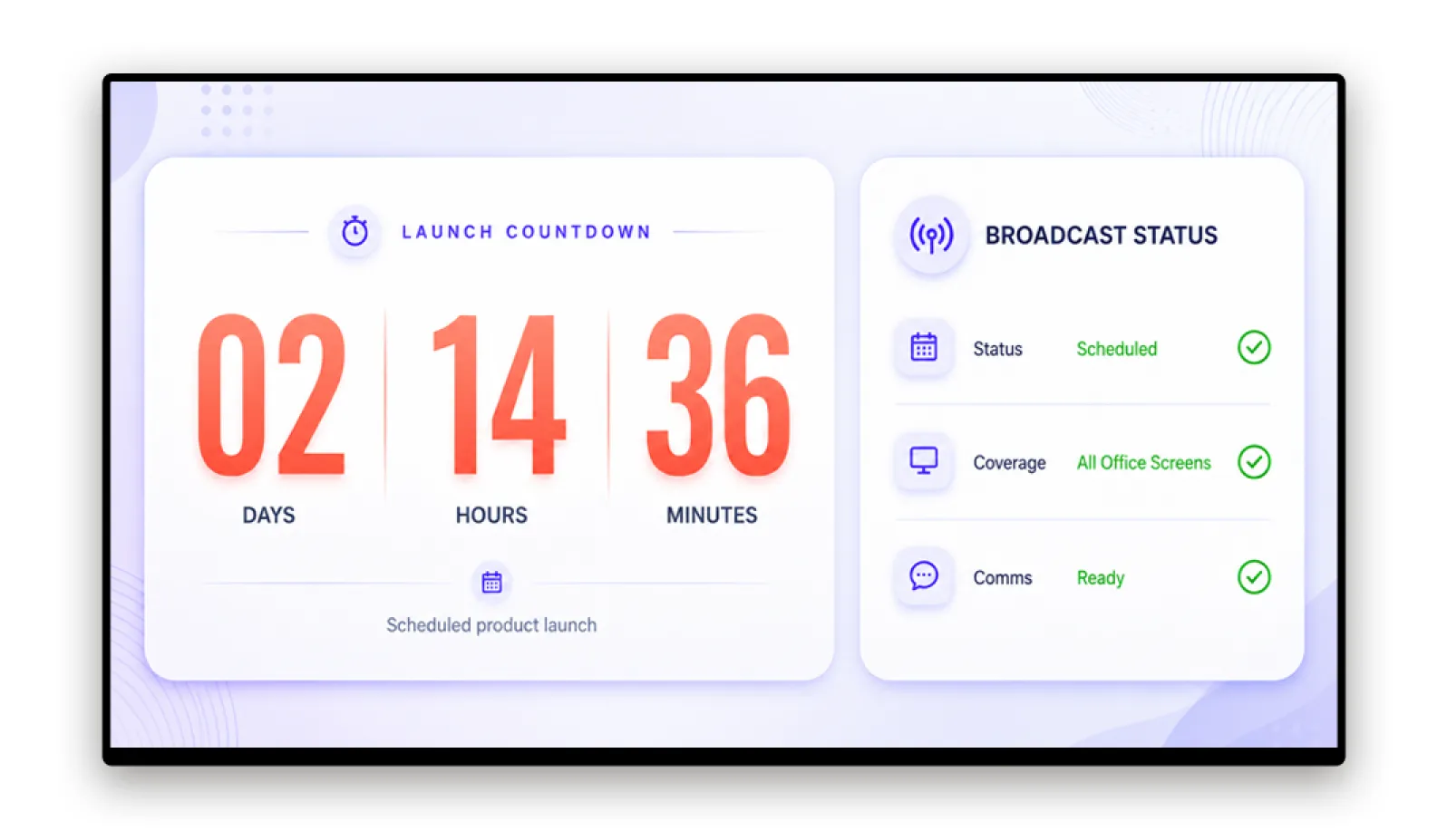
Product Launch Countdowns and Company Announcements
Schedule launch countdowns, all-hands summaries, and strategic announcements to appear on all office screens simultaneously. A product going live at 9 AM shows on every office screen the moment the Internal Comms team schedules it. No broadcast email, no announcement buried in Slack.
So you can reach the whole company with a launch or announcement the moment it goes live, on every screen.
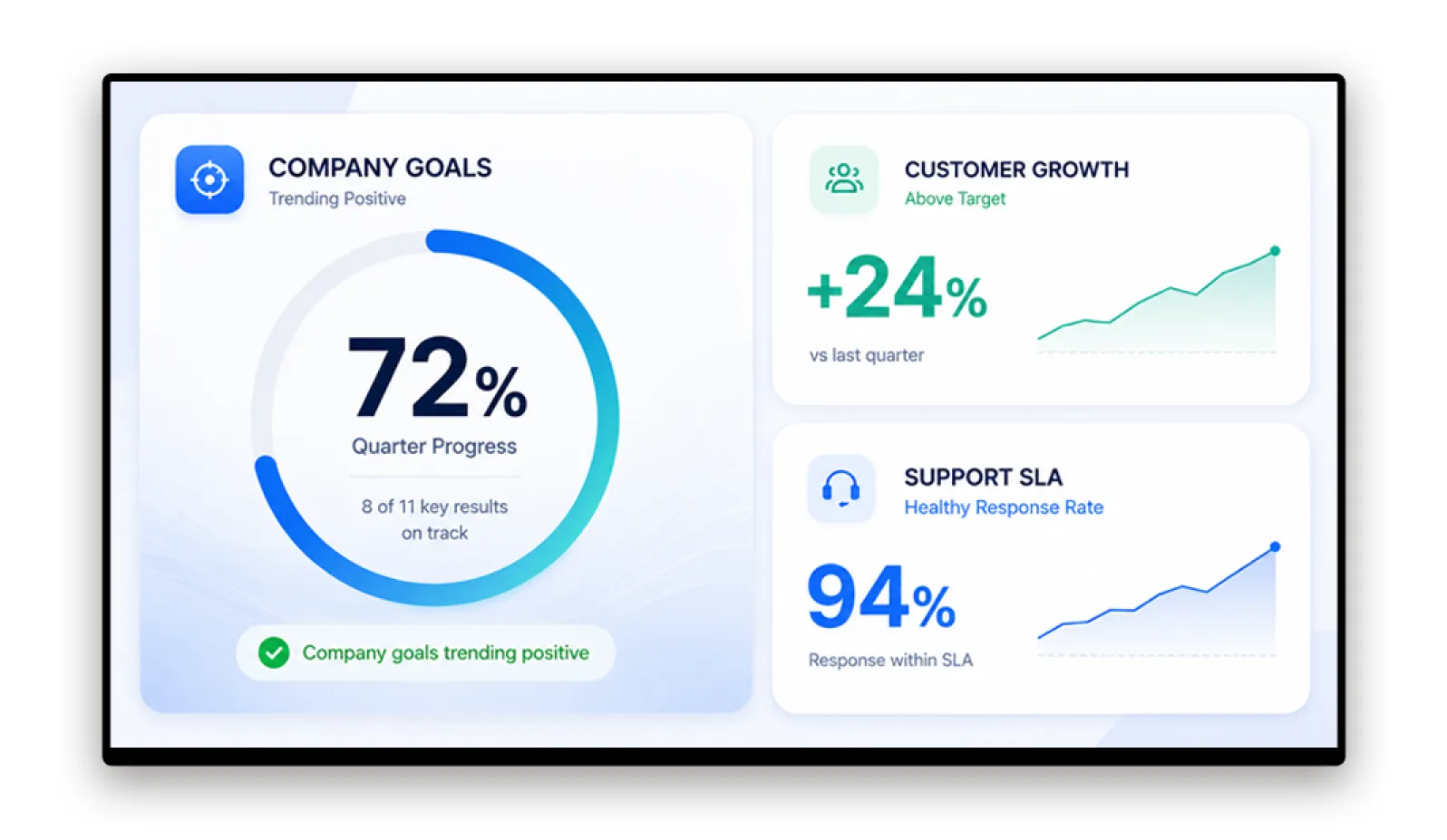
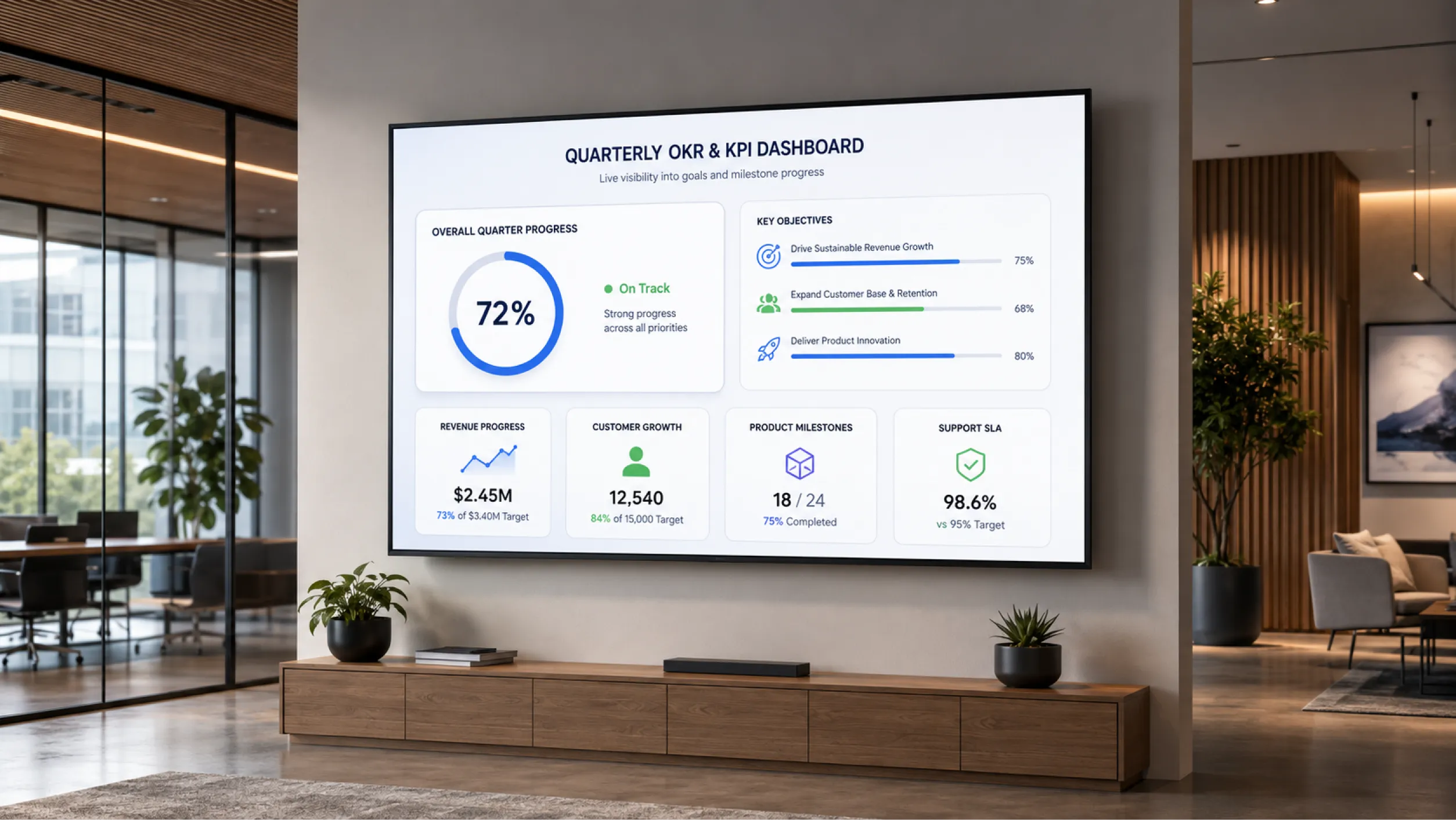
OKR and KPI Dashboards
Display quarterly OKRs, team KPIs, and milestone progress on screens near meeting rooms and open work areas. Data-connected boards update automatically from Google Sheets or connected business intelligence tools. The whole company sees how the quarter is tracking without a weekly summary to read or a dashboard to log into.
So you can give the whole company live visibility of quarterly progress without a weekly summary to read.
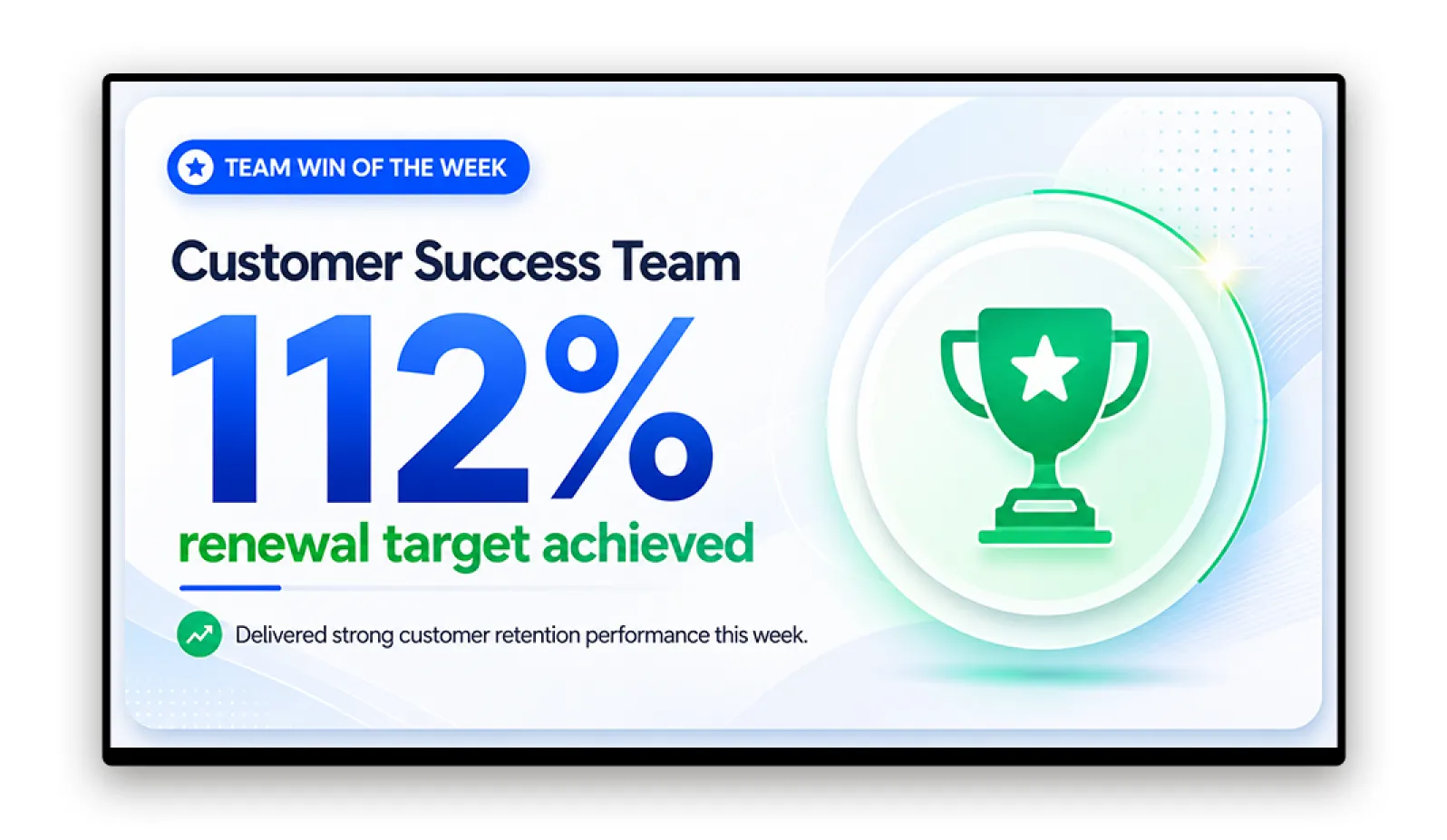
Culture and Recognition Boards
Celebrate employee milestones, team wins, and peer-nominated recognition on office screens across all locations. People Ops teams publish content from the CMS in minutes. It appears in the lobby, kitchen, and open floor, visible to the whole office without requiring anyone to check a separate app or notification channel.
So you can make recognition visible across every office without adding another app or notification channel.
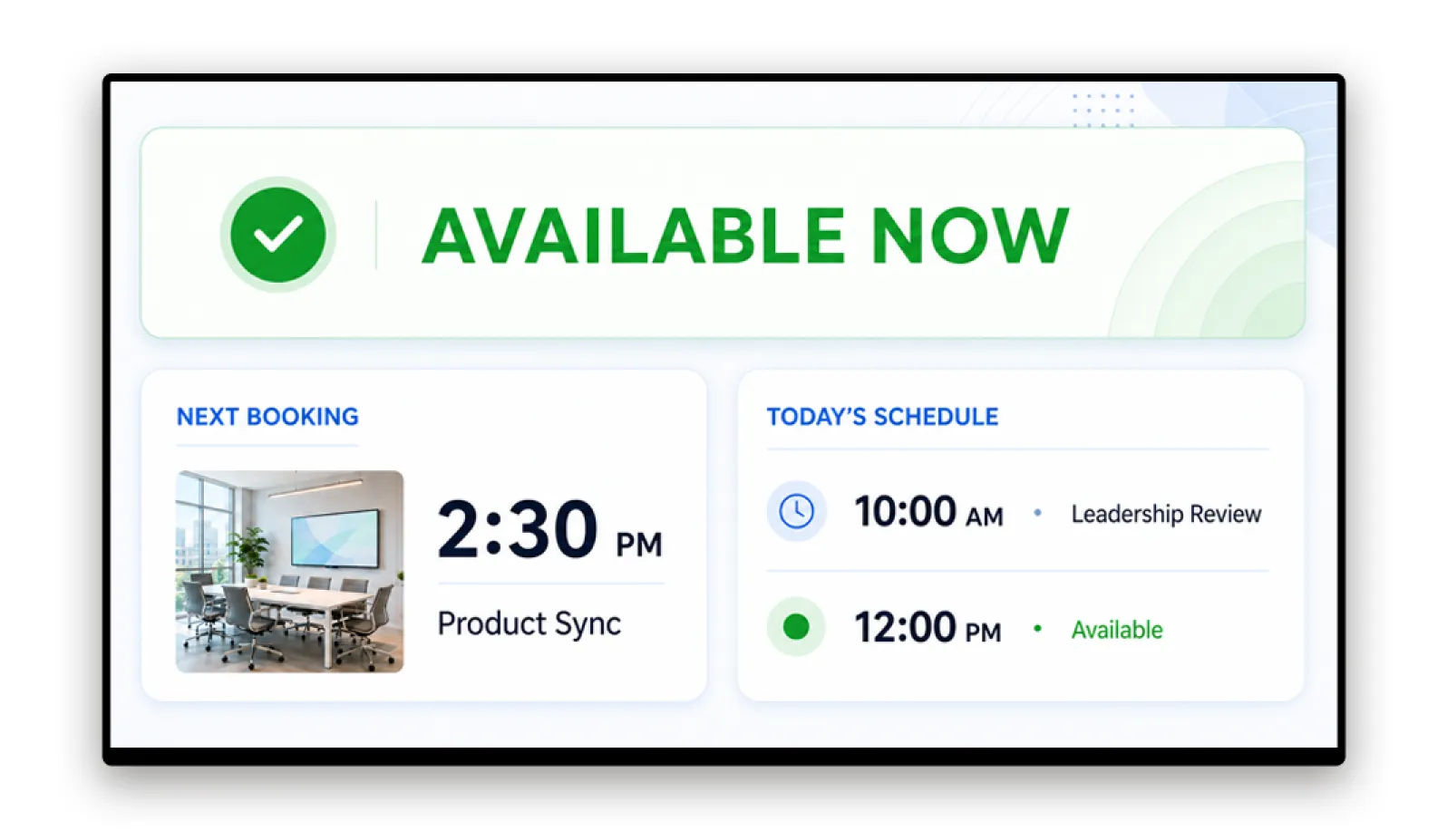
Office Wayfinding and Room Booking Status
Display real-time room availability on screens outside meeting rooms. Show floor directories, event schedules, and visitor welcome messages in lobbies. Connect to Google Calendar or Microsoft 365 for automatic room status updates. The same screen that shows the team OKR in the morning can show room availability for the afternoon.
So you can turn one screen into a room-booking board, floor directory, and visitor welcome, all in a day.
See it in 20 minutes
See how Pickcel reaches employees without competing with Slack.
- Connects to Jira, Linear, GitHub, and Google Sheets
- Displays on your current screen hardware
- Integrates with Google Workspace or Microsoft 365
Four Capabilities That Matter for Tech Company Environments
API and Webhook Integration
What it does: Connects to existing tools via REST API and webhook endpoints.
Why it matters: Internal Comms and Engineering teams can pull live data from Jira, Linear, GitHub, Google Sheets, or any internal business intelligence dashboard without building a custom integration. Pickcel's office digital signage platform connects to the tools your teams already use, so screen content updates automatically as source data changes.
So you can display engineering metrics and business KPIs on screens in real time, without requiring People Ops or IT to manually update content.
No-Code Content Management
What it does: Browser-based CMS with drag-and-drop editing, pre-built templates, and scheduled publishing.
Why it matters: HR Directors and Internal Comms Managers publish content in minutes without technical support.
So you can operate screens independently. IT involvement after setup is close to zero.
Multi-Office Management
What it does: Single dashboard manages content across all locations with global and location-specific content zones.
Why it matters: Company-wide announcements go out simultaneously to all offices. Each office location manages floor-specific content independently.
So you can give consistent messaging across a five-office engineering organisation with one content manager, not five.
Google Workspace and Microsoft 365 Compatibility
What it does: Pickcel integrates with Google Workspace and Microsoft 365 environments. Slack webhook integration is available for automated content triggers from Slack channels.
Why it matters: Pickcel sits alongside existing collaboration tools without competing for the same notification attention or requiring employees to adopt a new communication platform. For a broader comparison of tools tech companies use for internal communication, see our guide to team communication tools.
So you can add a passive communication layer that supplements, not replaces, the existing messaging stack.
Built for Enterprise Technology Security Requirements
SOC 2 Type II
Independent third-party audit confirms Pickcel meets rigorous security, availability, and confidentiality controls. Relevant for enterprise technology companies running vendor risk assessments.
ISO 27001 Certified
International certification for information security management systems. Confirms systematic management of sensitive company and customer information.
Trusted by 9,000+ Businesses Across 70+ Countries
"Our office screens now highlight sprint progress, deployment updates, and product launch milestones alongside employee achievements. Pickcel has brought greater visibility to the work happening across our engineering teams."
VP, Engineering Excellence
International SaaS Company
Frequently Asked Questions
In a technology company environment, the challenge is specific: engineering, product, and support staff are already operating across multiple directed-communication tools (Slack, email, Teams, Jira). Adding another notification channel increases the cognitive load further. Effective employee communication software for IT companies instead adds a passive layer, one that displays content to employees in shared spaces without requiring them to open an app, respond, or take any action.
Pickcel handles this passive layer. It turns common area screens in lobbies, kitchens, engineering floors, and meeting rooms into always-on communication surfaces that display announcements, sprint metrics, recognition content, and company-wide updates automatically, reaching staff in the moments between tasks without competing with active workflows.
The two layers work in parallel without competing. A product launch announcement can be scheduled to appear on all office screens the moment it goes live, while the same news is also posted to Slack's #company-all channel. Engineers who see it on the kitchen screen do not need to find it in their notification feed. Engineers who were heads-down in Slack still get the Slack notification. The screen reach is additive, not duplicative.
Pickcel also integrates directly with Slack via webhook, allowing content triggers from Slack channels to automatically push updates to office screens. For example, a Slack message to #deploys can trigger a build-complete screen update in the engineering floor breakout area.
The integration setup does not require engineering resources to maintain after initial configuration. A People Ops team member or IT administrator connects the data source once through the Pickcel CMS. From that point, the screen updates automatically as the source data changes. There is no scheduled job to run, no template to re-publish, and no manual refresh required.
Tech companies use this for engineering OKR boards near development floors, build pipeline status boards in QA areas, sprint velocity displays for standups, and company-wide KPI dashboards in shared spaces. The data connection works with any tool that provides a REST API or a webhook endpoint.
For enterprise technology companies with existing data governance frameworks, Pickcel supports role-based access controls (RBAC) so different teams manage only their assigned screens and content zones. Data is encrypted in transit (TLS) and at rest. Uptime SLA is 99.99%, backed by a cloud-native architecture.
Pickcel integrates with Google Workspace and Microsoft 365 identity providers, which means technology companies do not need to manage a separate authentication system. Staff access Pickcel using their existing Google or Microsoft credentials. No parallel directory or separate password management is required for day-to-day content operations.
Vendor assessment documentation, including SOC 2 Type II audit report, ISO 27001 certificate, and security questionnaire responses, is available under NDA on request. Contact Pickcel's sales team to initiate a vendor security review.
Content zones separate what different audiences see. A global zone displays company-wide announcements simultaneously across all offices. A local zone lets the London engineering floor show its sprint board without that content appearing in Singapore.
No per-location software is required. No separate accounts. The same Pickcel subscription covers all sites, and user permissions determine which locations each team member can publish to. New office locations are added in minutes from the same dashboard. No additional infrastructure, no new CMS instance, no IT deployment project beyond connecting the new screens to the existing network.
For fast-scaling engineering teams, the API and webhook integration layer means Pickcel grows with the engineering toolset: as the company adopts new project management or business intelligence tools, those data sources can be connected without switching to a new communication platform.
The no-code CMS means People Ops and Internal Comms teams can operate screens without IT support after initial setup. As those teams scale, Pickcel's role-based access controls allow granular permissions without requiring a new admin architecture. Pickcel scales from 10 screens to 1,000 without a platform change or migration.
A detailed pricing quote is available through the Pickcel sales team after a short discovery call. During that call, Pickcel's team will assess your number of screens, locations, integration requirements, and content management volume to recommend the right plan.
Most tech companies start with a free trial to validate the content workflow and integration setup before committing to a paid plan. To explore pricing for your specific screen count and use case, request a demo and ask for a pricing breakdown during the session.
Related Reading
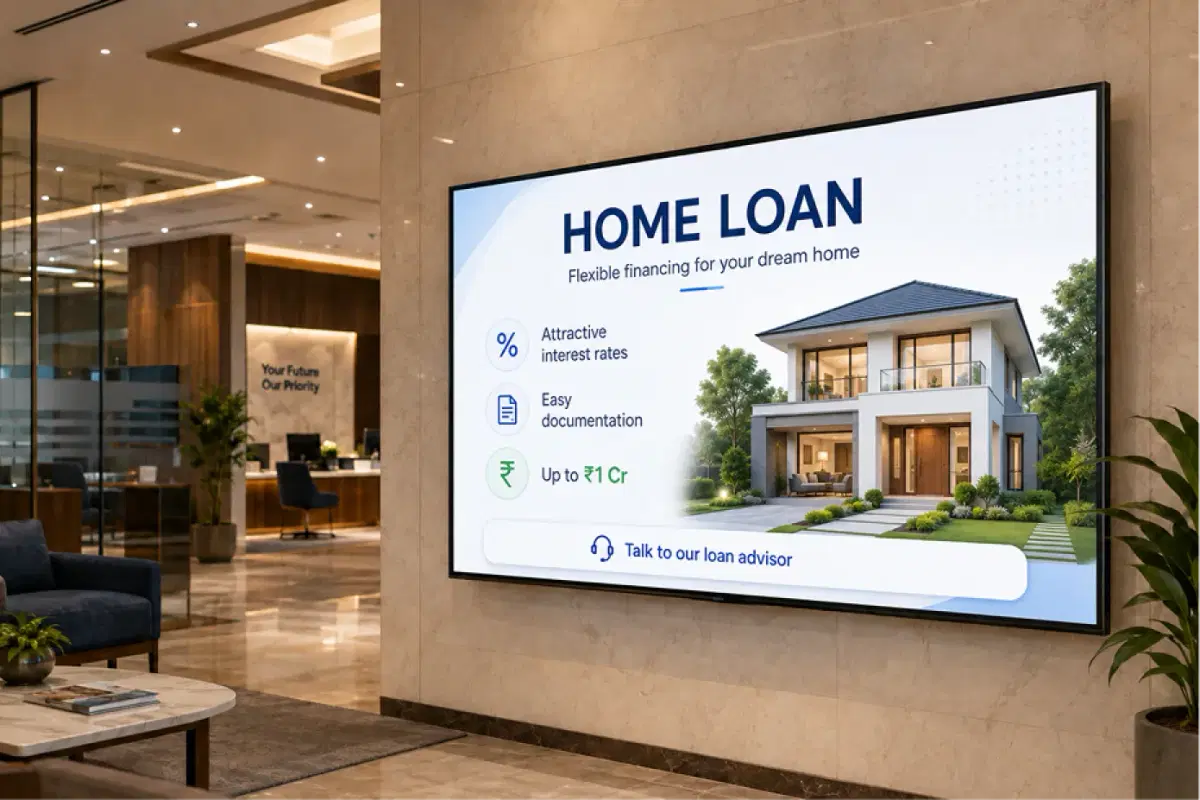
Employee Communication for Banking and Financial Institutions
Explore how Pickcel solves branch communication across regulated environments with audit-trail messaging and compliance-aware content scheduling.
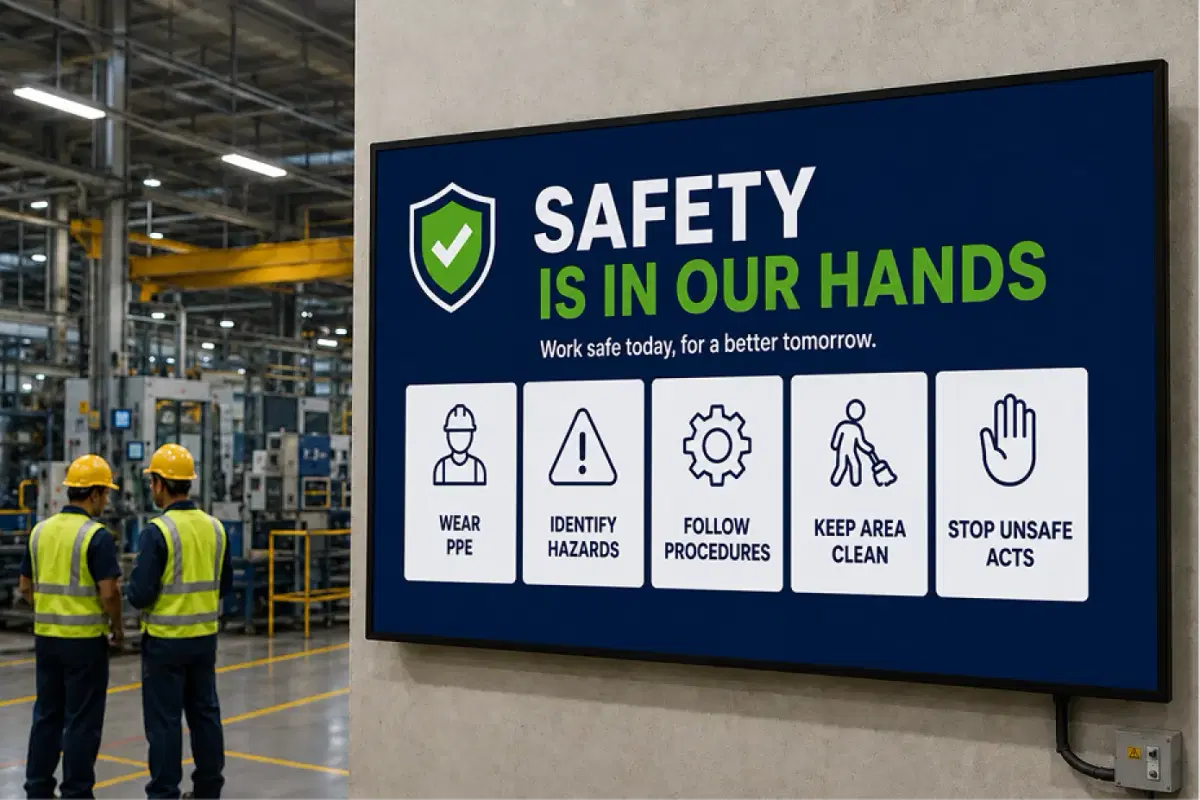
Employee Communication App
The full Pickcel employee communication platform, spanning screens, mobile, and desktop for every workforce type.
Team Communication Tools: The Complete Guide
A comparison of communication tools tech companies use for engineering teams, distributed organisations, and hybrid workforces.
See How Pickcel Works in a Tech Company Environment
Request a 20-minute walkthrough of Pickcel's office communication setup for technology companies. See how it connects to your existing tools, displays on your current screen hardware, and integrates with your Google Workspace or Microsoft 365 environment.
No credit card required.