



Pickcel

Core Platform

  • Software Features
  • Templates
  • Security & Compliance

Enterprise

  • On-Premise
  • Integrations & Automation
  • Our Services

Extensions & Apps

  • Mobile App
  • App Integrations

Digital Signage Players

  • Android
  • Samsung Tizen
  • BrightSign
  • Amazon Signage Stick
  • View all Players
What is Digital Signage?

Learn the basics of digital signage and how it can transform your business.

Industries We Serve

  • Office
  • Retail
  • Restaurant
  • Manufacturing
  • Hospitality
  • Healthcare
  • Transportation
  • Education
  • View all Industries

Solutions

  • Dashboard
  • FIDS
  • Digital Menu board
  • Car Dealership App
  • Wall Craft
  • Event Stream
  • Transport PIS
  • Social Wall
  • View all Solutions
See How Pickcel  Helped Amazon
See How Pickcel Helped Amazon

Case Studies

  • Mercedes-Benz
  • Accenture
  • Magnolia Bakery
View all

All Resources

  • Digital Signage Blog
  • Learn
  • Digital Signage Gallery
  • Case Studies
  • Support
  • Download
Partnerships
Partnerships

Partnerships

  • White-Label
  • Reseller
Pricing
Login

Power BI Digital Signage: Keep Live Dashboards on Screen Without Logins

You published the report. Now the wall screen shows a Microsoft sign-in box instead of your numbers, and someone has to walk over with a keyboard again.

Get Started
Pickcel reviews on Capterra and G2
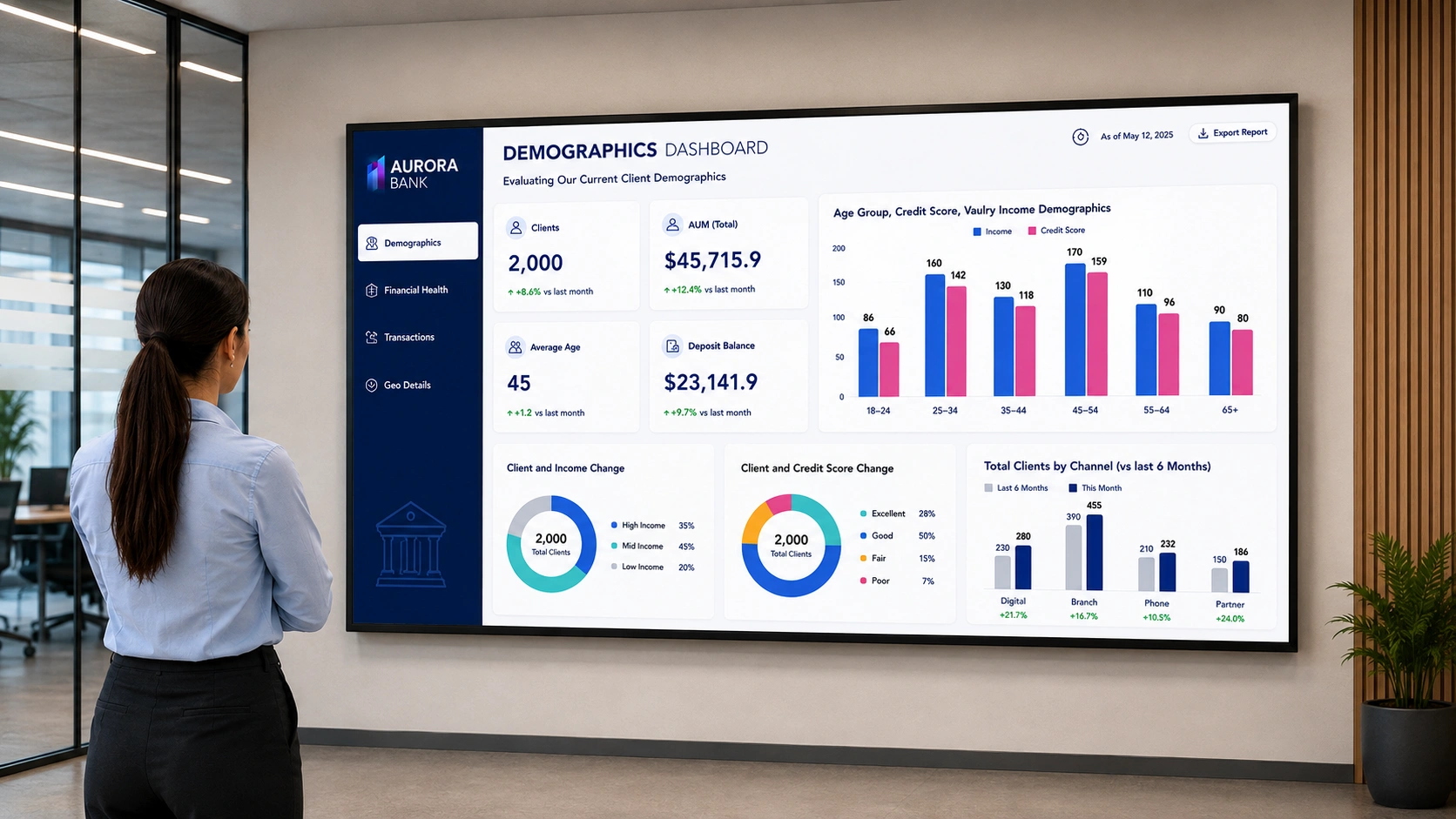
Power BI report displayed on an unattended digital signage screen

Pickcel runs 150,000+ screens across 70+ countries

Pickcel runs 150,000+ screens across 70+ countries

Unilever
Uber
Amazon
Decathlon
HCLTech
Radisson
Definition

What is Power BI digital signage?

Power BI digital signage means running a published Power BI report on a screen that nobody is signed into. A Pickcel signage player holds an authenticated Power BI session on behalf of a named Microsoft account, renders the report view on a set interval, and pushes it to one or many displays. The difference from a browser in kiosk mode is that the session is managed and renewed by the platform rather than by a person standing at the machine.

The Power BI Screen Problem

Why a Power BI Report Does Not Stay on Screen on Its Own

Turning a spare machine into a TV dashboard with a browser and F11 works. It works for about a day.

The session lapses and the sign-in page takes the wall

Microsoft Entra ID governs how long a Power BI browser session stays valid, and your tenant's sign-in frequency policy decides when it ends. Nobody notices at 2 a.m. By the time the floor fills up, the largest screen in the building is advertising a login form.

The machine underneath goes to sleep or restarts itself

A mini PC tucked behind a display takes a Windows update at 3 a.m. and comes back on the lock screen. The report is fine. The path to it is gone.

Somebody has to be physically present to fix either one

Tolerable for a screen outside the analytics team's own room. Not tolerable for a branch in another city, where a broken dashboard sits untouched for a week because the person who could fix it has never been to that office.

How It Works

How Pickcel Runs a Power BI Dashboard on Screen

01

Power BI report

Published, live account

Holding Power BI session…0%
02

Pickcel platform

Holds the session, re-authenticates on schedule

  • Authenticated session1 Screens
  • Scheduled re-auth1 Screens
03

Signage player

Renders on a set refresh interval

04

Screen

No one signed in, no login prompt

Ready for viewers

Live on the floor

Live — Connecting to the published Power BI report…
Problem to Outcome

Power BI Display Problems and How Pickcel Handles Them

Problem you have today

Screen shows a Microsoft login prompt by morning

How Pickcel handles it

Stored credentials plus a 2FA secret re-authenticate on a schedule you set, ahead of the tenant session lapsing

What you get

Screens that are still showing the report on Monday morning

Problem you have today

A spare PC behind the display sleeps or reboots

How Pickcel handles it

A managed signage player relaunches its assigned content on boot

What you get

Recovery without anyone walking to the screen

Problem you have today

Fixing a remote screen means sending someone to site

How Pickcel handles it

Every screen is configured and republished from one console

What you get

One person maintaining screens across every location

Problem you have today

Only the report fills the display, nothing else

How Pickcel handles it

Multizone layouts place the report alongside alerts, a clock, or a shift message

What you get

One screen carrying the dashboard and the context around it

Problem you have todayHow Pickcel handles itWhat you get
Screen shows a Microsoft login prompt by morningStored credentials plus a 2FA secret re-authenticate on a schedule you set, ahead of the tenant session lapsingScreens that are still showing the report on Monday morning
A spare PC behind the display sleeps or rebootsA managed signage player relaunches its assigned content on bootRecovery without anyone walking to the screen
Fixing a remote screen means sending someone to siteEvery screen is configured and republished from one consoleOne person maintaining screens across every location
Only the report fills the display, nothing elseMultizone layouts place the report alongside alerts, a clock, or a shift messageOne screen carrying the dashboard and the context around it
Before You Start

What You Need Before You Start

Four things decide whether this works in your environment. Check all four before booking anything.

  1. 01

    A Power BI licence that covers viewing the report

    Pickcel signs into Power BI as a real account, so that account needs whatever a human viewer would need. Microsoft's rule is that a free licence can view shared content only when both the report and its underlying semantic model sit in Premium capacity, and only on an F64 SKU or larger. Anything smaller, or content outside Premium capacity, needs a Pro or Premium Per User licence. Check your own tenant, because Microsoft revises this (Microsoft Learn, Licenses and subscriptions for business users, updated 2026-07-23). For general Power BI sharing methods beyond an unattended screen, see how to share Power BI dashboards and reports.

  2. 02

    An account that signs in with an email, a password, and a 2FA code

    The dashboard app authenticates directly against Microsoft. Federated sign-in routes, where the login redirects to Google, Apple, or your organisation's own identity provider, are not supported. Most teams create a dedicated account for signage rather than borrowing an analyst's, which keeps the screen's view separate from anyone's personal workspace.

  3. 03

    The 2FA secret key, saved at the moment two-factor was switched on

    Pickcel needs the secret itself, not a six-digit code, because it generates fresh codes each time it re-authenticates. Recovering one after the fact usually means resetting 2FA on that account.

  4. 04

    A Pickcel-supported player and the report URL

    Copy the full report URL straight from your browser address bar. The player needs outbound access to Power BI and to Pickcel, both over standard HTTPS, and it runs on Pickcel's digital signage software. Pickcel is SOC 2 Type II certified and ISO 27001 certified, which is usually the first thing an IT reviewer asks before approving stored credentials for a service account.

Setup

How to Display a Power BI Dashboard on a TV

The sequence below is the current flow in the Pickcel console.

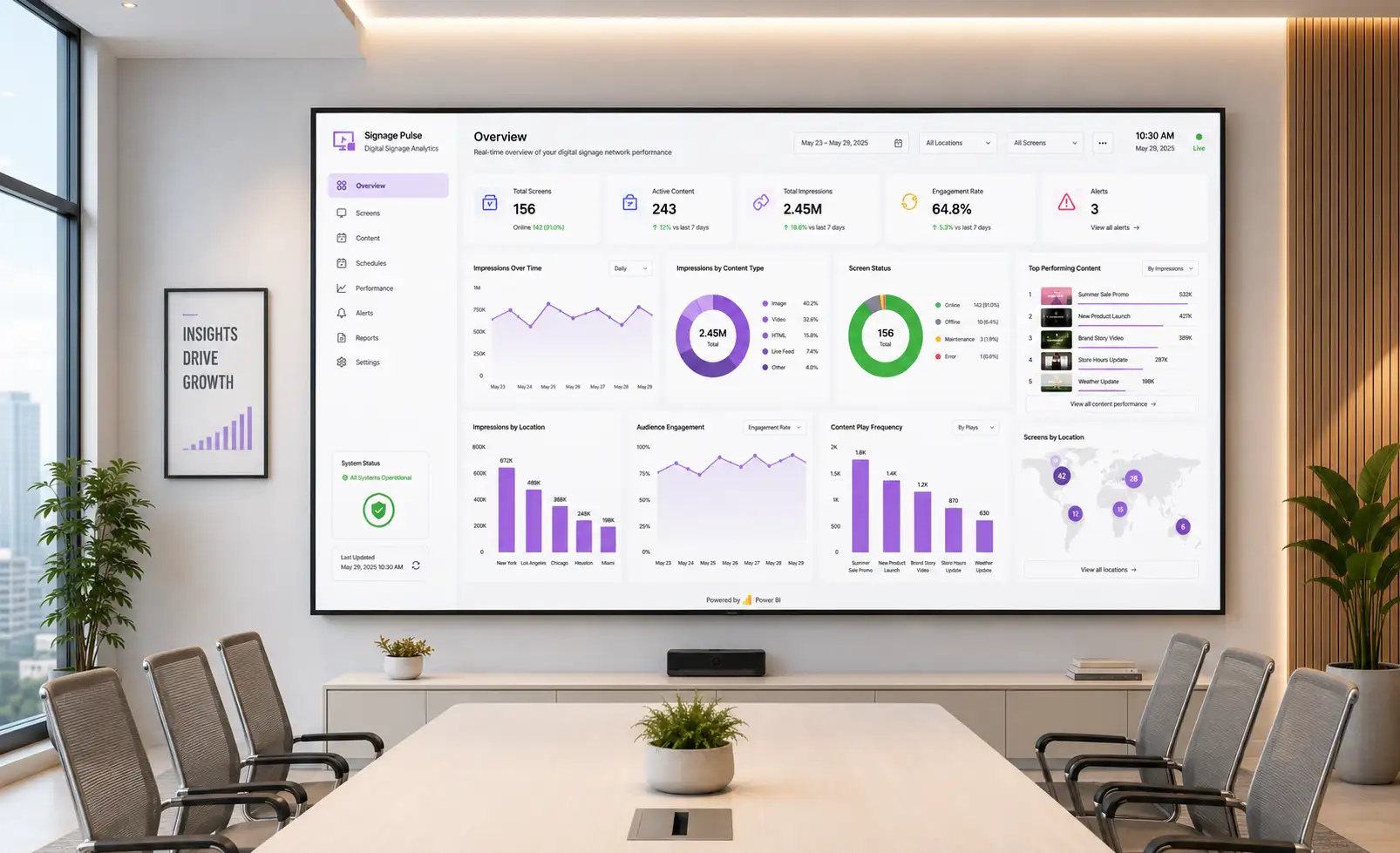
Power BI dashboard displayed on a boardroom digital signage screen
  1. 01

    Open Dashboard

    In the console, open Content > Apps and search for Dashboard.

  2. 02

    Create the app

    Select Create App, name the instance, and choose Power BI from the dashboard type list.

  3. 03

    Paste the URL

    Paste the full report URL into the Dashboard URL field.

  4. 04

    Generate token

    Enter the Microsoft email, password, and authenticator secret, then select Generate Auth Token.

  5. 05

    Map the region

    Use the Pickcel Dashboard Screen Mapper Chrome extension to select the region of the report you want on screen, and paste the code it returns.

  6. 06

    Set intervals

    Set the refresh interval and session expiry. Pickcel's documentation suggests 60 minutes for data that changes daily, and a 5-hour session expiry.

  7. 07

    Auto-scroll

    Turn on auto-scroll if the report runs taller than the display.

  8. 08

    Save and assign

    Save. The instance appears under Content > Media, ready to assign through a Composition or Quick Play.

First load can take up to two minutes while the session is established. If the credentials are wrong, the screen stalls on the Microsoft login page instead of failing quietly, which is the fastest way to catch a mistyped password before the display goes public. Screenshots of each step are in Pickcel's Power BI setup documentation.

Wall Display Setups

Common Power BI Wall Display Setups

Wall Display Setups

Common Power BI Wall Display Setups

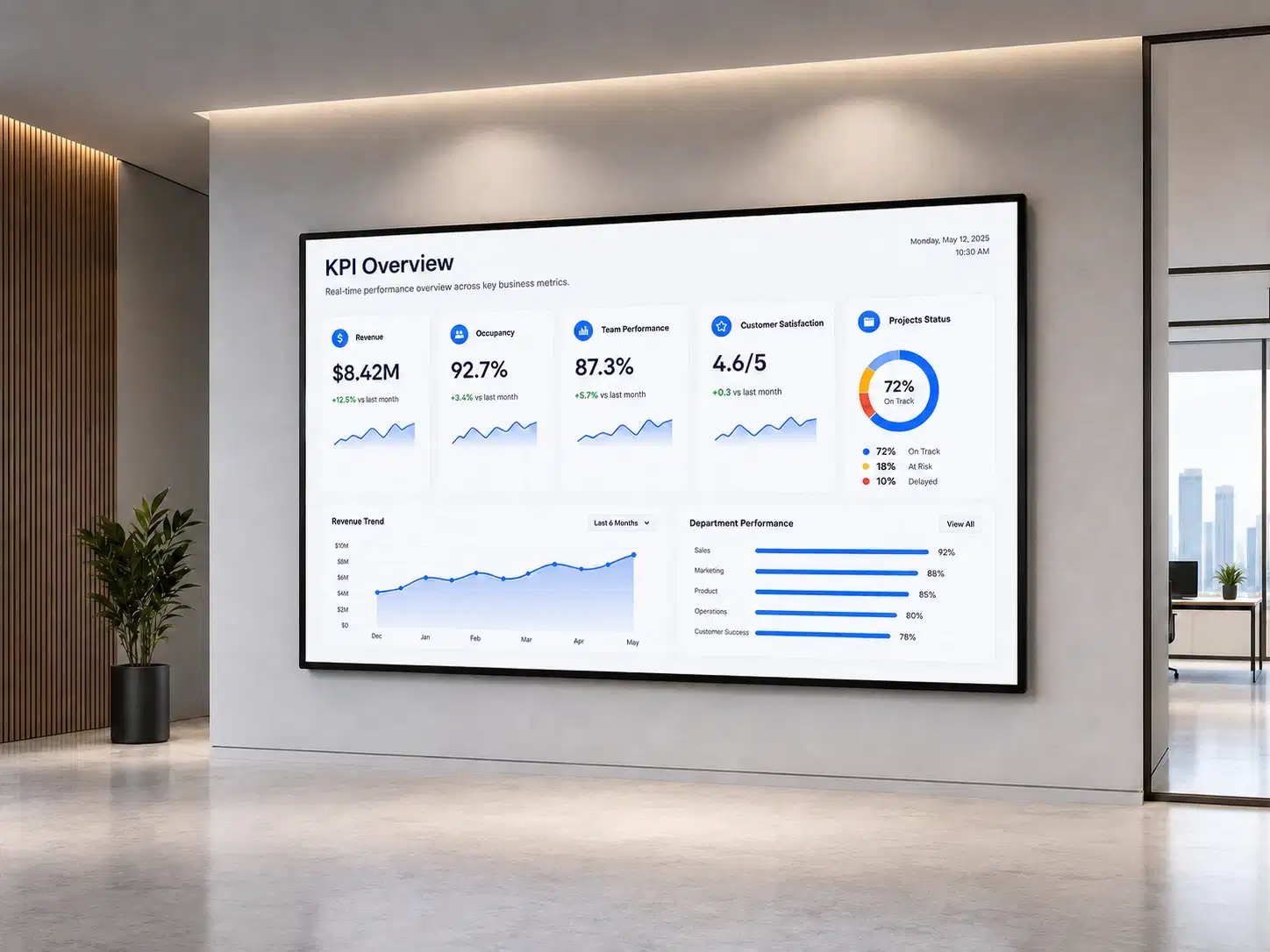
Executive KPI wall

A single report region mapped once, refreshed hourly, in the corridor outside the leadership floor. The value is not the chart. It is that Monday's number and Thursday's come from the same semantic model, so nobody arrives at a meeting with a different version of revenue.

So you can One semantic model for every leadership meeting

Executive KPI wall displaying a Power BI report

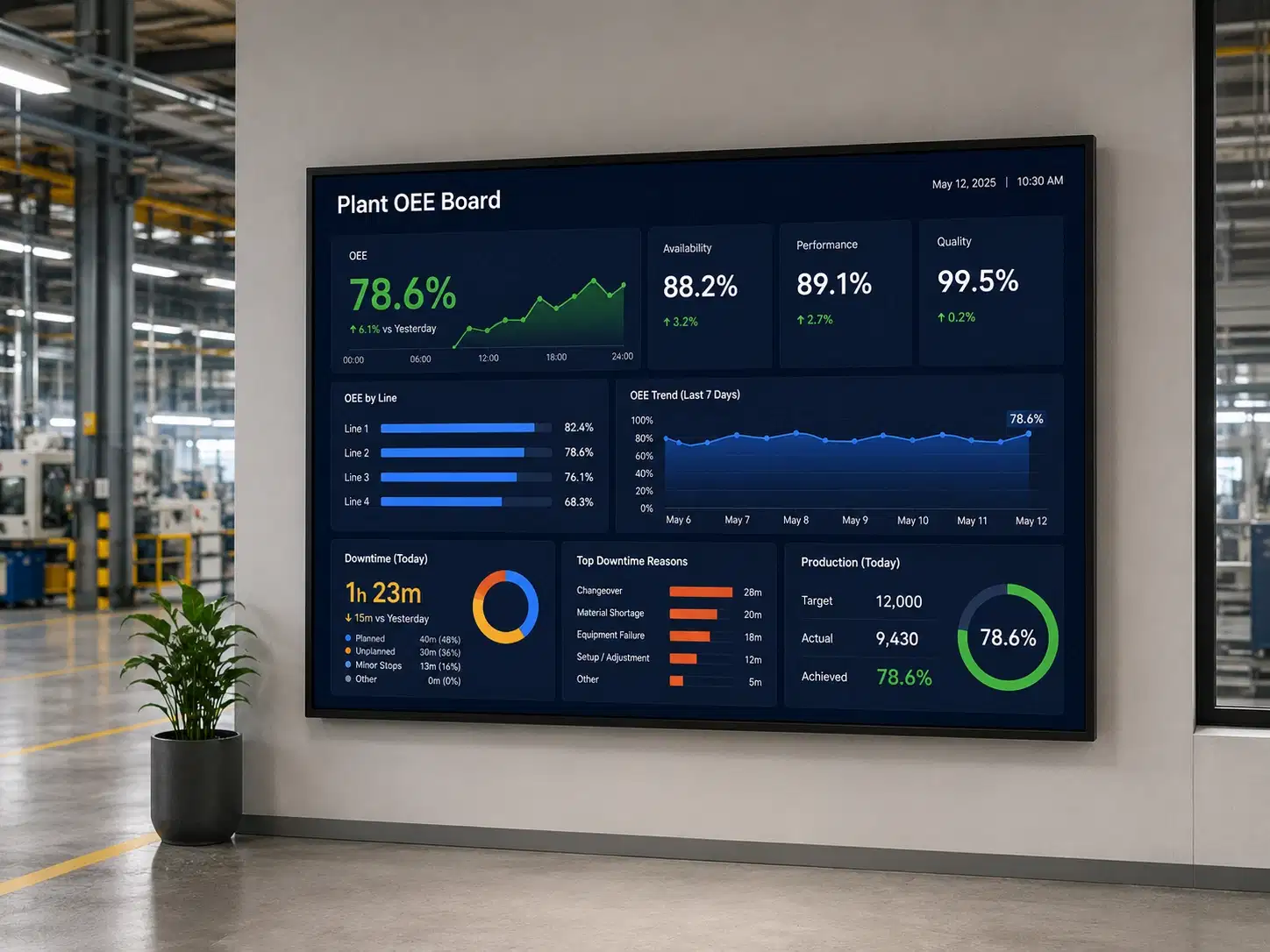
Plant OEE board

Manufacturing lines run a shorter refresh interval and use a multizone layout, with the report on the larger zone and a shift target or safety notice beside it. Operators read a board, not an app, and it has to be legible from twenty feet.

So you can Legible from twenty feet on the line

Plant OEE board with a Power BI report on a factory floor screen

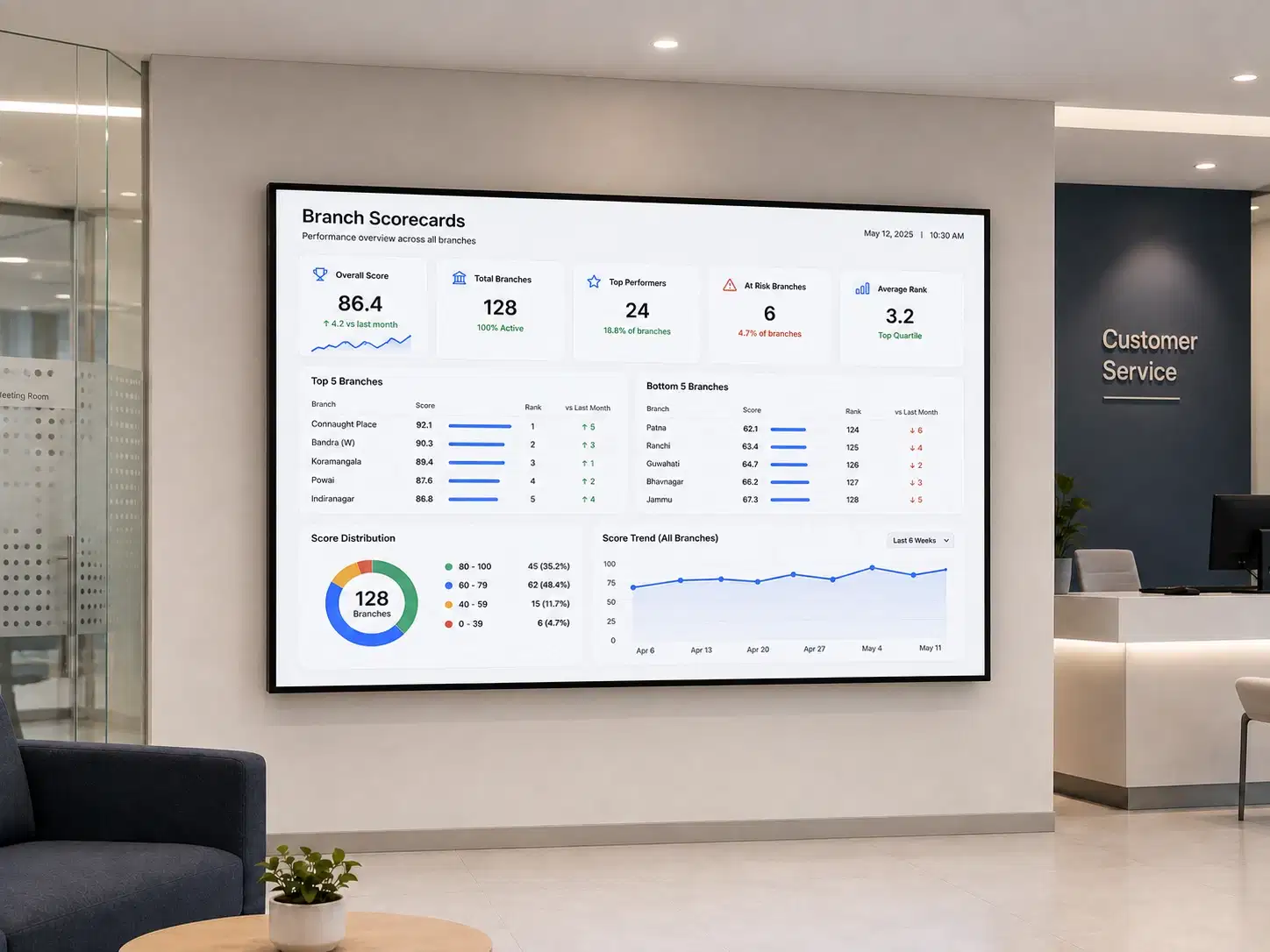
Branch scorecards

Banking and multi-site retail teams point every branch at the same report while row-level security narrows what each screen renders. Configured once centrally, each location sees only its own rows.

So you can One report, each location sees only its rows

Branch scorecard Power BI report on a store screen

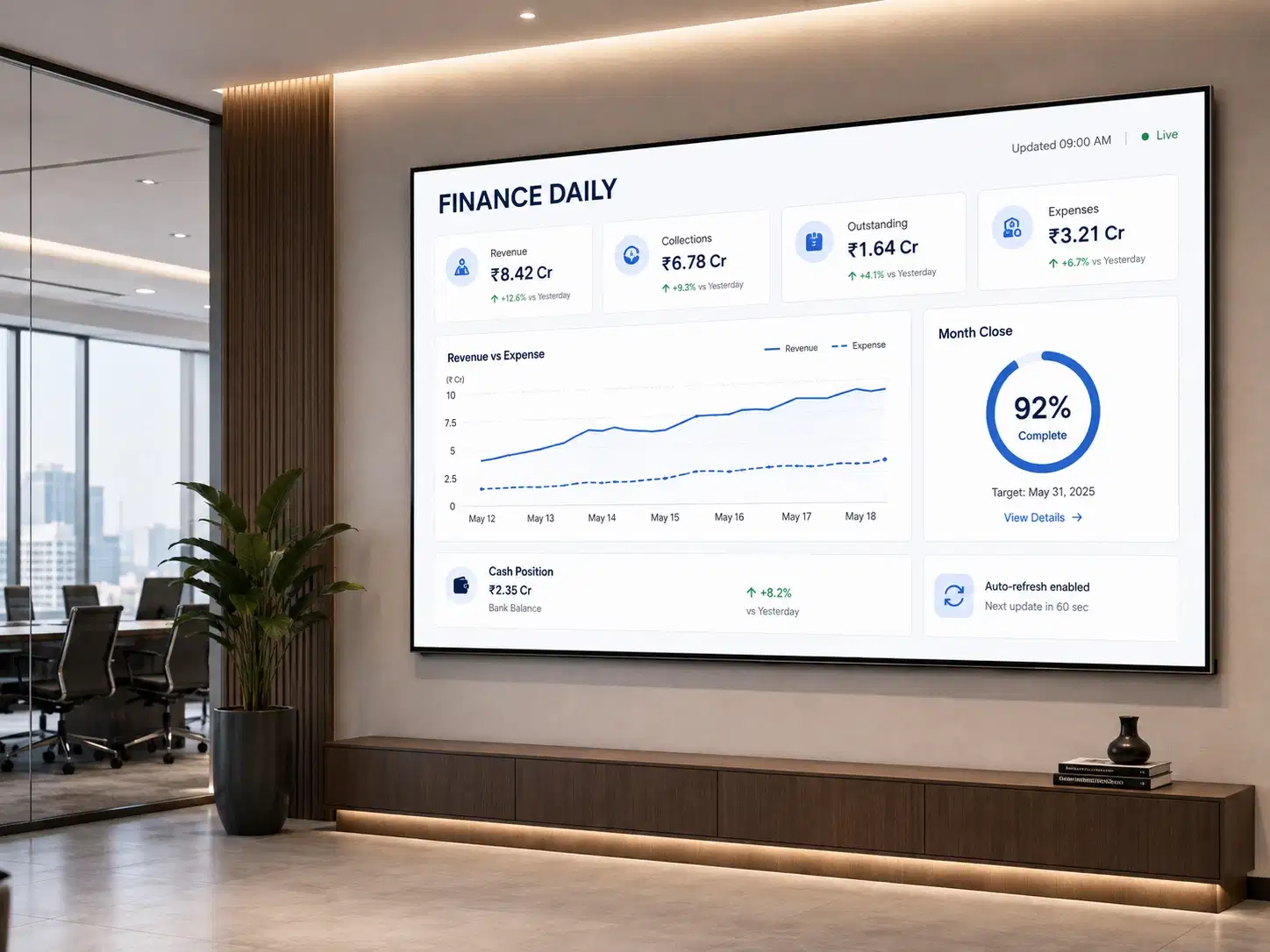
Finance dailies

Close-period screens replace the ritual of exporting a report to PDF each morning and emailing it round. The screen updates on its own schedule, which removes the export and the question of whether the version in someone's inbox is current.

So you can No morning PDF export, no stale inbox version

Finance dailies Power BI report on a workplace screen
When Things Go Wrong

What Happens When the Session Expires, the Network Drops, or a Player Reboots

Token expiry

The session expiry value you set tells Pickcel to sign in again from scratch on that cadence, using the stored credentials and the 2FA secret. Set it shorter than your tenant's sign-in frequency policy so re-authentication happens before Microsoft would have ended the session, not after. Tenant policies differ and administrators change them, so ask your Entra ID admin for the current value rather than working from a default.

Signs in again before Microsoft ends the session

Network loss

The last successfully rendered view stays on the display until the next refresh succeeds. That is better than a blank screen, and it carries a real risk worth designing around: a stale dashboard looks exactly like a current one. Put a visible "last updated" element in the layout so anyone reading the board can tell.

Last rendered view stays on the display

Player reboot

The player reloads its assigned composition when it comes back up, including the dashboard instance, without a keyboard or a person. Power cuts and scheduled restarts stop being incidents that need a ticket.

Reloads the assigned composition on its own

Request a Demo

See it in 20 minutes

See a Power BI report held live on a screen for 20 minutes.

No credit card required.

Ecosystem

Other dashboard tools Pickcel displays

The same dashboard hub carries these tools. See Power BI vs Tableau if you are weighing the two. Teams running more than one tool usually put them in a single rotation on one screen rather than buying a second display.

GrafanaTableauJiraSalesforceZendeskTrelloAWS CloudWatchSentry

Put your Power BI reports on the wall

Bring us the report URL and we will show you the same view running unattended before you commit to anything. Check current plans and pricing if budget is the open question.

FAQ

Frequently Asked Questions

No. The licence attaches to the Microsoft account Pickcel signs in as, not to the display. One dashboard app instance built on one account can publish to ten screens or a hundred. You would only add licences if you need genuinely different reports running under different accounts, such as separate business units with separate workspaces.

Product

  • Software Features
  • Digital Signage Hardware
  • Digital Menu Board Software
  • Digital Signage Player
  • Interactive Kiosk
  • OTT Digital Signage Software
  • Queue Management Software
  • Visitor Management software
  • On-premise Digital Signage

Enterprise

  • Integrations & Automation
  • On-premise Digital Signage
  • Our Services

Solutions

  • Corporate Communication
  • Retail Digital Signage
  • Digital Signage Hospitality
  • Multi Channel Employee Communication
  • Restaurant Digital Signage
  • Banking & Finance Signage
  • Transportation Digital Signage
  • Digital Product Catalogue
  • Electronic Bulletin Board
  • Employee Communication App
  • Wayfinding Signage

Resources

  • Case Studies
  • What is digital signage?
  • Digital Signage Blog
  • Apps
  • Pricing
  • FAQ

Company

  • About Us
  • Contact Us
  • Support
  • Press Release
  • Careers

Trust & Compliance

  • Privacy Policy
  • Terms of Service
  • Refund Policy
  • Data Processing Addendum
  • Sub-processors
  • Security
  • Cookie Policy

Partner program

  • White Label Digital Signage
  • Reseller Digital Signage
Capterra4.6G24.6GoodFirms4.6

© 2026 LaneSquare Technology Pvt Ltd. All rights reserved.