Pickcel

Core Platform

  • Software Features
  • Templates
  • Security & Compliance

Extensions & Apps

  • Mobile App
  • App Integrations

Enterprise

  • On-Premise
  • Integrations & Automation
  • Our Services
What is Digital Signage?

    Digital Signage Players

    • Android
    • Amazon Signage Stick
    • BrightSign
    • Samsung Tizen
    • View all

    Industries We Serve

    • Office
    • Retail
    • Restaurant
    • Manufacturing
    • Hospitality
    • Healthcare
    • Transportation
    • Education
    • View all

    Use Cases

    • Dashboard
    • FIDS
    • Digital Menu board
    • Car Dealership App
    • Wall Craft
    • Instastream
    • Transport PIS
    • Social Wall
    See How Pickcel  Helped Amazon
    See How Pickcel Helped Amazon

      Case Studies

      • Mercedes-Benz
      • Accenture
      • Magnolia Bakery
      • View all

      All Resources

      • Digital Signage Blog
      • Learn
      • Digital Signage Gallery
      • Case Studies
      • Support
      • Download
      Partnerships
      Partnerships

        Partnerships

        • White-Label
        • Reseller
        Pricing
        LoginContact UsStart Free Trial
        gradient background

        QR Code App

        Generate QR codes instantly and publish them on your digital signage for a next-level audience engagement.
        Get App
        User Guide
        QR Code App

        App Features

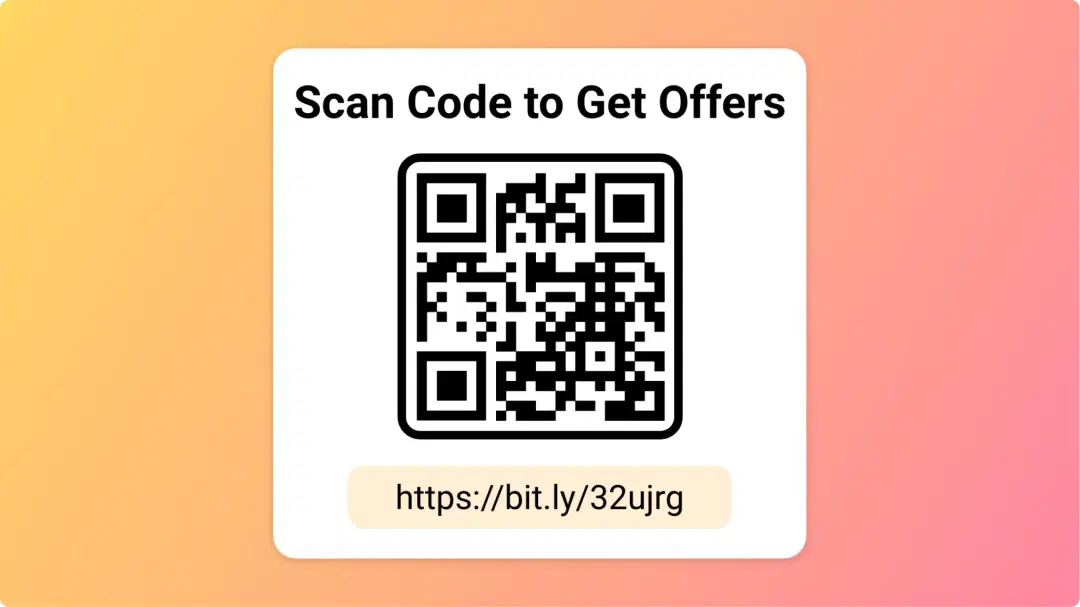
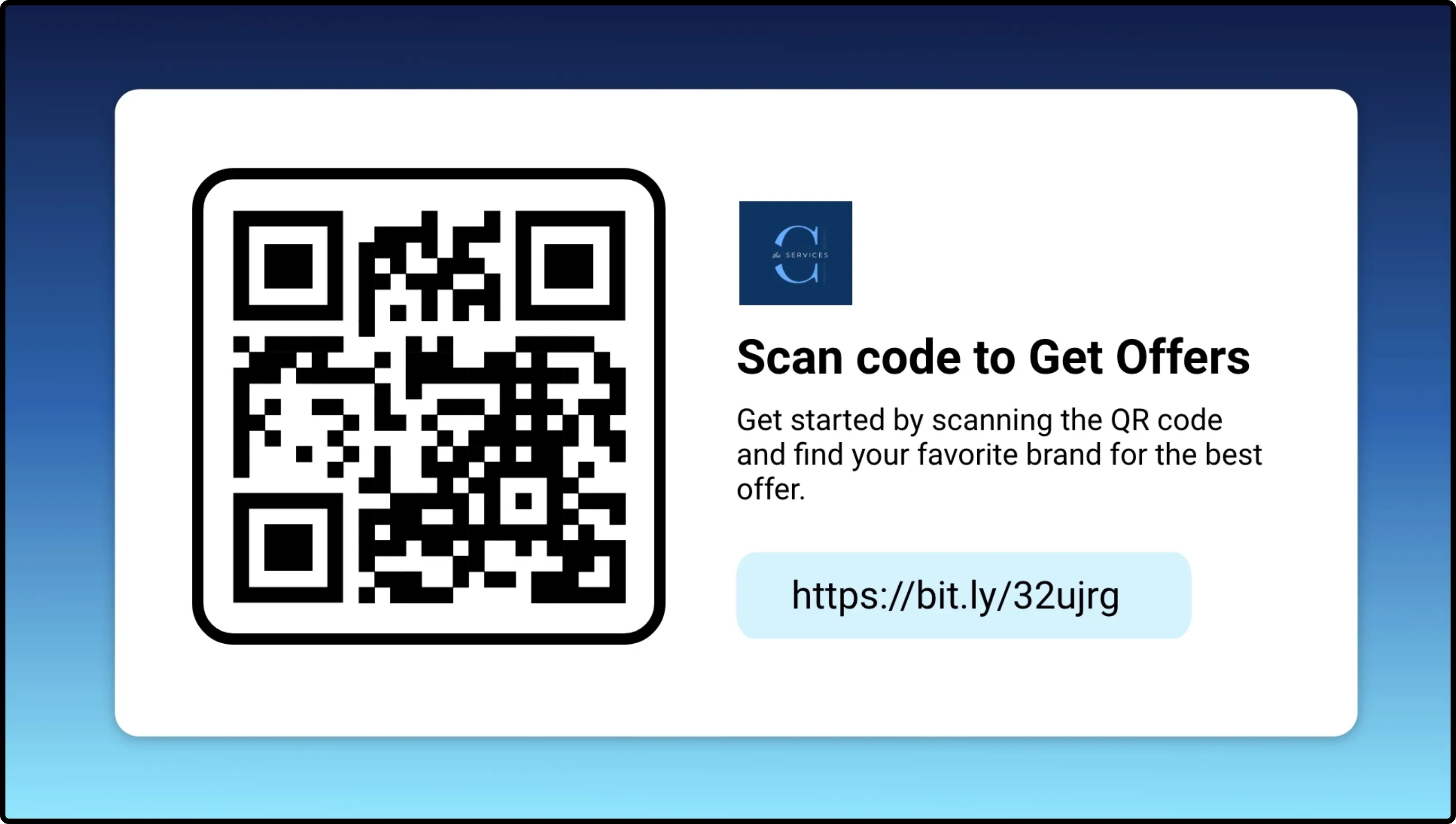
        QR codes are image-based codes that anyone can scan with a mobile phone or tablet. Once scanned, it directs the users to a specific webpage. The Pickcel QR code app, a powerful digital signage app feature, can auto-generate unique QR Codes for each URL. It also allows directly publishing the QR codes on digital displays.
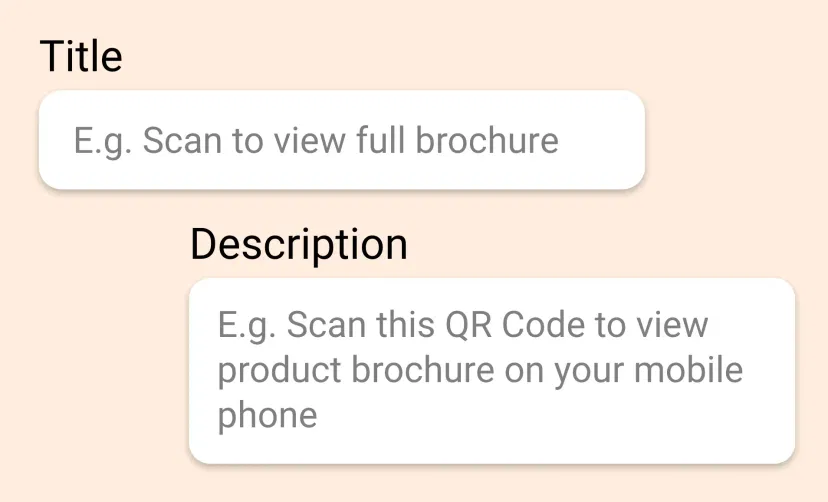
        QR Code app window layout showing feature to add title and description to display on digital screens

        Say what your QR Code is for

        Along with the QR code, add a title & brief description defining what will customers achieve by scanning the code. For example, "Scan the code to view our brochure."
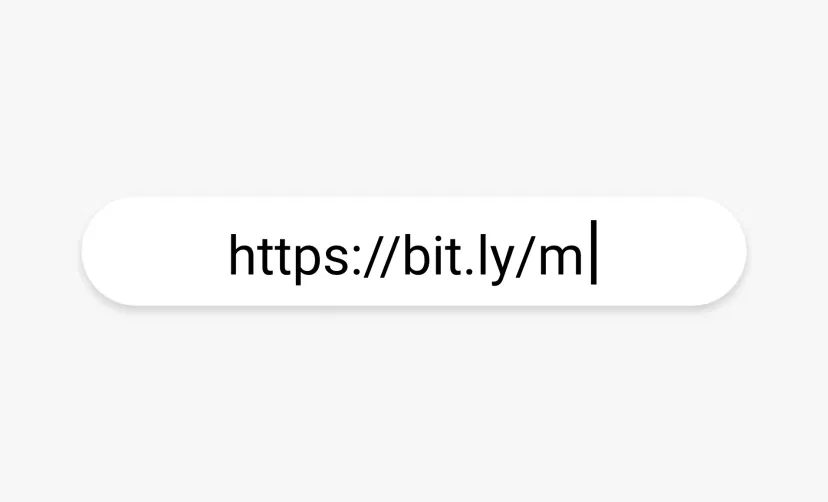
        QR Code app window layout showing feature to destination URL to display on digital screens

        Add the destination URL

        Display the landing URL on your screens along with the QR code. The Pickcel QR code app automatically shortens all URLs into a bit.ly link (that is easy to recall or type on phone).
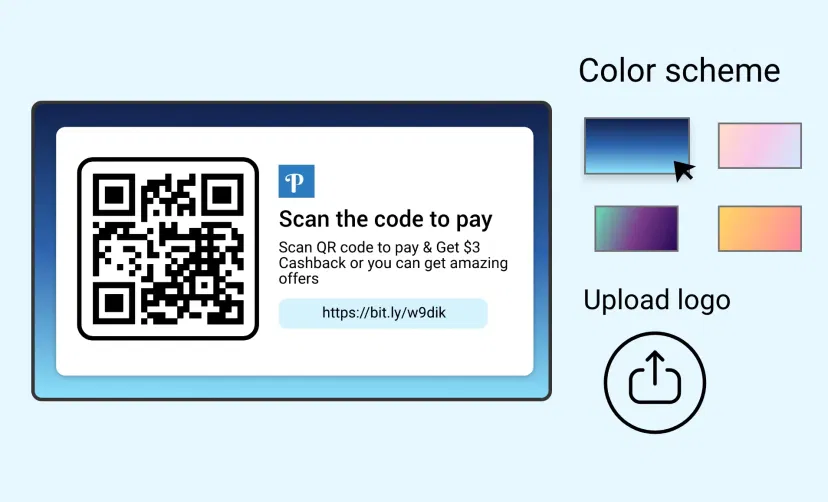
        QR Code app window layout showing feature to choose color scheme to display on digital screens

        Custom Styling

        Add your organization or product logo for branding. Users can choose from a range of attractive background color schemes to match their brand style.
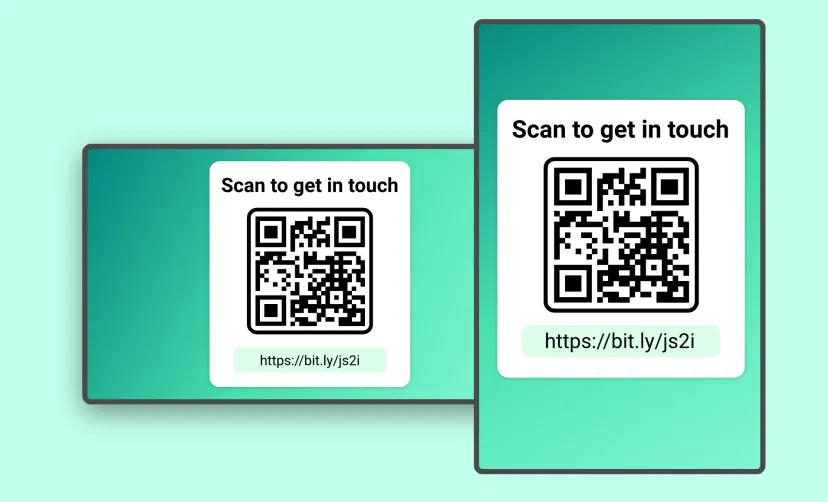
        QR Code app feed preview on digital signage screens with options of landscape and portrait layouts

        Present in Any Layout

        The QR code generator app is supported on both horizontal and vertical screens; no manual resizing is required.

        Same App, Different Looks!

        Present the QR codes in different charismatic styles. Which one is your favorite?
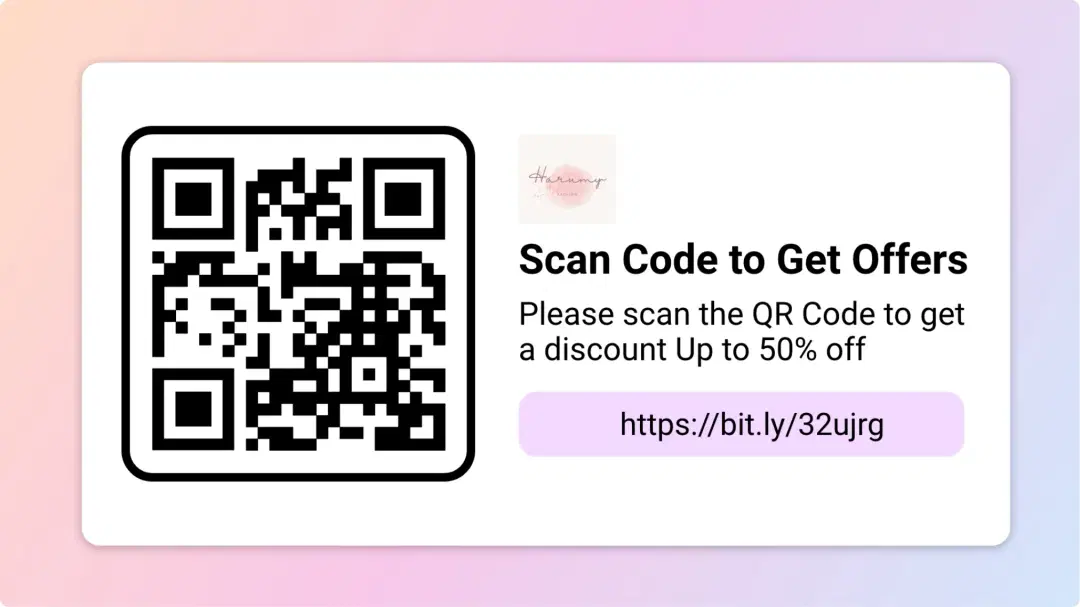
        QR code app display style 1
        QR code app display style 2
        QR code app display style 3

        Ready to unlock the QR code app for your digital signage?

        Get Demo
        Start 14-day Free Trial
        customers engagement

        Interesting Use Cases of the QR Code App

        We have listed a few. The sky is the limit for you!
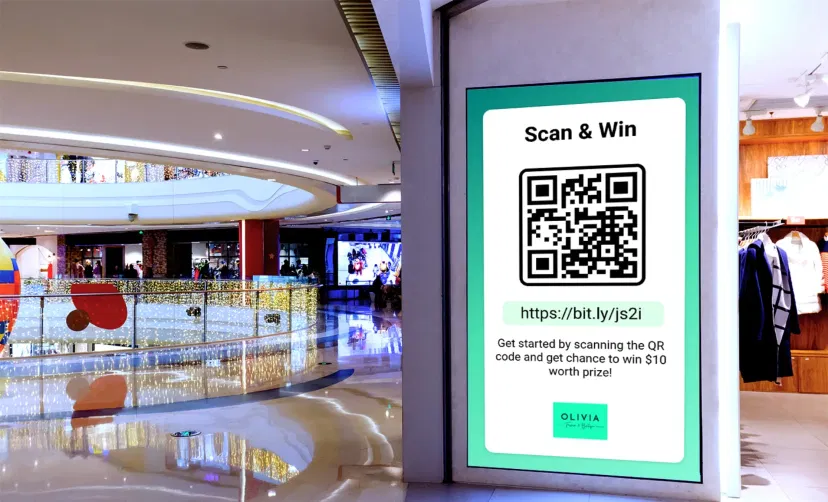
        Digital signage screen in retail and corporate environment displaying QR code using Pickcel software

        In Retails & Corporates

        Retail stores can simplify accessing product catalogs, membership plans & offers. Corporates can use QR codes to direct their audience to company brochures, white papers, building directories, and chatbots.
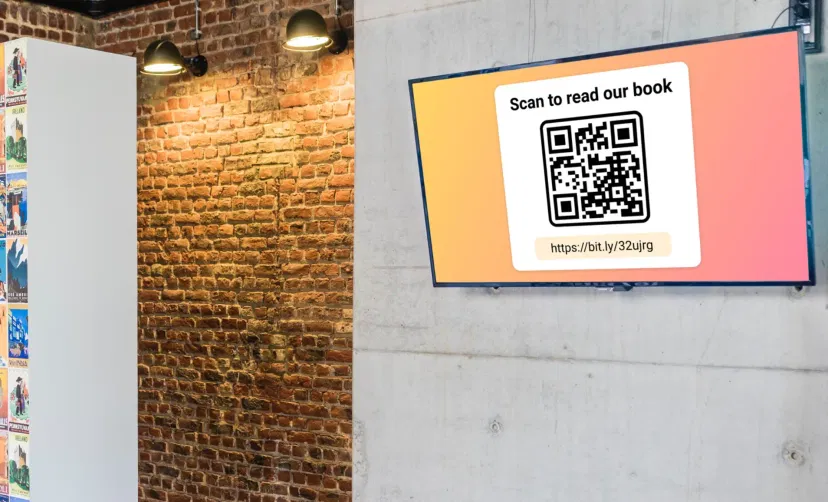
        Digital signage screen placed in school library showing QR code using Pickcel software to read digital copy of a book

        In Schools & Colleges

        Educational institutions can use this app to gamify learning. Students can scan the QR code to read new stories each day. They can also track live leader-boards of inter-school or inter-college sports & events.

        How to add the QR code app on your digital signage?
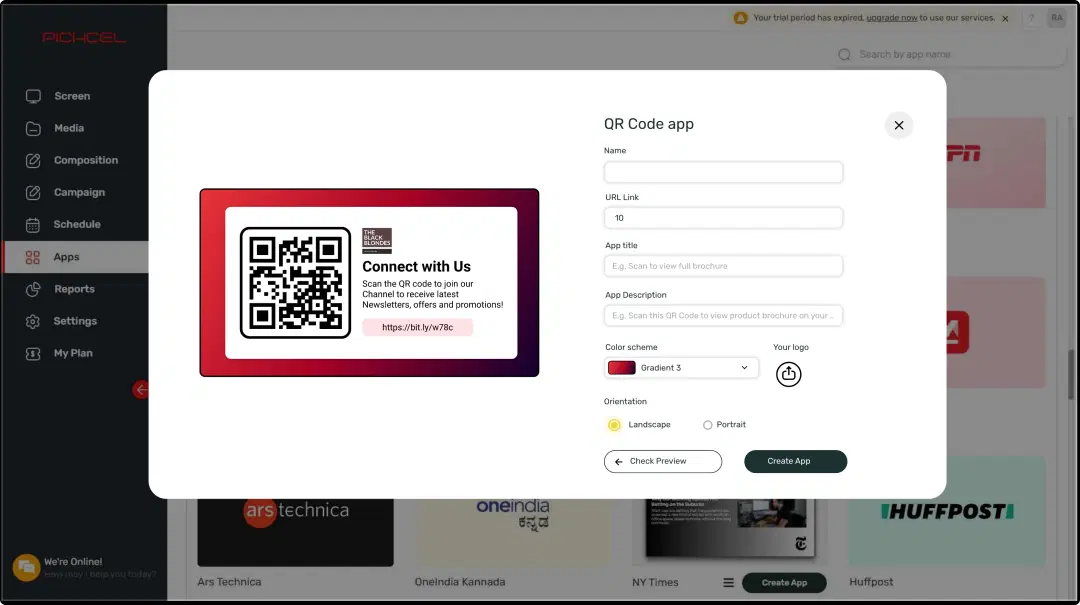
        Step 1: Configure the app from the app store
        Step: 1

        Configure the app from the app store

        Add the app name, URL, logo, title & description; choose a color theme, and generate free QR codes.
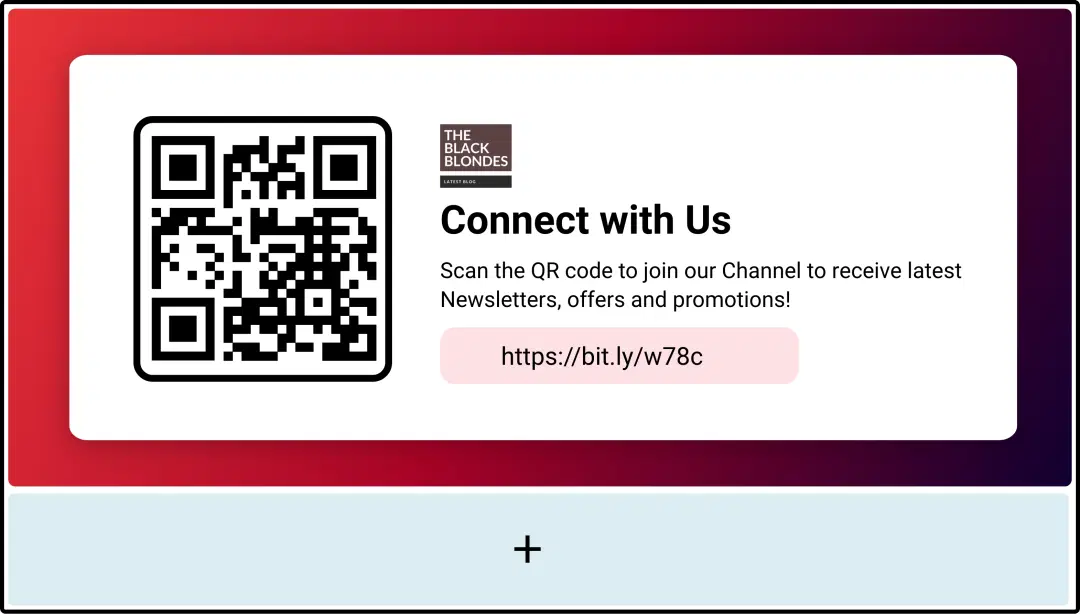
        step 2 digital signage software interface showing compositon window with QR code App feed being displayed on the top
        Step: 2

        Create a composition

        Show the QR code on the entire screen. Or, display it with other content in a multi-zone layout.
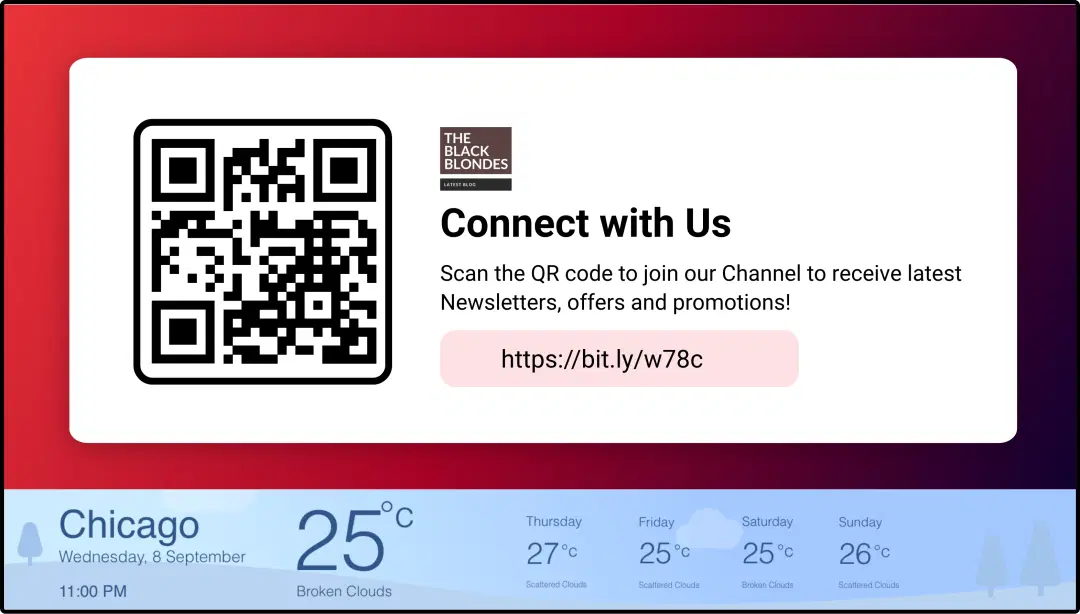
        step 3 digital signage software interface showing compositon window with QR code App and wheather app feeds
        Step: 3

        Publish the composition

        Preview to make any necessary tweaks, select the screens and hit publish.

        Step-by-step tutorial of adding the QR code app

        Need customized apps? Connect with us.

        We are open to all kinds of customization & integration with third-party applications.
        Contact Us
        apps with pickcel

        More Pickcel Apps to Complement the QR Code App on your Digital Signage

        Countdown app

        Countdown app

        Add a timer to your limited deals or just welcome in the New Year

        View This App
        Digital bulletin board app

        Digital bulletin board app

        Show notices & announcements

        View This App
        Huffpost News icon

        Huffpost News app

        Show the latest news & opinion snippets

        View This App
        Currency app icon

        Currency App

        Show currency exchange rates

        View This App
        Explore 100+ Digital Signage Apps
        Countdown app
        screen before
        Pickcel Logo

        Trusted Cloud & On-Premise Digital Signage Software for Businesses Worldwide.

        Facebook logoLinkedIn logoTwitter logoYoutube logoInstagram logoPinterest logo
        Capterra BadgeGoodFirms BadgeG2 logo

        Product

        • Software Features
        • Digital Signage Hardware
        • Digital Menu Board Software
        • Digital Signage Player
        • Interactive Kiosk
        • OTT Digital Signage Software
        • Queue Management Software
        • Visitor Management software

        Enterprise

        • Integrations & Automation
        • On-premise Digital Signage
        • Our Services

        Solutions

        • Corporate Communication
        • Retail Digital Signage
        • Digital Signage Hospitality
        • School Digital Signage
        • Restaurant Digital Signage
        • Banking & Finance Signage
        • Transportation Digital Signage
        • Digital Product Catalogue

        Company

        About UsContact UsSupportPress ReleaseCareers

        Resources

        • Case Studies
        • What is digital signage?
        • Digital Signage Blog
        • Apps
        • Pricing
        • FAQ

        Partner program

        • White Label Digital Signage
        • Reseller Digital Signage
        Privacy|Refund|Terms

        Copyright © 2026 LaneSquare Technology Pvt Ltd