Pickcel

Core Platform

  • Software Features
  • Templates
  • Security & Compliance

Enterprise

  • On-Premise
  • Integrations & Automation
  • Our Services

Extensions & Apps

  • Mobile App
  • App Integrations

Digital Signage Players

  • Android
  • Samsung Tizen
  • BrightSign
  • Amazon Signage Stick
  • View all Players
What is Digital Signage?

Learn the basics of digital signage and how it can transform your business.

Industries We Serve

  • Office
  • Retail
  • Restaurant
  • Manufacturing
  • Hospitality
  • Healthcare
  • Transportation
  • Education

Use Cases

  • Dashboard
  • FIDS
  • Digital Menu board
  • Car Dealership App
  • Wall Craft
  • Instastream
  • Transport PIS
  • Social Wall
View all
See How Pickcel  Helped Amazon
See How Pickcel Helped Amazon

Case Studies

  • Mercedes-Benz
  • Accenture
  • Magnolia Bakery
View all

All Resources

  • Digital Signage Blog
  • Learn
  • Digital Signage Gallery
  • Case Studies
  • Support
  • Download
Partnerships
Partnerships

Partnerships

  • White-Label
  • Reseller
Pricing
Login

Currency Exchange Board

Show real-time currency rates with centralized control for instant updates.

User Guide
Pickcel reviews on Capterra and G2
Currency Exchange Board App

Trusted by businesses worldwide

Trusted by 9,000+ Businesses • 150,000+ Screens • 70+ Countries

Unilever
Uber
Amazon
Decathlon
HCLTech
Radisson
circle check

SOC 2 Type II

circle check

ISO Certified

Key Feature Highlights

Buy & Sell Columns Icon

Buy & Sell Columns

Two clean columns per currency so customers read rates at a glance, ask fewer questions, and decide faster at the counter.

Base Currency Control Icon

Base Currency Control

Set the base currency once and keep every board aligned with your pricing policy across locations. Fewer manual edits, fewer mistakes.

Multiple Currencies Icon

Multiple Currencies

Add all the currencies you trade and update them from our app in seconds. Scale for local demand without redesigning your layout.

Branded Look Icon

Branded Look

Set an app title and background image to match your brand. A polished, on-brand board builds trust and feels professional.

Remote Updates & Scheduling Icon

Remote Updates & Scheduling

Change rates centrally and schedule different boards by time or day. Coordinate peak-hour pricing and promos without on-site changes.

Works on Any Screens Icon

Works on Any Screens

Deploy on Android, Samsung Tizen, LG webOS, Windows, macOS, and Linux. No new hardware needed. Faster rollout, lower cost.

One App, Many Display Styles

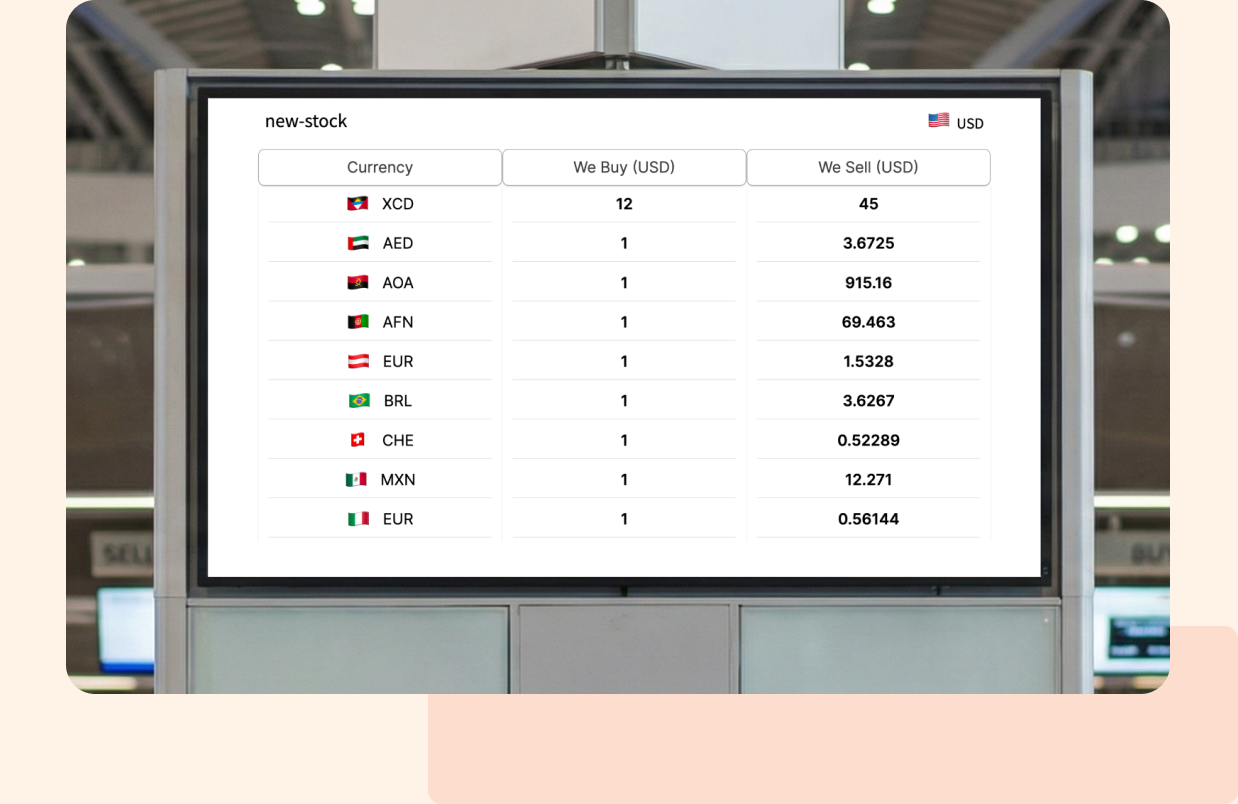
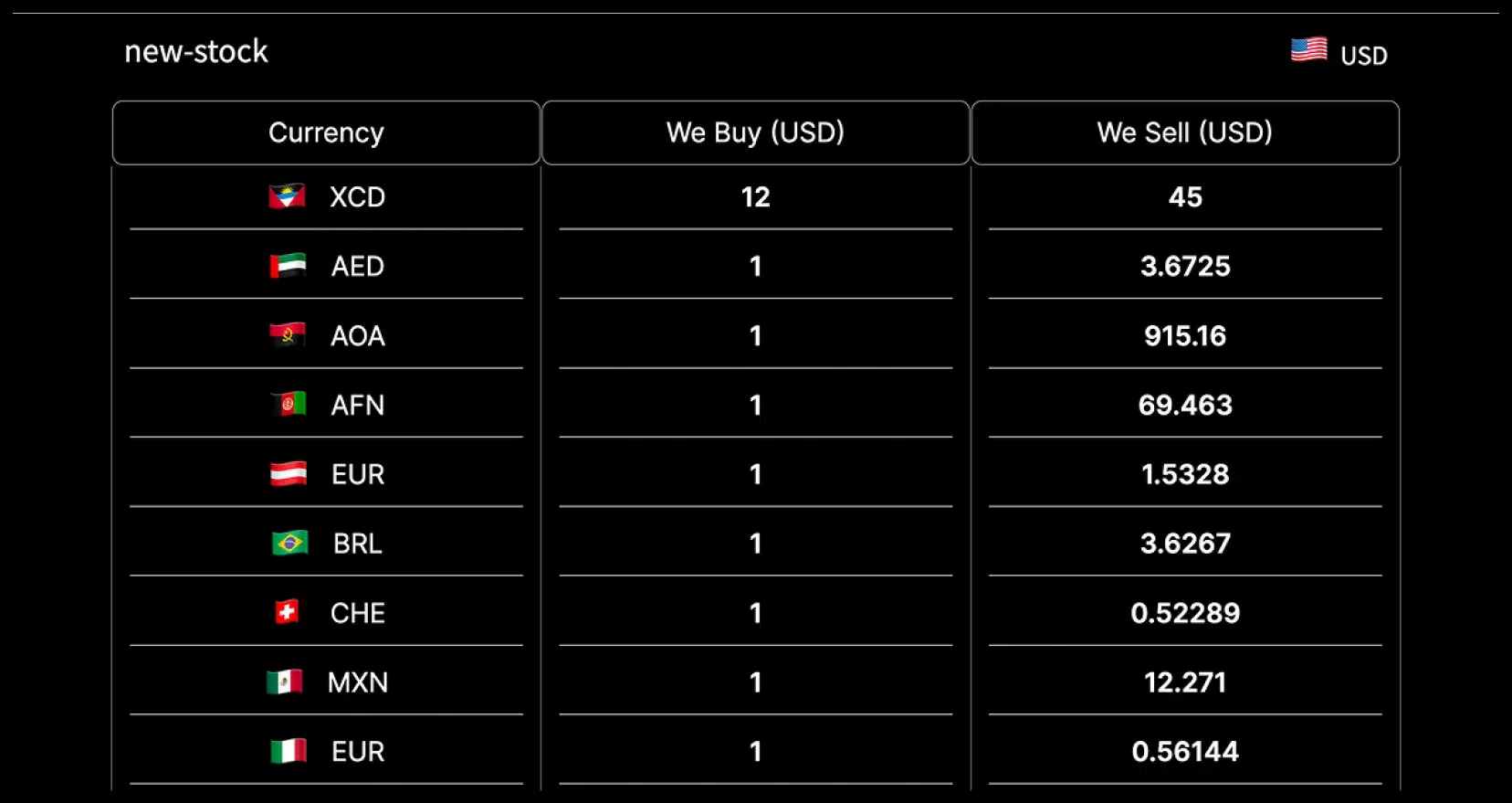
Classic, modern or minimalistic – find a style that fits your brand.
Currency Exchange Board digital signage display
Currency Exchange Board digital signage screen 1

Interesting Use Cases

See how organizations use display to provide timely updates, business insights and improve visibility across a wide range of industries.
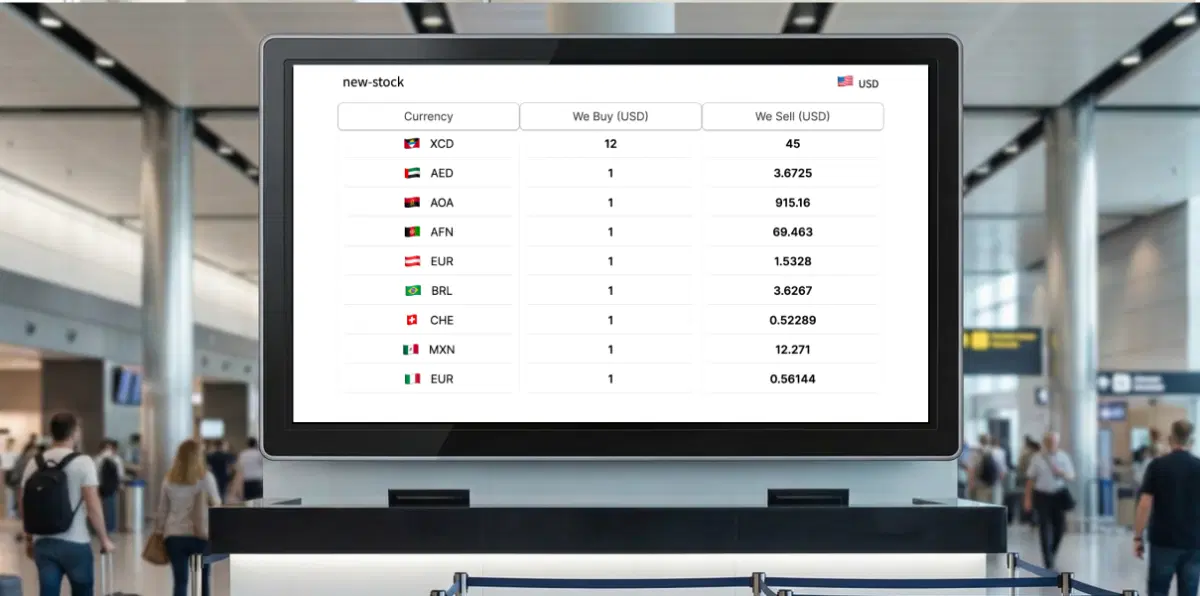
Airport and transit counters using currency exchange board on digital signage

Airport and transit counters

Show current buy and sell rates where decisions happen. Fewer questions at the counter and faster service during rush hours.
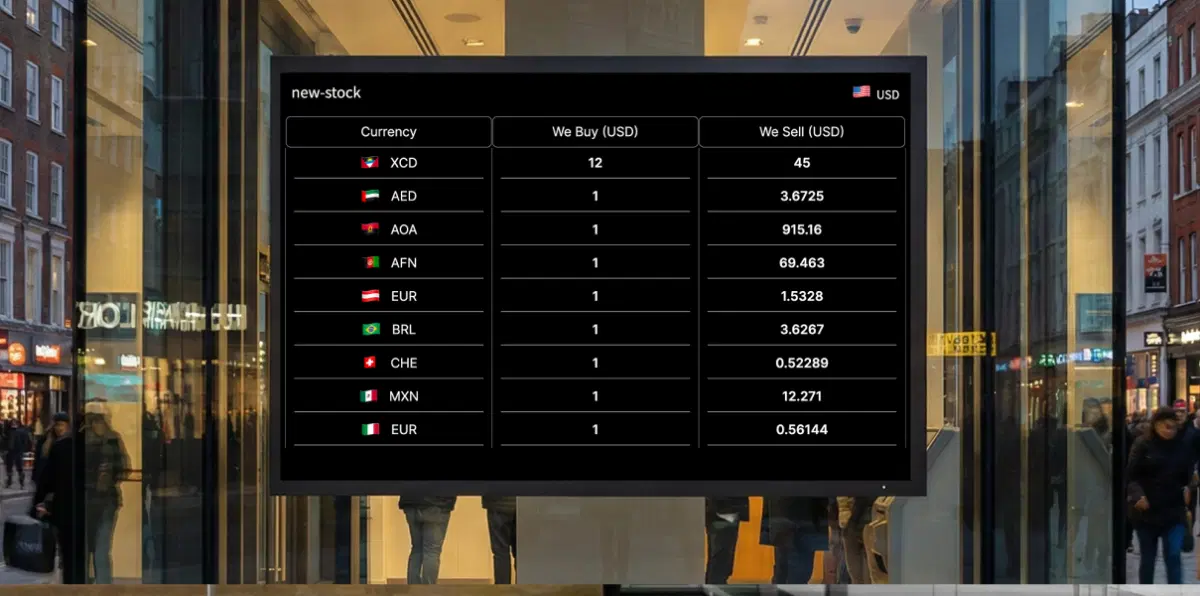
High-street money changers and chains using currency exchange board on digital signage

High-street money changers and chains

Publish a single master board to all outlets, keep brand and rates consistent, and switch boards for weekends or late-evening pricing.
Need customized apps? Connect with us.

We are open to all kinds of customization & integration with third-party applications.

Customized apps development

How-To Steps

The SharePoint App connects securely with Microsoft SharePoint, you publish pages, news posts, and intranet data to all your screens, campuses, and customers in an easy-to-use template display.

Step 1: Configure the app

In the Pickcel console, go to Apps and search Currency Exchange Board; open it, choose the Base Currency; to add a currency, select the Country and enter its Buy Price and Sell Price; use the + button to add more currencies; when finished, click Create App.
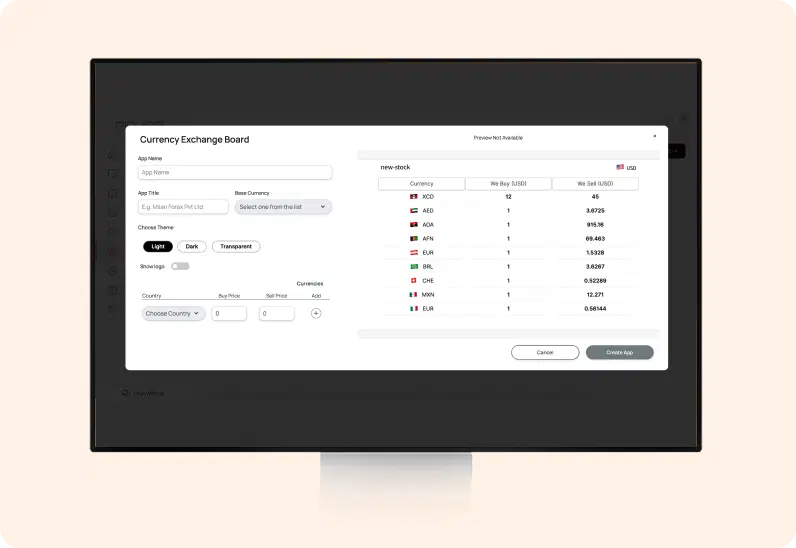
Currency Exchange Board App configuration screen

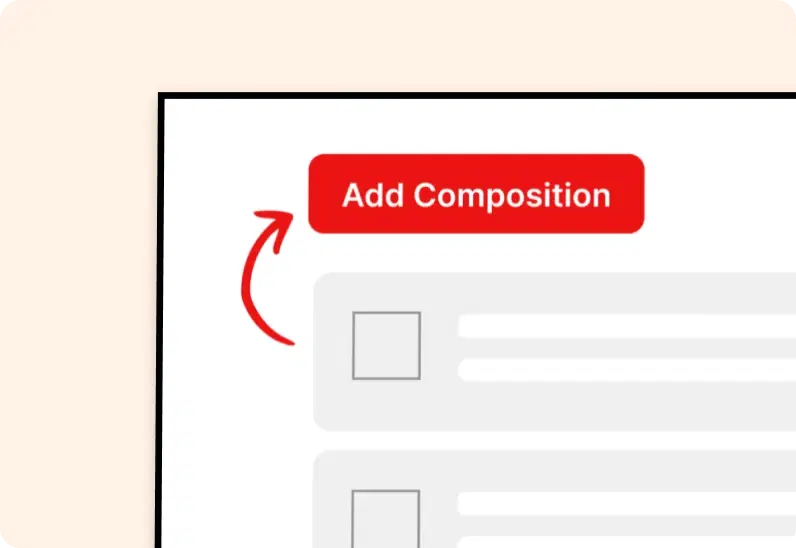
Step 2: Add to a composition

Create a new composition and drag the Currency Exchange Board app onto the canvas. Resize and position it, and optionally add a header, ticker, or promotional panel.
Add Currency Exchange Board app to composition

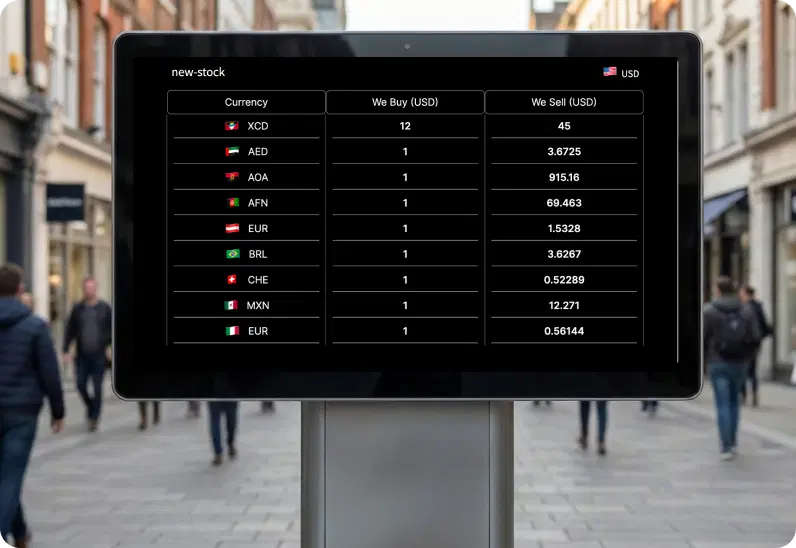
Step 3: Publish to Screens

Assign the composition to your selected screens or groups and click Publish. Your rate board appears instantly on the displays.
Publish Currency Exchange Board content to screens
Try For Free

More Pickcel Apps to Complement the SharePoint App on your Digital Signage

Pickcel works as a communication everywhere – for staff or your dealers. It complements your internal communication to every employee and customer.

World Clock

World Clock

Display the time of any city in the world

View This App →
Weather app

Weather

Display your Slack messages on your display

View This App →
Stock market icon

Stock Market App

Display the live stock market updates

View This App →
BBC News App

BBC News App

Display trending BBC news feeds

View This App →
Explore 100+ Digital Signage Apps
World Clock
gradient circlegradient circle

Display Real-Time Currency Exchange Rates on Digital Screens

Contact Us
Pickcel Logo

Trusted Cloud & On-Premise Digital Signage Software for Businesses Worldwide.

Facebook logoLinkedIn logoTwitter logoYoutube logoInstagram logoPinterest logo
Capterra BadgeGoodFirms BadgeG2 logo

Product

  • Software Features
  • Digital Signage Hardware
  • Digital Menu Board Software
  • Digital Signage Player
  • Interactive Kiosk
  • OTT Digital Signage Software
  • Queue Management Software
  • Visitor Management software
  • On-premise Digital Signage

Enterprise

  • Integrations & Automation
  • On-premise Digital Signage
  • Our Services

Solutions

  • Corporate Communication
  • Retail Digital Signage
  • Digital Signage Hospitality
  • Multi Channel Employee Communication
  • Restaurant Digital Signage
  • Banking & Finance Signage
  • Transportation Digital Signage
  • Digital Product Catalogue
  • Electronic Bulletin Board
  • Employee Communication App
  • Wayfinding Signage

Company

About UsContact UsSupportPress ReleaseCareers

Resources

  • Case Studies
  • What is digital signage?
  • Digital Signage Blog
  • Apps
  • Pricing
  • FAQ

Partner program

  • White Label Digital Signage
  • Reseller Digital Signage
Privacy|Refund|Terms

Copyright © 2026 LaneSquare Technology Pvt Ltd