Pickcel

Core Platform

  • Software Features
  • Templates
  • Security & Compliance

Extensions & Apps

  • Mobile App
  • App Integrations

Enterprise

  • On-Premise
  • Integrations & Automation
  • Our Services
What is Digital Signage?

    Digital Signage Players

    • Android
    • Amazon Signage Stick
    • BrightSign
    • Samsung Tizen
    • View all

    Industries We Serve

    • Office
    • Retail
    • Restaurant
    • Manufacturing
    • Hospitality
    • Healthcare
    • Transportation
    • Education
    • View all

    Use Cases

    • Dashboard
    • FIDS
    • Digital Menu board
    • Car Dealership App
    • Wall Craft
    • Instastream
    • Transport PIS
    • Social Wall
    See How Pickcel  Helped Amazon
    See How Pickcel Helped Amazon

      Case Studies

      • Mercedes-Benz
      • Accenture
      • Magnolia Bakery
      • View all

      All Resources

      • Digital Signage Blog
      • Learn
      • Digital Signage Gallery
      • Case Studies
      • Support
      • Download
      Partnerships
      Partnerships

        Partnerships

        • White-Label
        • Reseller
        Pricing
        LoginContact UsStart Free Trial
        gradient background

        Bulletin Board App

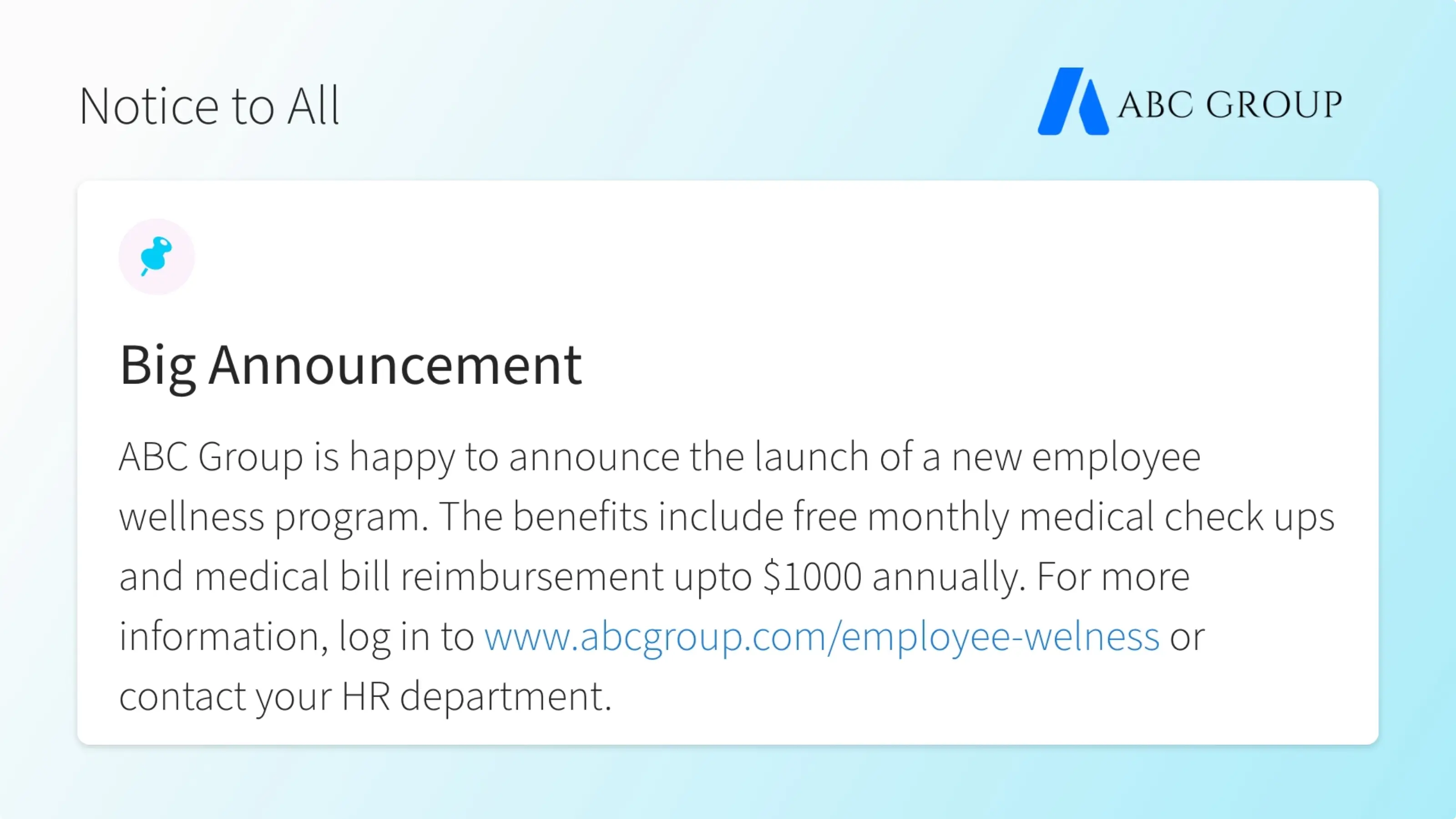
        Make announcements on the fly and present your notices in an organized manner.
        Get Started Free!
        Schedule My Demo
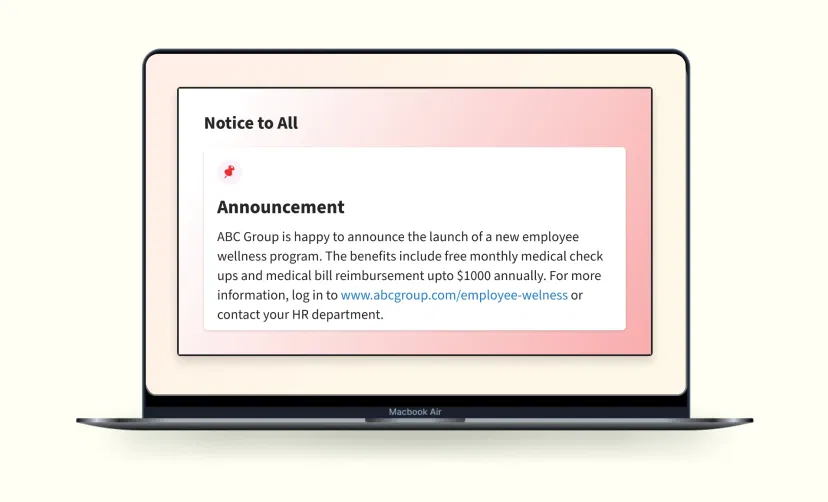
        Digital signage app showing big announcement from ABC Group on digital screen

        App Features

        Ditch the age-old cork-board & paper flyers and step into the digital era. With the Pickcel digital bulletin app, you can add visual dynamics to your notices. Pickcel subscribers can avail the app for free. It is supported on all major operating systems including Android, Windows, MacOS, Linux & more.

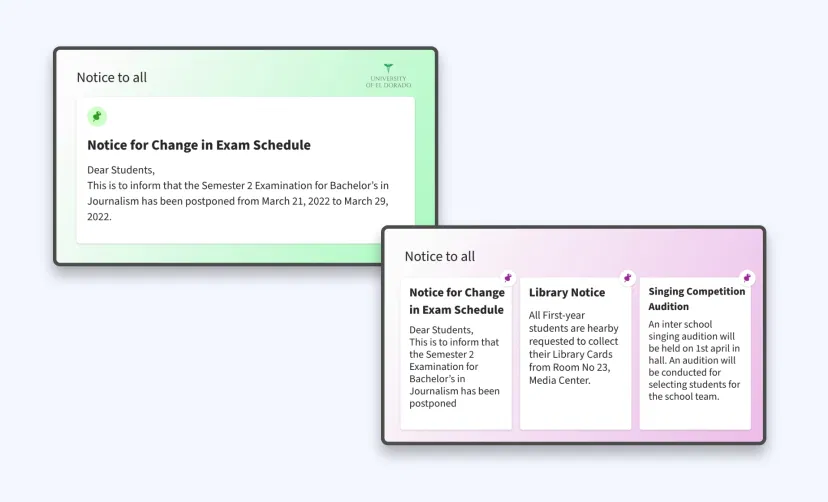
        Bulletin board app interface showing theme options to display one or more notices at same time on digital signage screens

        Customize your digital notice board

        Add a bulletin board title to group your digital notices. Users can display their announcements one at a time (as a slideshow) or altogether (as a collage).
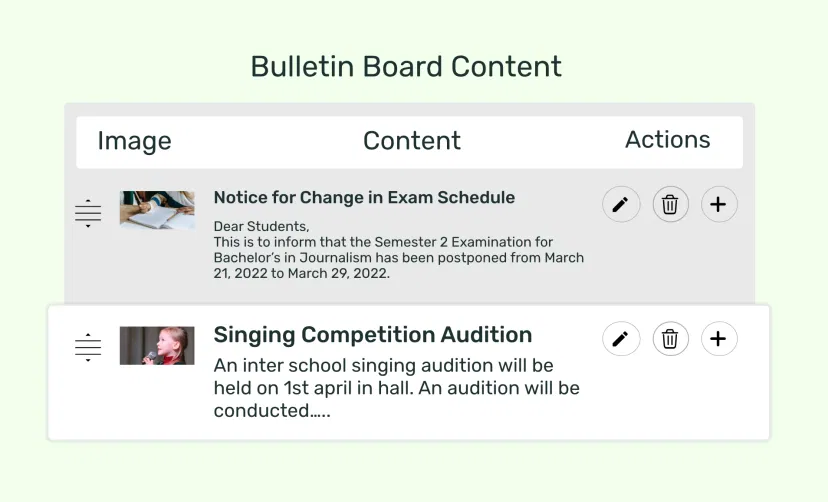
        Bulletin board app feed preview showing options to create unlimited notices to display on digital signage screens

        Create unlimited notices

        Publish multiple notices on a single digital bulletin board. Each announcement gets a dedicated title & description area. Users can drag and reorder their bulletins at anytime.
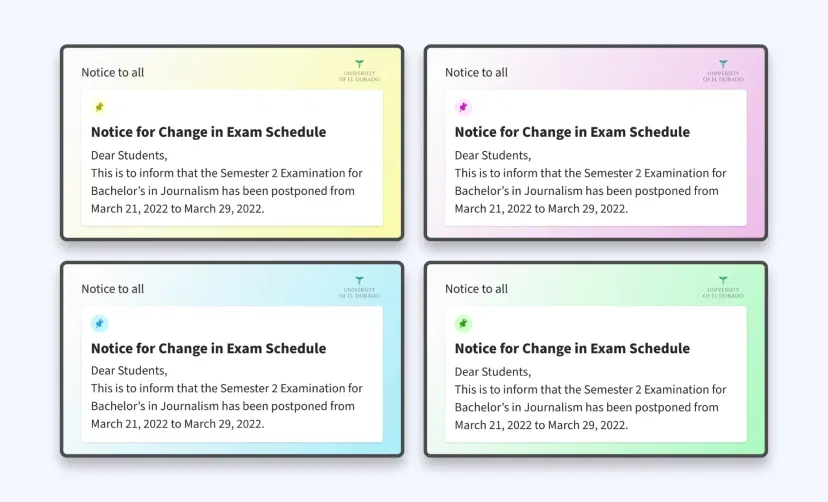
        Bulletin board app feed preview showing themes with background color gradient options like orange, purple, blue, etc.

        Stylize your bulletins

        Choose from several color schemes to stylize your digital notice board. Add attractive background images to make the announcements more impactful.
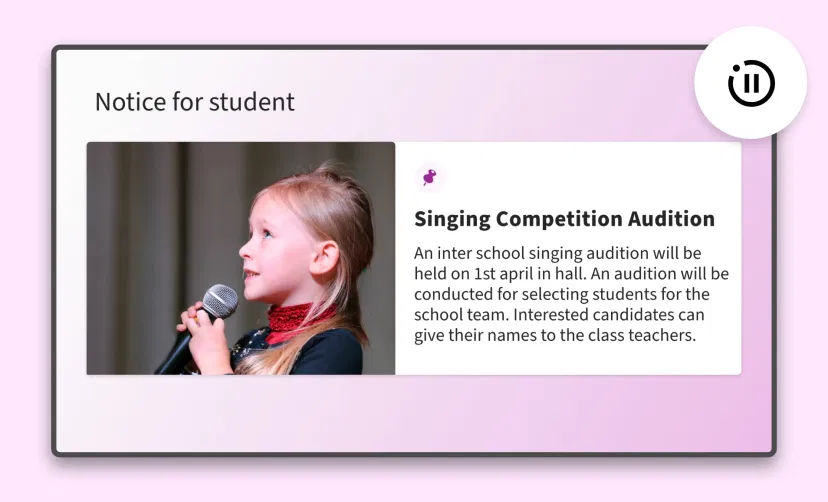
        Bulletin board app interface with option to set animation transition time in between notices to display on screens

        Custom transition speed

        Define the pace at which your bulletins appear and stay on screen for the viewers to read. Set your slide duration from as fast as 5 second to several minutes.
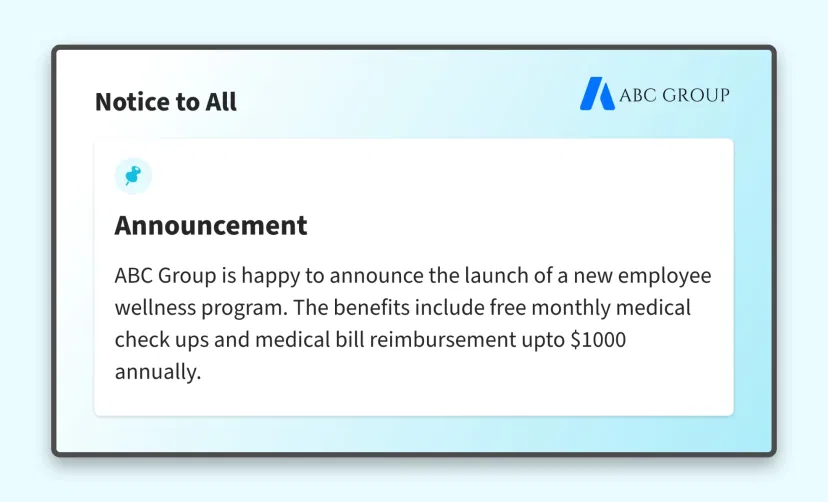
        Bulletin board app interface with option to set Brand logo to display on screens along with notices

        Branding

        Official announcements need the endorsement of the organization. That is why the Pickcel digital notice board app lets you add your own brand logo.
        Bulletin board app edit screen to preview quick changes before displaying on screens

        Preview Options

        Before you publish your announcements, the Preview option lets you validate the content of your digital flyers for typographic and design errors.
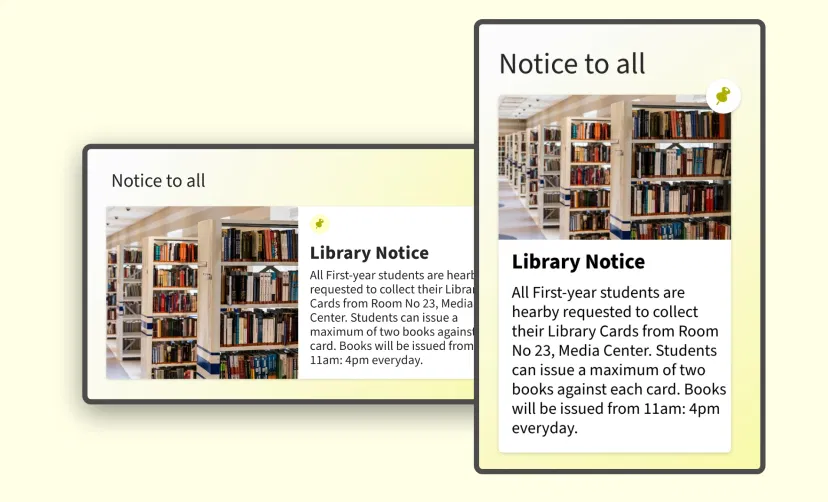
        Bulletin board app feed preview in digital screens with landscape and portrait layouts

        Supported on any layout

        The Pickcel bulletin board app works for both horizontal & portrait display orientations. The app content will auto-adjust to the space based on the selected layout.
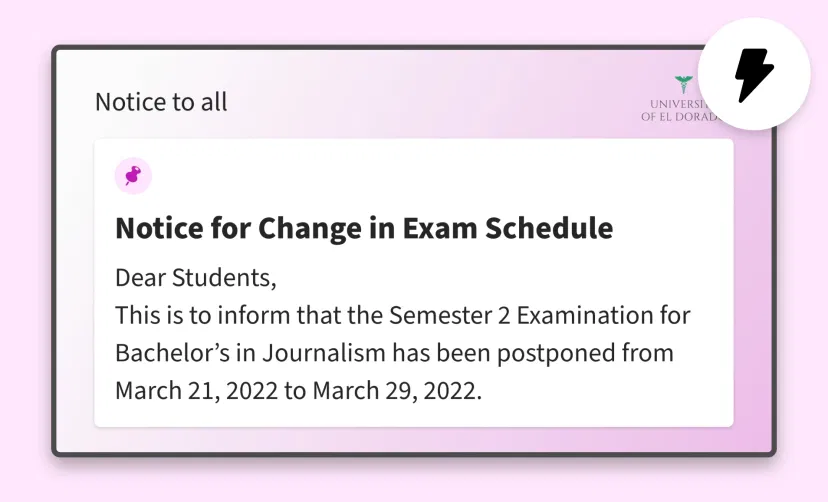
        Bulletin board app preview screen to check and update app content before publishing on digital signage screen

        Update in a flash

        Have a new announcement to make? Add it to your existing notices with just a few hits & presses of your computer keyboard. It's that simple!

        Same App, Different Looks!

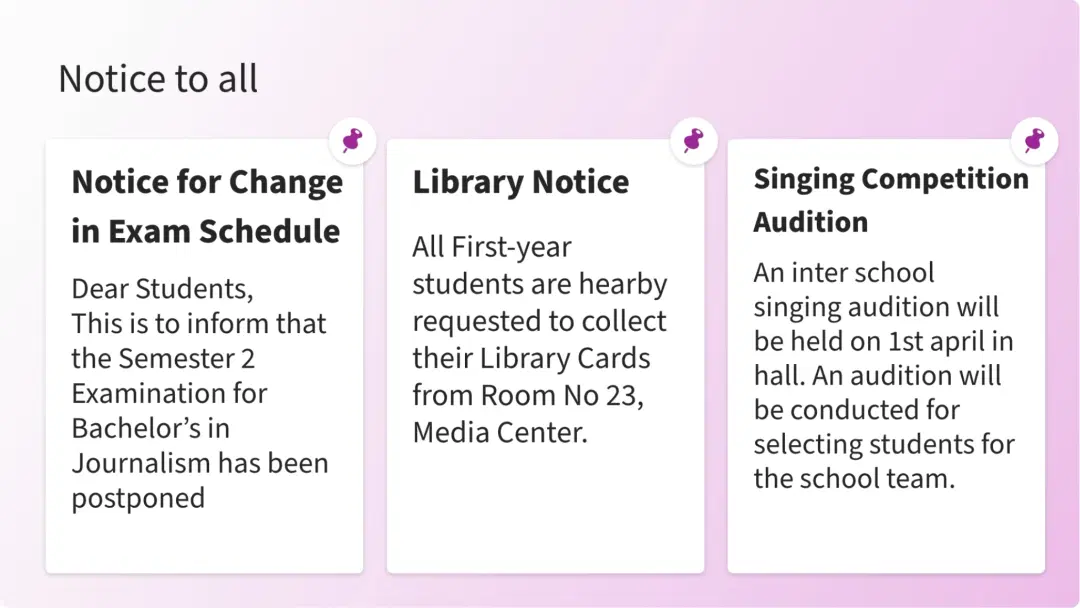
        Present your digital notices in multiple styles; which one is your favorite?
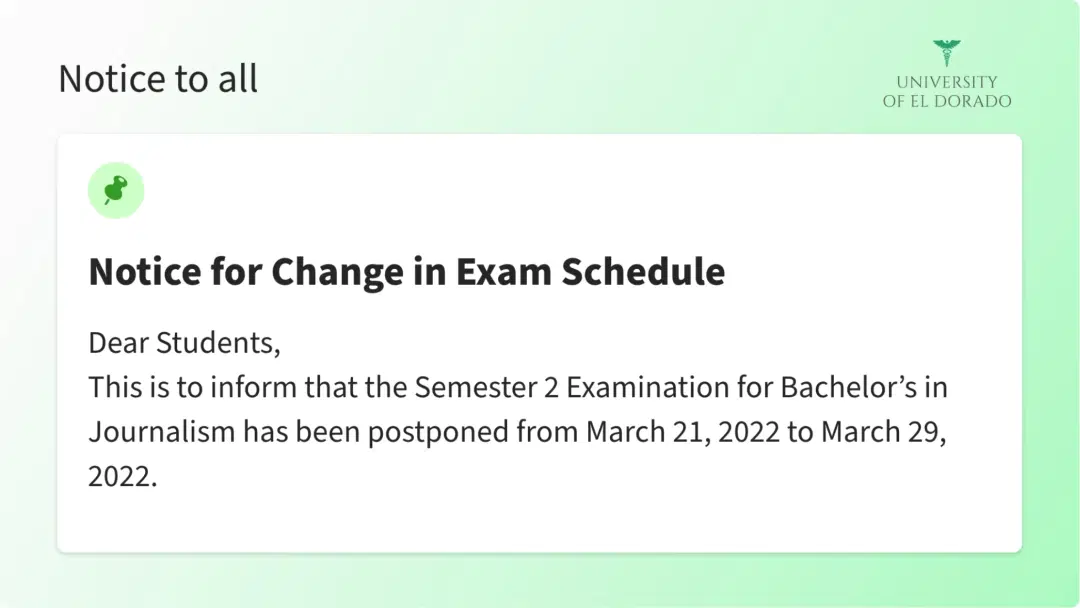
        Bulletin board app layout preview showing one notice at a time
        Bulletin board app layout preview showing three notices with images at a time
        Bulletin board app layout preview showing three notices without images at a time

        Ready to unlock the Pickcel Digital Bulletin Board app?
        Start 14-day Free Trial
        Get Demo
        customers engagement

        Interesting Use Cases for the Digital Bulletin Board App

        We have listed a few. The sky is the limit for you!
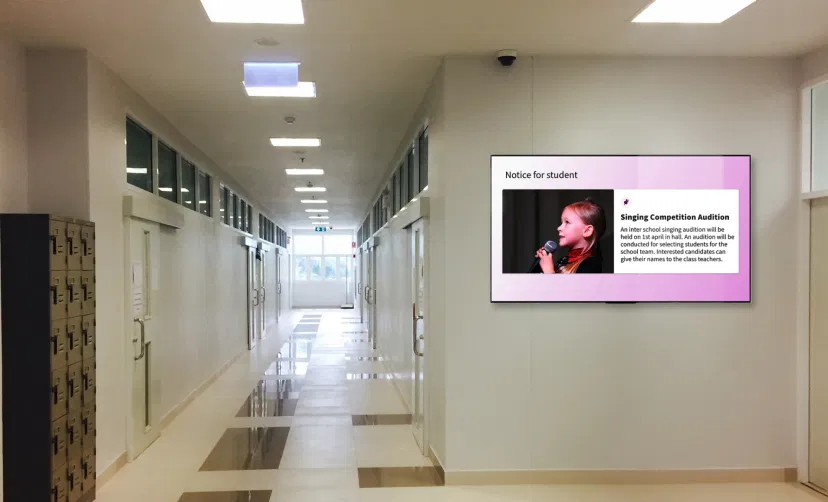
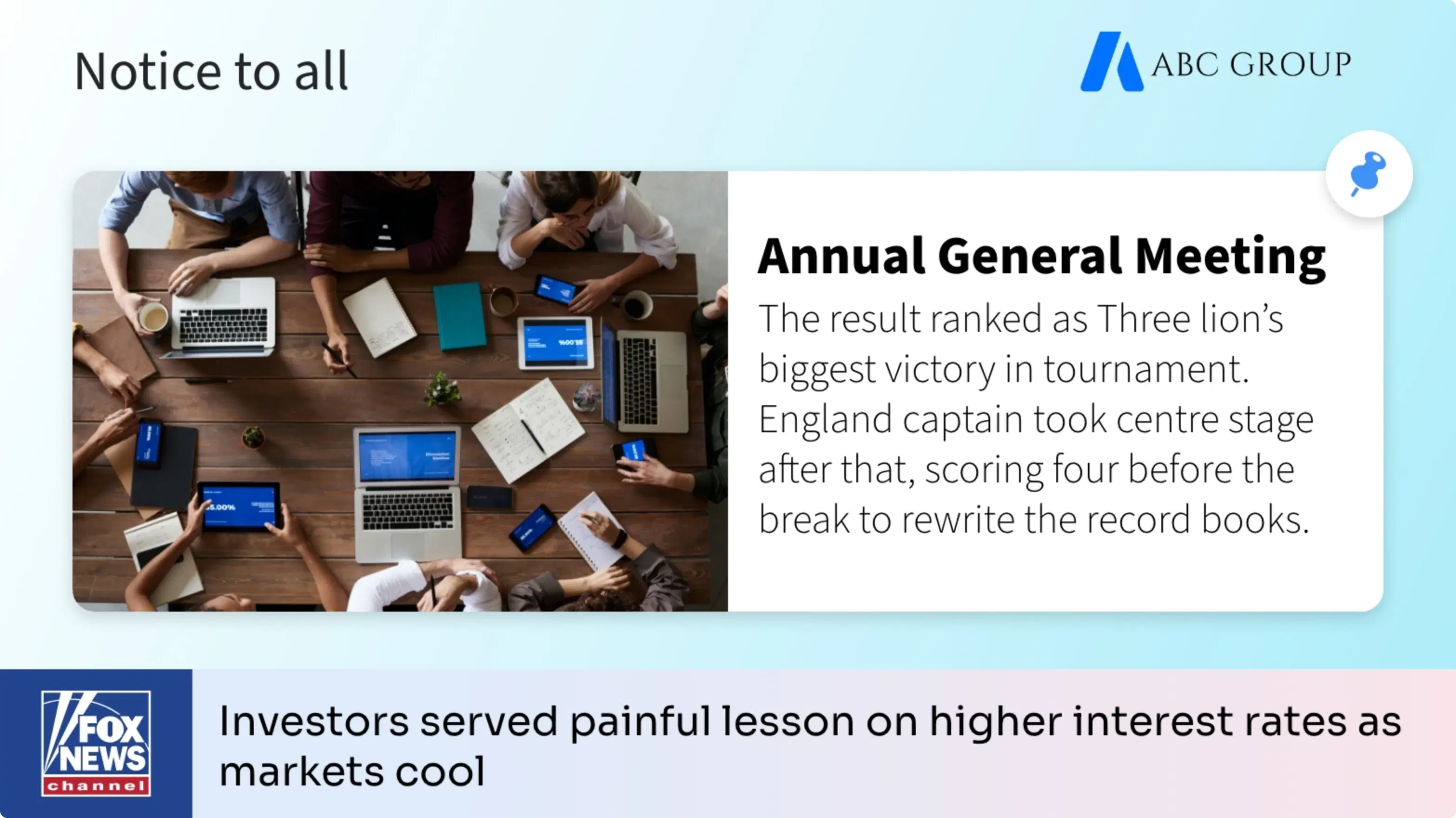
        Digital signage screen placed in school corridor showing bulletin board feed using Pickcel digital signage software

        For educational Institutions

        Show letters from the Principal, event notices, exam timetables, admission details and more.
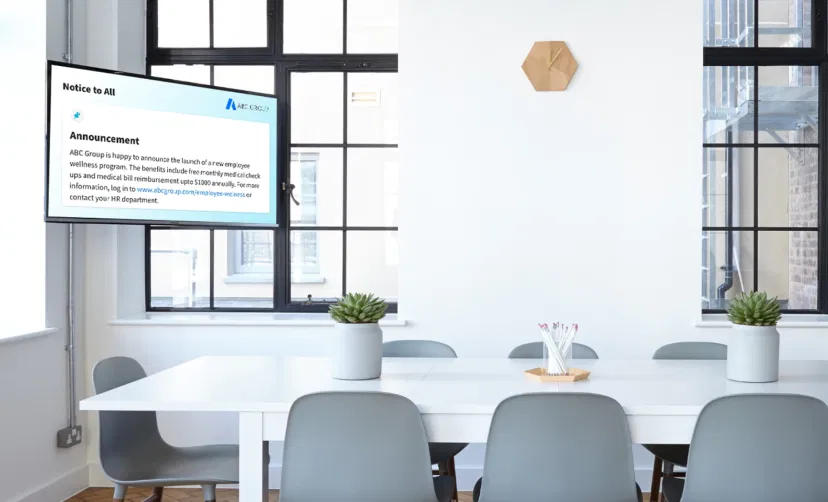
        Digital signage screen placed at office meeting room showing bulletin board notice using Pickcel software

        For Offices & Public Places

        Announce hiring drive, display meeting agendas, tender notices, advertisement copies, speeches and a lot more.

        How to add the Pickcel Bulletin Board app on your digital signage?
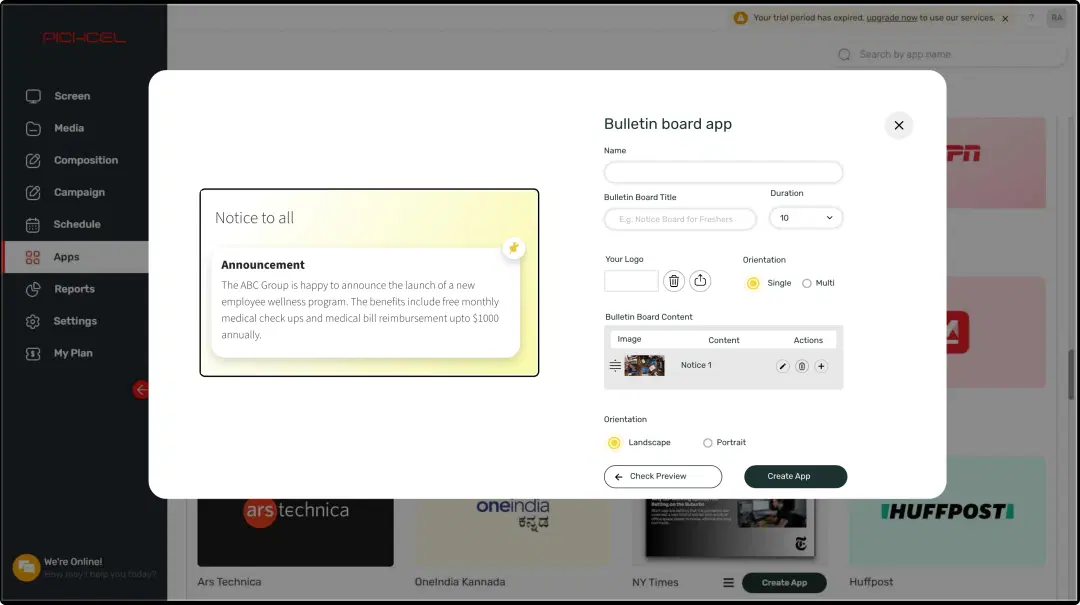
        Step 1: Digital signage software interface showing bulletin board App configuration window with multiple options
        Step: 1

        Configure the app from the app store

        Add the app name, type your notices, and define other parameters like display formats & color scheme.
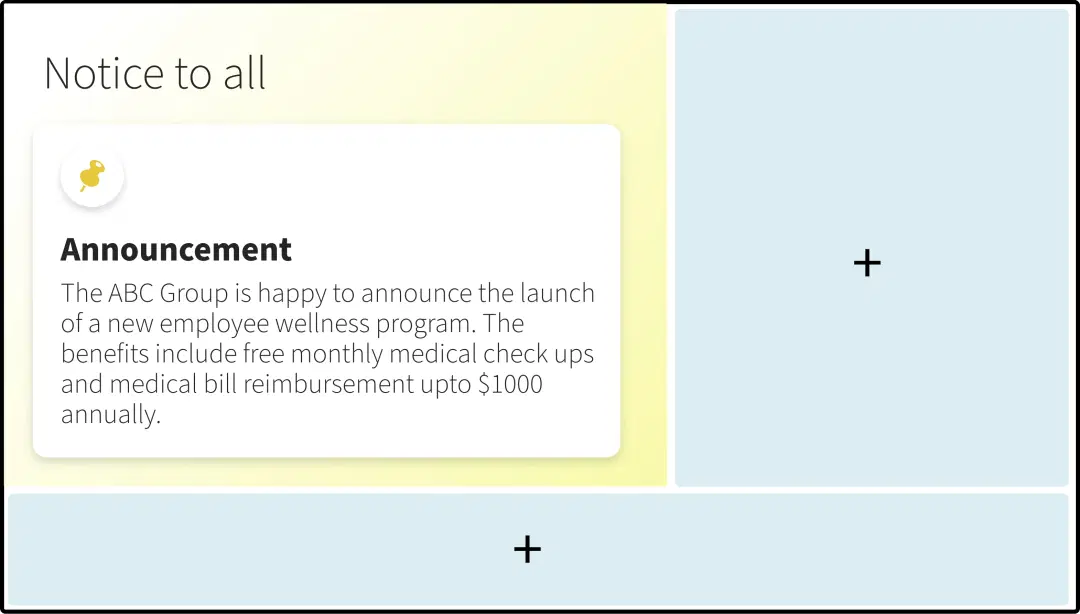
        Step 2: Digital signage software interface showing composition window with bulletin board app feed being displayed on the top
        Step: 2

        Create a composition

        Publish the app content on the entire screen. Or create a multi-zone composition to show your digital notices with other content.
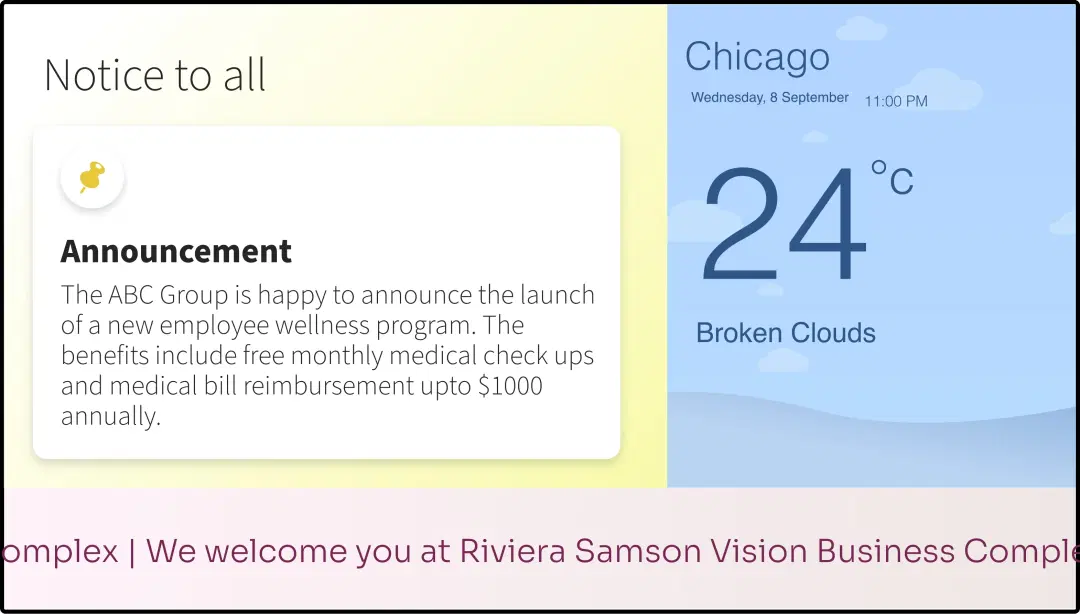
        Step 3: Digital signage software interface showing composition window with bulletin board, weather and scroller apps feed
        Step: 3

        Publish the composition

        Select the screens and hit publish.

        Step-by-step tutorial of adding the Digital Bulletin Board app

        Need customized apps? Connect with us.

        We are open to all kinds of customization & integration with third-party applications.
        Contact Us
        apps with pickcel

        More Pickcel Apps to Complement the Bulletin Board App on your Digital Signage

        Fox News icon

        Fox News app

        Display trending Fox news feeds

        View This App
        RSS feeds icon

        RSS feeds app

        Syndicate feeds from blogs & websites

        View This App
        Air quality icon

        AQI App

        Enrich your signage with live air quality data

        View This App
        URL app

        URL app

        Display your webpage

        View This App
        Explore 100+ Digital Signage Apps
        Fox News app
        screen before
        Pickcel Logo

        Trusted Cloud & On-Premise Digital Signage Software for Businesses Worldwide.

        Facebook logoLinkedIn logoTwitter logoYoutube logoInstagram logoPinterest logo
        Capterra BadgeGoodFirms BadgeG2 logo

        Product

        • Software Features
        • Digital Signage Hardware
        • Digital Menu Board Software
        • Digital Signage Player
        • Interactive Kiosk
        • OTT Digital Signage Software
        • Queue Management Software
        • Visitor Management software

        Enterprise

        • Integrations & Automation
        • On-premise Digital Signage
        • Our Services

        Solutions

        • Corporate Communication
        • Retail Digital Signage
        • Digital Signage Hospitality
        • School Digital Signage
        • Restaurant Digital Signage
        • Banking & Finance Signage
        • Transportation Digital Signage
        • Digital Product Catalogue

        Company

        About UsContact UsSupportPress ReleaseCareers

        Resources

        • Case Studies
        • What is digital signage?
        • Digital Signage Blog
        • Apps
        • Pricing
        • FAQ

        Partner program

        • White Label Digital Signage
        • Reseller Digital Signage
        Privacy|Refund|Terms

        Copyright © 2026 LaneSquare Technology Pvt Ltd