Pickcel

Core Platform

  • Software Features
  • Templates
  • Security & Compliance

Extensions & Apps

  • Mobile App
  • App Integrations

Enterprise

  • On-Premise
  • Integrations & Automation
  • Our Services
What is Digital Signage?

    Digital Signage Players

    • Android
    • Amazon Signage Stick
    • BrightSign
    • Samsung Tizen
    • View all

    Industries We Serve

    • Office
    • Retail
    • Restaurant
    • Manufacturing
    • Hospitality
    • Healthcare
    • Transportation
    • Education
    • View all

    Use Cases

    • Dashboard
    • FIDS
    • Digital Menu board
    • Car Dealership App
    • Wall Craft
    • Instastream
    • Transport PIS
    • Social Wall
    See How Pickcel  Helped Amazon
    See How Pickcel Helped Amazon

      Case Studies

      • Mercedes-Benz
      • Accenture
      • Magnolia Bakery
      • View all

      All Resources

      • Digital Signage Blog
      • Learn
      • Digital Signage Gallery
      • Case Studies
      • Support
      • Download
      Partnerships
      Partnerships

        Partnerships

        • White-Label
        • Reseller
        Pricing
        LoginContact UsStart Free Trial
        gradient background

        RSS Feeds App

        Show live RSS feeds from all your favorite websites on your screen.

        Get App
        User Guide
        RSS Feeds

        App Features

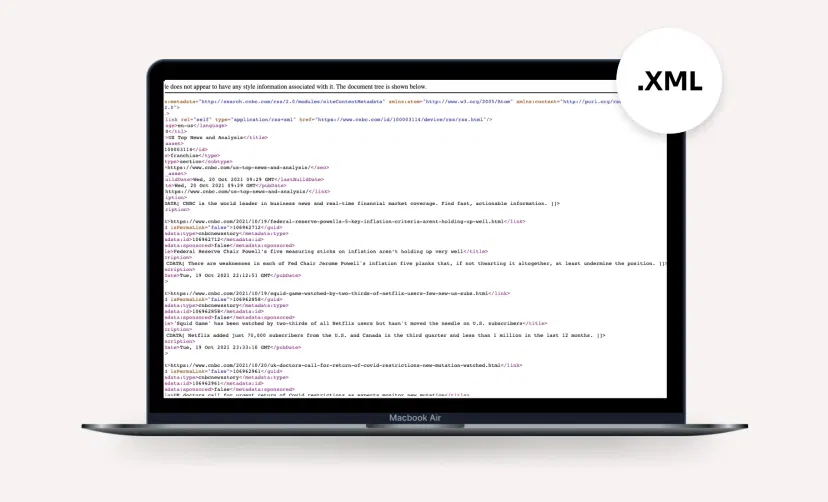
        The Pickcel RSS app is a simple-to-use digital signage app. Just add the URL of your favorite news, entertainment, or education website and stream RSS feeds instantly on your digital signage.
        Accepts any RSS feed URL screenshot

        Accepts any RSS feed URL

        The app supports both raw .XML file or a URL generated by any RSS reader application (like FeedBurner, RSS Owl, etc.).

        Fresh feeds auto-update screenshot

        Fresh feeds get auto-updated

        The app brings you the latest RSS feeds first so that every time a new story is added to the feeds, it reflects immediately on your screen.
        Exciting themes screenshot

        Exciting themes

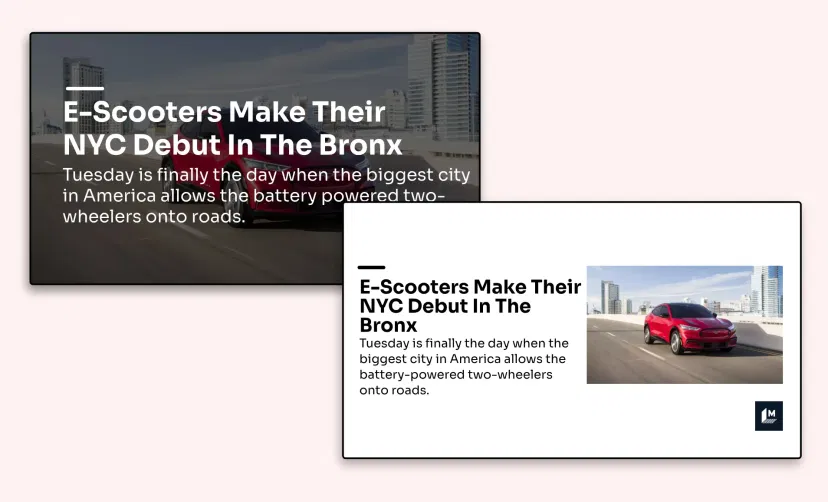
        Add a little aesthetics to your RSS feeds. Choose from a range of attractive themes, from minimalist white to colorful gradients backgrounds.

        Easy preview options screenshot

        Easy preview options

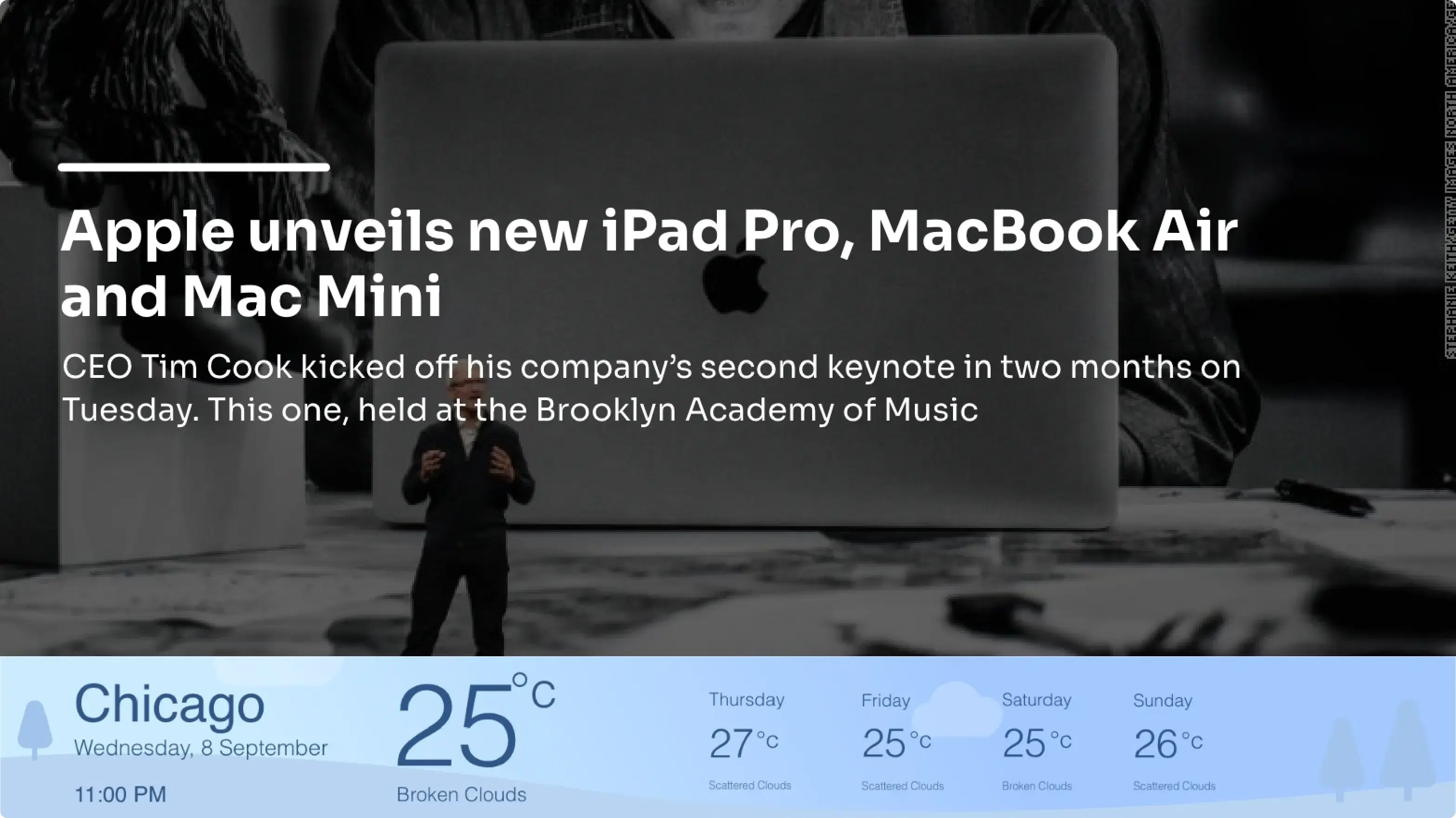
        Inspect how your RSS feeds will look on-screen with a quick preview. Check the preview on different orientations (portrait/landscape/footer).

        Same App, Different Looks!

        Present your RSS feeds in multiple styles. Which one is your favorite?

        RSS feed app theme 1
        RSS feed app theme 2
        RSS feed app theme 3

        Ready to unlock the RSS Feeds app for your digital signage?

        Get Demo
        Start 14-day Free Trial
        customers engagement

        Interesting Use Cases of the RSS Feeds App

        We have listed a few. The sky is the limit for you!
        Keep track of domain news

        Keep track of domain news

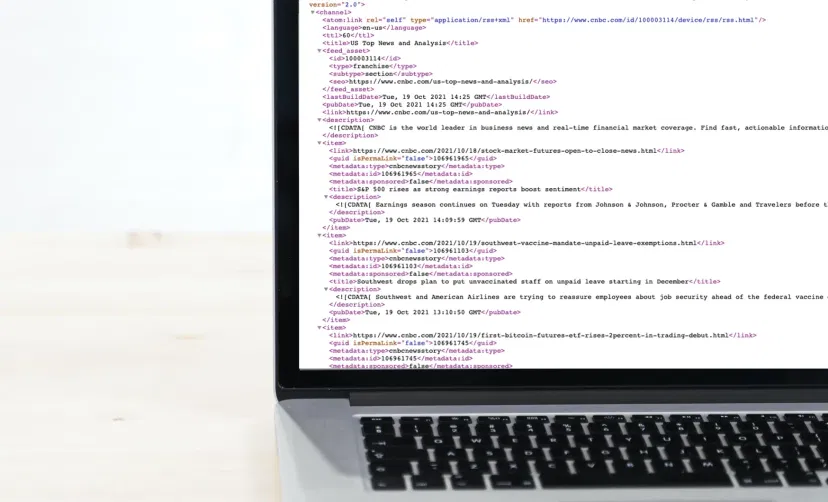
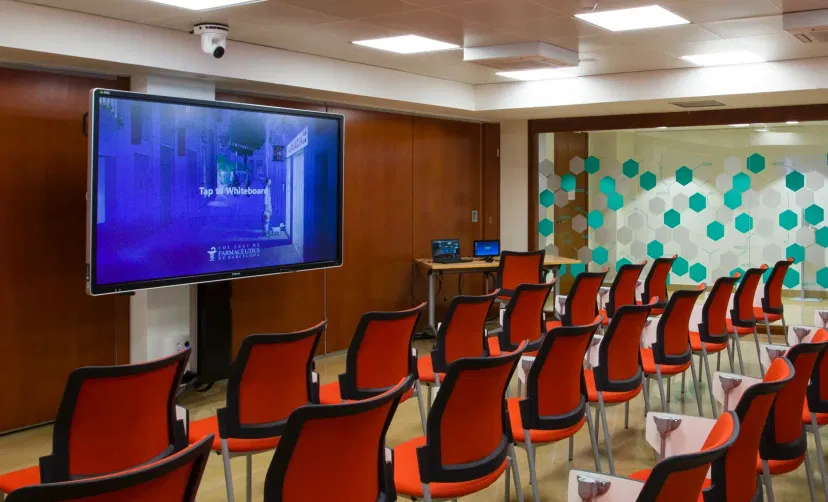
        Businesses can show relevant RSS feeds of financial news, stock market updates, technology news and more on their digital signage.
        Create community alerts

        Create community alerts

        Community centers, local bars & restaurants can show RSS feeds from various local authority websites or private websites that create alerts on houses on sale, community events, local employment opportunities, neighborhood crimes, known offenders, etc.

        How to add the RSS Feeds app on your digital signage?
        Step 1: Configure the app
        Step: 1

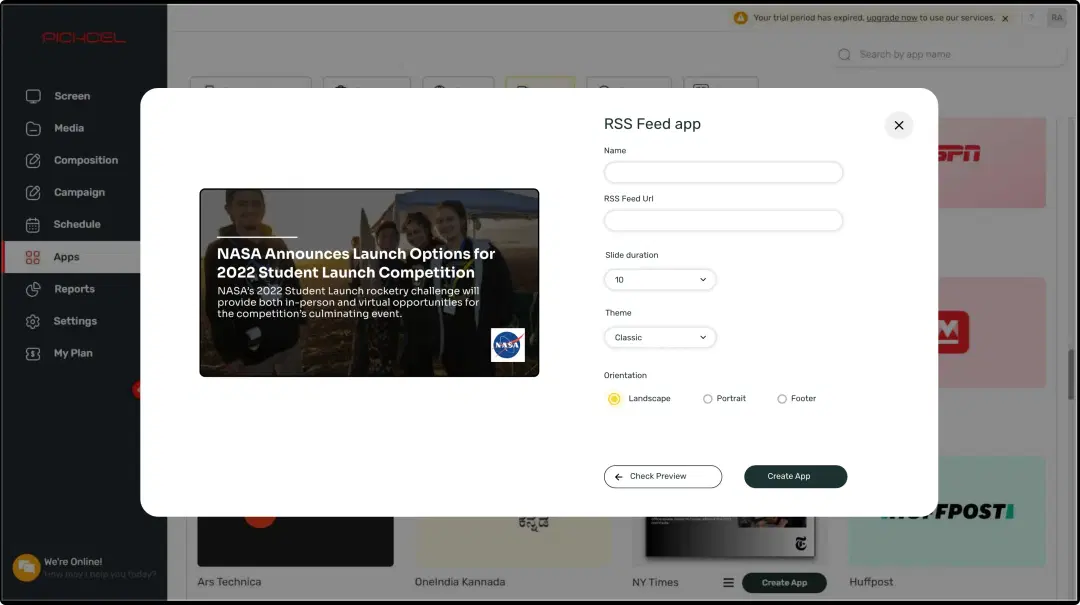
        Configure the app from the app store

        Set the app name, paste the RSS feeds URL, preview, and add the app to your media.
        Step 2: Create composition
        Step: 2

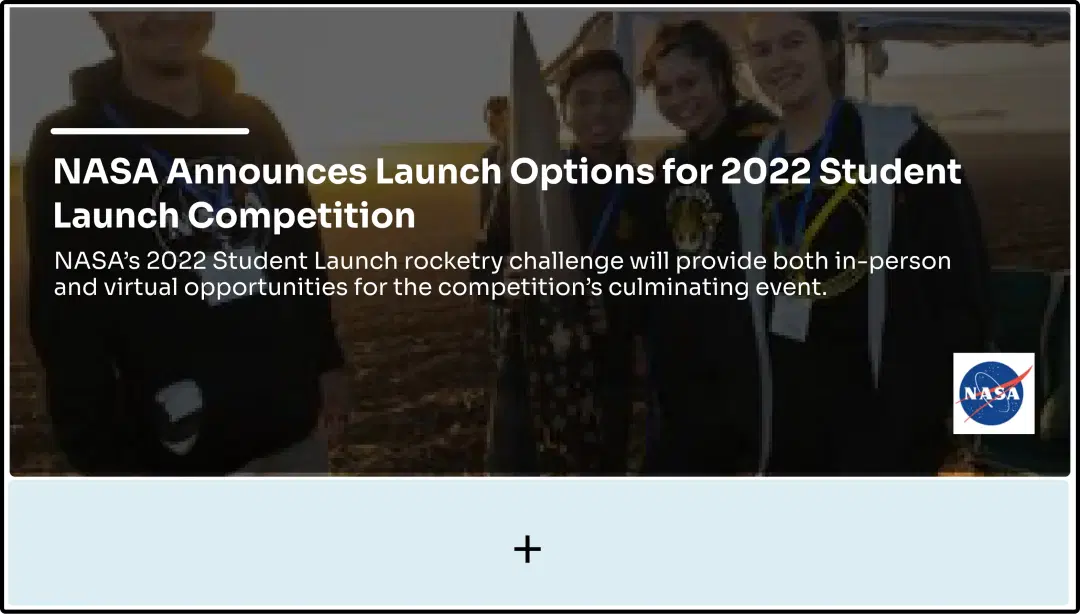
        Create a composition

        Show your RSS feeds on full-screen. Or create a multi-zone layout to play it with other content.

        Step 3: Publish composition
        Step: 3

        Publish the composition

        Select the screens and hit publish.

        Step-by-step tutorial of adding the RSS feeds app

        More Pickcel Apps to Complement the RSS Feeds App on your Digital Signage

        Weather app

        Weather

        Display your Slack messages on your display

        View This App
        Social Wall icon

        Social Wall app

        Aggregate social media posts, tweets & hashtags

        View This App
        Quotes icon

        Quotes app

        Display motivational quotes on your digital signage

        View This App
        Meet the Team icon

        Meet the Team app

        Show staff photos & profiles.
        View This App
        Explore 100+ Digital Signage Apps
        Weather
        screen before
        Pickcel Logo

        Trusted Cloud & On-Premise Digital Signage Software for Businesses Worldwide.

        Facebook logoLinkedIn logoTwitter logoYoutube logoInstagram logoPinterest logo
        Capterra BadgeGoodFirms BadgeG2 logo

        Product

        • Software Features
        • Digital Signage Hardware
        • Digital Menu Board Software
        • Digital Signage Player
        • Interactive Kiosk
        • OTT Digital Signage Software
        • Queue Management Software
        • Visitor Management software

        Enterprise

        • Integrations & Automation
        • On-premise Digital Signage
        • Our Services

        Solutions

        • Corporate Communication
        • Retail Digital Signage
        • Digital Signage Hospitality
        • School Digital Signage
        • Restaurant Digital Signage
        • Banking & Finance Signage
        • Transportation Digital Signage
        • Digital Product Catalogue

        Company

        About UsContact UsSupportPress ReleaseCareers

        Resources

        • Case Studies
        • What is digital signage?
        • Digital Signage Blog
        • Apps
        • Pricing
        • FAQ

        Partner program

        • White Label Digital Signage
        • Reseller Digital Signage
        Privacy|Refund|Terms

        Copyright © 2026 LaneSquare Technology Pvt Ltd