
Pickcel

Core Platform

  • Software Features
  • Templates
  • Security & Compliance

Enterprise

  • On-Premise
  • Integrations & Automation
  • Our Services

Extensions & Apps

  • Mobile App
  • App Integrations

Digital Signage Players

  • Android
  • Samsung Tizen
  • BrightSign
  • Amazon Signage Stick
  • View all Players
What is Digital Signage?

Learn the basics of digital signage and how it can transform your business.

Industries We Serve

  • Office
  • Retail
  • Restaurant
  • Manufacturing
  • Hospitality
  • Healthcare
  • Transportation
  • Education

Use Cases

  • Dashboard
  • FIDS
  • Digital Menu board
  • Car Dealership App
  • Wall Craft
  • Instastream
  • Transport PIS
  • Social Wall
View all
See How Pickcel  Helped Amazon
See How Pickcel Helped Amazon

Case Studies

  • Mercedes-Benz
  • Accenture
  • Magnolia Bakery
View all

All Resources

  • Digital Signage Blog
  • Learn
  • Digital Signage Gallery
  • Case Studies
  • Support
  • Download
Partnerships
Partnerships

Partnerships

  • White-Label
  • Reseller
Pricing
Login

Live DTH App

Experience live TV channels on your digital screens

Get App
User Guide
Live DTH TV App

The Pickcel Live DTH app enables you to stream TV channels straight from your DTH connection. What's the advantage of this app? With Pickcel's digital signage software, you can play your TV content simultaneously with other digital signage media, such as weather, digital menu, scrolling tickers, slide presentations and more.

How to use the Pickcel Live DTH App for your digital signage?
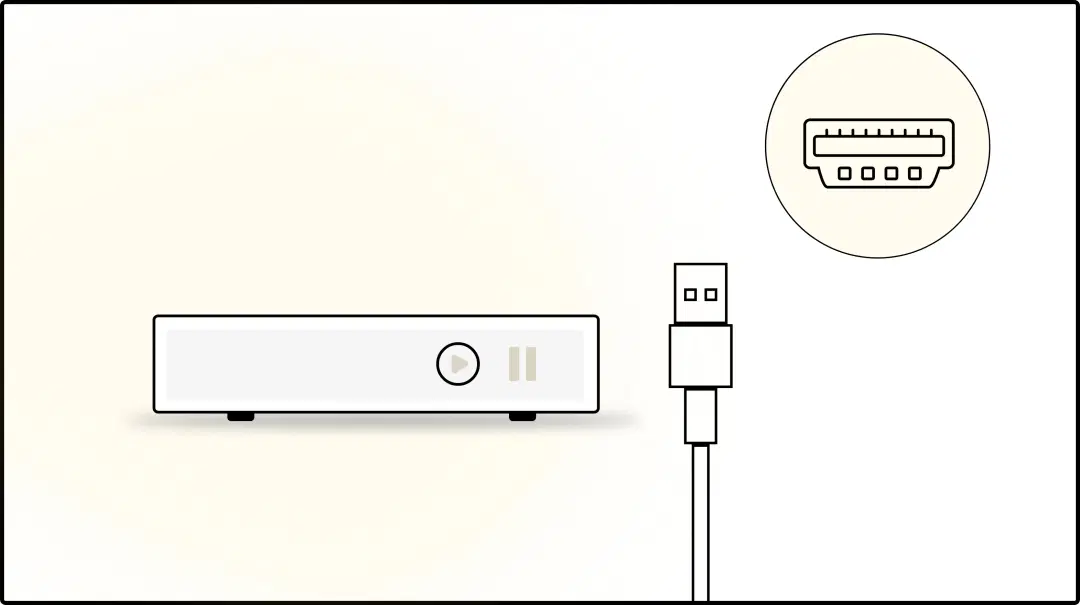
Step 1: Connect DTH Set-top box to digital signage player via HDMI
Step: 1

Connect your DTH Set-top box

Connect your Live TV output from the DTH Set-top box to the HDMI-in of your digital signage player. <a href="/digital-signage-player" class='text-primary underline hover:text-accent hover:underline'>See supported signage players</a>.
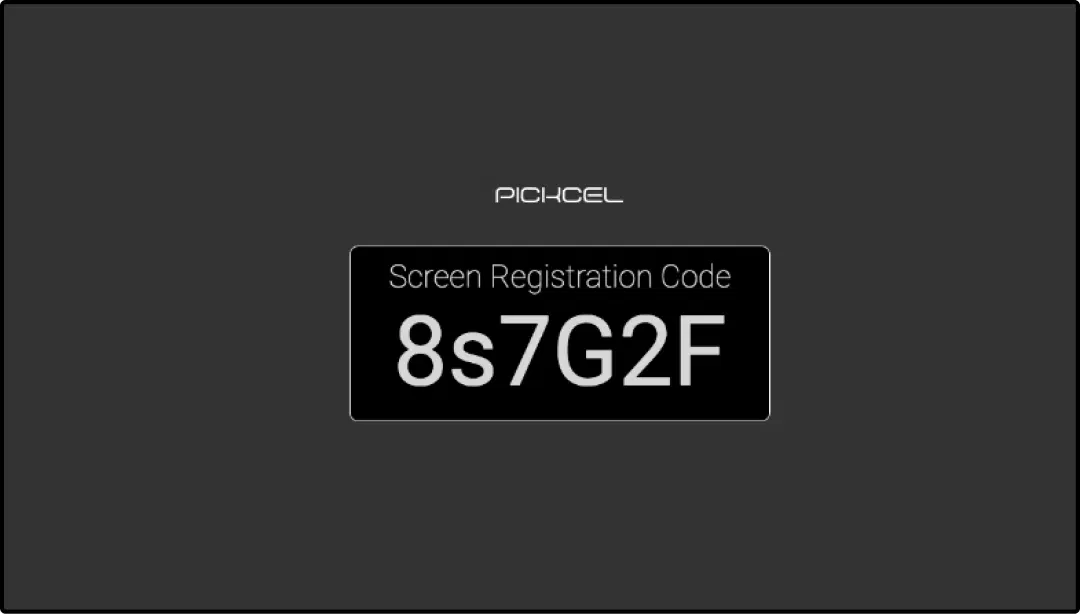
Step 2: Digital signage software interface showing screen registration code to pair display with the software
Step: 2

Register your screen

Connect the signage player to your digital display. Next, <a href="https://support.pickcel.com/portal/en/kb/articles/how-can-we-pair-or-register-a-device-digital-signage-player-with-pickcel-cms" target="_blank" class='text-primary underline hover:text-accent hover:underline'>register your screen</a> with the Pickcel console. If your screen is already registered, move to step 3
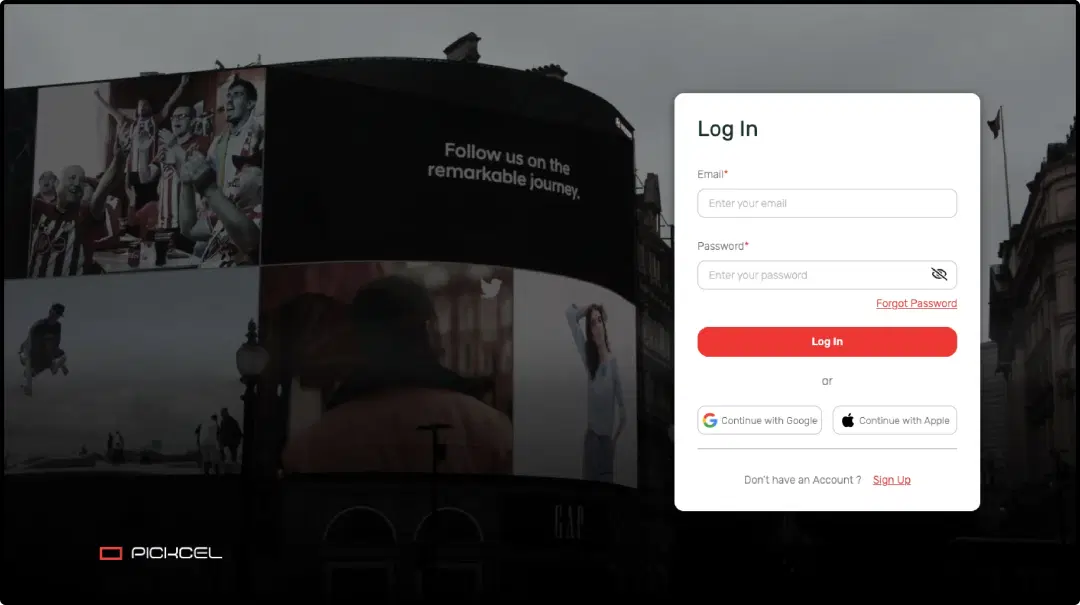
Step 3: Digital signage software interface login page
Step: 3

Log in to Pickcel dashboard

Once your HDMI connection is all set, log in to the Pickcel dashboard from your computer.
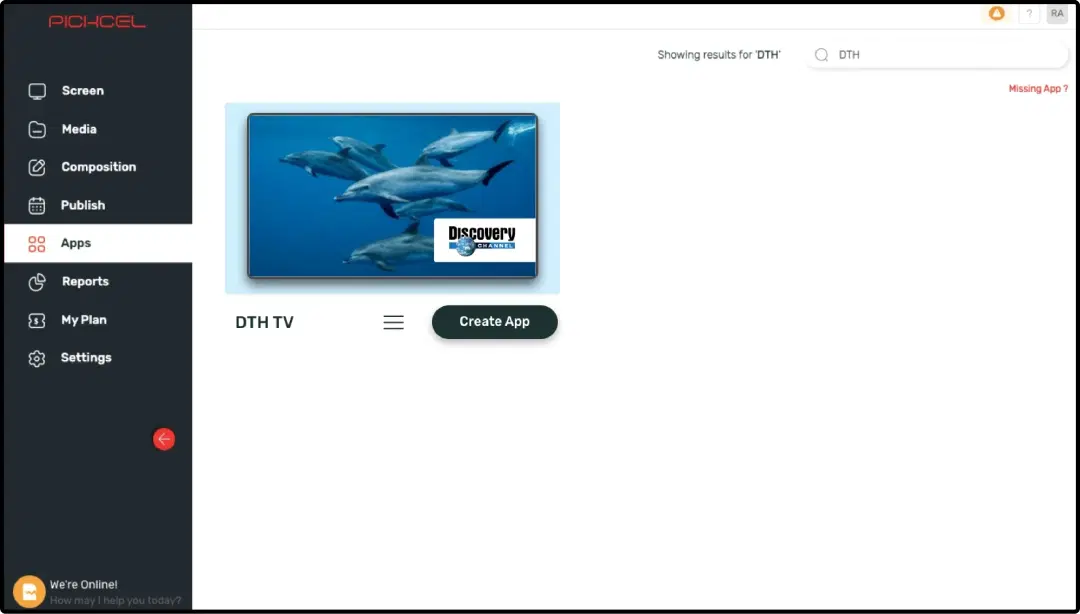
Step 4: Digital signage software interface showing DTH TV app to configure
Step: 4

Find the DTH TV app

Find the <em>DTH TV</em> app from the Pickcel App Store and select ‘Create App’

Step 5: Digital signage software interface showing Live DTH app output in digital screen
Step: 5

Create and save the app

Name your app and click the 'Create App' button to save it in your media

Step 6: Digital signage software interface showing Live DTH app and CNN news app content in digital screen
Step: 6

Create a composition

Create a composition (stream only DTH channels on full screen or create a multi-zone layout to play it with other media)

Ready to unlock the Live DTH App for your digital signage?

Start 14-day Free Trial
Get Demo
customers engagement

Interesting Use Cases of the Live DTH App

We have listed a few. The sky is the limit for you!

Digital signage at hotel lobby displaying live TV channel from Live DTH app

Hotel lobbies

Hotel lobbies are usually boring. Same old check-ins, check-outs, payments and waiting! Playing TV content on your screens means more visitor engagement. Show live news or sports matches on your hotel lobby TVs and see the difference.

Digital signage at a corporate office cafe displaying live TV news channel from Live DTH app

Corporate office

People feel restless at reception and waiting areas. You can surely use a token display system to make waiting bearable. But with Live TV, you'll never run out of content to entertain visitors with. Run channels as per your audience's taste and improve client experience.

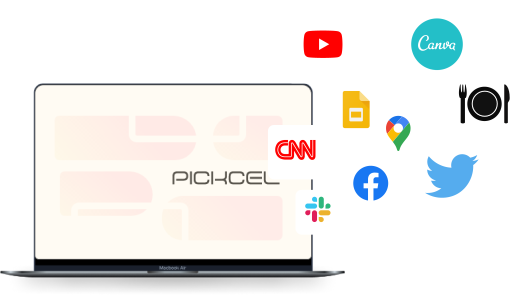
Need customized apps? Connect with us.

We are open to all kinds of customization & integration with third-party applications.
Contact Us
apps with pickcel

More Pickcel Apps to Complement the Live DTH App on your Digital Signage

Traffic icon

Google Traffic app

Present live traffic updates

View This App
Scroller app icon

Scroller app

Show scrolling text to add trivia

View This App
QR code icon

QR code app

Engage your audience with interactive QR codes

View This App
Air quality icon

AQI App

Enrich your signage with live air quality data

View This App
Explore 100+ Digital Signage Apps
Google Traffic app
screen before
Pickcel Logo

Trusted Cloud & On-Premise Digital Signage Software for Businesses Worldwide.

Facebook logoLinkedIn logoTwitter logoYoutube logoInstagram logoPinterest logo
Capterra BadgeGoodFirms BadgeG2 logo

Product

  • Software Features
  • Digital Signage Hardware
  • Digital Menu Board Software
  • Digital Signage Player
  • Interactive Kiosk
  • OTT Digital Signage Software
  • Queue Management Software
  • Visitor Management software
  • On-premise Digital Signage

Enterprise

  • Integrations & Automation
  • On-premise Digital Signage
  • Our Services

Solutions

  • Corporate Communication
  • Retail Digital Signage
  • Digital Signage Hospitality
  • Multi Channel Employee Communication
  • Restaurant Digital Signage
  • Banking & Finance Signage
  • Transportation Digital Signage
  • Digital Product Catalogue
  • Electronic Bulletin Board
  • Employee Communication App
  • Wayfinding Signage

Company

About UsContact UsSupportPress ReleaseCareers

Resources

  • Case Studies
  • What is digital signage?
  • Digital Signage Blog
  • Apps
  • Pricing
  • FAQ

Partner program

  • White Label Digital Signage
  • Reseller Digital Signage
Privacy|Refund|Terms

Copyright © 2026 LaneSquare Technology Pvt Ltd