Pickcel

Core Platform

  • Software Features
  • Templates
  • Security & Compliance

Enterprise

  • On-Premise
  • Integrations & Automation
  • Our Services

Extensions & Apps

  • Mobile App
  • App Integrations

Digital Signage Players

  • Android
  • Samsung Tizen
  • BrightSign
  • Amazon Signage Stick
  • View all Players
What is Digital Signage?

Learn the basics of digital signage and how it can transform your business.

Industries We Serve

  • Office
  • Retail
  • Restaurant
  • Manufacturing
  • Hospitality
  • Healthcare
  • Transportation
  • Education

Use Cases

  • Dashboard
  • FIDS
  • Digital Menu board
  • Car Dealership App
  • Wall Craft
  • Instastream
  • Transport PIS
  • Social Wall
View all
See How Pickcel  Helped Amazon
See How Pickcel Helped Amazon

Case Studies

  • Mercedes-Benz
  • Accenture
  • Magnolia Bakery
View all

All Resources

  • Digital Signage Blog
  • Learn
  • Digital Signage Gallery
  • Case Studies
  • Support
  • Download
Partnerships
Partnerships

Partnerships

  • White-Label
  • Reseller
Pricing
Login

Google Traffic app

Make commute easier by showing live traffic maps on your digital screens with our digital signage solutions.
Get App
User Guide
Digital signage displaying live traffic from google maps with the help of Pickcel Google Traffic app

App Features

The Pickcel Google Traffic app is free with the Pickcel software. The app feeds live traffic updates to your digital screens. It is a perfect addition to any corporate digital signage & transportation signage screens.
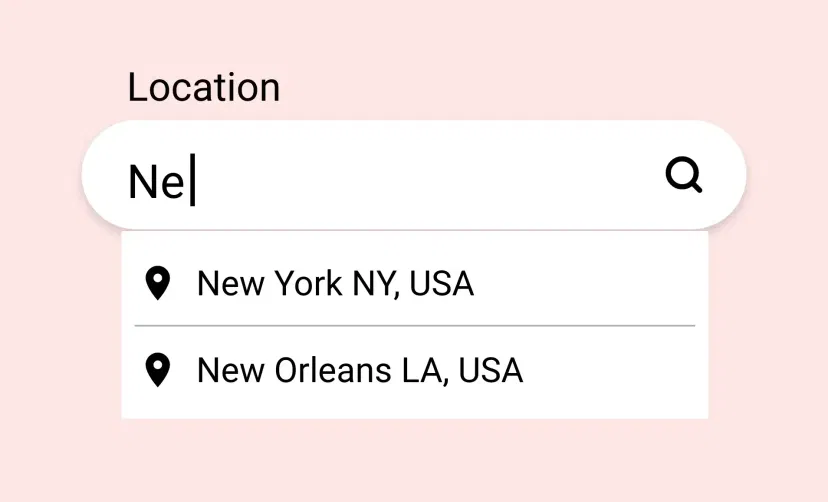
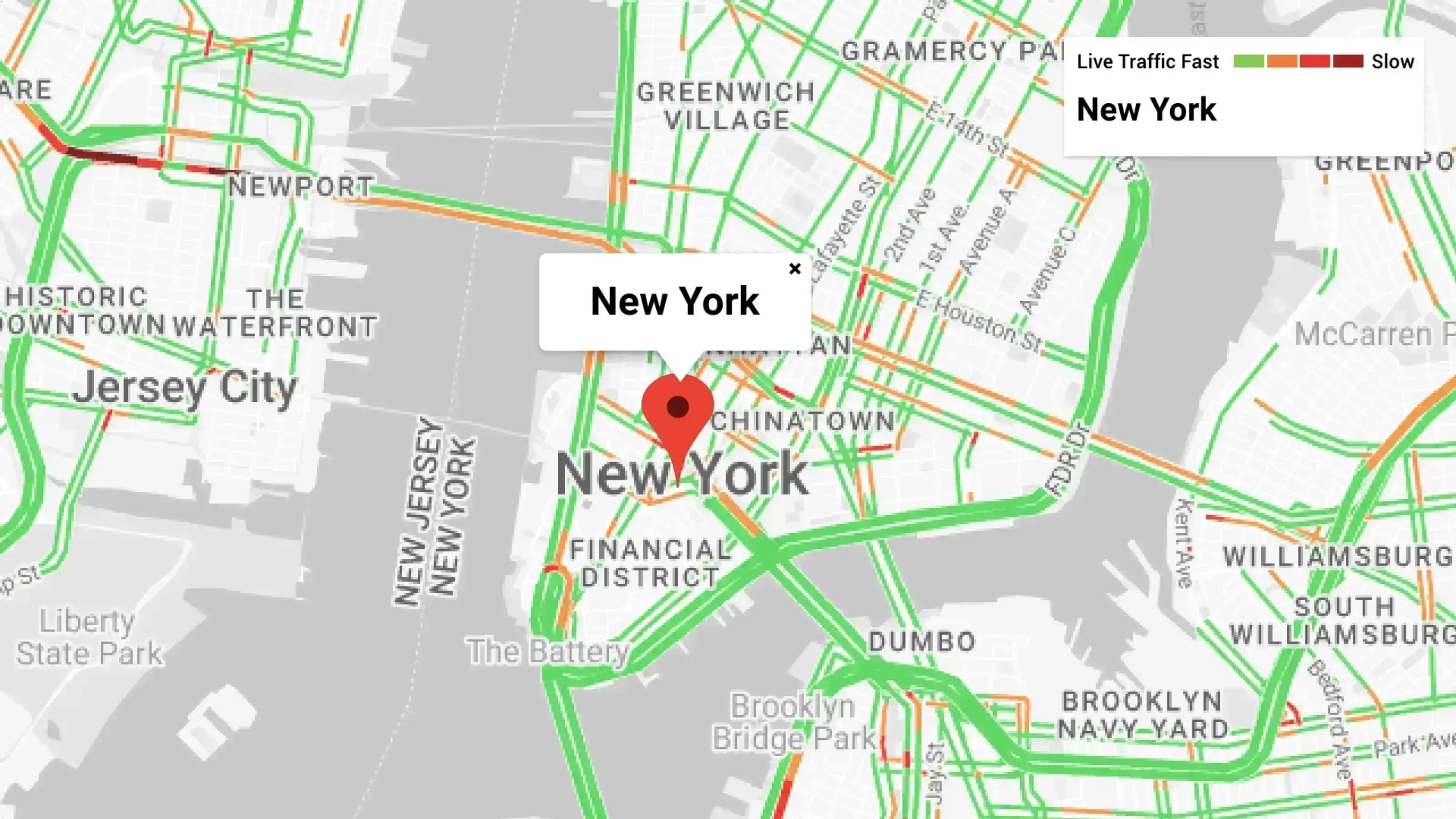
Digital signage Google Traffic app interface with the option to feed any location from google maps.

Easy to put on screen

Get your Google Traffic map on screen in just a few clicks. Add any location and show the traffic status in real-time.
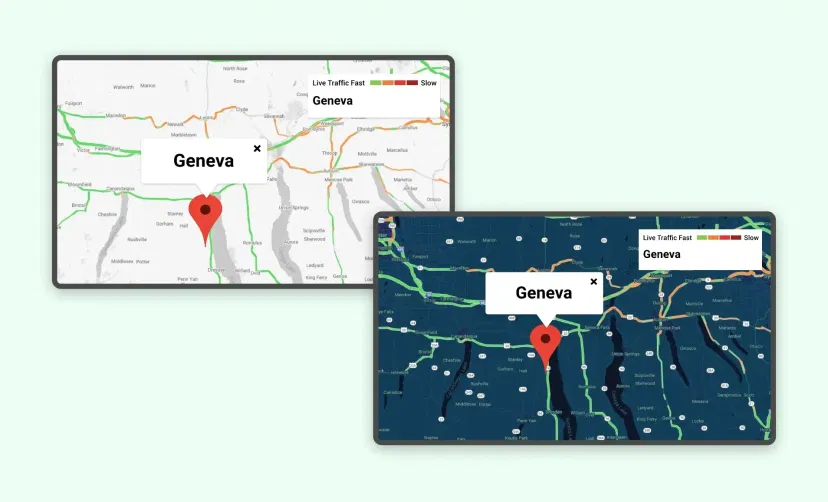
Digital signage Google Traffic app interface with the option to choose map themes.

Multiple themes

Add some color & contrast to your Google Traffic map by choosing dramatic themes like Silver, Dark, Retro, Aubergine & more.
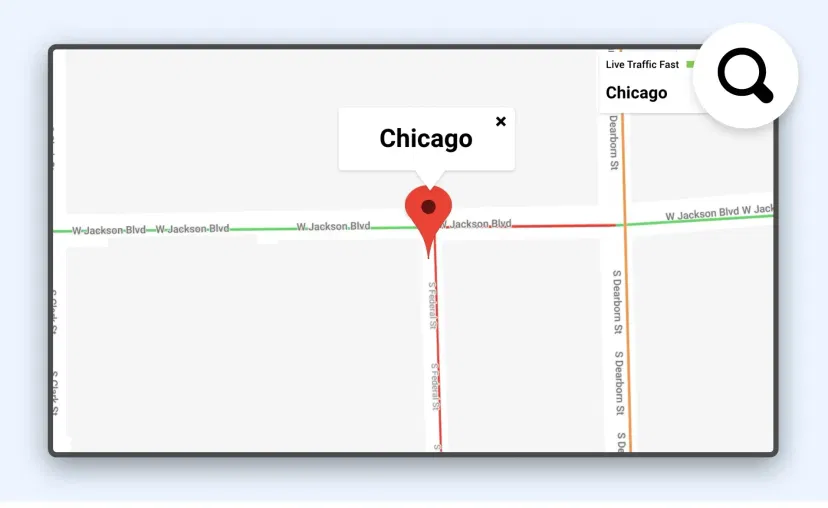
Google Traffic app interface with option to zoom a any area in the map

Customize the focus

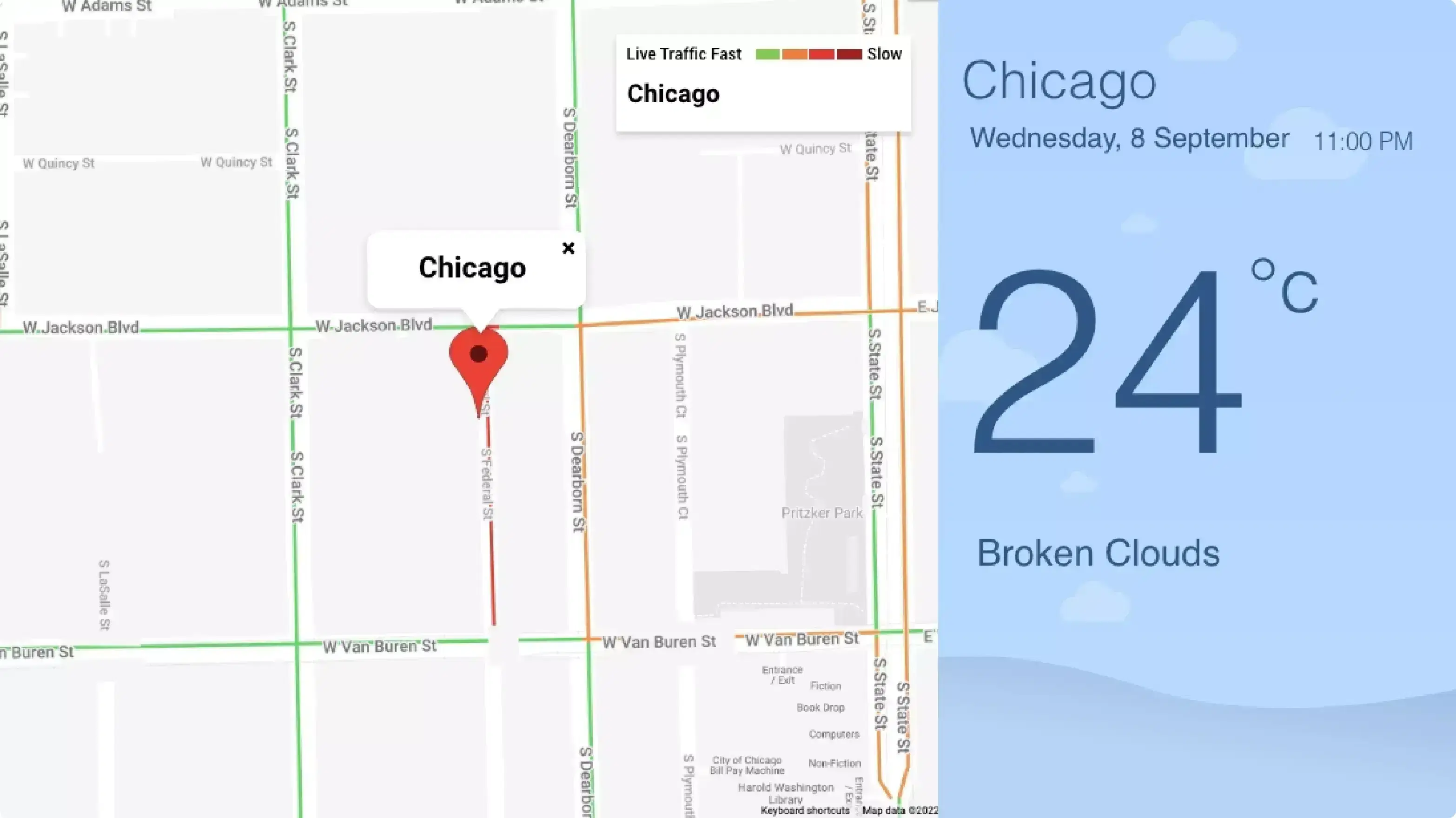
The Pickcel Google Traffic app for digital signage lets you zoom your map up to 20X. The highest zoom shows traffic at the block level.
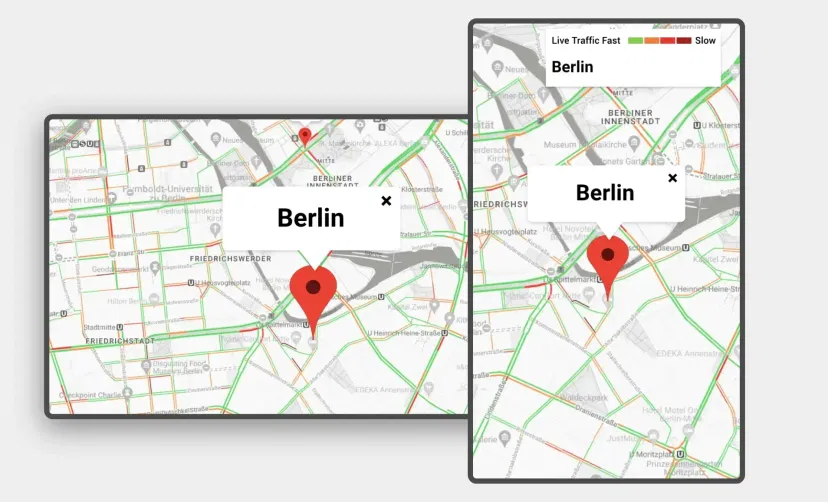
Google Traffic app feed preview in digital screens with landscape and portrait layouts

Supported on any layout

The app can auto-fit the content in both horizontal and vertical displays. You can also preview the map before publishing.

Same App, Different Looks!

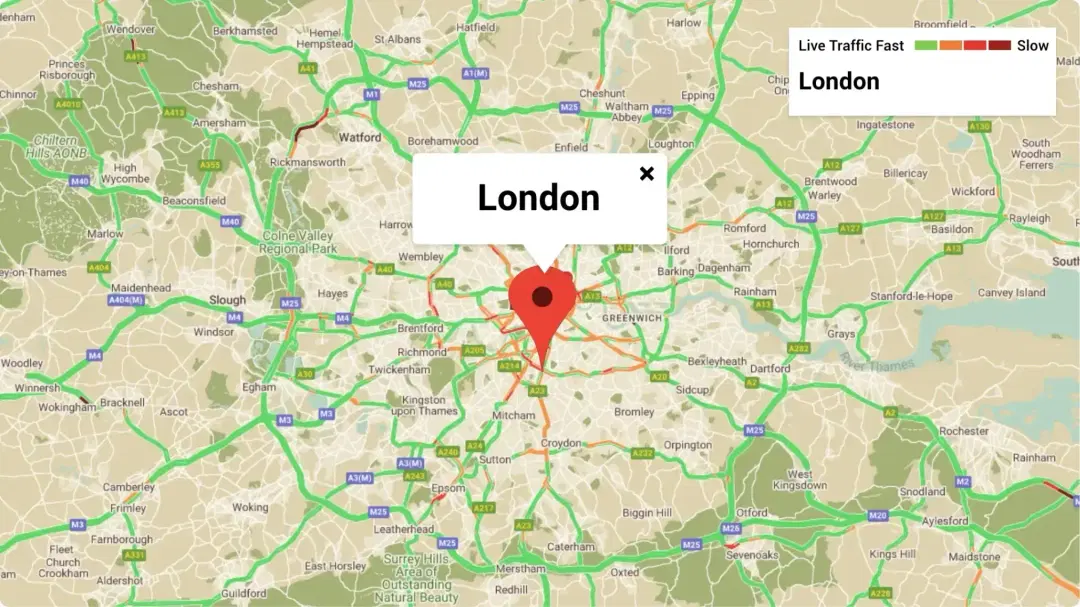
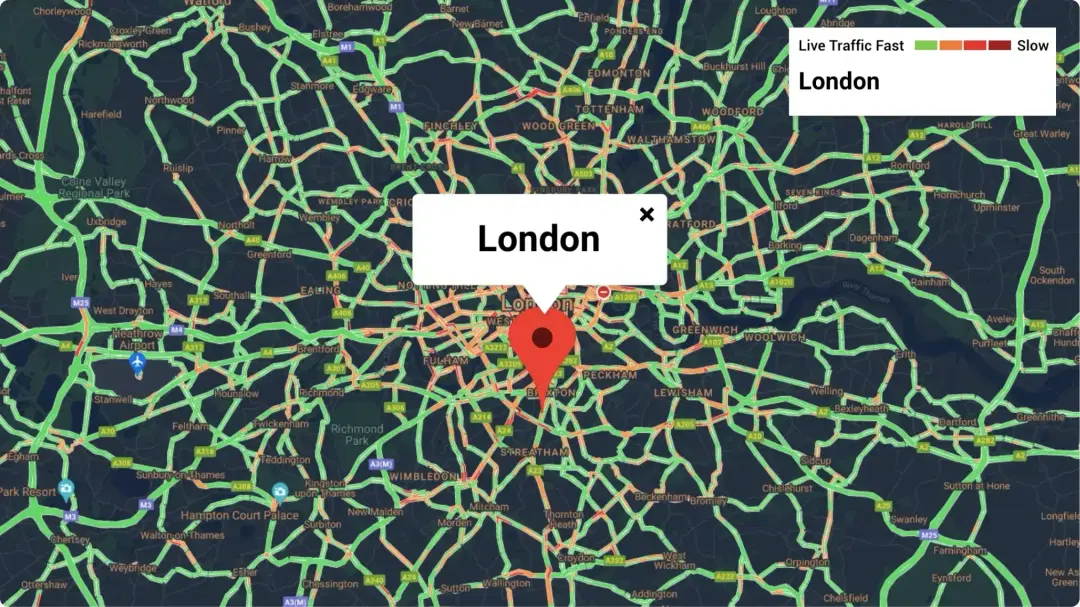
Present the live Google Traffic in multiple styles. Which one is your favorite?
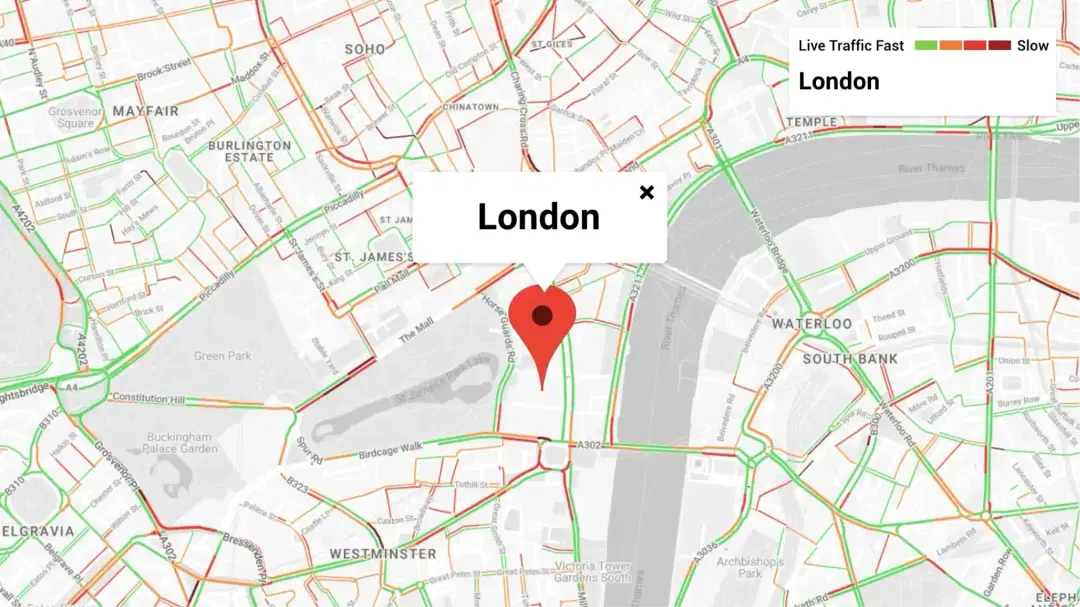
digital signage Google Traffic app layout preview showing London map in Silver theme
digital signage Google Traffic app layout preview showing London map in Retro theme
digital signage Google Traffic app layout preview showing London map in Night theme

Ready to unlock the Pickcel Google Traffic App for your digital signage?
Start 14-day Free Trial
Get Demo
customers engagement

Interesting Use Cases of the Live Google Traffic App

We have listed a few. The sky is the limit for you!
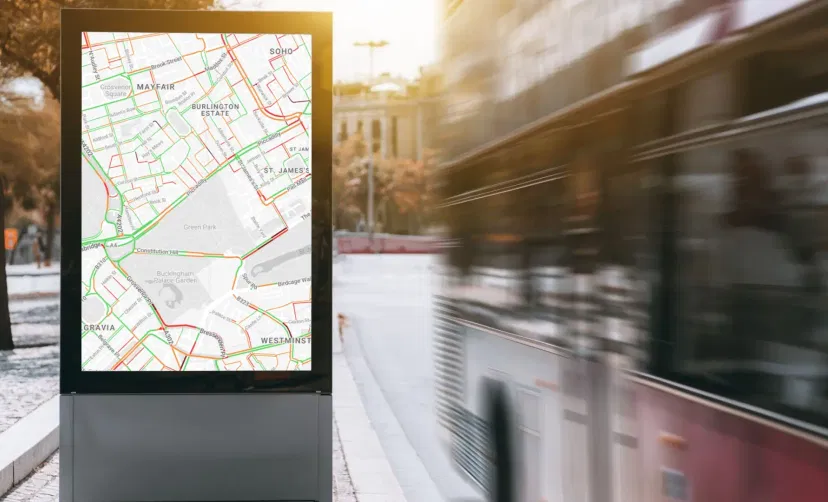
A bus stand digital signage displaying live traffic data from Google Traffic app

In transportation hubs

Transportation hubs like airports & bus-stops receive thousands of commuters who can find a live traffic map to be useful for their journey.
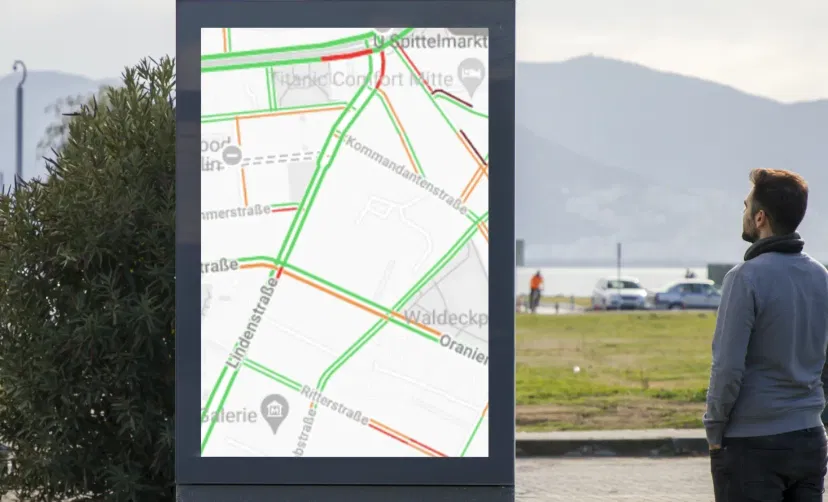
Digital signage placed at roadshow displaying live traffic data from Google Traffic app

At events & fairs

Events that witness huge public footfall like fairs and roadshows can display live Google Traffic maps on digital signage to avoid any after-event commotions.

How to add the Google Traffic app on your digital signage?
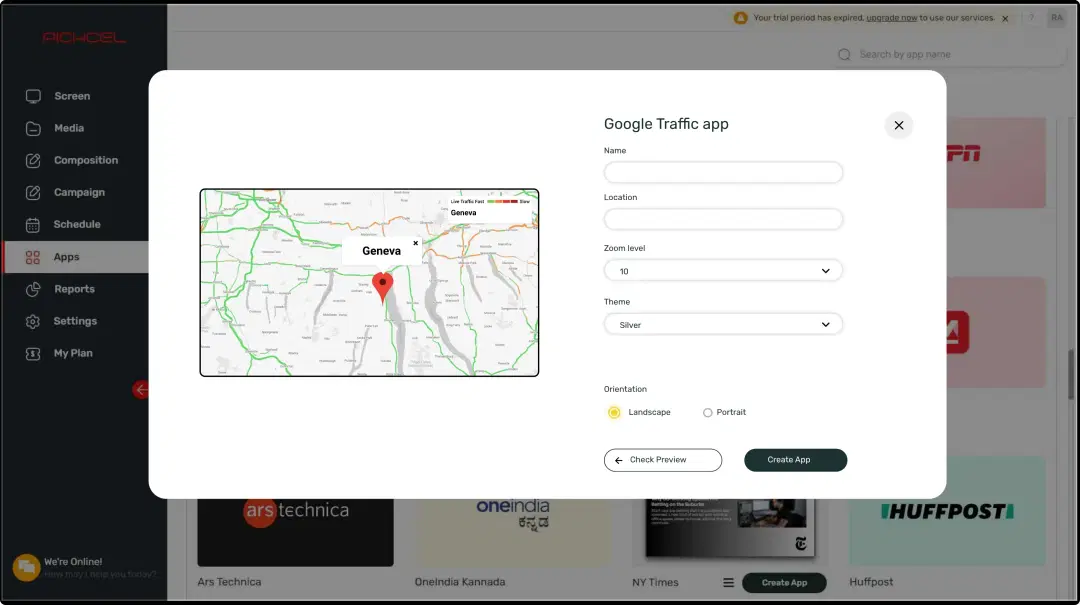
Step 1: Digital signage software interface showing Google Traffic App configuration window with multiple options
Step: 1

Configure the app from the app store

Set the app name, add a location, customize the aesthetics & save the app to your media.
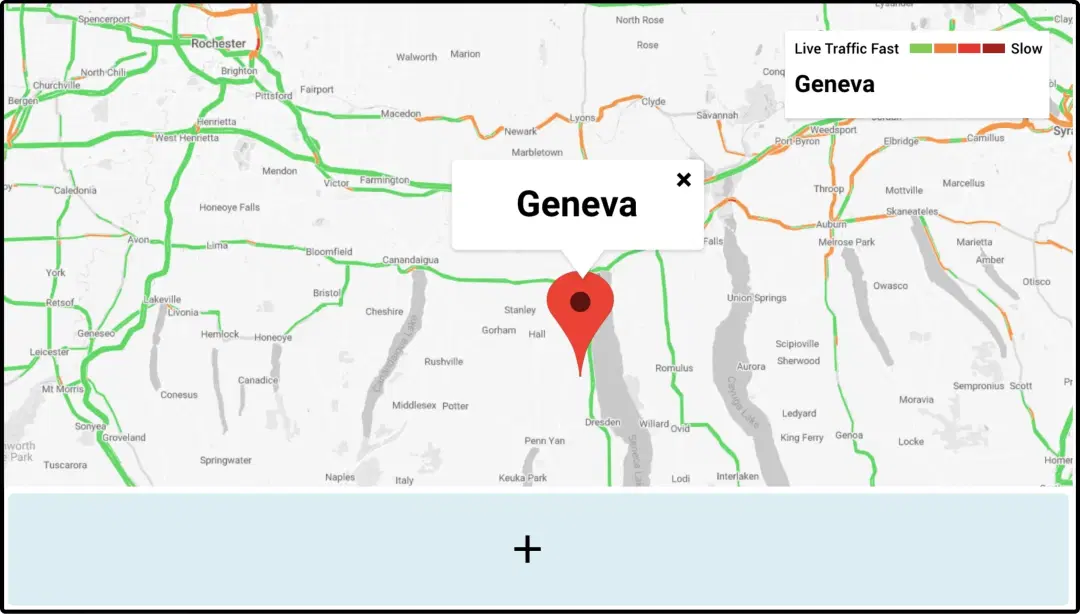
Step 2: Digital signage software interface showing composition window with Google Traffic App feed being displayed on the top
Step: 2

Create a composition

Show the live Google Traffic map on full-screen. Or create a multi-zone layout to display alongside other content.
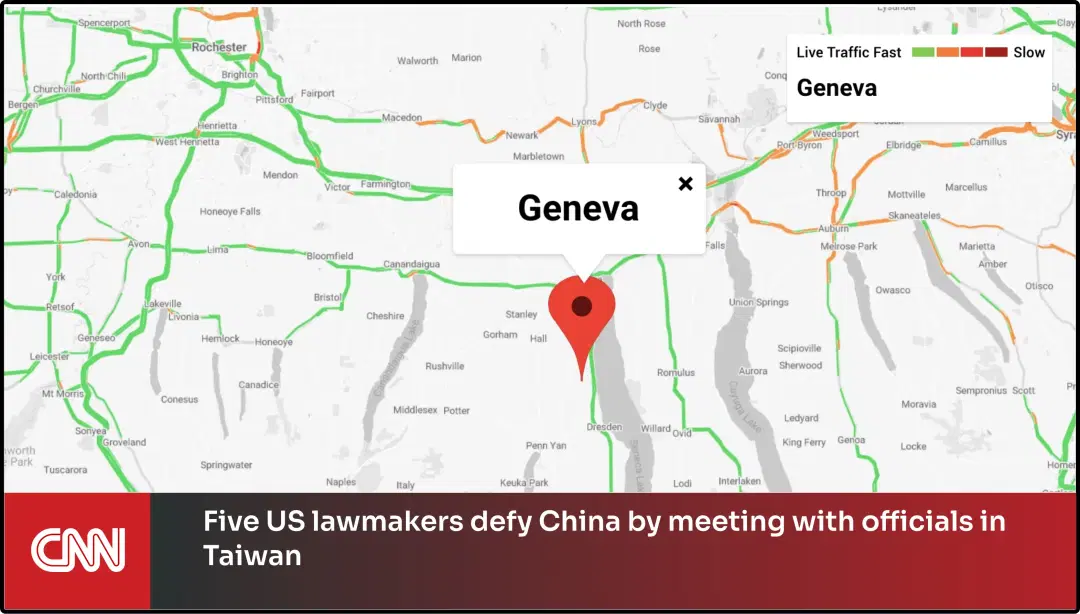
Step 3: Digital signage software interface showing composition window with CNN News App and Google Traffic app feeds
Step: 3

Publish the composition

Select the screens and hit publish.

Step-by-step tutorial of adding the Google Traffic app

Need customized apps? Connect with us.

We are open to all kinds of customization & integration with third-party applications.
Contact Us
apps with pickcel

More Pickcel Apps to Complement the Google Traffic App on your Digital Signage

Weather app

Weather

Display your Slack messages on your display

View This App
Scroller app icon

Scroller app

Show scrolling text to add trivia

View This App
World Clock

World Clock

Display the time of any city in the world

View This App
Air quality icon

AQI App

Enrich your signage with live air quality data
View This App
Explore 100+ Digital Signage Apps
Weather
screen before
Pickcel Logo

Trusted Cloud & On-Premise Digital Signage Software for Businesses Worldwide.

Facebook logoLinkedIn logoTwitter logoYoutube logoInstagram logoPinterest logo
Capterra BadgeGoodFirms BadgeG2 logo

Product

  • Software Features
  • Digital Signage Hardware
  • Digital Menu Board Software
  • Digital Signage Player
  • Interactive Kiosk
  • OTT Digital Signage Software
  • Queue Management Software
  • Visitor Management software
  • On-premise Digital Signage

Enterprise

  • Integrations & Automation
  • On-premise Digital Signage
  • Our Services

Solutions

  • Corporate Communication
  • Retail Digital Signage
  • Digital Signage Hospitality
  • Multi Channel Employee Communication
  • Restaurant Digital Signage
  • Banking & Finance Signage
  • Transportation Digital Signage
  • Digital Product Catalogue
  • Electronic Bulletin Board
  • Employee Communication App
  • Wayfinding Signage

Company

About UsContact UsSupportPress ReleaseCareers

Resources

  • Case Studies
  • What is digital signage?
  • Digital Signage Blog
  • Apps
  • Pricing
  • FAQ

Partner program

  • White Label Digital Signage
  • Reseller Digital Signage
Privacy|Refund|Terms

Copyright © 2026 LaneSquare Technology Pvt Ltd