Pickcel

Core Platform

  • Software Features
  • Templates
  • Security & Compliance

Extensions & Apps

  • Mobile App
  • App Integrations

Enterprise

  • On-Premise
  • Integrations & Automation
  • Our Services
What is Digital Signage?

    Digital Signage Players

    • Android
    • Amazon Signage Stick
    • BrightSign
    • Samsung Tizen
    • View all

    Industries We Serve

    • Office
    • Retail
    • Restaurant
    • Manufacturing
    • Hospitality
    • Healthcare
    • Transportation
    • Education
    • View all

    Use Cases

    • Dashboard
    • FIDS
    • Digital Menu board
    • Car Dealership App
    • Wall Craft
    • Instastream
    • Transport PIS
    • Social Wall
    See How Pickcel  Helped Amazon
    See How Pickcel Helped Amazon

      Case Studies

      • Mercedes-Benz
      • Accenture
      • Magnolia Bakery
      • View all

      All Resources

      • Digital Signage Blog
      • Learn
      • Digital Signage Gallery
      • Case Studies
      • Support
      • Download
      Partnerships
      Partnerships

        Partnerships

        • White-Label
        • Reseller
        Pricing
        LoginContact UsStart Free Trial
        gradient background

        Building Directory

        Display building directories clearly on any screen to help visitors find rooms, floors, and departments quickly.

        Book Demo
        Pickcel reviews on Capterra and G2
        Building Directory App

        Trusted by businesses worldwide

        Trusted by 9,000+ Businesses • 150,000+ Screens • 70+ Countries

        Unilever
        Uber
        Amazon
        Decathlon
        HCLTech
        Radisson
        circle check

        SOC 2 Type II

        circle check

        ISO Certified

        Key Feature Highlights

        Structured Sections Icon

        Structured sections

        Group listings by floor or department so visitors scan less and locate faster.

        Drag-and-drop Listings Icon

        Drag-and-drop listings

        Add names, rooms, or companies with a short descriptor and reorder anytime without redesigning the screen.

        Visual Listings Icon

        Visual listings

        Use portraits, logos, or icons to make entries recognizable at a glance.

        Brand Header Icon

        Brand header

        Place your logo and directory title at the top for a professional, consistent look across properties.

        QR Handoff Icon

        QR handoff

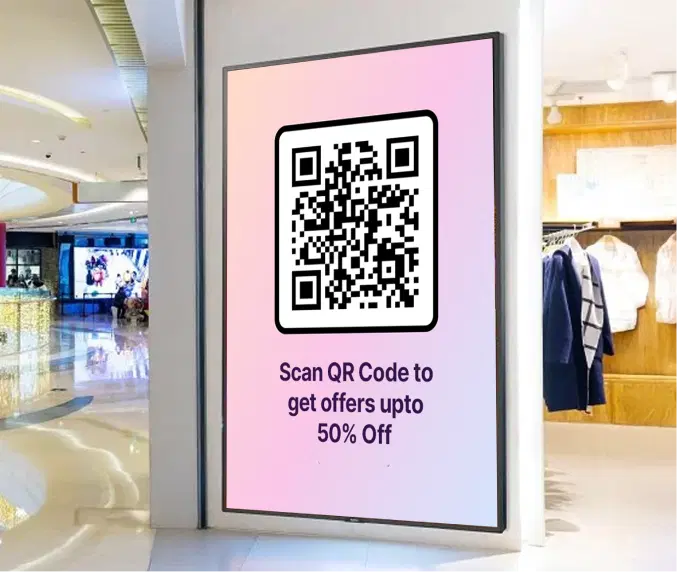
        Add a QR code that opens a detailed map, check-in form, or help page on mobile for extra clarity.

        Highlight Mode Icon

        Highlight mode

        Draw attention to a key section like “You Are Here,” event floors, or today’s meeting level.

        One App, Many Display Styles

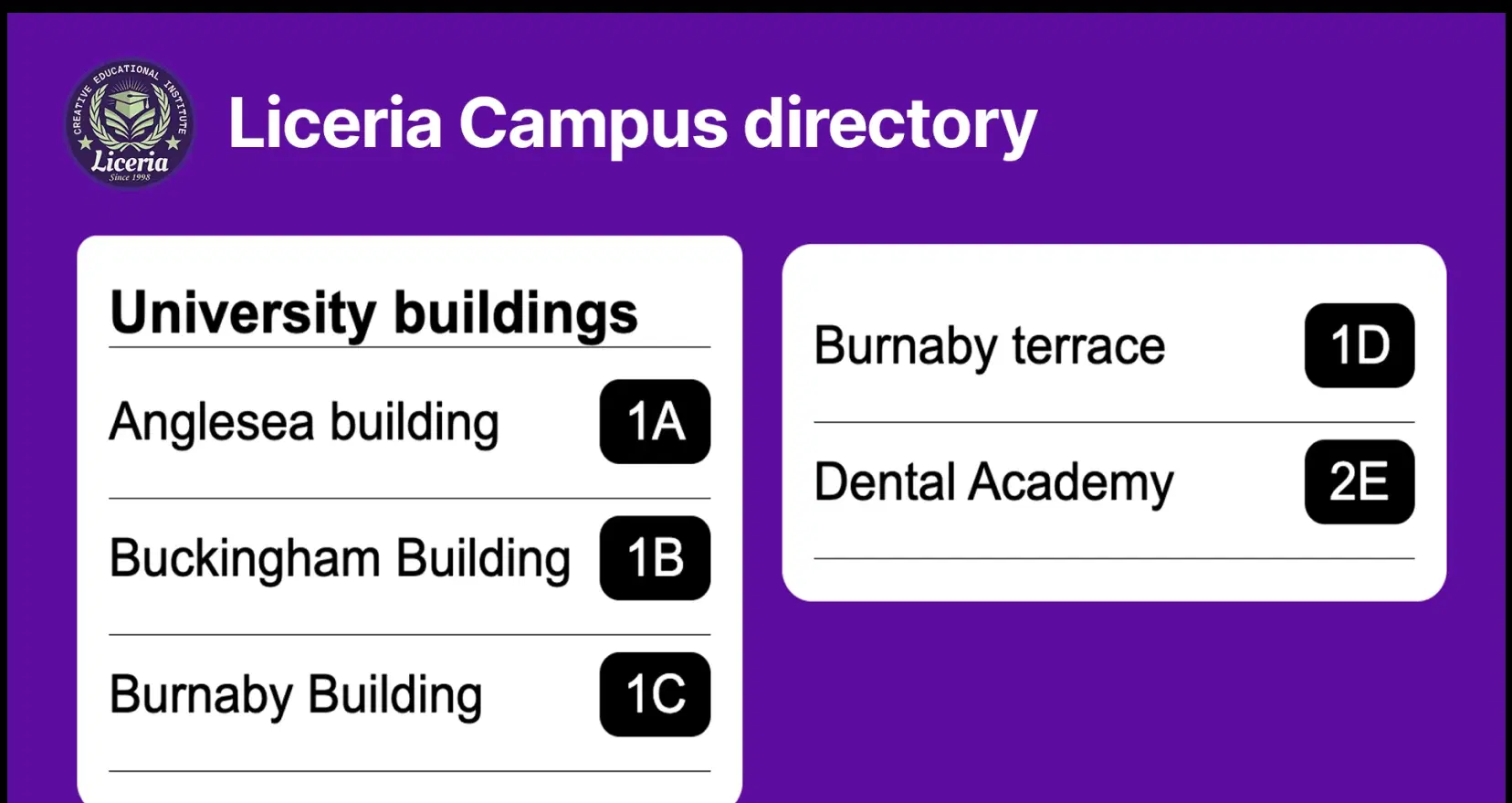
        Classic, modern, or minimal - find a style that fits your brand.
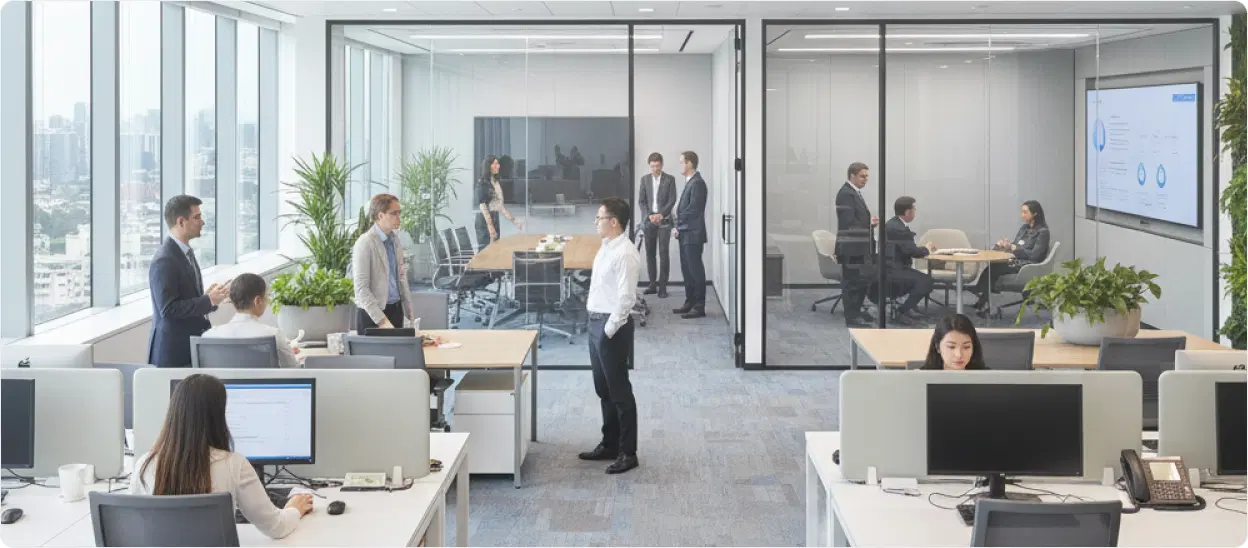
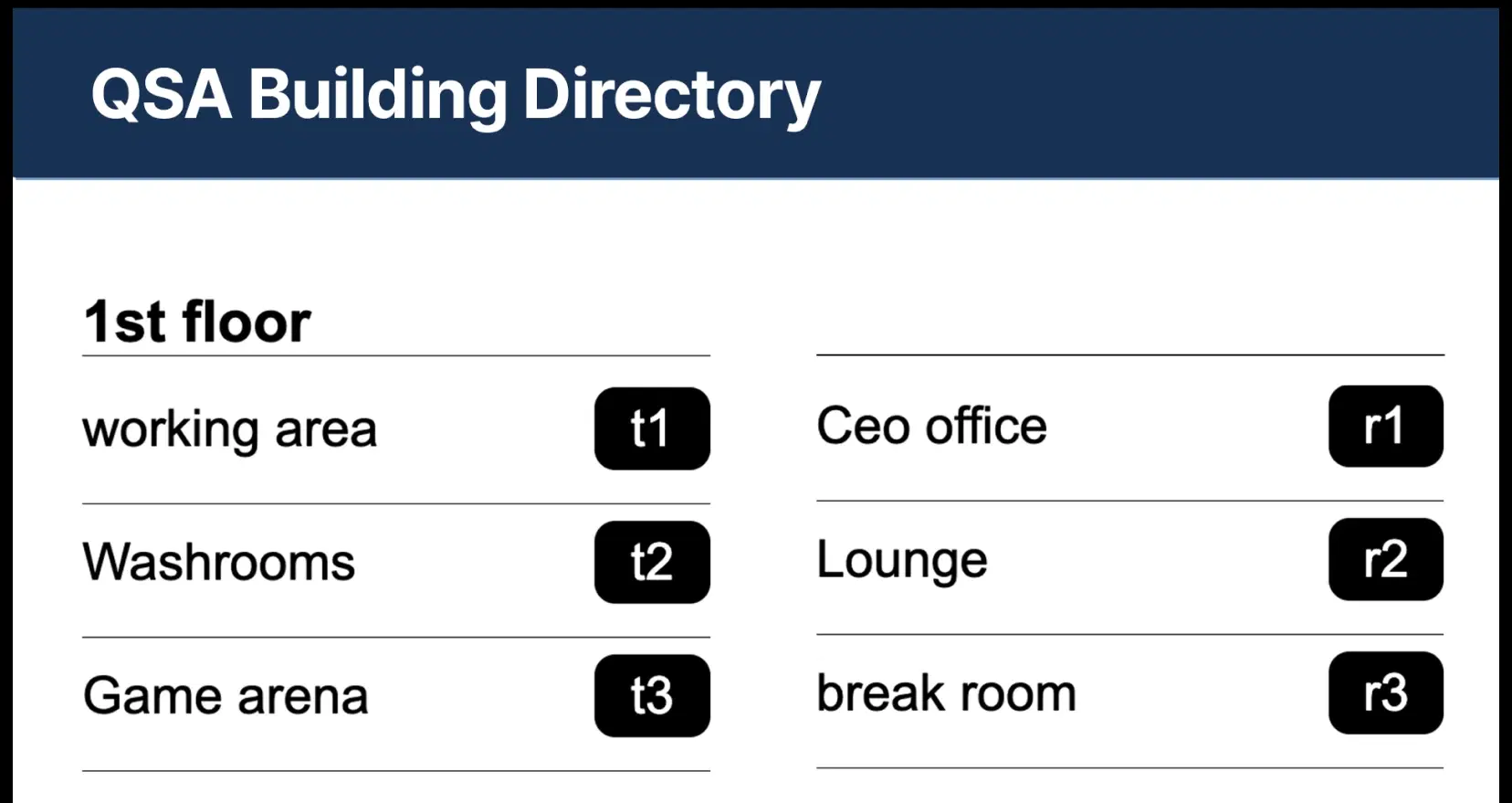
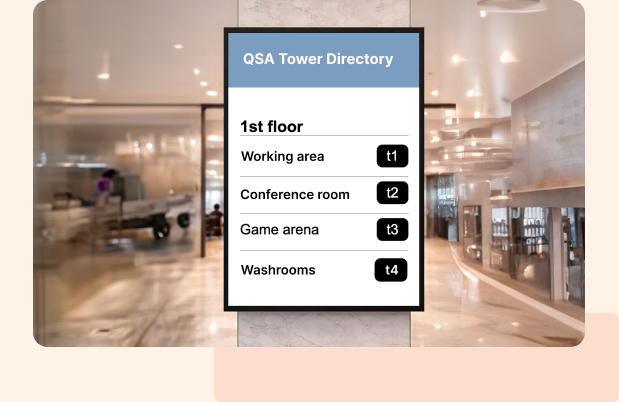
        Office with Building Directory digital signage display
        Building Directory digital signage screen 1
        Building Directory digital signage screen 2

        Interesting Use Cases

        See how global brands deploy Pickcel to unify updates, broadcast insights, and improve visibility across corporate environments.
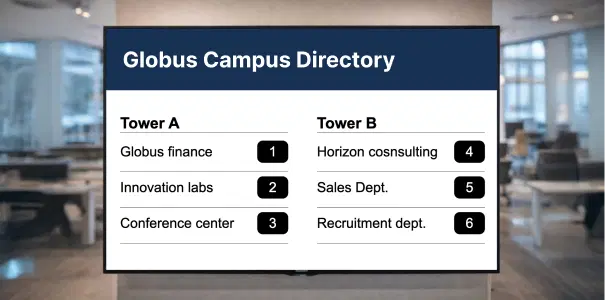
        Corporate campuses and office towers using building directory on digital signage

        Corporate campuses and office towers

        Show floors, wings, and departments in the lobby. Cut queue time at reception and keep branding consistent across buildings.
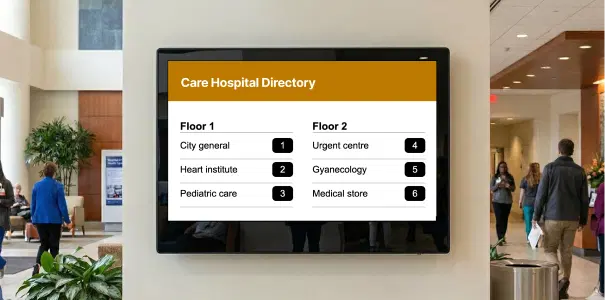
        Hospitals and healthcare facilities using building directory on digital signage

        Hospitals and healthcare

        List departments, wards, labs, and support desks by floor. Pair with a QR to open maps or visiting-hours info.
        Need customized apps? Connect with us.

        We are open to all kinds of development & integration with third-party applications.

        Building Directory digital signage benefits

        How-To Steps

        The Building Directory App connects securely with Pickcel CMS and lets you publish directories, listings, and updates to office screens, campuses, and common areas — all from one simple interface.

        Step 1: Configure the app

        Create a new instance and build the directory by adding floors and room listings. Set a highlight color for each floor, add listing images and a QR code for maps or check-ins, then Preview and click Create App.
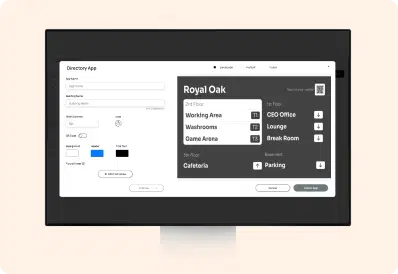
        Building Directory App configuration screen

        Step 2: Add to a composition

        Create a new composition, add the Building Directory app, position and size it for visibility, and optionally pair it with a welcome banner.
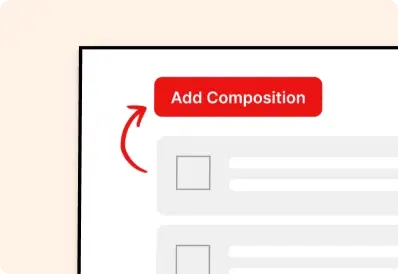
        Add Building Directory app to composition

        Step 3: Publish to Screens

        Assign the composition to your screens or groups and publish. Your directory appears instantly and stays current with every update from the dashboard.
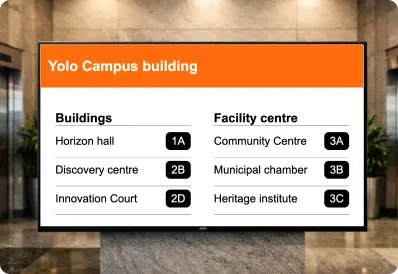
        Publish Building Directory content to screens
        Try For Free

        More Pickcel Apps to Complement the Building Directory App on your Digital Signage

        Modern workplaces communicate everyday so — not just on your desktops. Pickcel extends your internal communication to every screen in your premises too.

        QR code icon

        QR code app

        Engage your audience with interactive QR codes

        View This App →
        Digital bulletin board app

        Digital bulletin board app

        Show notices & announcements

        View This App →
        URL app

        URL app

        Display your webpage

        View This App →
        Weather app

        Weather

        Display your Slack messages on your display

        View This App →
        Explore 100+ Digital Signage Apps
        QR code app
        gradient circlegradient circle

        Show Interactive Building Directories on Your Screens

        Contact Us
        Pickcel Logo

        Trusted Cloud & On-Premise Digital Signage Software for Businesses Worldwide.

        Facebook logoLinkedIn logoTwitter logoYoutube logoInstagram logoPinterest logo
        Capterra BadgeGoodFirms BadgeG2 logo

        Product

        • Software Features
        • Digital Signage Hardware
        • Digital Menu Board Software
        • Digital Signage Player
        • Interactive Kiosk
        • OTT Digital Signage Software
        • Queue Management Software
        • Visitor Management software

        Enterprise

        • Integrations & Automation
        • On-premise Digital Signage
        • Our Services

        Solutions

        • Corporate Communication
        • Retail Digital Signage
        • Digital Signage Hospitality
        • School Digital Signage
        • Restaurant Digital Signage
        • Banking & Finance Signage
        • Transportation Digital Signage
        • Digital Product Catalogue

        Company

        About UsContact UsSupportPress ReleaseCareers

        Resources

        • Case Studies
        • What is digital signage?
        • Digital Signage Blog
        • Apps
        • Pricing
        • FAQ

        Partner program

        • White Label Digital Signage
        • Reseller Digital Signage
        Privacy|Refund|Terms

        Copyright © 2026 LaneSquare Technology Pvt Ltd