Display Board Software for Any Screen
You already have screens, or you're choosing them. Pickcel gives you the software to publish, schedule, and manage content across all of them from a single cloud dashboard. No proprietary hardware required.

Trusted by businesses worldwide







SOC 2 Type II
ISO Certified
9,000+
Businesses worldwide
150,000+
Screens managed
70+
Countries
What Is a Digital Display Board?
A digital display board is a screen-based communication system managed through software, where content is created, scheduled, and updated remotely rather than changed manually at each display.
A digital display board can be any commercial TV, monitor, or purpose-built signage display connected to signage software. Content including text, images, video, and live data feeds is pushed from a central platform to one or many screens across one or many locations.
Digital replaces static in three ways: content updates in real time without physical access to each screen, all boards on a network update simultaneously, and managers can confirm every display is showing the correct content from any browser.
Pickcel is the software layer. Connect any compatible screen, log in to the cloud dashboard, and your display boards are ready to manage.
The Problem With Static Display Boards
Static boards communicate slowly, drift out of date, and fail without warning.
Manual updates require a physical visit to every screen
Updating a static display board means someone must visit each screen to swap a poster, update a slide, or navigate a local device menu. Across a multi-location business, this turns a 5-minute content change into an all-day task.
A promotion that changes on Monday may not appear on every screen until Wednesday. By then, some boards still show last week's content while others are already current.
Inconsistent content spreads across locations without anyone noticing
When each board is managed independently, the same message can appear correctly at one location and incorrectly, or not at all, at another. There is no central view of what each board is actually showing.
A head-office board may display the current campaign while a branch screen two streets away still shows material from two months prior.
Boards stop working with no alert
If a screen goes dark or a media player fails, the board stops displaying without notifying anyone. Most businesses find out when a customer or staff member reports it.
A board that appears to have a working screen may be playing frozen content or looping outdated material. Without active monitoring, these failures stay hidden.
Pickcel for Display Boards: What You Get
Pickcel replaces every manual display board task with a remote capability: publish, schedule, monitor, and manage from any browser.
| Problem you have today | How Pickcel handles it | What you get |
|---|---|---|
| Manual updates require on-site visits | Push content from any browser to any screen | Updates go live across all boards in under a minute |
| Inconsistent content across locations | One dashboard controls all screens at every site | Every location shows current, approved content |
| No visibility into board status | Real-time screen health monitoring with alerts | Instant notification if any display goes offline |
| Content needs to change at set times | Time and date-based scheduling per screen or group | The right content plays automatically, on schedule |
How Pickcel Manages Your Boards
Publish content to any screen in seconds
Pickcel's cloud dashboard lets you push content to any screen, screen group, or your entire network from a browser. No on-site visit. No device login. No USB drive.
A retail manager updating a promotion can publish to all store screens in the same time it takes to send an email.
Schedule content by time, day, and screen
Set content to play at specific times and on specific screens. Content switches automatically at the scheduled time without any action from your team.
A restaurant showing breakfast items from 7 AM and lunch promotions from 11 AM manages both with two scheduled playlists, built once and running without intervention.
Manage hundreds of display boards from one dashboard
All screens in your network appear in a single management console. Filter and group by location, site, or purpose. Apply content to a region or a single board.
A retail chain with 40 stores can push a seasonal campaign to all window screens at once while keeping in-store content independent per location.
Monitor every board in real time
Pickcel reports the live status of every connected screen. If a display goes offline, the platform sends an alert identifying the screen, its location, and when it went dark.
This replaces the current approach for most businesses: waiting for a staff member or customer to notice and report a blank screen.
Works With the Screens You Already Have
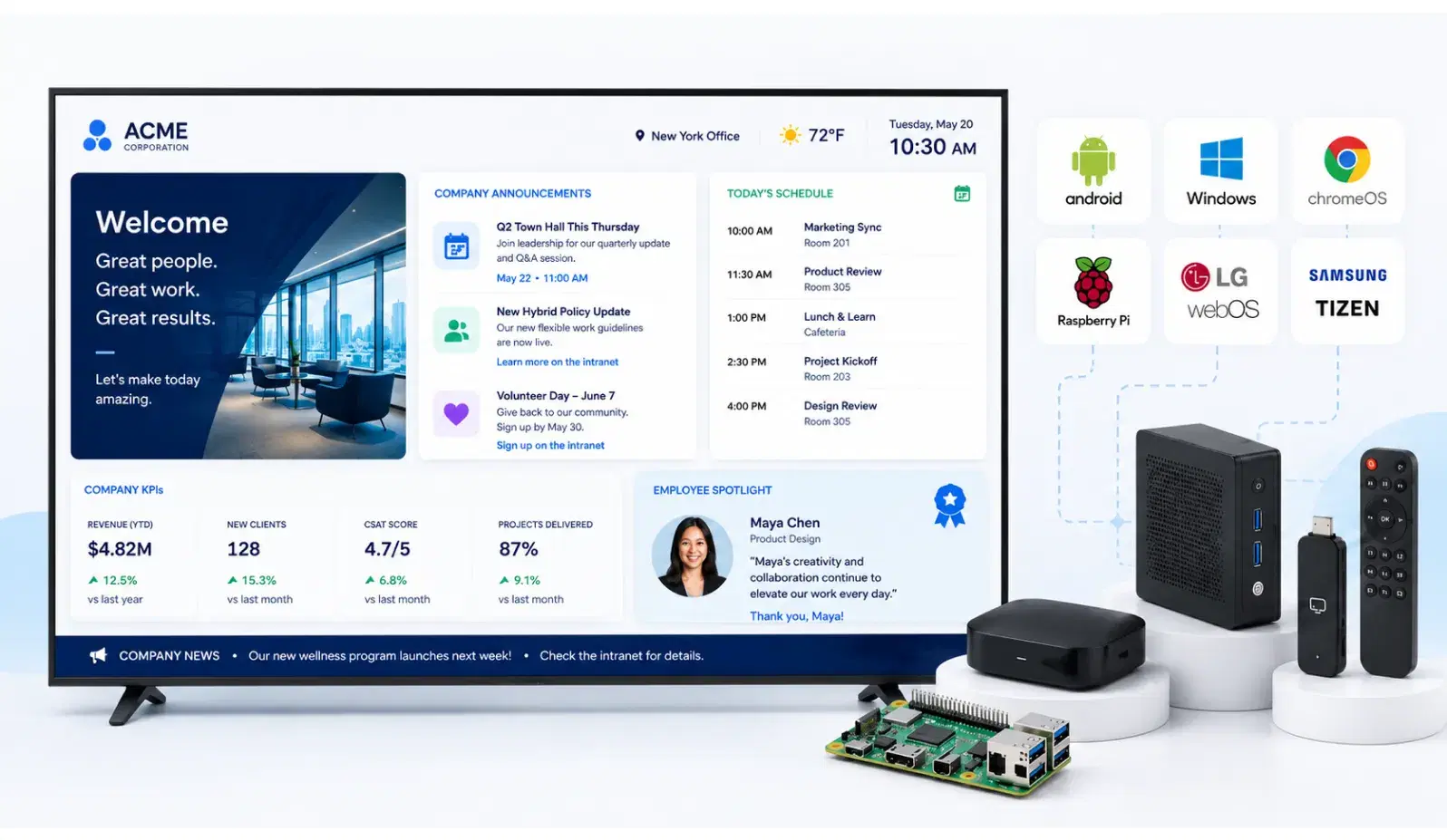
You do not need to buy hardware from Pickcel. The platform runs on 50+ device types. Any commercial TV or monitor connected to a supported device via HDMI works — or use purpose-built signage displays with an integrated OS.
Download the Pickcel app on your device
Install Pickcel on any supported player or commercial display OS. Android, Windows, Chrome OS, Samsung Tizen, LG webOS, and Amazon Fire TV are all supported.
Connect your screen
Pair your device with your commercial TV or monitor via HDMI, or use a purpose-built signage display with an integrated OS — no separate player required.
Publish your first content from the dashboard
Log in to the cloud dashboard, upload or design content, select your screens, and publish. No specialist IT configuration beyond network access.



For a full list of compatible hardware, see the digital signage player page.
Where Businesses Use Display Boards
Corporate offices and meeting rooms
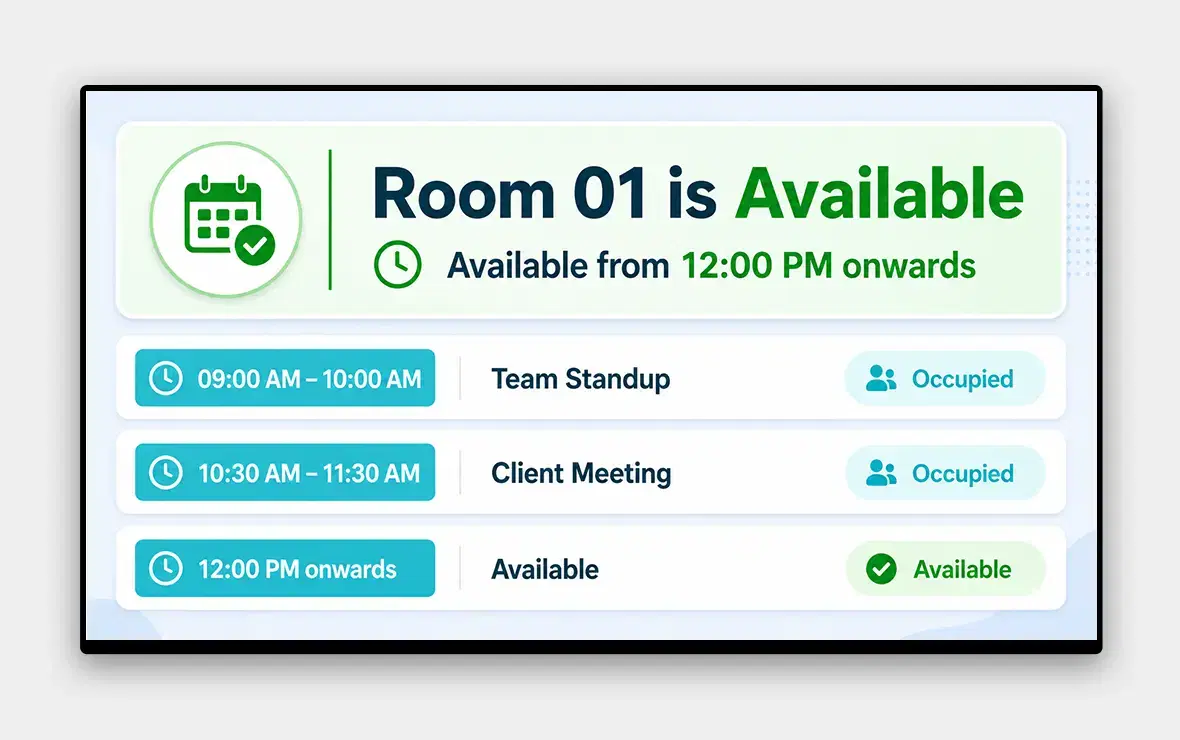
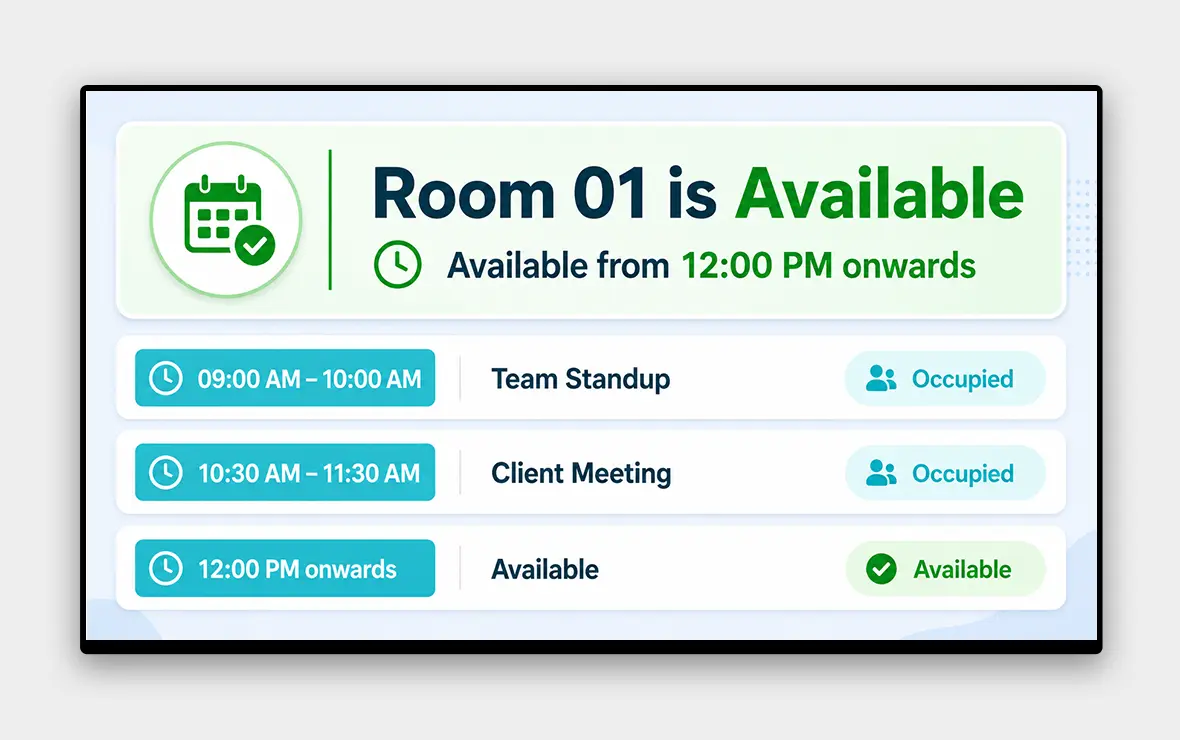
Corporate teams display KPIs, company announcements, and meeting room availability across offices. Pickcel lets headquarters push approved content to all sites simultaneously, so every office shows current, consistent messaging. See Pickcel for corporate digital signage.

Retail stores and window displays
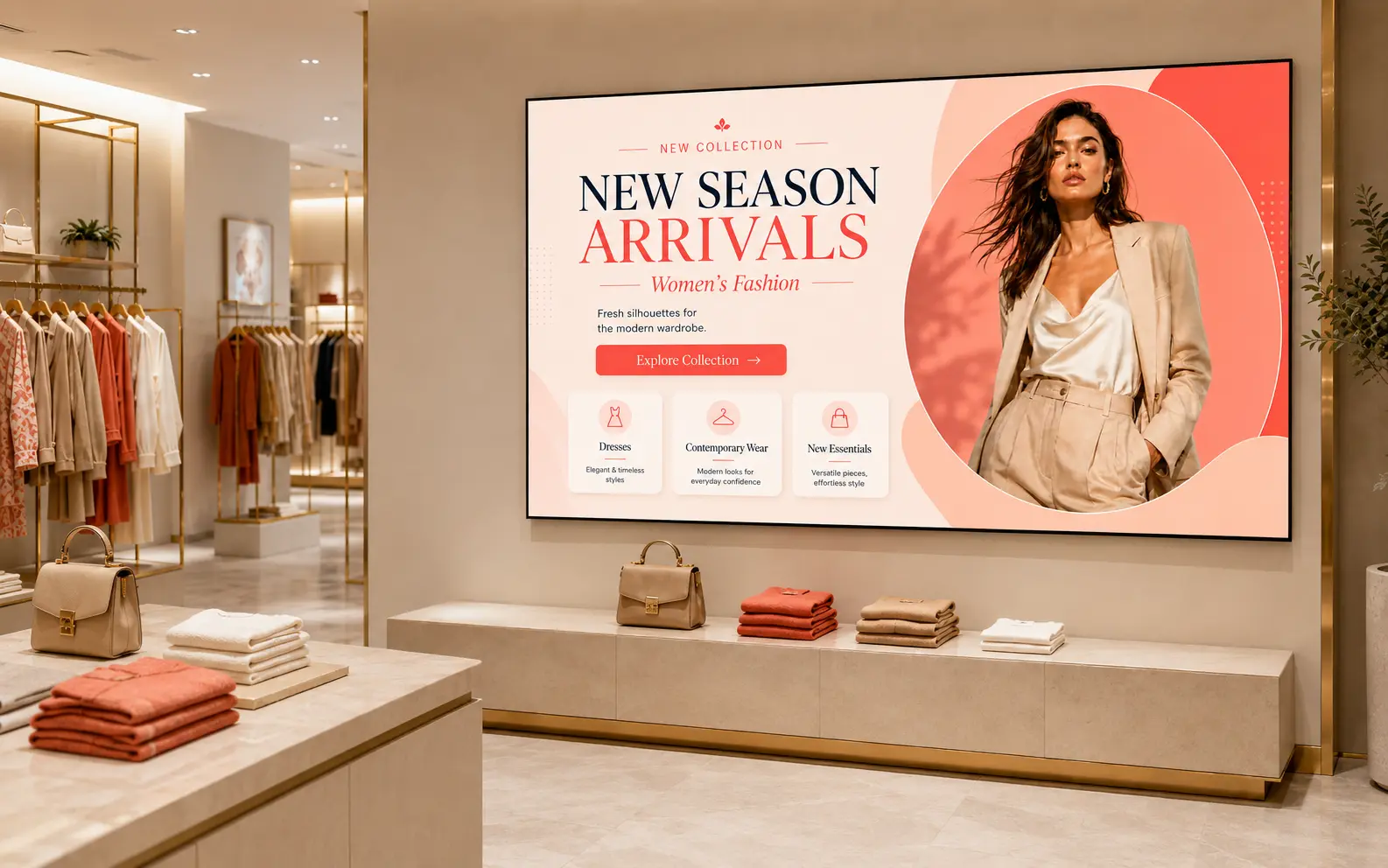
Retailers update promotions, pricing, and product campaigns across stores from a central dashboard. Time-sensitive offers go live across all locations in seconds. See Pickcel for retail digital signage.
Healthcare waiting rooms
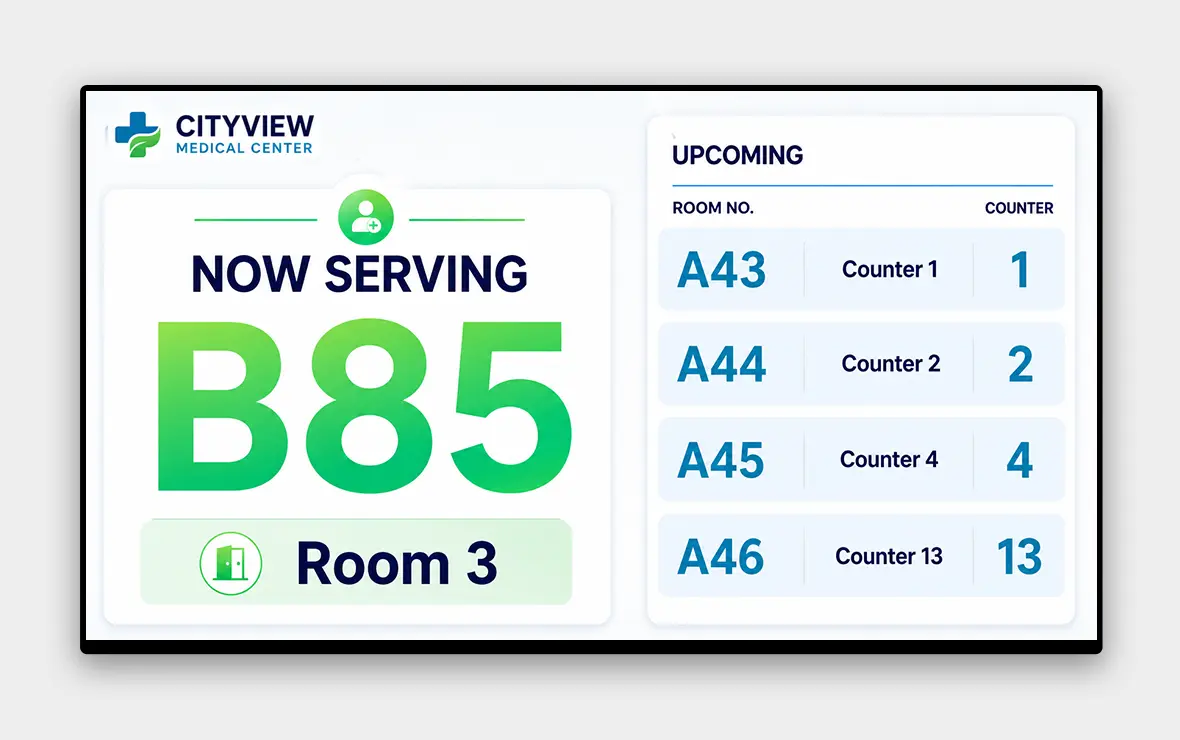
Hospitals and clinics display queue numbers, health guidance, and safety notices. Pickcel keeps content current without requiring clinical staff to manage screens directly. See Pickcel for healthcare digital signage.

Manufacturing floors
Production teams display live KPIs, shift briefings, and safety alerts on factory floor boards. Pickcel connects to live data sources to show real-time production metrics.

Education campuses
Schools and universities post timetables, event notices, and campus alerts across buildings. Role-based access lets individual faculties manage their own boards without affecting other areas of the network. See Pickcel for education campus digital signage.
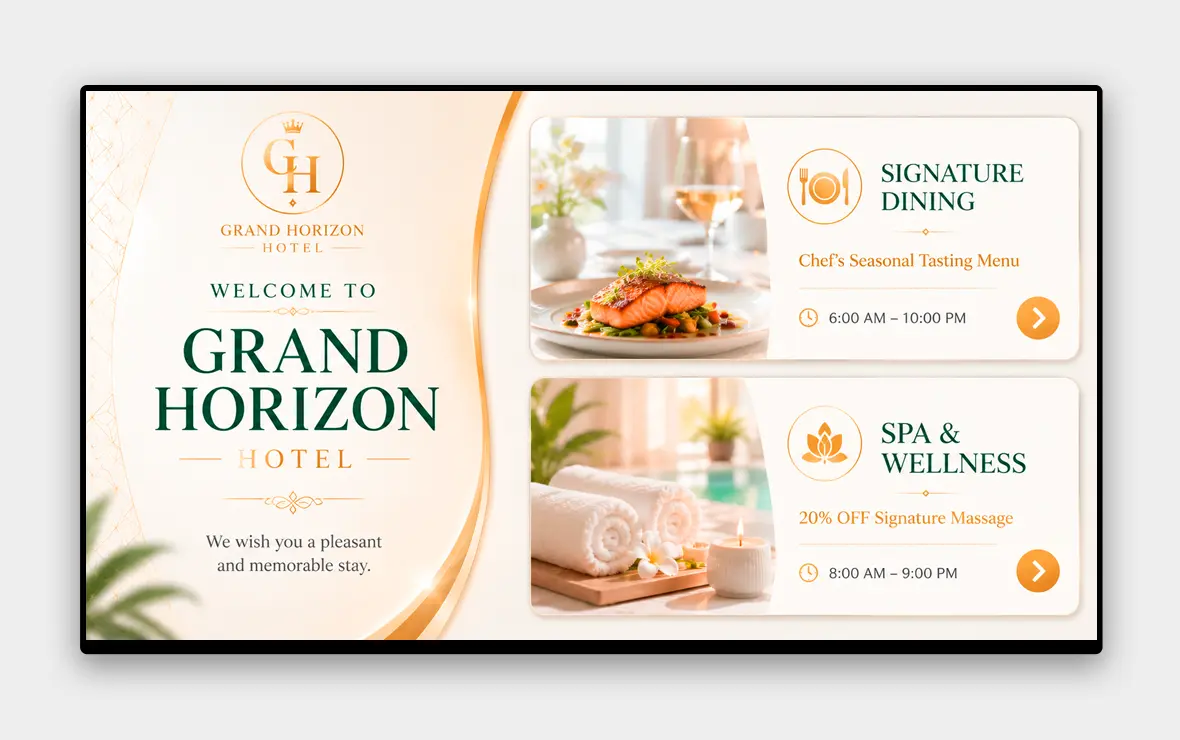
Hotels and restaurants
Hospitality venues run menus, event listings, and directional content. Scheduled playlists switch content automatically from breakfast service to dinner without manual intervention.
Key Features for Display Board Management
Content scheduling
Assign content to specific screens and set it to play at defined times and dates. Scheduling runs automatically once configured, with no manual switching.
Remote management
Update any display board from a browser or the Pickcel mobile app. Changes apply in real time to any screen, anywhere in your network.
500+ templates
Pre-built designs for menus, announcements, KPI dashboards, event listings, wayfinding, and more. Use a template or build from scratch with the drag-and-drop editor.
Screen health monitoring
Pickcel tracks the status of every connected screen continuously. Alerts identify the specific board, location, and fault time when a display goes offline.
Offline playback
When a screen loses internet connectivity, it continues playing the last synced content. When connection returns, the playlist updates automatically.
Role-based access
Control who can edit content for which screens. A branch manager updates their local boards without access to the broader network. An IT admin sets permissions across the whole estate.
Enterprise-Grade Security
Pickcel is audited annually against SOC 2 Type II and ISO 27001, the enterprise security standards most commonly required by corporate and institutional IT procurement teams.
SOC 2 Type II
Independent audit of data security, availability, and confidentiality controls.
ISO 27001
International standard for information security management systems.
99.99% uptime SLA. Pickcel's infrastructure is built for continuous operation. Scheduled maintenance windows do not interrupt content playback on active screens.
Dedicated onboarding and support. Every deployment includes onboarding assistance. Enterprise accounts receive a dedicated account manager and priority support access.
IT-ready documentation. Security architecture documents, data handling policies, and network requirements are available for enterprise IT review before sign-off. For security-sensitive deployments, see also our electronic bulletin board solution.