Windows Digital Signage: Deploy on Any PC, Mini PC, or Thin Client
Pickcel turns Windows 10 and Windows 11 devices into cloud-managed digital signage players. No proprietary hardware required. No vendor lock-in. Start displaying content in under 10 minutes.
What is Windows Digital Signage Software?
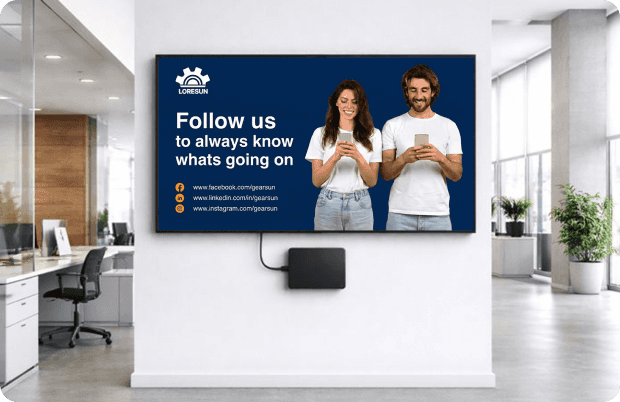
Windows digital signage software is a cloud-based application that turns any Windows 10 or Windows 11 PC into a managed display player, enabling remote content scheduling, multi-zone layouts, and real-time updates without dedicated proprietary hardware.
The category covers any software that runs on Windows and drives content to a connected display. What separates enterprise-grade digital signage software from basic presentation tools is remote management, scheduling logic, multi-screen control, and the ability to push updates across locations without physical access to each device. To understand what a digital signage player does and how it differs from a standard PC setup, see our complete guide.
For IT managers, the practical benefit is infrastructure reuse. Windows devices already in your fleet, already enrolled in Group Policy, already covered by your support contracts, become digital signage endpoints. There is no new hardware vendor to qualify and no specialized device outside your standard imaging cycles.
Pickcel installs as a lightweight Windows app. Once registered, each device appears in the cloud dashboard where content teams assign playlists and IT teams apply lockdown settings — both roles operate from the same platform without needing physical access to any screen.
Set Up in Three Steps
Getting from download to live screen takes under 10 minutes.

Install
Download the Pickcel app for Windows from the Microsoft Store or directly from pickcel.com/download. The app runs on Windows 10 (64-bit) and Windows 11 without additional runtime dependencies.

Register
Open the Pickcel app on your Windows device. A unique pairing code appears on the display. Enter that code in the Pickcel cloud dashboard to claim the device.

Publish
Assign a playlist, a content schedule, or a live zone layout from the dashboard. Content pushes to the screen immediately.
Capability Matrix
Pickcel's Windows app ships with seven platform capabilities available on every account of Pickcel digital signage software, with no feature gating by device type.
| Sub-capability | What it does | Limit / spec |
|---|---|---|
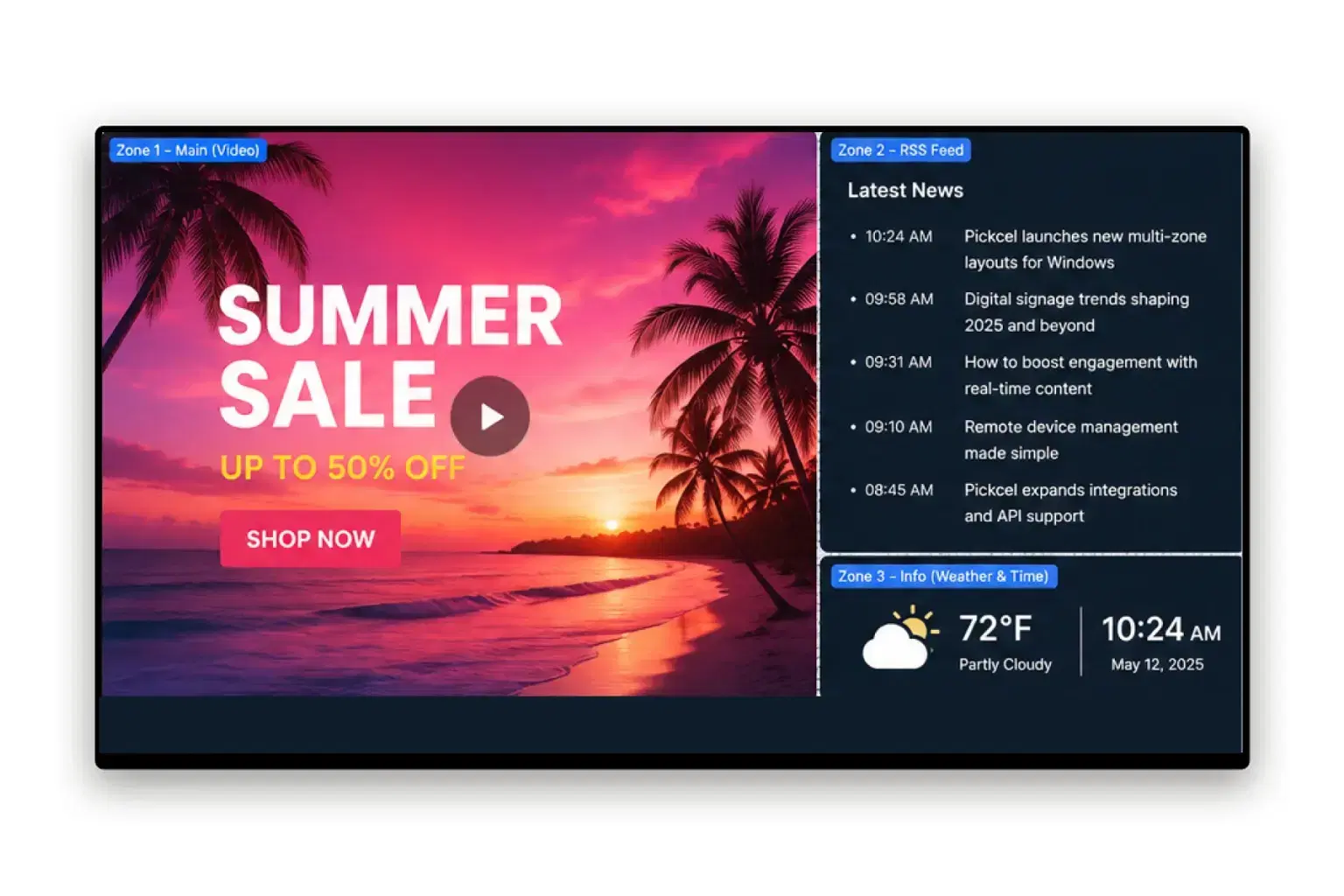
| Multi-zone layouts | Divide a single screen into independent content zones | Up to 10 zones per screen |
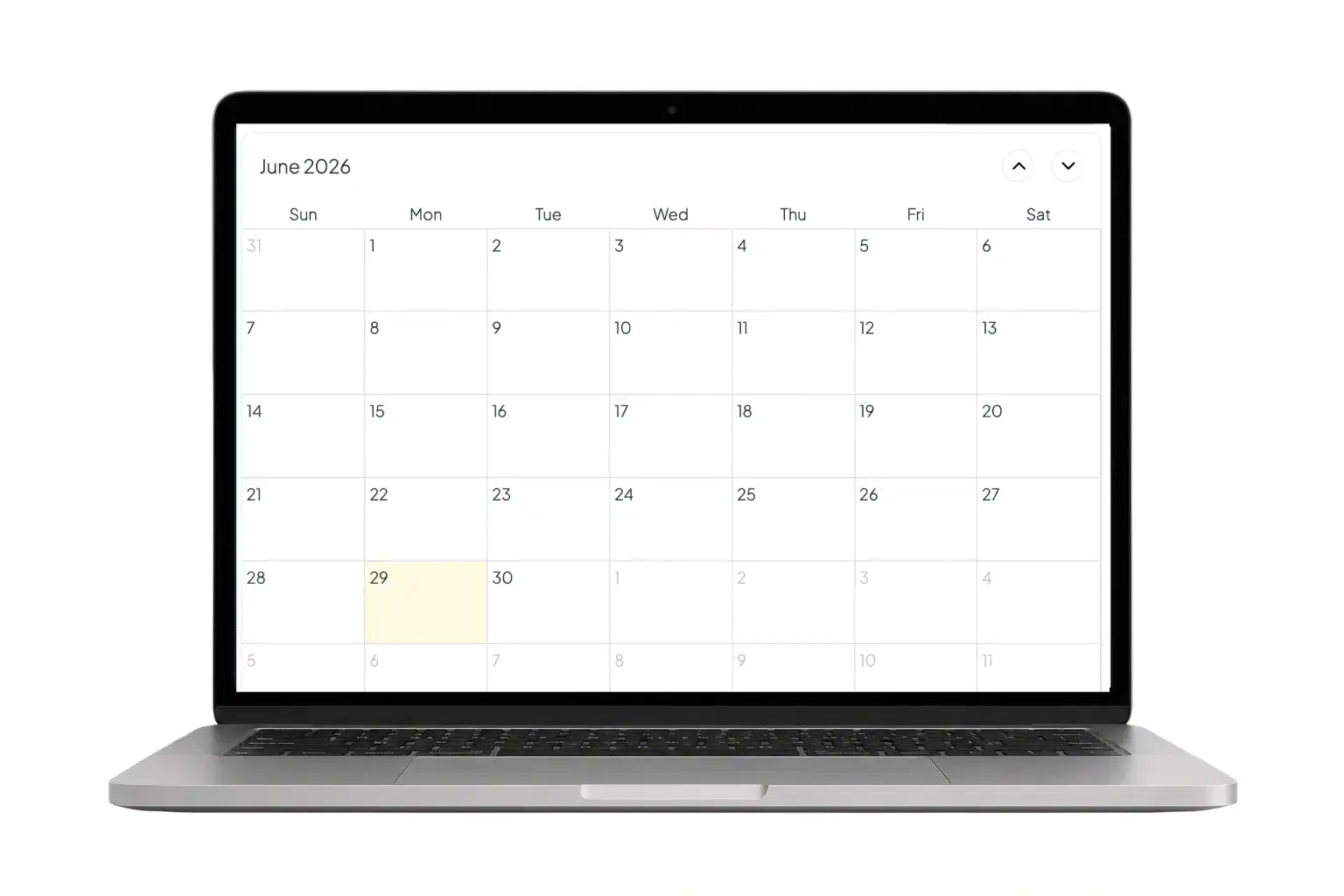
| Content scheduling | Schedule playlists by time slot, day of week, and date range | Sub-minute propagation after publish |
| Remote management | Monitor status, push updates, and reboot screens from the cloud dashboard | Unlimited screens per account |
| Offline playback | Plays locally cached content when the internet connection drops | Resumes sync automatically on reconnection |
| Live data feeds | Display RSS, weather, social media, and custom data in real time | 50+ native integrations |
| Kiosk lockdown | Restricts the Windows device to the Pickcel player; blocks all other input and system access | Configurable from Pickcel dashboard or Windows Group Policy |
| Role-based access | Assign publishing permissions by user, group, or location | No hard limit |
The combination of kiosk lockdown, offline playback, and remote management addresses the three questions IT decision-makers raise most often: Can we lock the device down? What happens if the connection drops? Do we need to send someone on-site to make a change? Pickcel answers all three at the platform level, not through custom scripts or third-party tools.
Pickcel on Windows: In-Product View
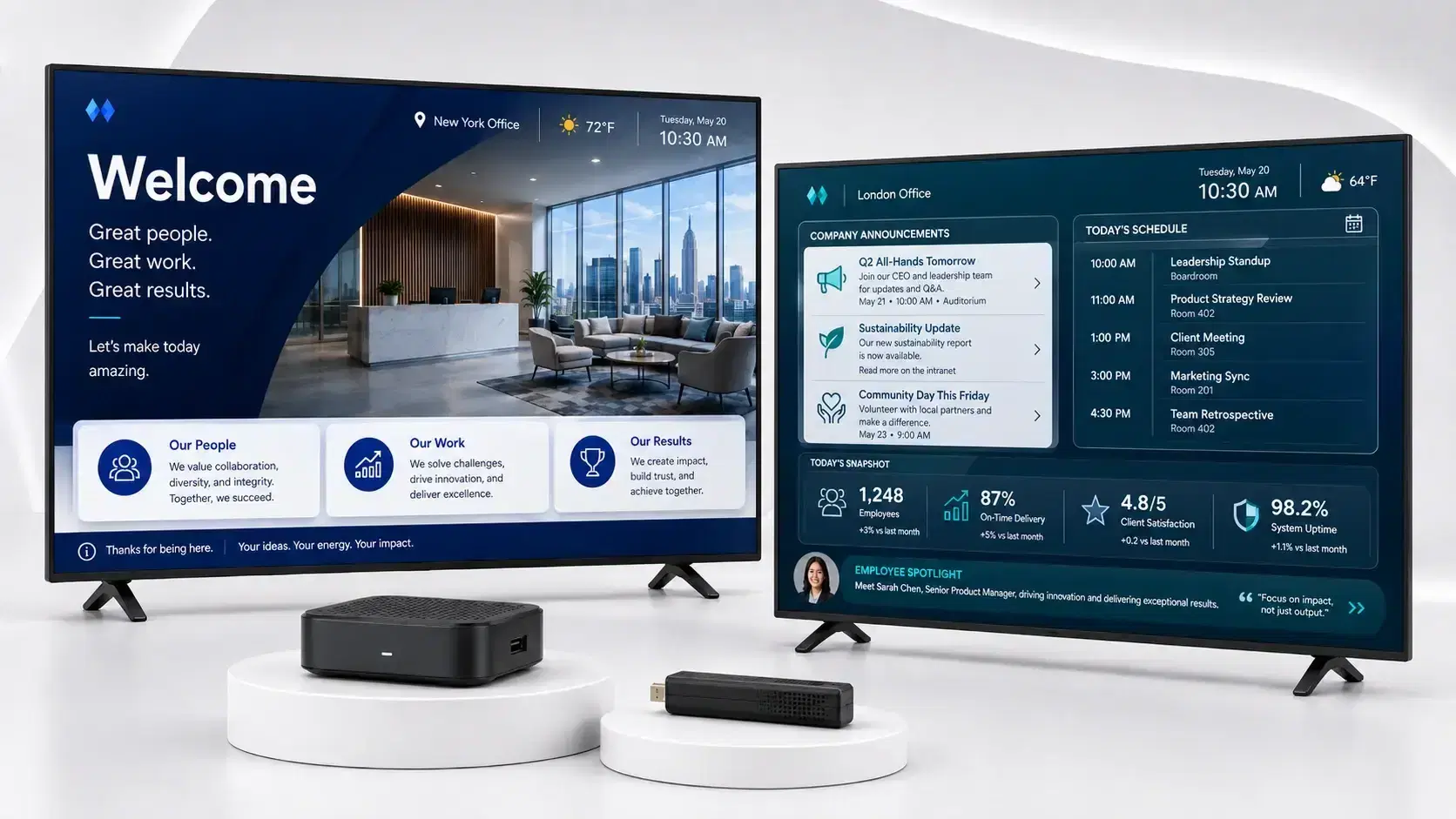
See how content scheduling, multi-zone layouts, and kiosk lockdown look in the Pickcel Windows app.

Industries Deploying Pickcel on Windows

Retail
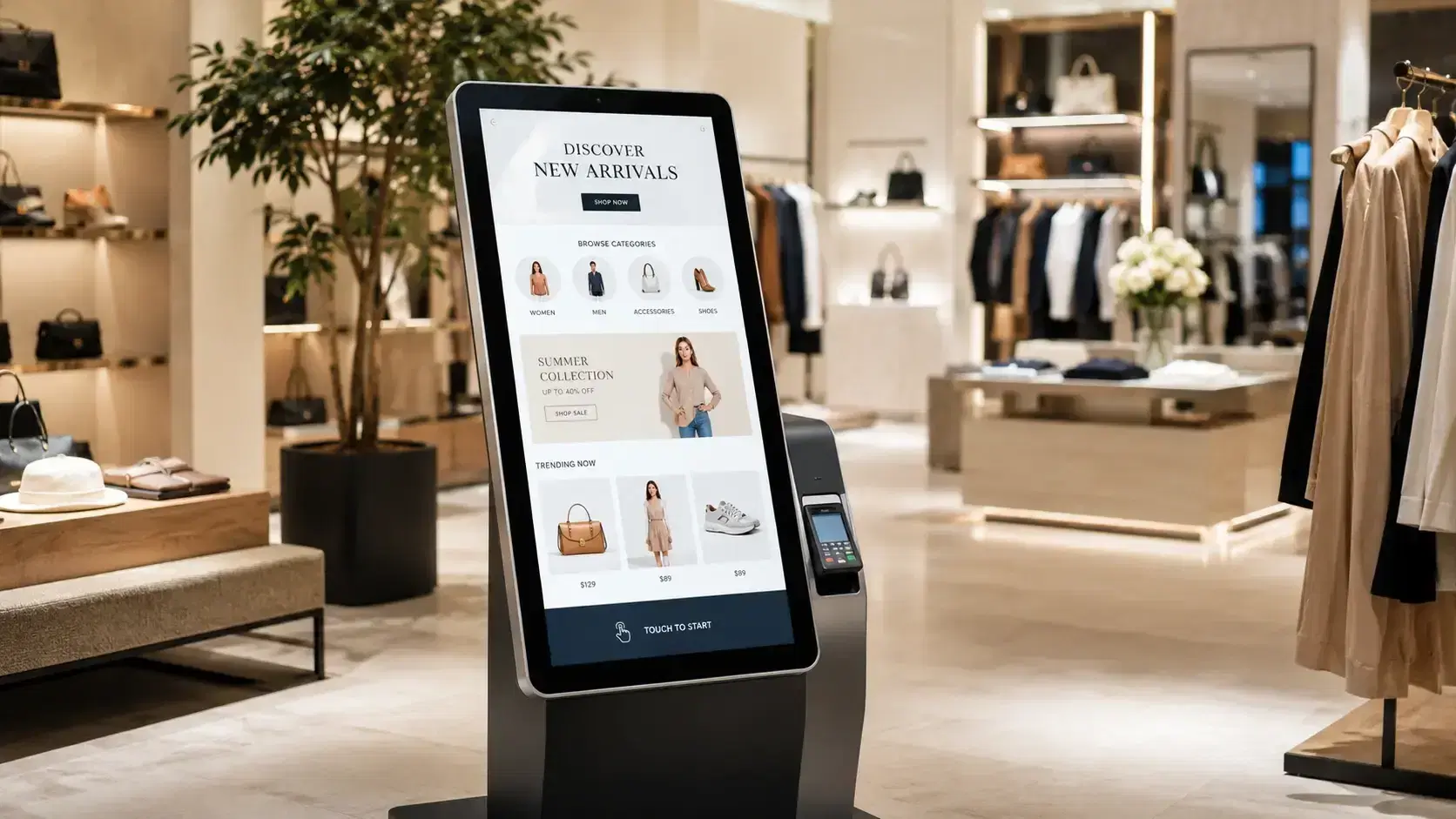
Store managers update promotional content, seasonal offers, and in-aisle pricing boards across all locations from a single interface. Windows PCs already installed near the POS become display endpoints during non-transactional hours.
Corporate
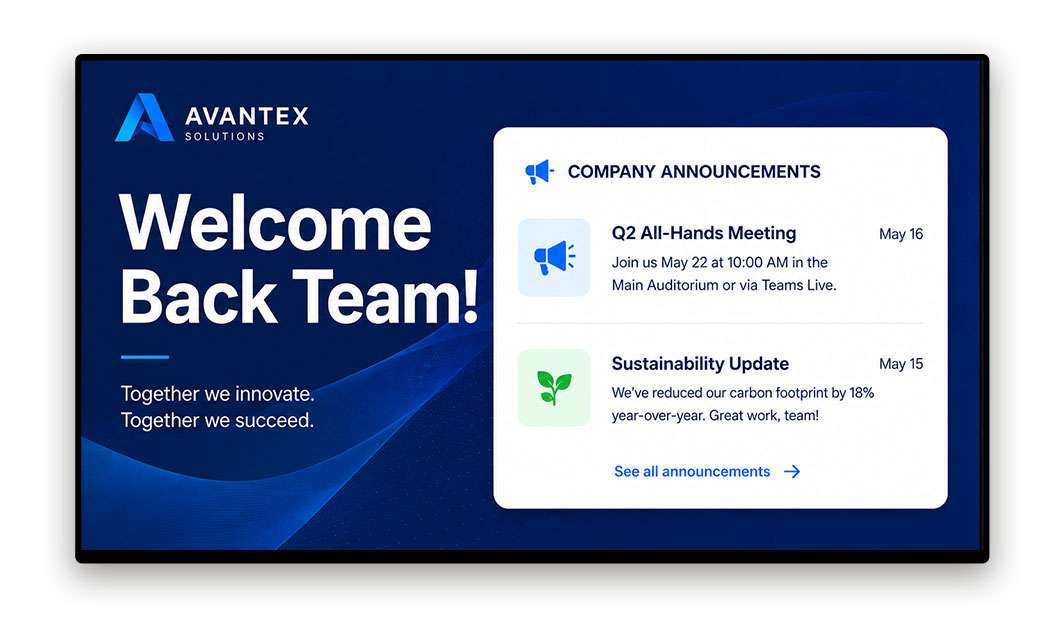
IT departments deploy Pickcel on Windows thin clients already on-site to drive lobby displays, reception screens, and meeting room boards. Group Policy integration fits inside existing device management workflows.
Healthcare
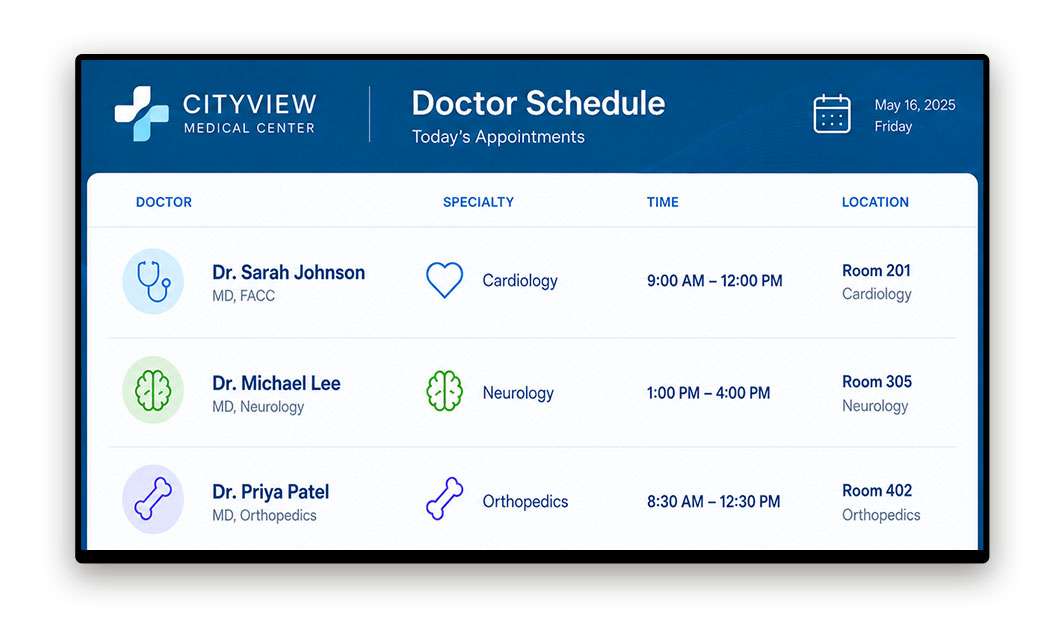
Patient-facing displays in waiting areas, corridors, and reception show queue information, appointment notices, and health guidelines. Kiosk lockdown on Windows all-in-ones prevents interaction beyond viewing.
Education
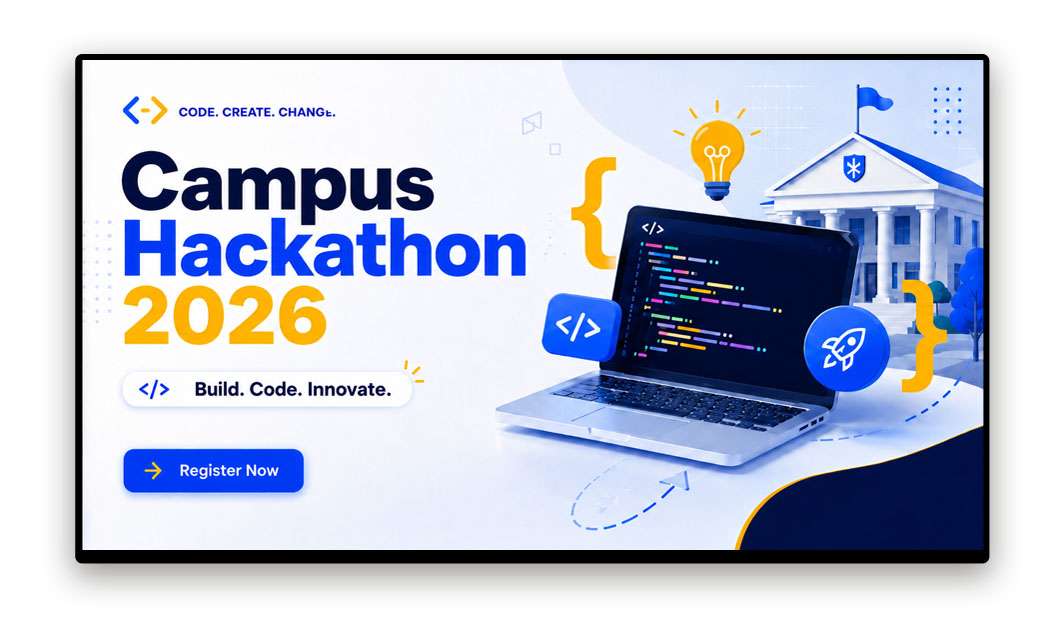
Campus administrators push daily schedules, event listings, emergency notifications, and wayfinding content to Windows screens mounted across corridors, libraries, and common areas.

Hospitality
Hotel AV teams manage guest-facing lobby displays, conference room signage, and digital directories on Intel NUC and Mini PC devices already installed in public areas.
Runs on Every Windows Device You Already Own
Pickcel is compatible with Windows 10 (64-bit) and Windows 11. For new deployments, see Pickcel hardware bundles. For other supported players, including Android, BrightSign, and LG webOS, visit the full player hub.
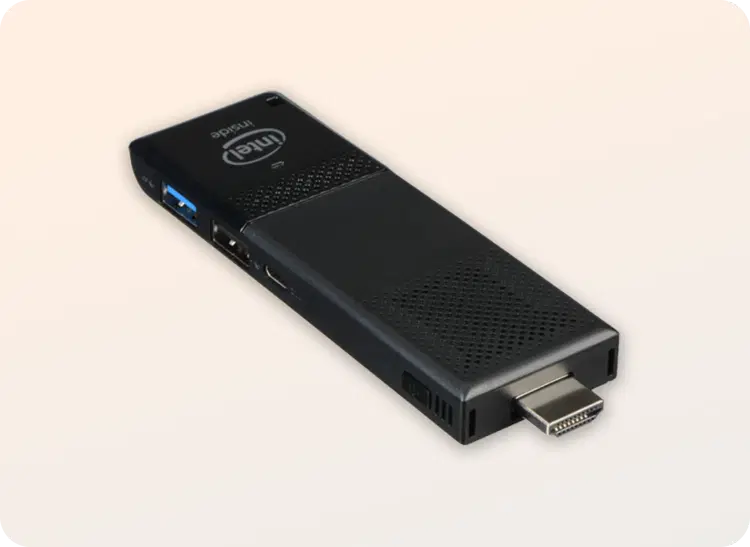
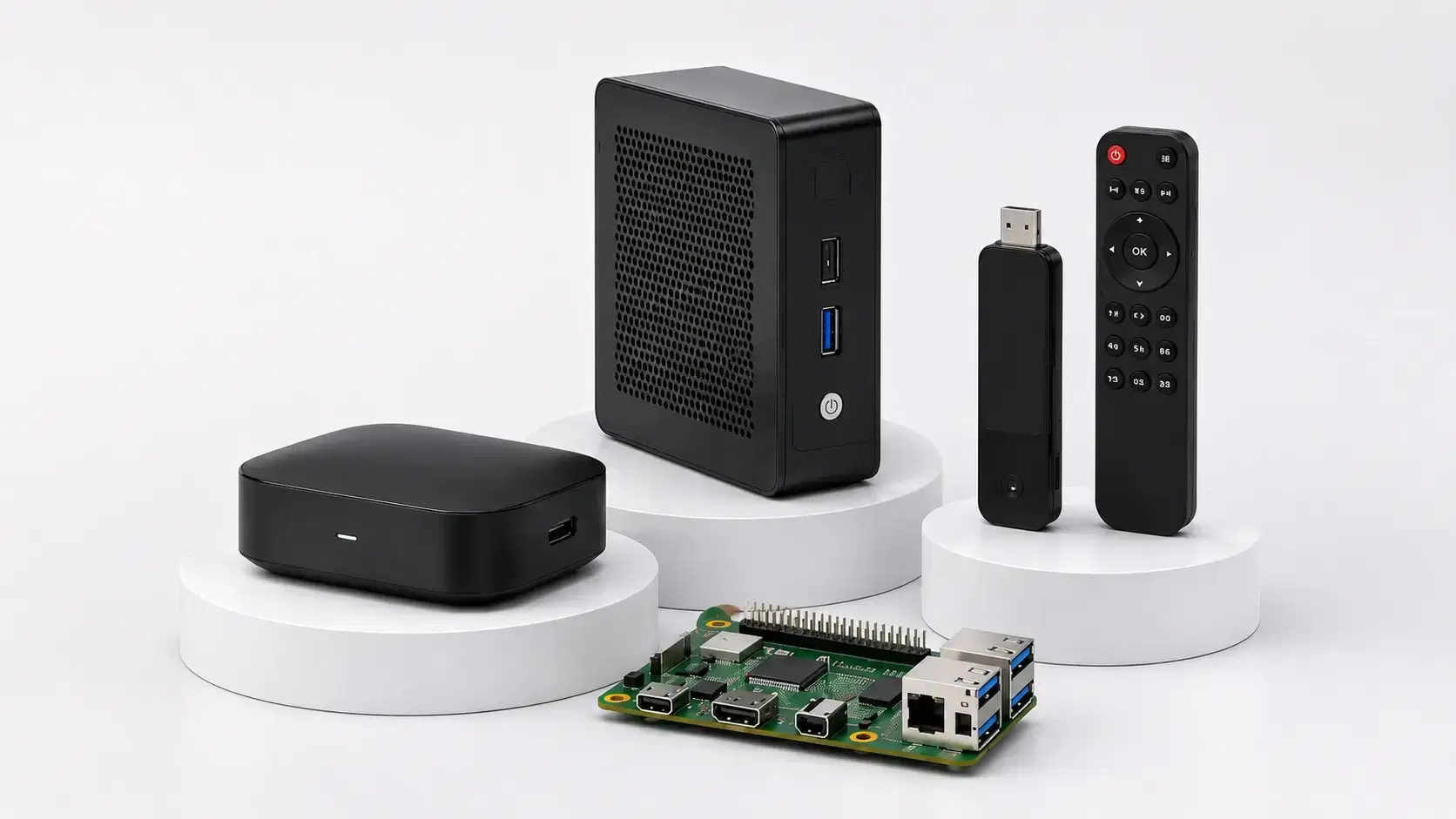
Intel Compute Sticks
Compact Windows devices that plug into any HDMI display for single-screen deployments.
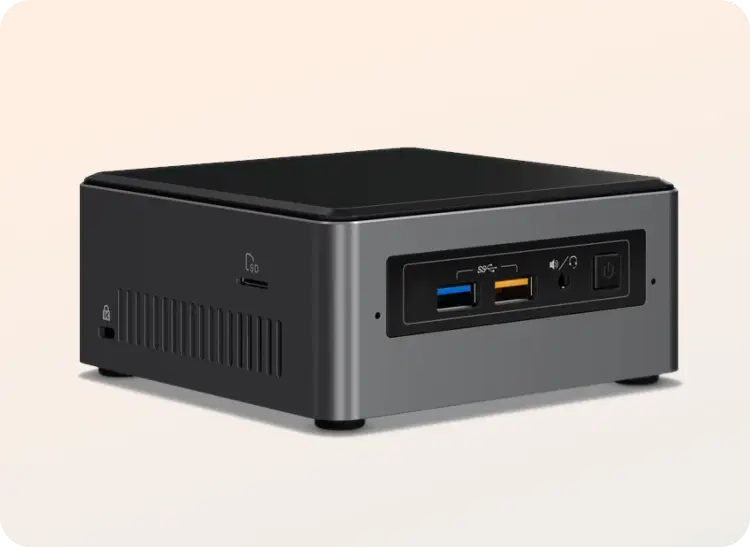
Mini PCs and Intel NUC
Small form-factor Windows players for menus, dashboards, and always-on commercial screens.
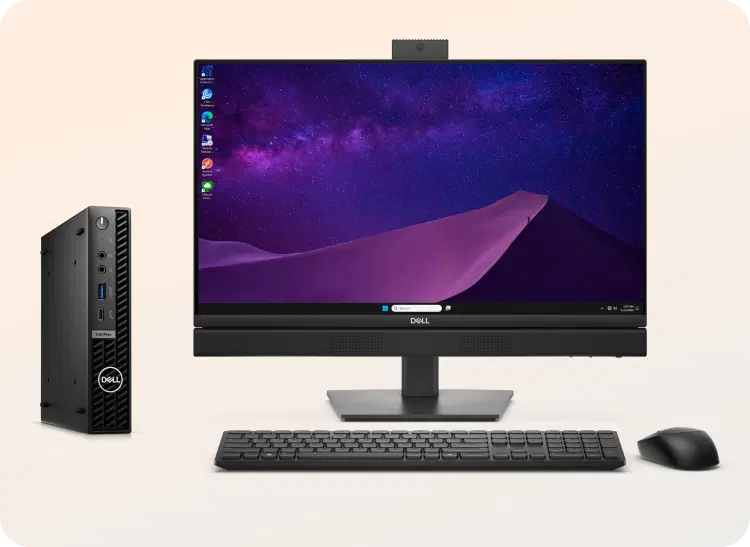
Thin clients and desktops
Reuse Windows PCs and thin clients already enrolled in your network for large offices and managed IT environments.
Compatible device form factors
- Desktop PCs and all-in-ones
- Laptops in display-only mode
- Intel NUC and Mini PCs
- Intel Compute Sticks
- Windows thin clients
- Windows-based kiosk units
Supported operating systems
Windows 10 (64-bit), Windows 11
Supported file formats & content types
| Requirement | Minimum spec |
|---|---|
| Operating system | Windows 10 (64-bit) or Windows 11 |
| RAM | 2 GB minimum (4 GB recommended) |
| Storage | 8 GB available (16 GB recommended for offline caching) |
| Display output | HDMI, DisplayPort, or VGA via adapter |
| Internet | Required for sync and remote management; offline playback available |
Enterprise-Grade Security for Windows Deployments
SOC 2 Type II certified
Pickcel undergoes independent audits against SOC 2 criteria covering security, availability, and confidentiality.
ISO 27001 certified
Pickcel operates an ISO 27001-compliant information security management system for enterprise vendor approval workflows.
Kiosk lockdown
Built-in kiosk mode restricts the device to the Pickcel player, blocking keyboard shortcuts, system menus, Task Manager, and app switching — configurable from the dashboard or Windows Group Policy.
Offline playback
Pickcel caches the active content playlist locally on each Windows device. If the internet connection drops, the screen continues playing from the local cache without interruption, and syncing resumes automatically when the connection is restored.
Uptime and SLA
Pickcel's cloud platform maintains 99.99% uptime. The SLA is documented and available on request for enterprise procurement evaluations.
Frequently Asked Questions About Windows Digital Signage
You Might Also Like
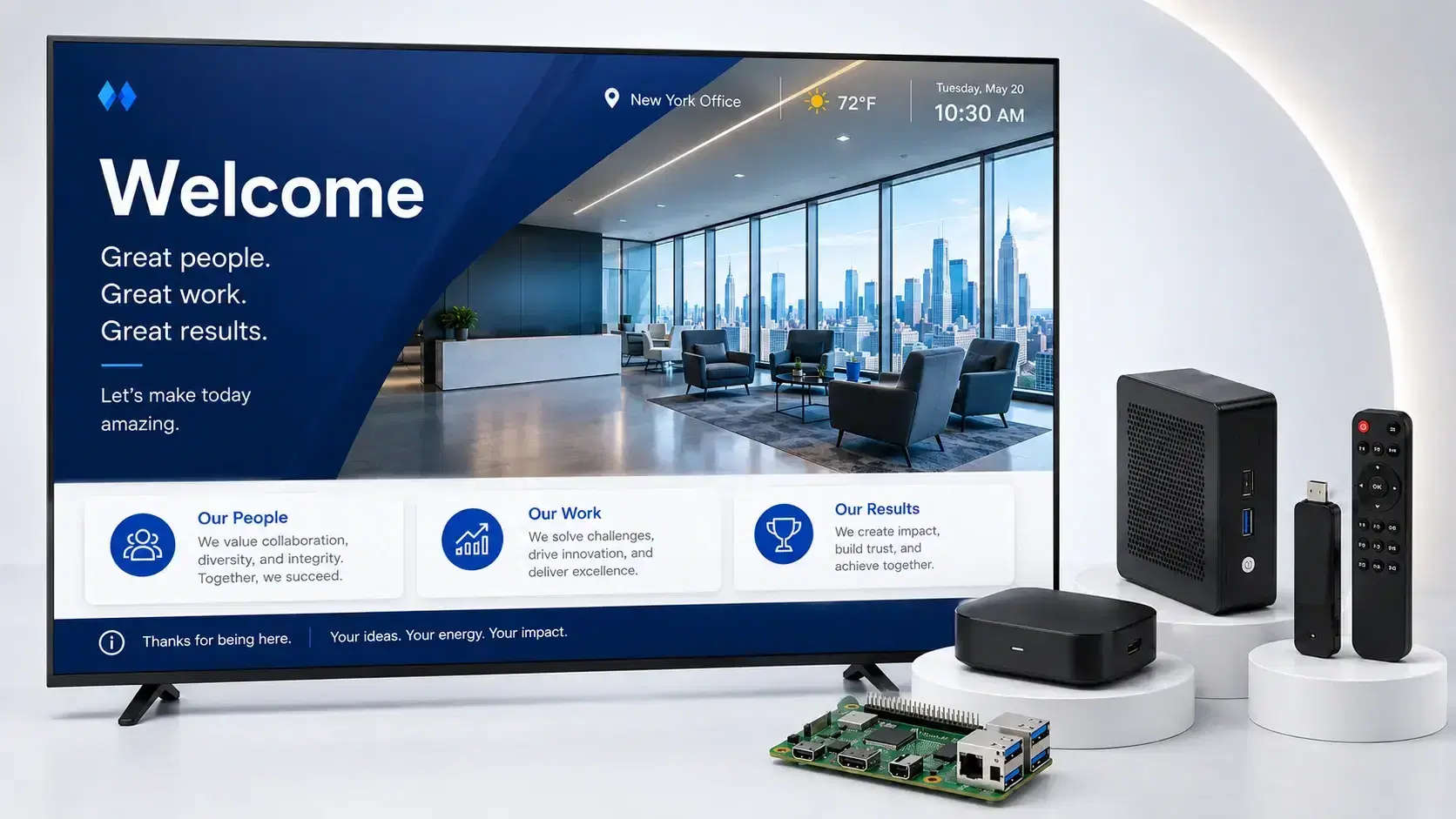
Digital Signage Player: A Complete Guide
Technical overview of what a digital signage player does and how it differs from a standard PC setup.
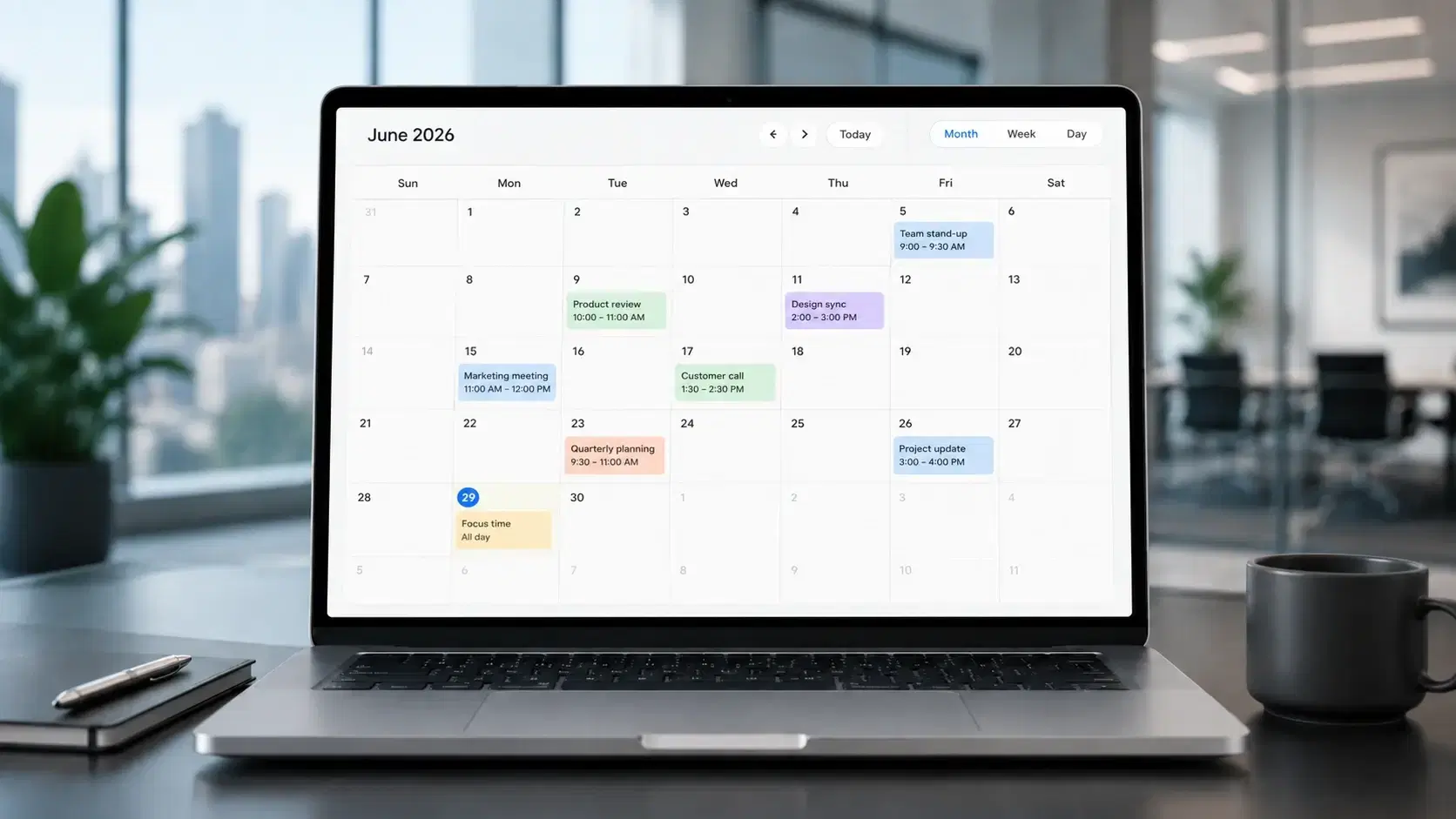
Digital Signage Software Overview
Cloud CMS for scheduling, publishing, and managing content across every screen in your network.
Digital Signage Player Hub
Compare all supported players including Android, BrightSign, LG webOS, and Samsung Tizen.
Interactive Display and Kiosk Solutions
Kiosk lockdown, touch interactivity, and visitor-facing display deployments on Windows.
Digital Signage Hardware
Hardware bundles and compatibility guidance for new Windows signage deployments.