Pickcel

Core Platform

  • Software Features
  • Pickcel Comms
  • Templates
  • Security & Compliance

Enterprise

  • On-Premise
  • Integrations & Automation
  • Our Services

Extensions & Apps

  • Mobile App
  • App Integrations

Digital Signage Players

  • Android
  • Samsung Tizen
  • BrightSign
  • Amazon Signage Stick
  • View all Players
What is Digital Signage?

Learn the basics of digital signage and how it can transform your business.

Industries We Serve

  • Office
  • Retail
  • Restaurant
  • Manufacturing
  • Hospitality
  • Healthcare
  • Transportation
  • Education
  • View all Industries

Solutions

  • Dashboard
  • FIDS
  • Digital Menu board
  • Car Dealership App
  • Wall Craft
  • Event Stream
  • Transport PIS
  • Social Wall
  • View all Solutions
See How Pickcel  Helped Amazon
See How Pickcel Helped Amazon

Case Studies

  • Mercedes-Benz
  • Accenture
  • Magnolia Bakery
View all

All Resources

  • Digital Signage Blog
  • Learn
  • Digital Signage Gallery
  • Case Studies
  • Support
  • Download
Partnerships
Partnerships

Partnerships

  • White-Label
  • Reseller
Pricing
Login

Nexmosphere Software Integration: Screens That React When Someone Steps In

Pickcel Sensor Triggers switch your screen content the moment a visitor walks up, in every store you run.

Visitor stepping into a car showroom as a LiDAR sensor scans them and the wall screen plays that car's film

Trusted by businesses worldwide

  • Nissan
  • Decathlon
  • Amazon
  • SOC 2 Type II Certified
  • ISO 27001 Certified

Definition

What are Pickcel Sensor Triggers?

Pickcel Sensor Triggers connect Nexmosphere sensors to your Pickcel screens so content changes when a person steps into an area you choose, called a Zone. The screen switches to that Zone's content straight away, without waiting for the current video to finish, and returns to its regular loop when the visitor moves on.

  • Pick an area, called a Zone

    A Nexmosphere sensor watches the area you choose, so content changes when a person steps into it.

  • The screen switches straight away

    It shows that Zone's content without waiting for the current video to finish.

  • Back to the loop when they leave

    The screen returns to its regular loop when the visitor moves on.

  1. Regular loopZone 1
    1

    Nobody in a Zone

    The screen plays its regular loop.

  2. Zone 1 contentZone 1
    2

    A visitor steps in

    That Zone's content takes over straight away.

  3. Regular loopZone 1
    3

    The visitor moves on

    The screen returns to its regular loop.

How it works

How Sensor Triggers work

Getting started takes three steps, and only the first happens in your space.

  1. Sensor installed
    1

    Step 1: Install the sensor.

    A Nexmosphere LiDAR sensor goes in front of the screen, product or wall you want to bring to life.

  2. Zone 1Zone 2Zones set
    2

    Step 2: Draw Zones and pick content.

    In Pickcel, mark the areas that matter, such as the space beside a new car or the floor in front of a feature display, and choose what plays when someone steps into each one.

  3. Published
    3

    Step 3: Publish everywhere.

    Set it up once and send the same Sensor Trigger to one screen, a group or every location with the same layout. Campaign changes later go out from the dashboard, with nobody on site.

Capabilities

What Sensor Triggers do

Each behaviour below is built in, so the experience stays predictable for shoppers and simple for your team.

The latest visitor wins

If someone steps into a second Zone, that Zone's content takes over
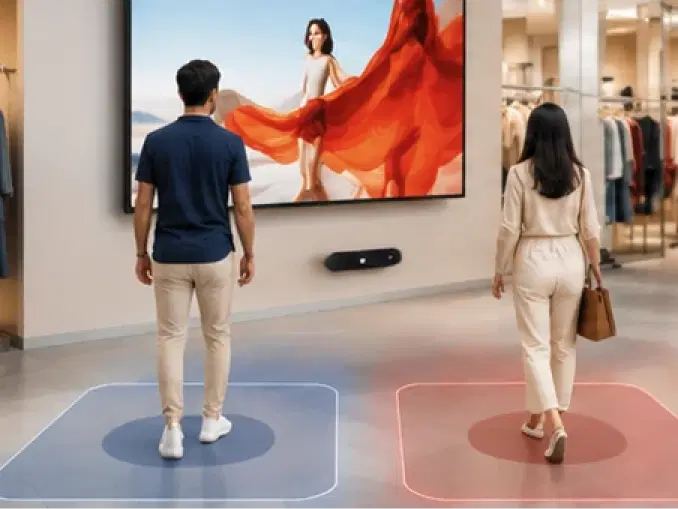
Two visitors standing on separate blue and red floor Zones in front of a wall screen, with a sensor mounted below the screen

One sensor, several screens

A single sensor can drive content on more than one screen
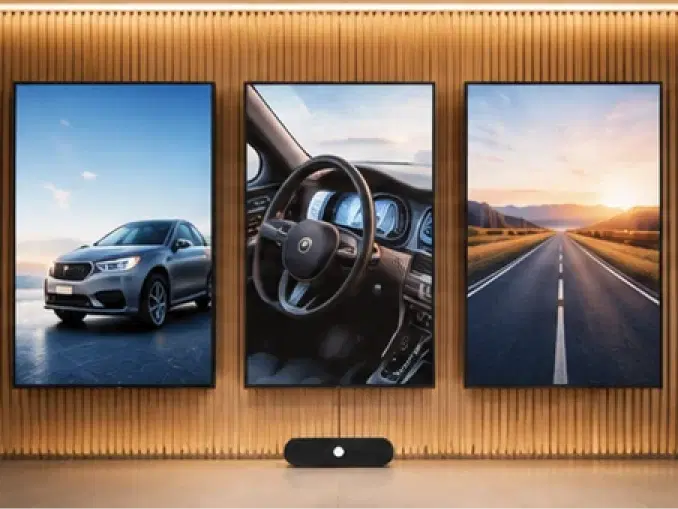
One sensor mounted below a row of three vertical screens showing a car, a steering wheel and an open road

As many Zones as you need

Pickcel works with as many Zones as your sensor supports
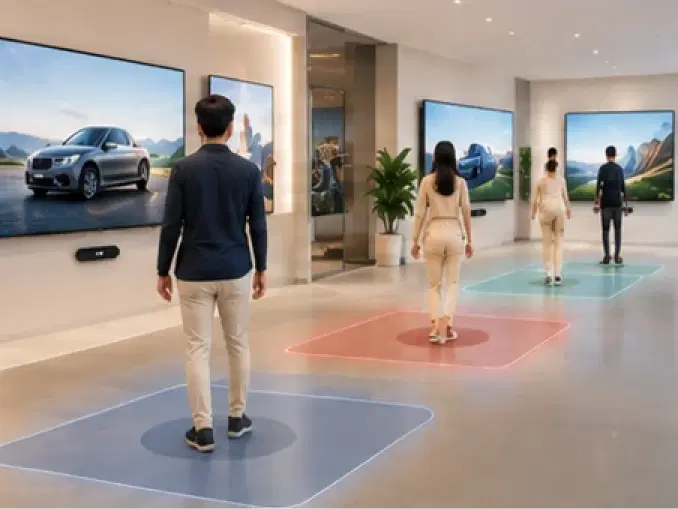
Several coloured floor Zones across a showroom, each with a visitor standing in it, in front of wall screens

Runs on the players you use

Android, Windows, Linux, webOS, Tizen, BrightSign and Pickcel's own players
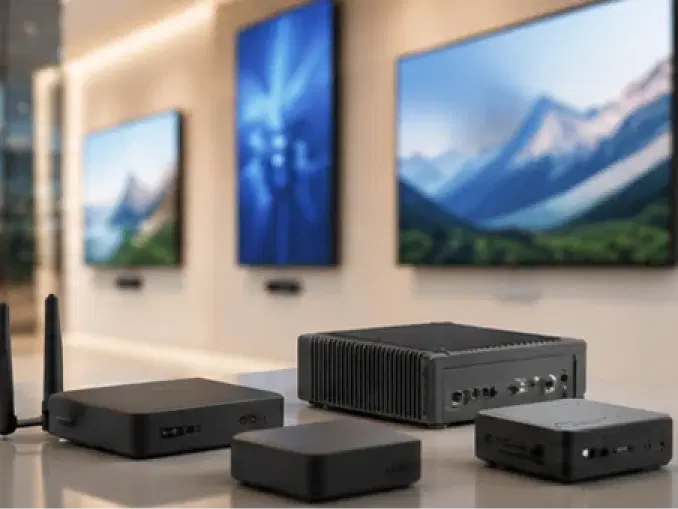
Compact media players and a network box on a console in front of three wall screens
Four showroom scenes: two visitors on separate floor Zones in front of a wall screen, one sensor under a row of three screens, several Zones across a showroom, and media players in front of wall screens

Video

See Sensor Triggers in action

Sensor Triggers/ Showroom entrance
Published
Screen
Zone 11Zone
Zone 2
2Playlist

Zone 1

Model film

Zone 2

Key features

Latest visitor wins. Back to the regular loop when the Zone is empty.

Publish Sensor Trigger

Showroom entrance

3Locations
  • Showroom 01, Mumbai
  • Showroom 02, Delhi
  • Experience centre, Dubai
  • Store 04, London
Publish to 3 locations
150,000+
Screens
9,000+
Global Customers
100+
Apps & Integrations
70+
Countries

See your space mapped to Zones and content on a live call.

No commitment required. 20-minute session with a specialist.

Use cases

Where brands use Sensor Triggers

Sensor Triggers suit any space where the screen should react to where a person is standing rather than wait for a tap.
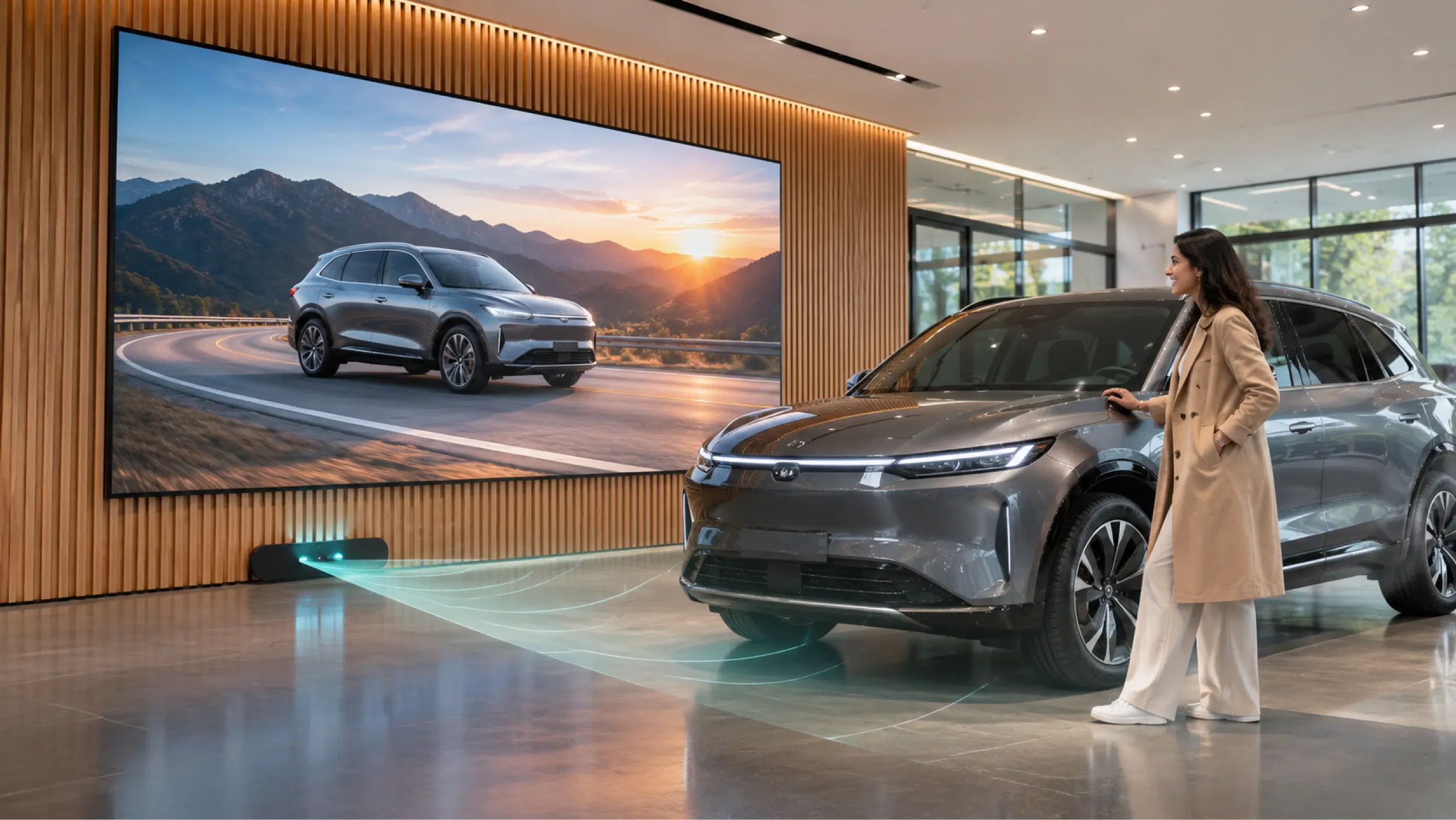
  • Car showroom using Pickcel digital signage to play a model's film when a visitor steps up
    Car showroom

    Showrooms.

    A visitor steps up to a car or a product on display, and the large screen behind it plays that model's film and key features. See how dealerships use digital signage in the showroom.
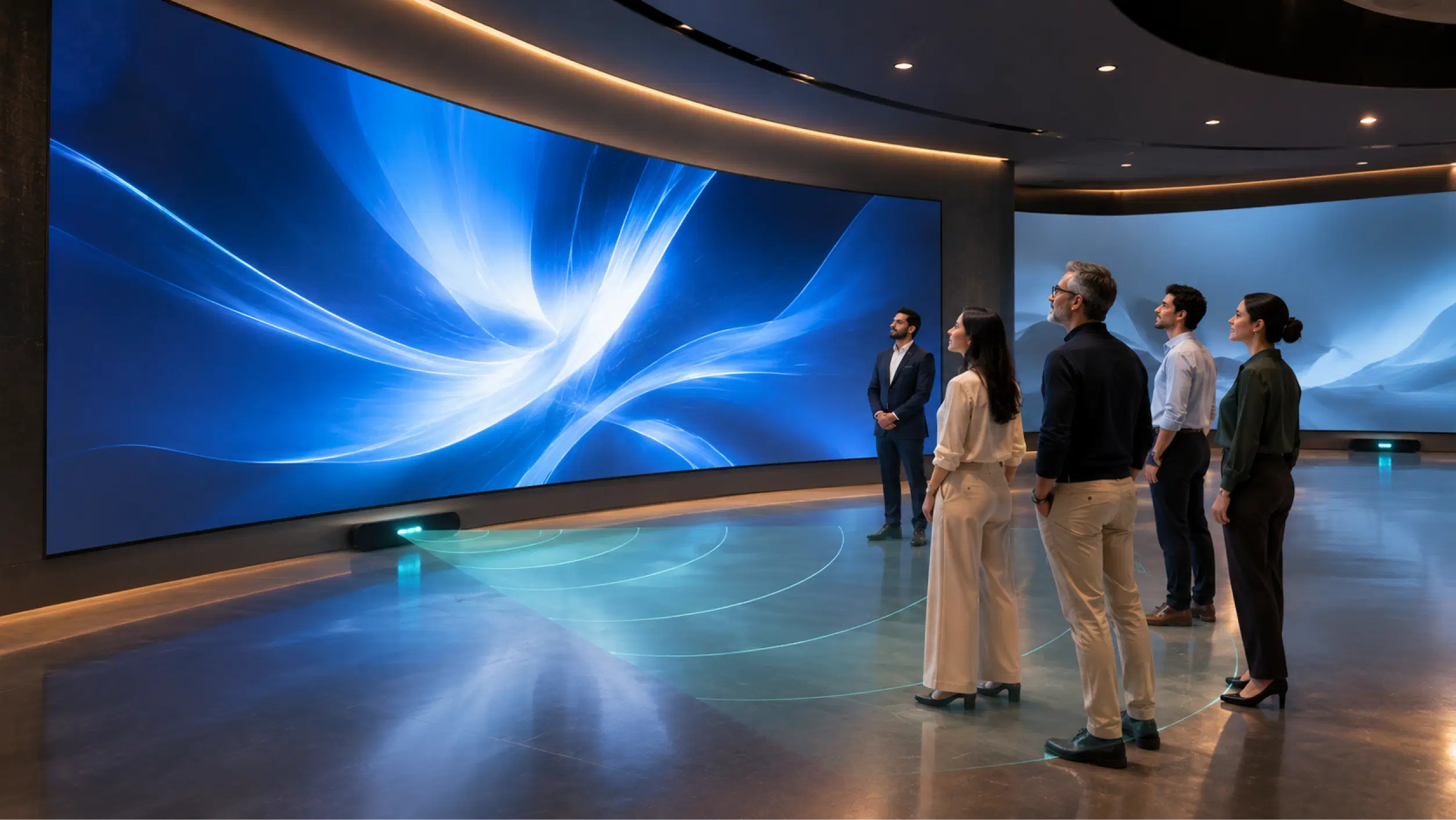
  • Experience centre using Pickcel digital signage to start an LED wall's story as visitors arrive
    Experience centre

    Experience centres.

    A Zone in front of each LED wall starts that wall's story as a group arrives, so the host can talk instead of cueing screens. Multi-wall content stays in step with video wall software; read how Pickcel runs the LED walls at PwC's experience centre.
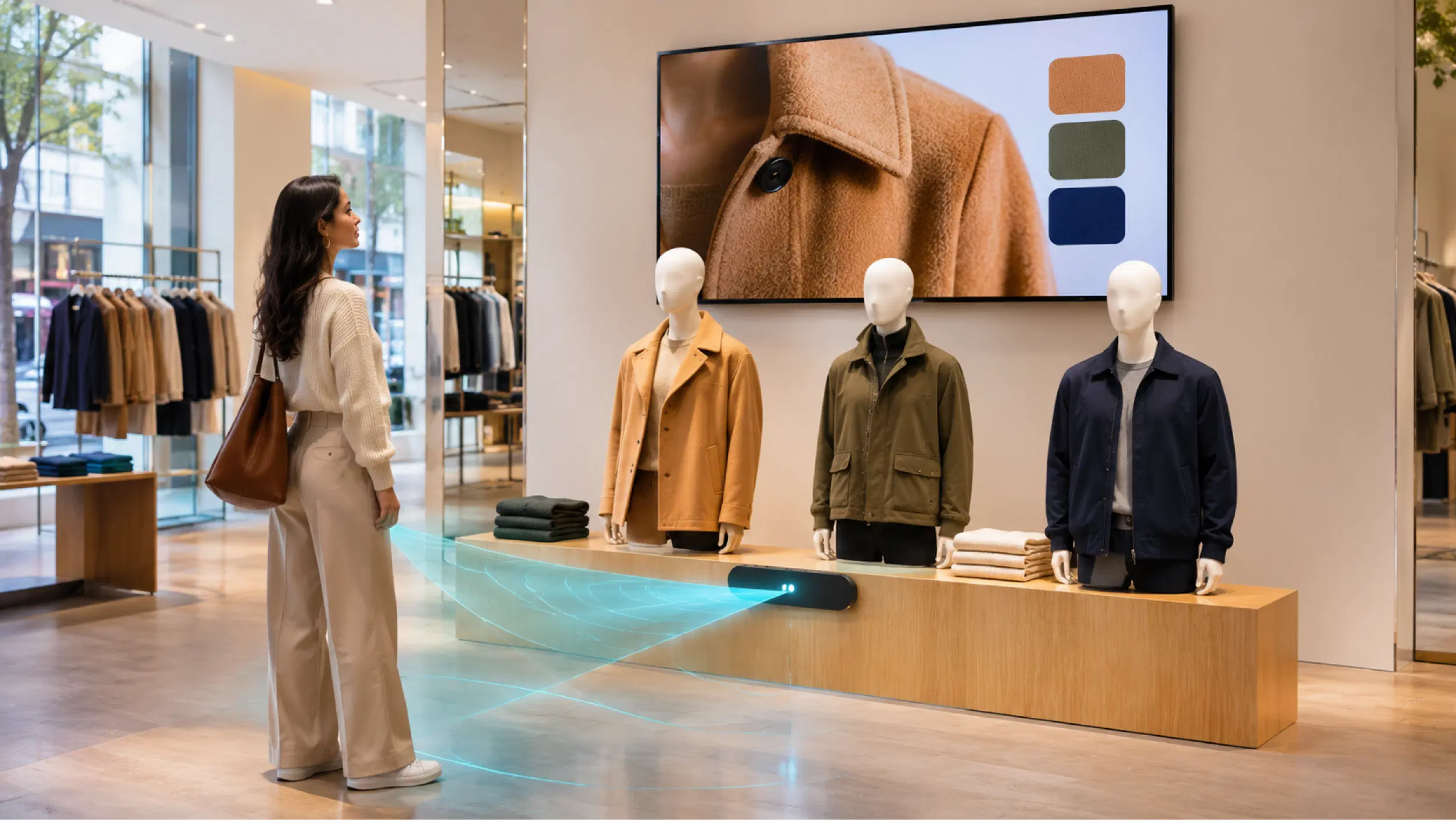
  • Retail store using Pickcel digital signage to show product detail when a shopper stops at a display
    Retail store

    Retail feature displays.

    A shopper stops at a new-season display and the attract loop gives way to product detail.
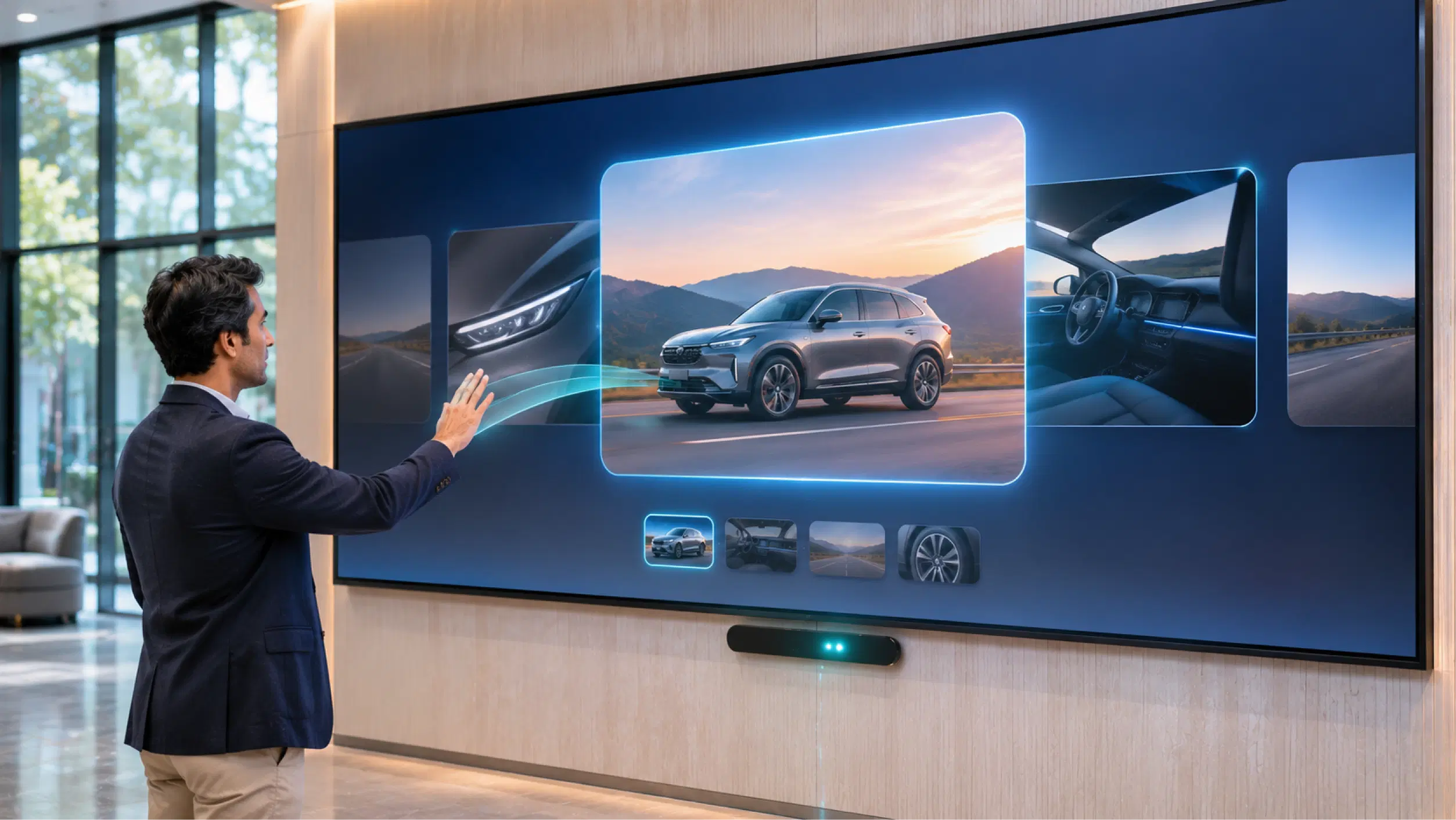
  • Interactive wall using Pickcel digital signage where pointing at an area opens its content
    Interactive wall

    Walls that respond to touch.

    Mounted across a wall, the same sensor turns any surface into an interactive one, so pointing at a part of the wall opens its story. For touch screens in the same space, see interactive display management.

Integrations

Beyond LiDAR: custom integrations built to your requirement

LiDAR is the sensor behind Sensor Triggers today. Pickcel's integration infrastructure also connects other inputs, and our team builds them to your requirement: lift-and-learn product pick-ups, RFID and NFC tags, presence and proximity sensors, touchless gesture, voice and face recognition, and Pickcel's own camera-based audience detection, which works on the device and keeps only anonymous results, never images. Everything runs alongside the rest of your Pickcel digital signage software, and the integrations overview lists the other systems Pickcel connects to.
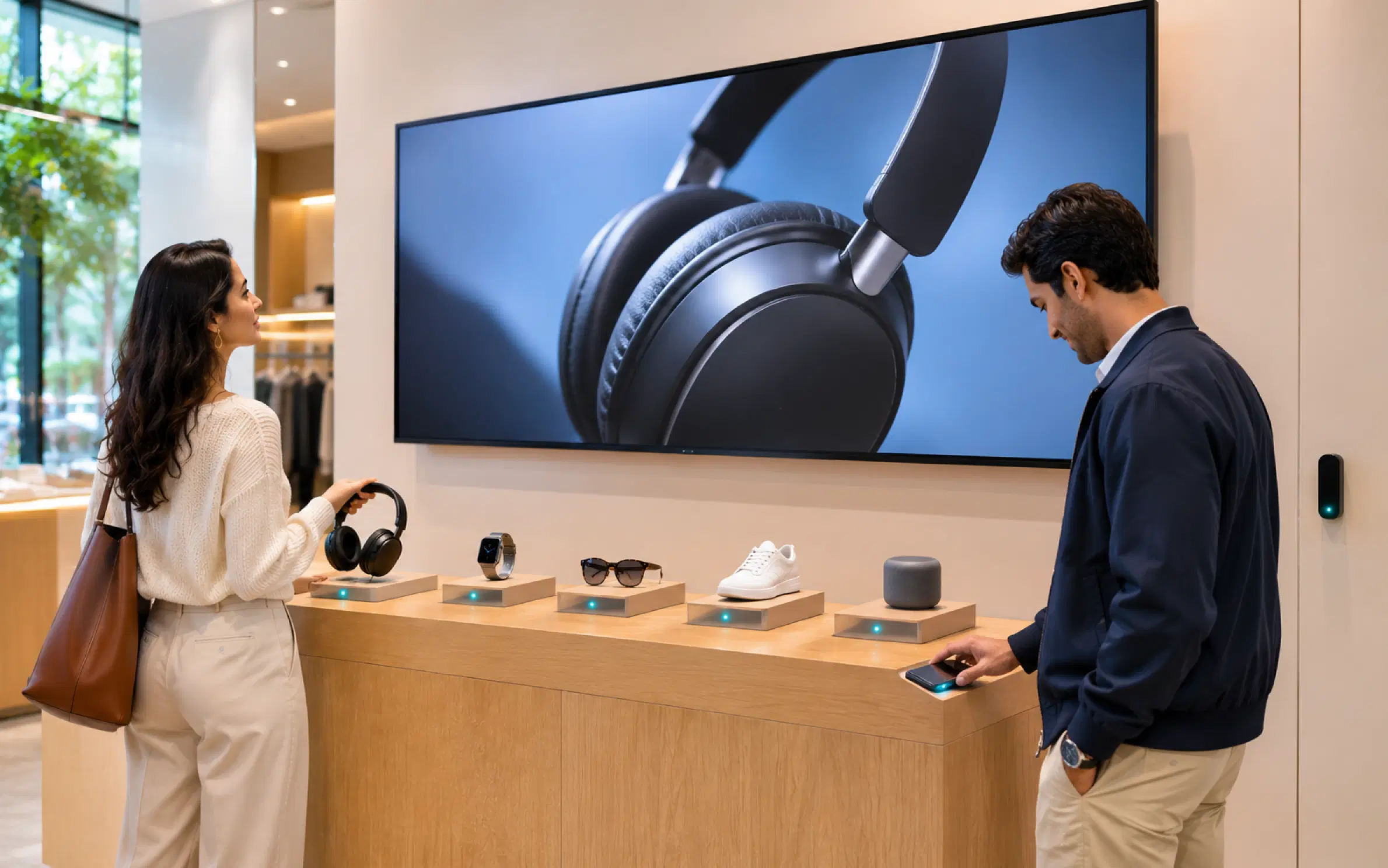
Shopper lifting headphones from a store counter as the wall screen switches to that product's film, while another shopper taps a phone on a tag

Pickcel in production

  • Nissan India logo

    Nissan India

    200+ Android-powered screens across its dealership network, with new dealerships live within days.

    Nissan case study

  • Decathlon India logo

    Decathlon India

    5X engagement from young shoppers across a 200+ store rollout.

    Decathlon case study

  • Amazon India logo

    Amazon India

    850+ screens across 400+ malls, rolled out pan-India in about a week.

    Amazon case study

Tell us about your space and we'll show you where Zones would make your screens work harder.

FAQ

Frequently asked questions

How is Sensor Triggers priced, and is it on the free trial?+−

Sensor Triggers is available on the Business and Enterprise plans and is priced separately, based on your setup and how much customisation it needs. Because it involves sensors in your space, it isn't part of the free trial; a demo is the quickest way to see it on your own layout. Base plan details are on the pricing page.

Do we have to buy the sensors from Pickcel?+−

No. The sensors are Nexmosphere hardware, and Pickcel can connect you with a local partner who supplies and installs them in your city. If your integrator already works with Nexmosphere, they can install the sensor and your team sets up the Zones and content in Pickcel.

What happens if the store loses its internet connection?+−

Sensor Triggers keep responding. The content and the Zone setup are already on the player, so visitors see the same experience while the connection is down. New content and changes you make in the dashboard reach the screen once it comes back online.

Does the sensor record who is standing in front of the screen?+−

No. The LiDAR sensor is a laser scanner, not a camera, so it sees that someone is in a Zone without knowing who they are. That makes it a simpler conversation with privacy and legal teams than camera-based detection.

We already use Nexmosphere sensors with other software. Can we move to Pickcel?+−

Yes. The sensors and their placement can usually stay as they are, so moving is mostly a matter of recreating your Zones and content in Pickcel. During the demo we'll look at your current setup and confirm what carries over.

Related

Car dealership digital signage

Tell us about your space and we'll show you where Zones would make your screens work harder.

Product

  • Software Features
  • Digital Signage Hardware
  • Digital Menu Board Software
  • Digital Signage Player
  • Interactive Kiosk
  • OTT Digital Signage Software
  • Queue Management Software
  • Visitor Management software
  • On-premise Digital Signage

Enterprise

  • Integrations & Automation
  • On-premise Digital Signage
  • Our Services

Solutions

  • Corporate Communication
  • Retail Digital Signage
  • Hotel digital signage software
  • Multi Channel Employee Communication
  • Restaurant Digital Signage
  • Banking & Finance Signage
  • Transportation Digital Signage
  • Digital Product Catalogue
  • Electronic Bulletin Board
  • Employee Communication App
  • Wayfinding Signage

Resources

  • Case Studies
  • What is digital signage?
  • Digital Signage Blog
  • Apps
  • Pricing
  • FAQ

Company

  • About Us
  • Contact Us
  • Support
  • Press Release
  • Careers

Trust & Compliance

  • Privacy Policy
  • Terms of Service
  • Refund Policy
  • Data Processing Addendum
  • Sub-processors
  • Security
  • Cookie Policy

Partner program

  • White Label Digital Signage
  • Reseller Digital Signage
Capterra4.6G24.6GoodFirms4.6

© 2026 LaneSquare Technology Pvt Ltd. All rights reserved.