Pickcel

Core Platform

  • Software Features
  • Templates
  • Security & Compliance

Extensions & Apps

  • Mobile App
  • App Integrations

Enterprise

  • On-Premise
  • Integrations & Automation
  • Our Services
What is Digital Signage?

    Digital Signage Players

    • Android
    • Amazon Signage Stick
    • BrightSign
    • Samsung Tizen
    • View all

    Industries We Serve

    • Office
    • Retail
    • Restaurant
    • Manufacturing
    • Hospitality
    • Healthcare
    • Transportation
    • Education
    • View all

    Use Cases

    • Dashboard
    • FIDS
    • Digital Menu board
    • Car Dealership App
    • Wall Craft
    • Instastream
    • Transport PIS
    • Social Wall
    See How Pickcel  Helped Amazon
    See How Pickcel Helped Amazon

      Case Studies

      • Mercedes-Benz
      • Accenture
      • Magnolia Bakery
      • View all

      All Resources

      • Digital Signage Blog
      • Learn
      • Digital Signage Gallery
      • Case Studies
      • Support
      • Download
      Partnerships
      Partnerships

        Partnerships

        • White-Label
        • Reseller
        Pricing
        LoginContact UsStart Free Trial
        gradient background

        MS Office: Word, PPTX, Excel

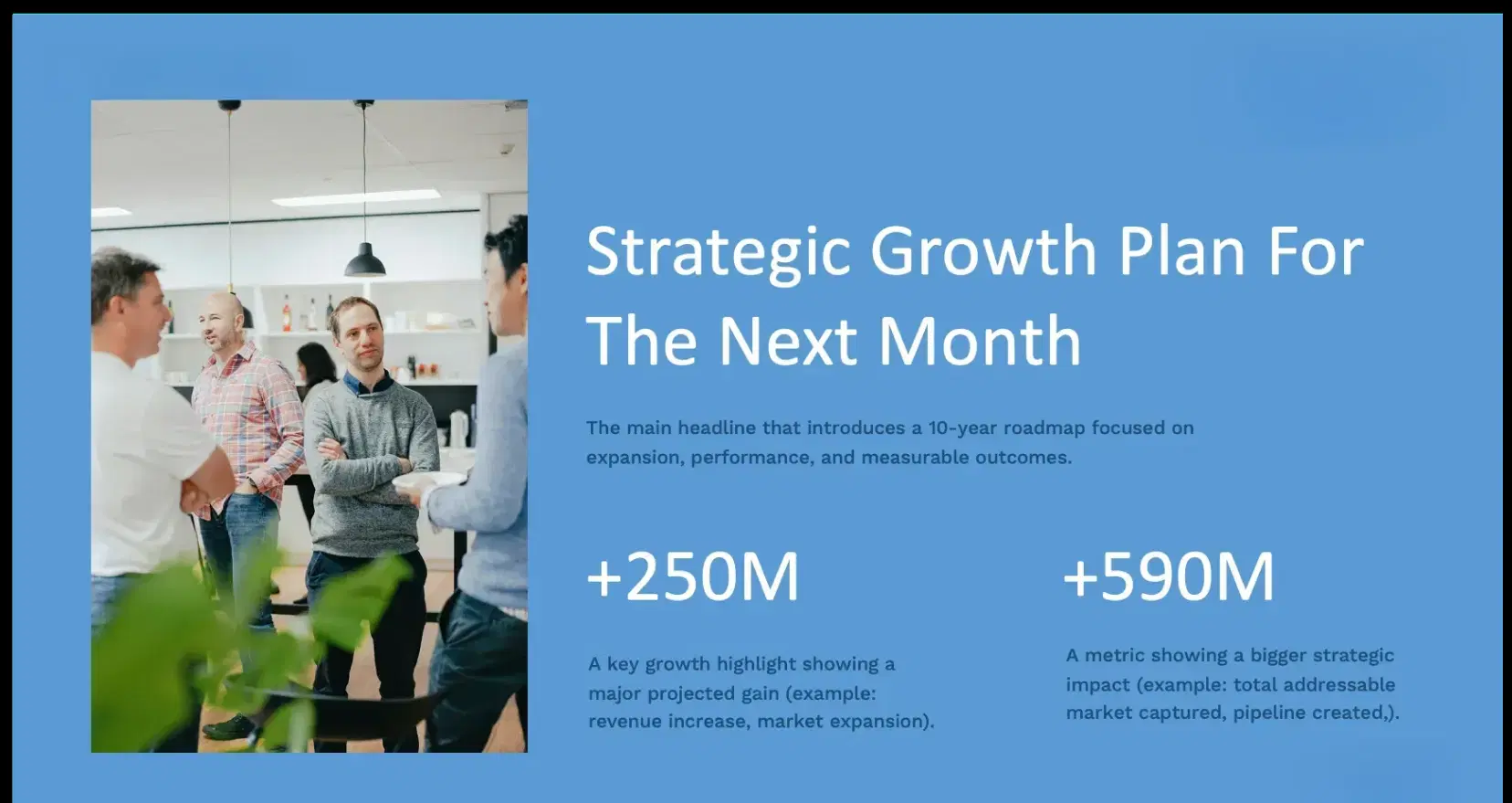
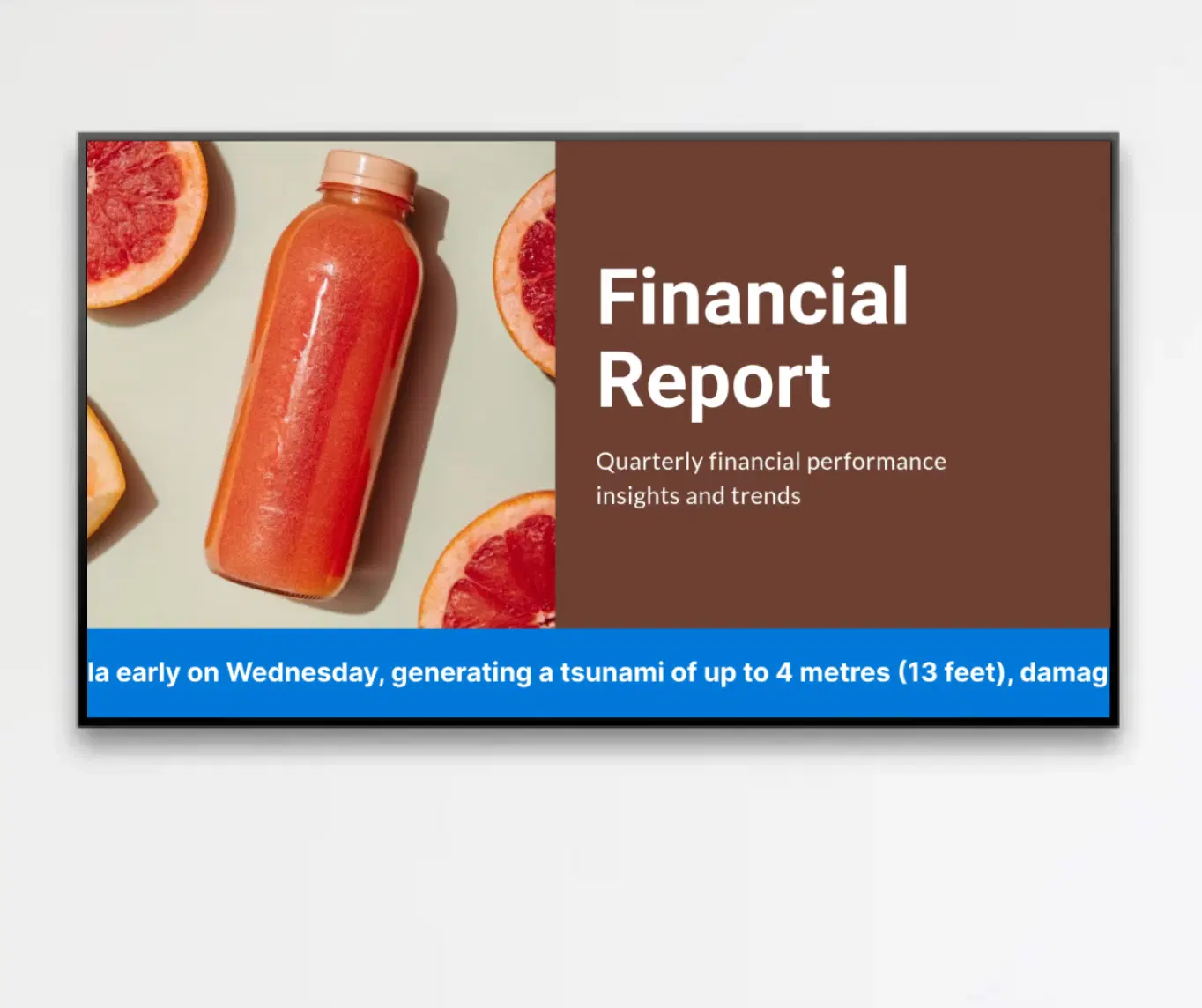
        Showcase PowerPoint, Word, and Excel files - seamlessly on your digital signage with our native app.


        Book Demo
        Pickcel reviews on Capterra and G2
        MS Office App

        Trusted by businesses worldwide

        Trusted by 9,000+ Businesses • 150,000+ Screens • 70+ Countries

        Unilever
        Uber
        Amazon
        Decathlon
        HCLTech
        Radisson
        circle check

        SOC 2 Type II

        circle check

        ISO Certified

        Key Feature Highlights

        Multi-Format Document Support Icon

        Multi-Format Document Support

        Display PowerPoint (.pptx), Word (.docx), or Excel (.xlsx) documents directly on your digital signage without extra formatting.

        Automatic Conversion Icon

        Automatic conversion

        The app automatically converts your files into a signage-optimized format, ensuring consistent display across all screen sizes and orientations.

        Flexible Playback Control Icon

        Flexible playback control

        Choose between auto-advancing slides or allow viewers to manually navigate through slides or pages using on-screen arrows—ideal for kiosks, meetings, or touch-enabled displays.

        Customizable Display Settings Icon

        Customizable Display Settings

        Set display titles, define slide/page durations, and tailor your presentation to fit the audience and context.

        On-Prem Ready Icon

        On-Prem Ready (Local Network)

        This app is available in Pickcel’s on-prem signage solution, so you can run it inside your local network and keep PowerPoint, Word, and Excel content behind your firewall with full control and policy compliance.

        One App, Many Display Styles

        Classic, modern, or minimal - find a style that fits your brand.

        MS Office digital signage display
        MS Office digital signage screen 1
        MS Office digital signage screen 2

        Interesting Use Cases

        See how organizations use MS Office integration to display documents, presentations, and spreadsheets on digital signage.
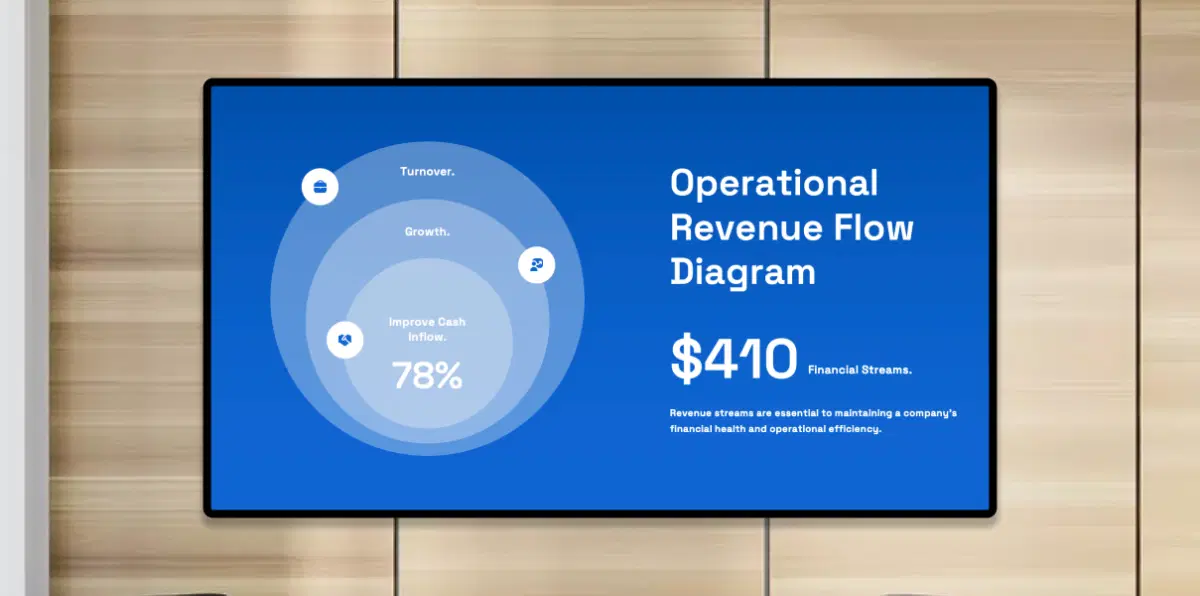
        Corporate offices using MS Office on digital signage

        Corporate Offices

        Display monthly sales reports, company announcements, or training materials in lobbies, meeting rooms, or collaborative workspaces to enhance awareness and engagement.
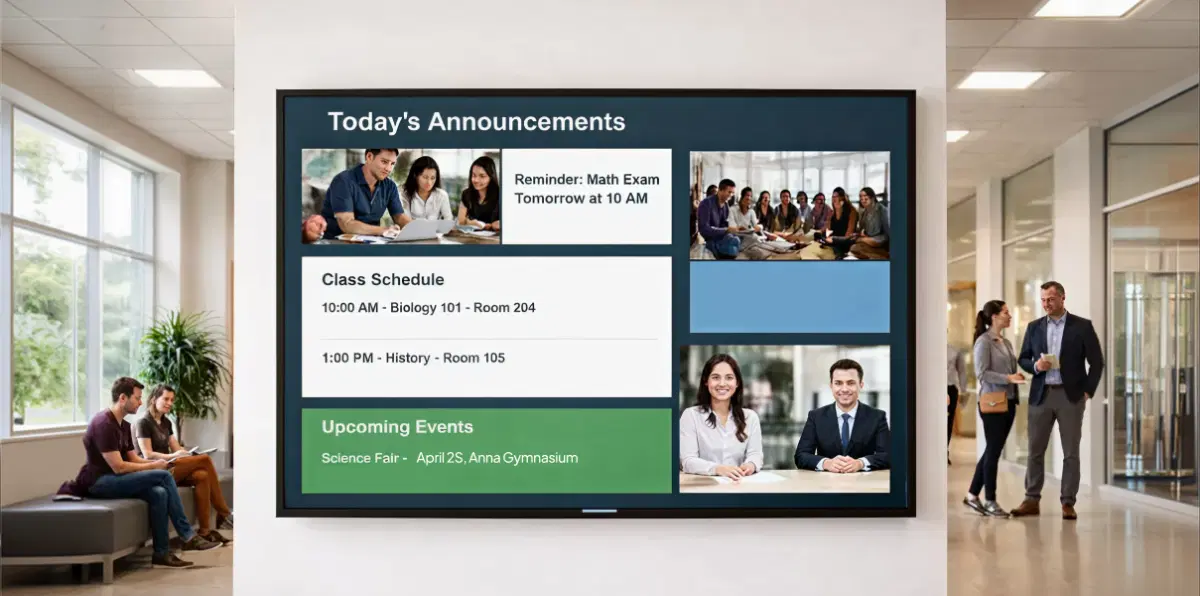
        Education institutions using MS Office on digital signage

        Education Institutions

        Share lecture notes, timetables, and classroom presentations on hallway screens, faculty lounges, or reception areas for seamless information delivery.

        Need customized apps? Connect with us.

        We are open to all kinds of customization & integration with third-party applications.

        Customized apps development

        How-To Steps

        The SharePoint App connects securely with Pickcel CMS and lets you publish documents, presentations, and spreadsheets to office screens, campuses, and common areas — all from one simple interface.

        Step 1: Configure the app

        Upload your PowerPoint, Word, or Excel file. Set slide duration, choose mode of display, and name your app instance.
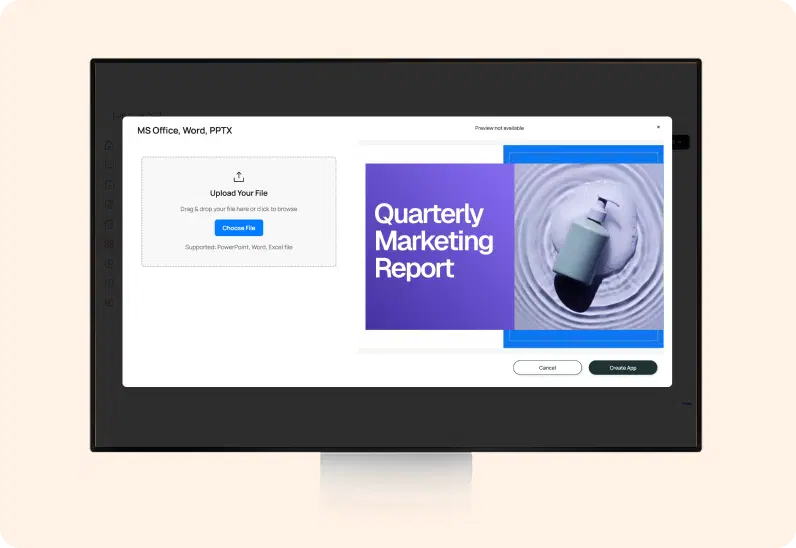
        MS Office App configuration screen

        Step 2: Add to a composition

        Choose a single-zone layout for full-screen presentations/word doc/excel report or integrate the app within a multi-zone layout alongside other content.
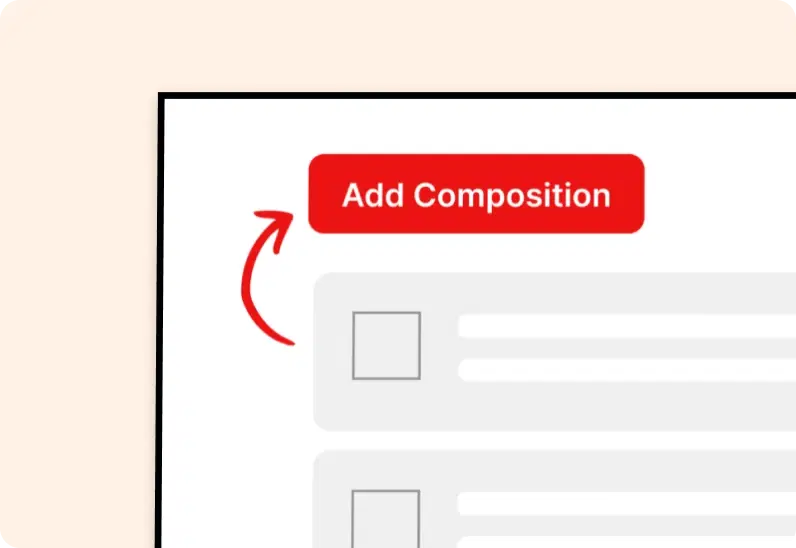
        Add MS Office app to composition

        Step 3: Publish to Screens

        Select your target screens and hit Publish to broadcast your Office documents instantly across your digital signage network.
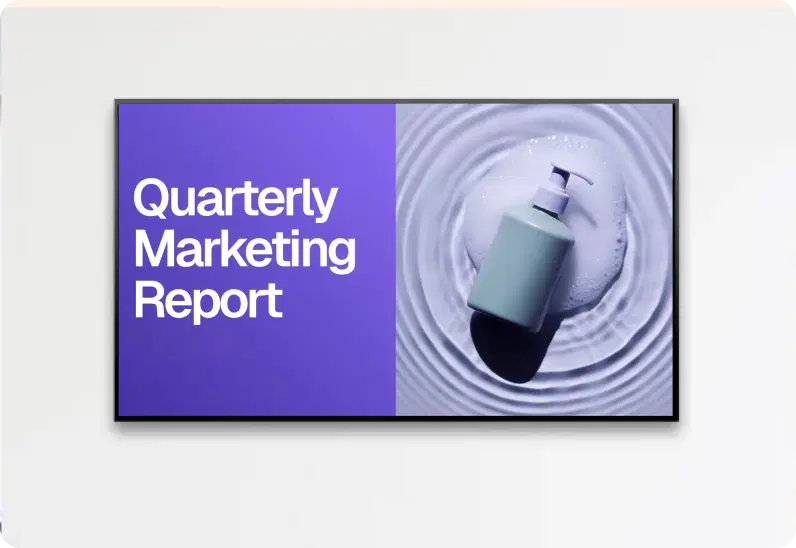
        Publish MS Office content to screens
        Try For Free

        More Pickcel Apps to Complement the SharePoint App on your Digital Signage

        Modern workplaces communicate everywhere — not just on wall displays. Pickcel extends your internal communication to every screen employees see.

        Scroller app icon

        Scroller app

        Show scrolling text to add trivia

        View This App →
        Digital bulletin board app

        Digital bulletin board app

        Show notices & announcements

        View This App →
        World Clock

        World Clock

        Display the time of any city in the world

        View This App →
        Text Board app icon

        Text Board app

        Type and display messages instantly on any screen

        View This App →
        Explore 100+ Digital Signage Apps
        Scroller app
        gradient circlegradient circle

        Display PowerPoint, Excel, and Word Files on Digital Signage

        Contact Us
        Pickcel Logo

        Trusted Cloud & On-Premise Digital Signage Software for Businesses Worldwide.

        Facebook logoLinkedIn logoTwitter logoYoutube logoInstagram logoPinterest logo
        Capterra BadgeGoodFirms BadgeG2 logo

        Product

        • Software Features
        • Digital Signage Hardware
        • Digital Menu Board Software
        • Digital Signage Player
        • Interactive Kiosk
        • OTT Digital Signage Software
        • Queue Management Software
        • Visitor Management software

        Enterprise

        • Integrations & Automation
        • On-premise Digital Signage
        • Our Services

        Solutions

        • Corporate Communication
        • Retail Digital Signage
        • Digital Signage Hospitality
        • School Digital Signage
        • Restaurant Digital Signage
        • Banking & Finance Signage
        • Transportation Digital Signage
        • Digital Product Catalogue

        Company

        About UsContact UsSupportPress ReleaseCareers

        Resources

        • Case Studies
        • What is digital signage?
        • Digital Signage Blog
        • Apps
        • Pricing
        • FAQ

        Partner program

        • White Label Digital Signage
        • Reseller Digital Signage
        Privacy|Refund|Terms

        Copyright © 2026 LaneSquare Technology Pvt Ltd