Pickcel

Core Platform

  • Software Features
  • Templates
  • Security & Compliance

Extensions & Apps

  • Mobile App
  • App Integrations

Enterprise

  • On-Premise
  • Integrations & Automation
  • Our Services
What is Digital Signage?

    Digital Signage Players

    • Android
    • Amazon Signage Stick
    • BrightSign
    • Samsung Tizen
    • View all

    Industries We Serve

    • Office
    • Retail
    • Restaurant
    • Manufacturing
    • Hospitality
    • Healthcare
    • Transportation
    • Education
    • View all

    Use Cases

    • Dashboard
    • FIDS
    • Digital Menu board
    • Car Dealership App
    • Wall Craft
    • Instastream
    • Transport PIS
    • Social Wall
    See How Pickcel  Helped Amazon
    See How Pickcel Helped Amazon

      Case Studies

      • Mercedes-Benz
      • Accenture
      • Magnolia Bakery
      • View all

      All Resources

      • Digital Signage Blog
      • Learn
      • Digital Signage Gallery
      • Case Studies
      • Support
      • Download
      Partnerships
      Partnerships

        Partnerships

        • White-Label
        • Reseller
        Pricing
        LoginContact UsStart Free Trial
        gradient background

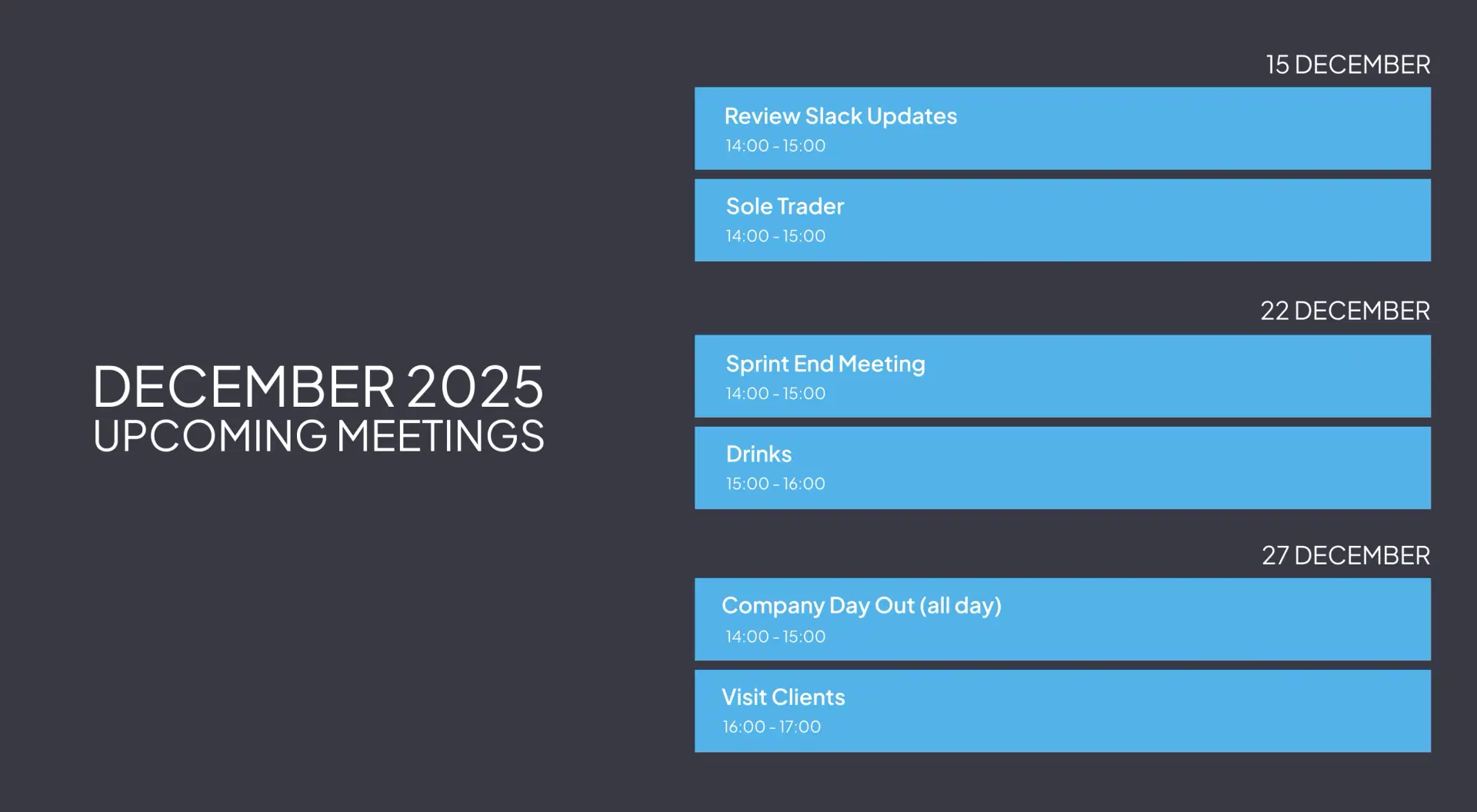
        Meetings Calendar

        Display real-time meeting room schedules, availability, and bookings on any screen with seamless Google and Outlook calendar sync.

        Start Free Now
        Book a Demo
        Pickcel reviews on Capterra and G2

        Trusted by businesses worldwide

        Trusted by 9,000+ Businesses • 150,000+ Screens • 70+ Countries

        Unilever
        Uber
        Amazon
        Decathlon
        HCLTech
        Radisson
        circle check

        SOC 2 Type II

        circle check

        ISO Certified

        Key Features Highlights

        Display Styles Icon

        Seamless Calendar Sync

        Connect Google Calendar or Microsoft Outlook with just a click and display your meeting room schedules automatically, updated in real time.
        Reliable and Secure Access Icon

        Instant Room Booking

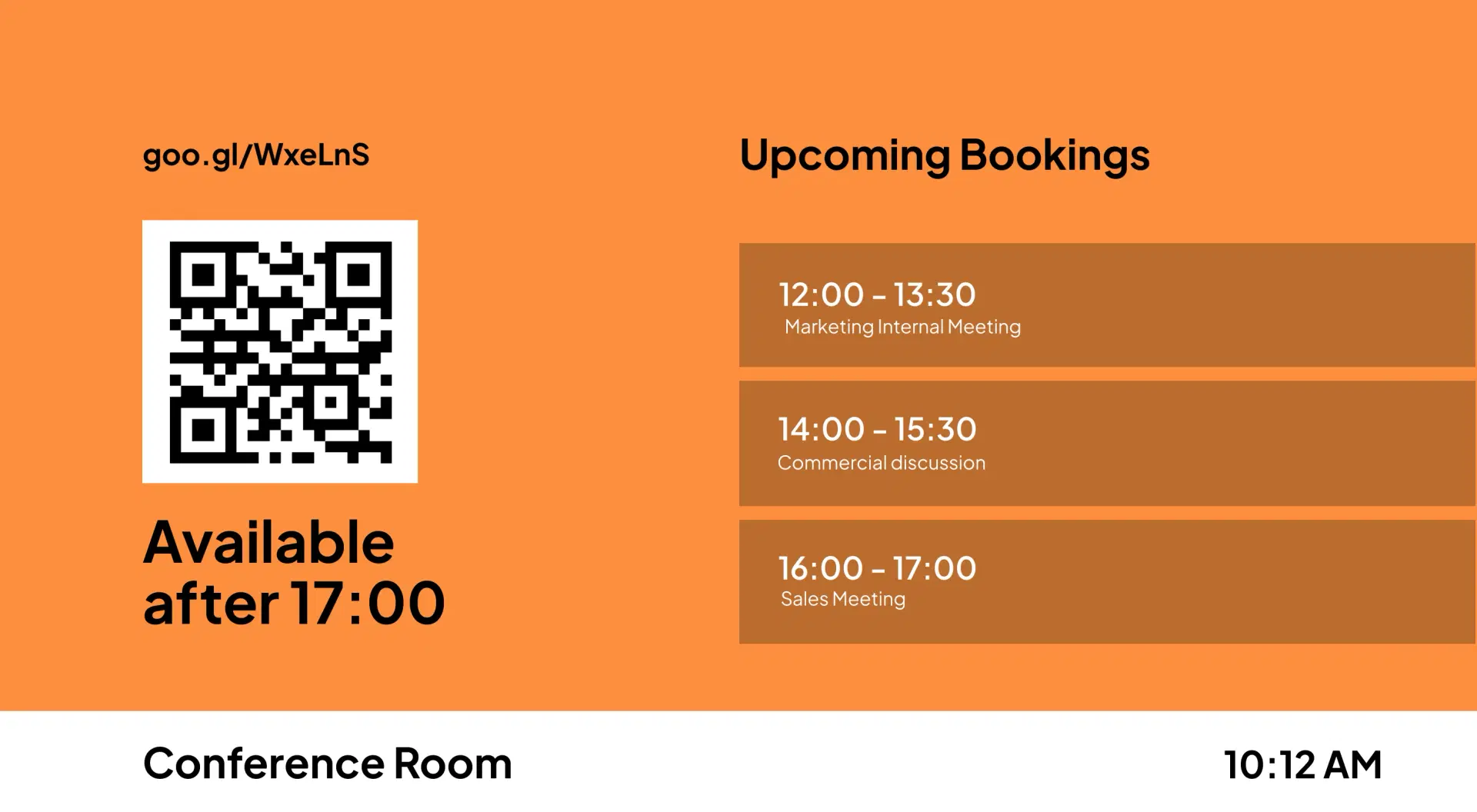
        Allow users to reserve available rooms on the spot through QR codes, short URLs, or touchscreen booking panels.

        QR Code Handoff Icon

        Live Room Status Display

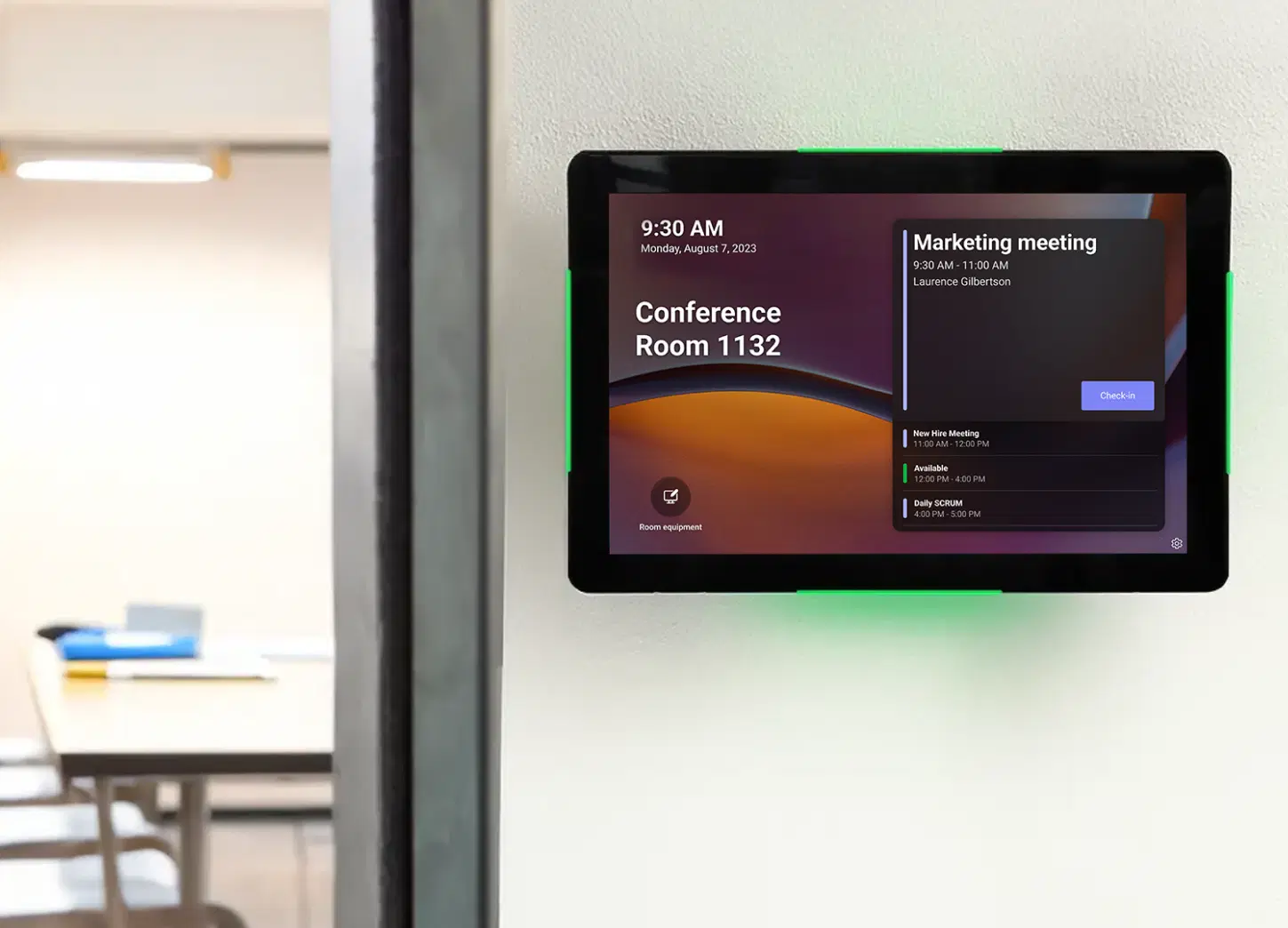
        See room availability at a glance with intuitive meeting room availability indicators, along with meeting titles and organizer names.

        Auto Refresh Icon

        Custom Branding & Layouts

        Add your company logo and background to match your brand identity and enhance the professional look of your workspace displays.

        Central Control Icon

        Interactive Mode for Touchscreens

        Enable “Book Room” buttons on touch displays for quick, walk-up scheduling ideal for conference rooms and shared office spaces.
        Single Page or Slideshow Icon

        Automatic Updates & Sync

        Every booking reflects instantly across all connected devices and calendars, ensuring zero scheduling conflicts and real-time transparency.

        One App, Many Display Styles

        Style your meetings calendar feed differently for every display.
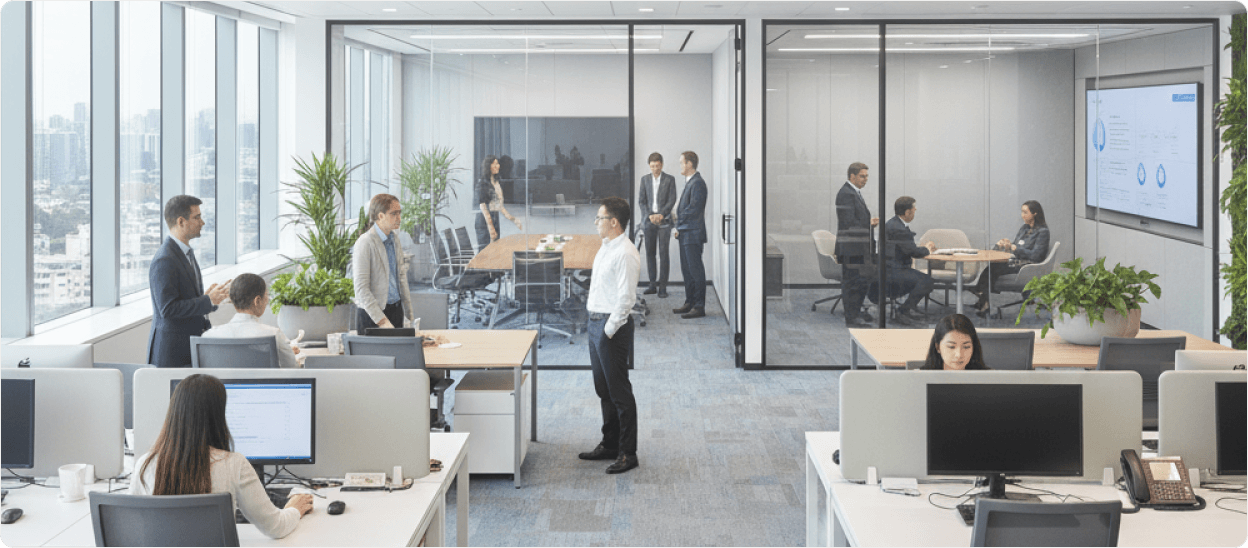
        Office with SharePoint digital signage display
        Meetings Calendar digital signage screen 1
        Meetings Calendar digital signage screen 2

        Interesting Use Cases

        See how teams apply the meetings calendar App to simplify updates and deliver information where it matters most.
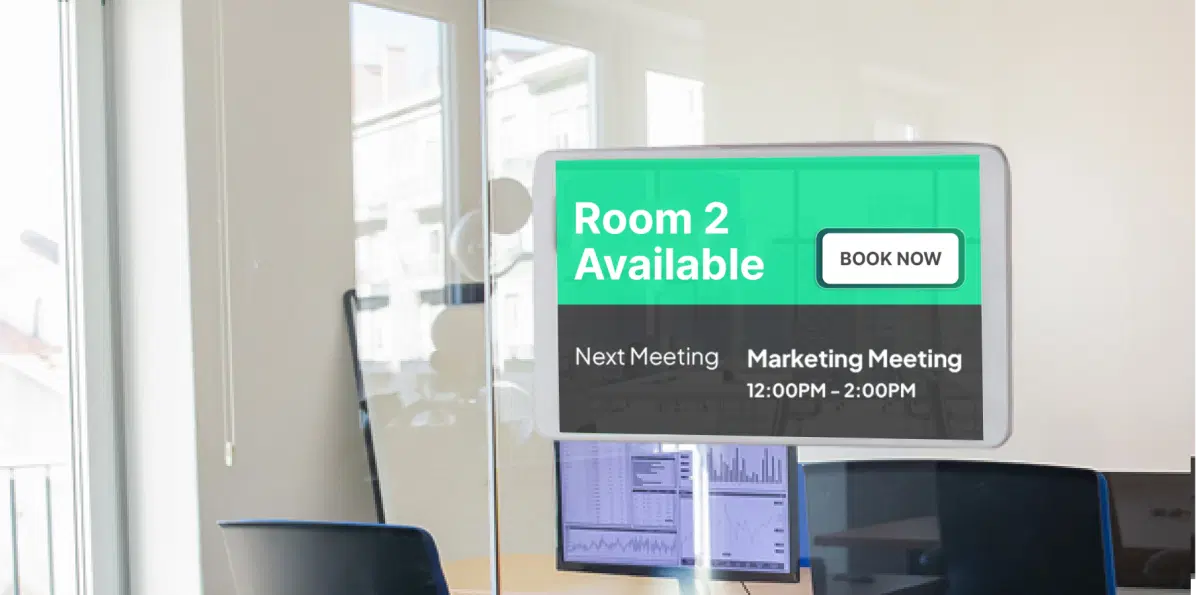
        Corporate offices using meeting room calendars on digital signage

        Corporate Offices

        Display live schedules outside each meeting room, allowing teams to find free rooms and book instantly using their phones or a touch display. Perfect for reducing double-booking chaos in busy offices.
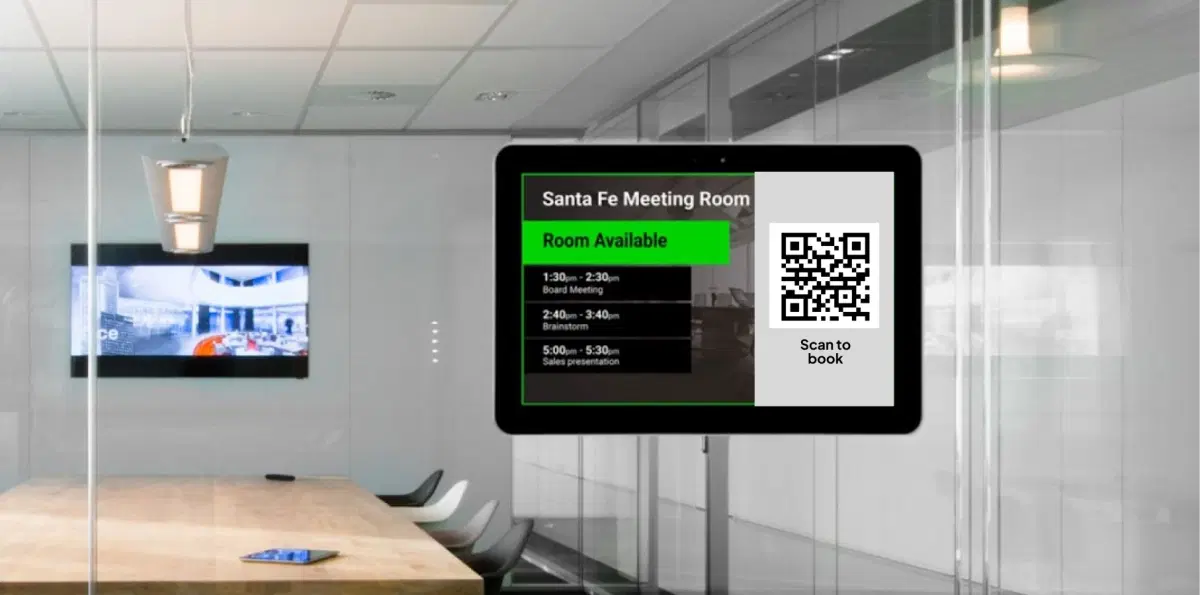
        Co-working spaces using digital meeting room calendars

        Co-working Spaces & Business Centers

        Offer members a seamless, self-service booking experience. Visitors can scan a QR code, view availability, and schedule their slots without needing staff assistance.

        Need customized apps? Connect with us.

        We are open to all kinds of customization & integration with third-party applications.
        Contact Us
        SharePoint digital signage benefits

        How To Steps

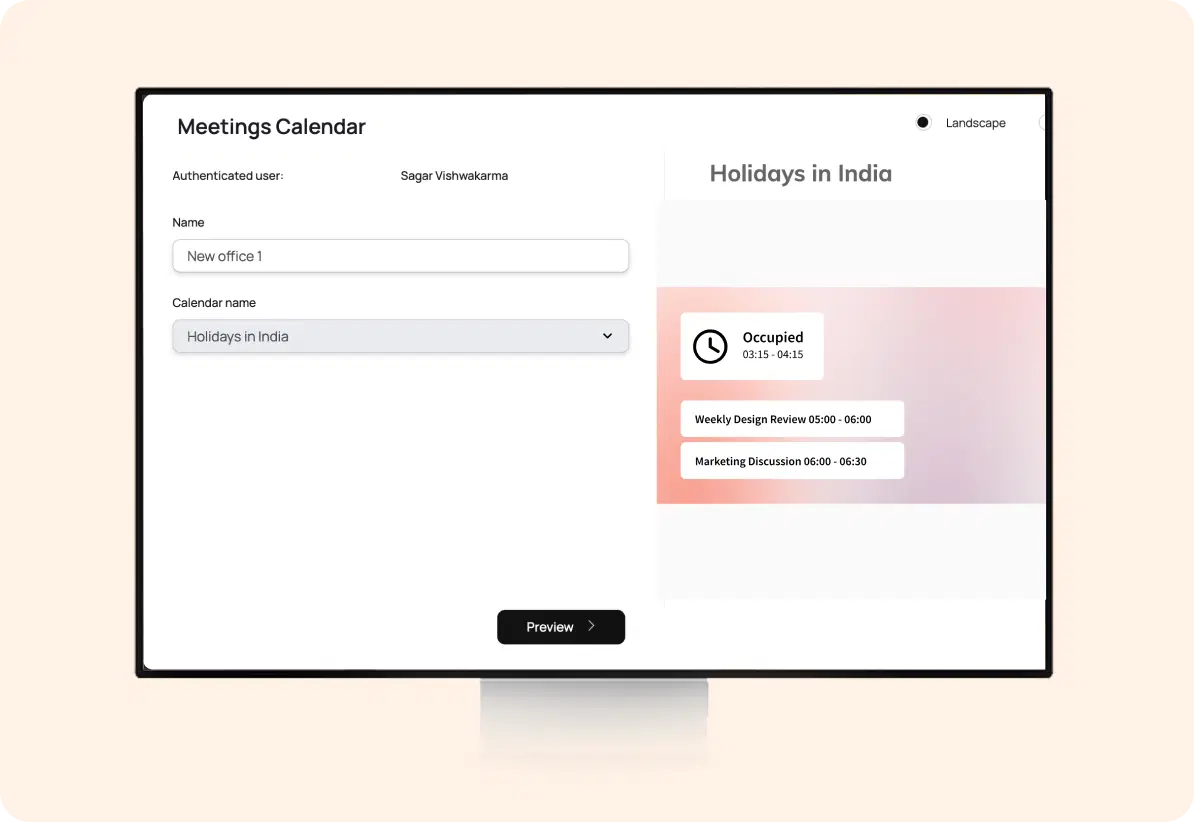
        Step 1: Configure Your Meeting Calendar

        In the Pickcel console, go to Apps and find and select Meeting Calendar. Name your app instance and the meeting room. Choose your preferred calendar service: Google or Microsoft Outlook and connect securely to sync schedules. Customize appearance with your logo, background, and time format, then enable interactive booking if using a touch display.
        SharePoint App configuration screen

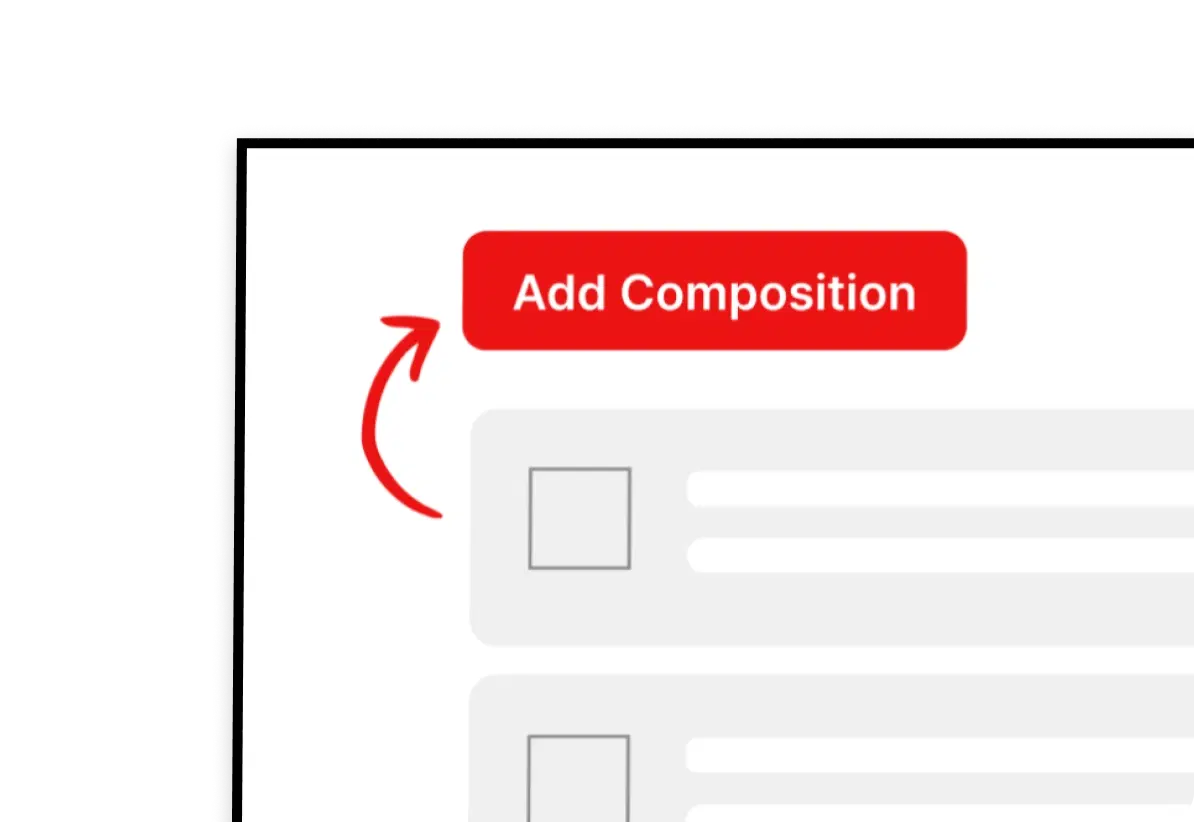
        Step 2: Add to Composition

        Create a new composition in Pickcel. Drag and drop the Meeting Calendar App into your layout, and combine it with other widgets like date, time, or announcements if desired.
        Add SharePoint app to composition

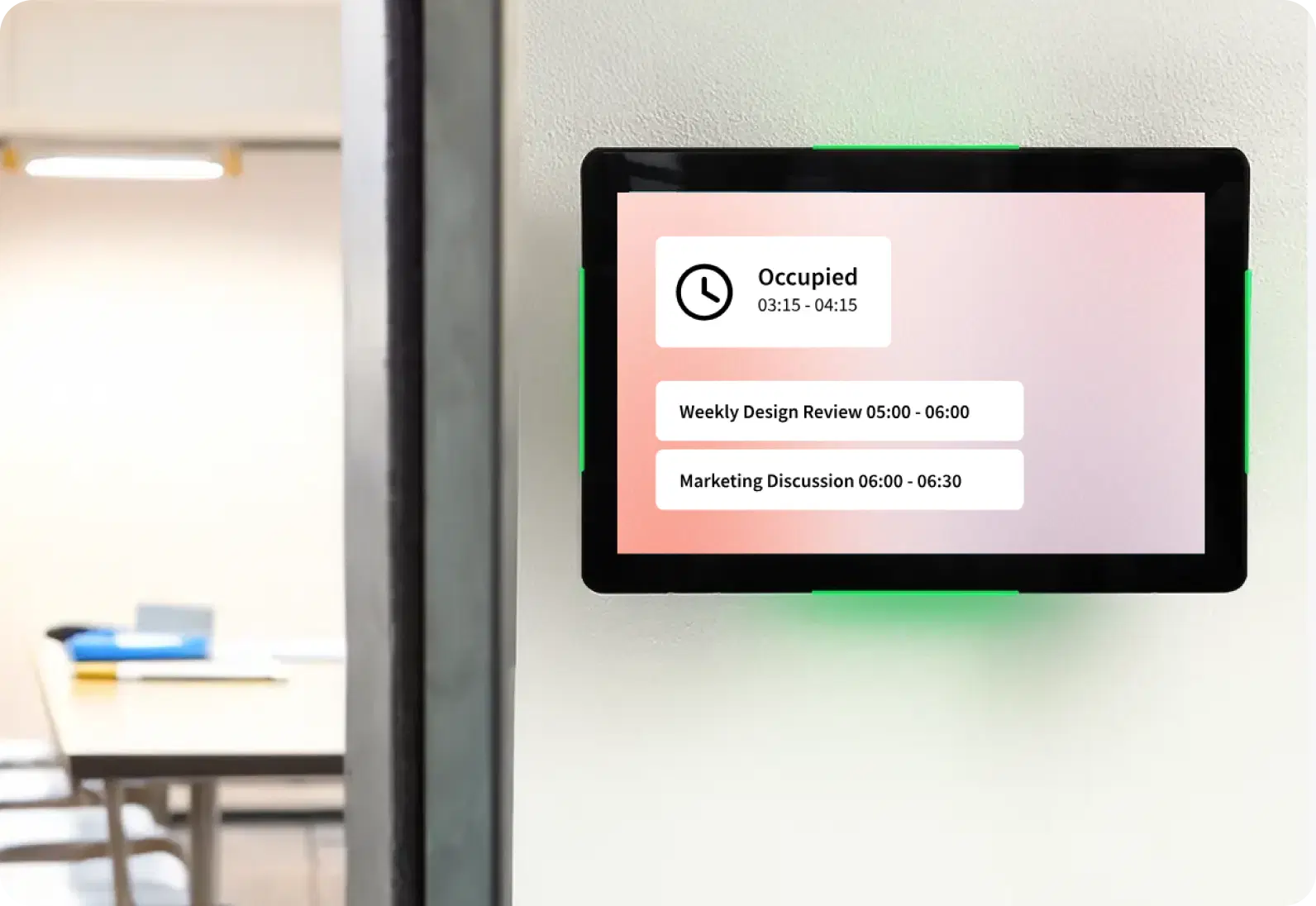
        Step 3: Publish to Screens

        Assign the composition to your desired meeting room screens. Your calendar will instantly display live updates and allow bookings in real time.
        Publish Meetings Calendar content to screens
        Try For Free

        More Pickcel Apps to Complement the meetings calendar App on your Digital Signage

        Modern workplaces communicate everywhere – not just on wall displays. Pickcel extends your internal communication to every screen employees see.

        Meet the Team icon

        Meet the Team app

        Show staff photos & profiles.

        View This App →
        QR code icon

        QR code app

        Engage your audience with interactive QR codes

        View This App →
        Power BI app icon

        Power BI app

        Show the latest data from Power BI

        View This App →
        Digital bulletin board app

        Digital bulletin board app

        Show notices & announcements

        View This App →
        Explore 100+ Digital Signage Apps
        Meet the Team app
        Pickcel Logo

        Trusted Cloud & On-Premise Digital Signage Software for Businesses Worldwide.

        Facebook logoLinkedIn logoTwitter logoYoutube logoInstagram logoPinterest logo
        Capterra BadgeGoodFirms BadgeG2 logo

        Product

        • Software Features
        • Digital Signage Hardware
        • Digital Menu Board Software
        • Digital Signage Player
        • Interactive Kiosk
        • OTT Digital Signage Software
        • Queue Management Software
        • Visitor Management software

        Enterprise

        • Integrations & Automation
        • On-premise Digital Signage
        • Our Services

        Solutions

        • Corporate Communication
        • Retail Digital Signage
        • Digital Signage Hospitality
        • School Digital Signage
        • Restaurant Digital Signage
        • Banking & Finance Signage
        • Transportation Digital Signage
        • Digital Product Catalogue

        Company

        About UsContact UsSupportPress ReleaseCareers

        Resources

        • Case Studies
        • What is digital signage?
        • Digital Signage Blog
        • Apps
        • Pricing
        • FAQ

        Partner program

        • White Label Digital Signage
        • Reseller Digital Signage
        Privacy|Refund|Terms

        Copyright © 2026 LaneSquare Technology Pvt Ltd