Pickcel

Core Platform

  • Software Features
  • Templates
  • Security & Compliance

Enterprise

  • On-Premise
  • Integrations & Automation
  • Our Services

Extensions & Apps

  • Mobile App
  • App Integrations

Digital Signage Players

  • Android
  • Samsung Tizen
  • BrightSign
  • Amazon Signage Stick
  • View all Players
What is Digital Signage?

Learn the basics of digital signage and how it can transform your business.

Industries We Serve

  • Office
  • Retail
  • Restaurant
  • Manufacturing
  • Hospitality
  • Healthcare
  • Transportation
  • Education

Use Cases

  • Dashboard
  • FIDS
  • Digital Menu board
  • Car Dealership App
  • Wall Craft
  • Instastream
  • Transport PIS
  • Social Wall
View all
See How Pickcel  Helped Amazon
See How Pickcel Helped Amazon

Case Studies

  • Mercedes-Benz
  • Accenture
  • Magnolia Bakery
View all

All Resources

  • Digital Signage Blog
  • Learn
  • Digital Signage Gallery
  • Case Studies
  • Support
  • Download
Partnerships
Partnerships

Partnerships

  • White-Label
  • Reseller
Pricing
Login

Campaign App

Run and manage advertising campaigns across your digital screens with precision.

Start Free Now
Book a Demo
Pickcel reviews on Capterra and G2

Trusted by businesses worldwide

Trusted by 9,000+ Businesses • 150,000+ Screens • 70+ Countries

Unilever
Uber
Amazon
Decathlon
HCLTech
Radisson
circle check

SOC 2 Type II

circle check

ISO Certified

Key Features Highlights

Campaign Management Icon

Centralized Campaign Management

Plan, schedule, and monitor all your campaigns from one intuitive Pickcel dashboard. Simplify content delivery across multiple locations.
Scheduling Icon

Flexible Scheduling Controls

Set start and end dates, customize duration per media file, and ensure your content appears exactly when intended.
Tag-Based Targeting Icon

Tag-Based Targeting

Map media and screen tags to play specific content in specific locations or audience. Perfect for localized promotions or audience-based targeting
Performance Tracking Icon

Performance Tracking

Monitor campaign playback data in real time. Measure media runs and track exposure to evaluate campaign success
Multi-Media Support Icon

Multi-Media Support

Combine videos, images, and Pickcel apps within a single campaign. Engage viewers with dynamic, rich content experiences.
Works Across Devices Icon

Works Across Devices

Compatible with Android players, Amazon Signage Stick and more, making campaign delivery effortless on any screen.

One App, Many Display Styles

Style your campaign content differently for every screen layout.

Office with SharePoint digital signage display
Campaign digital signage screen 1
Campaign digital signage screen 2
Campaign digital signage screen 3

Interesting Use Cases

See how teams apply the SharePoint App to simplify updates and deliver information where it matters most.
Retail promotions with digital signage

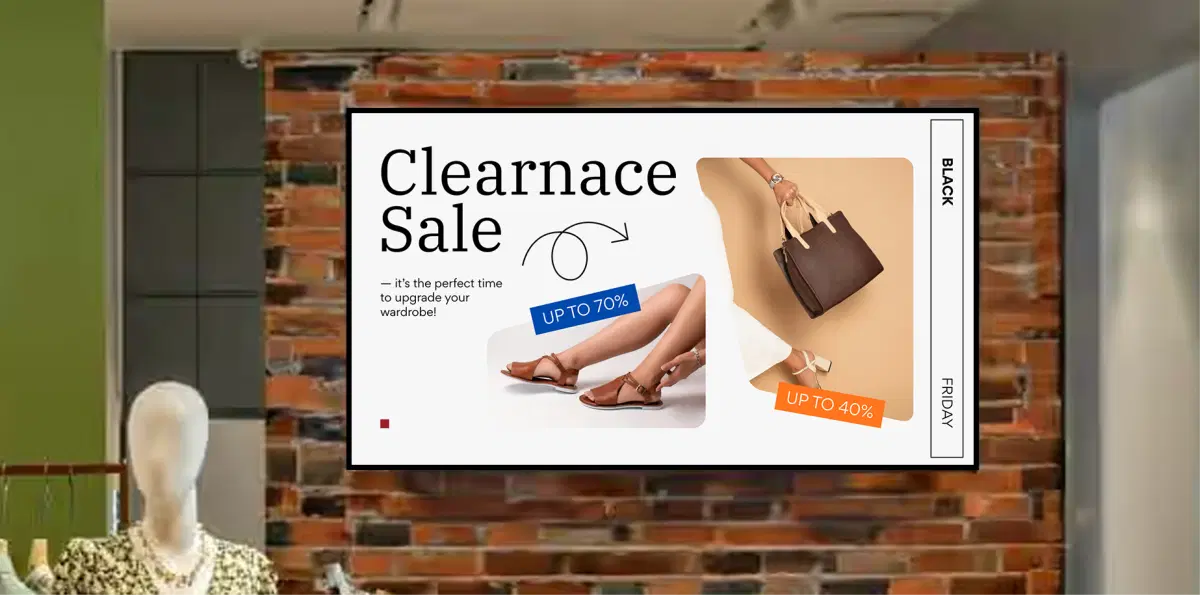
Retail Promotions

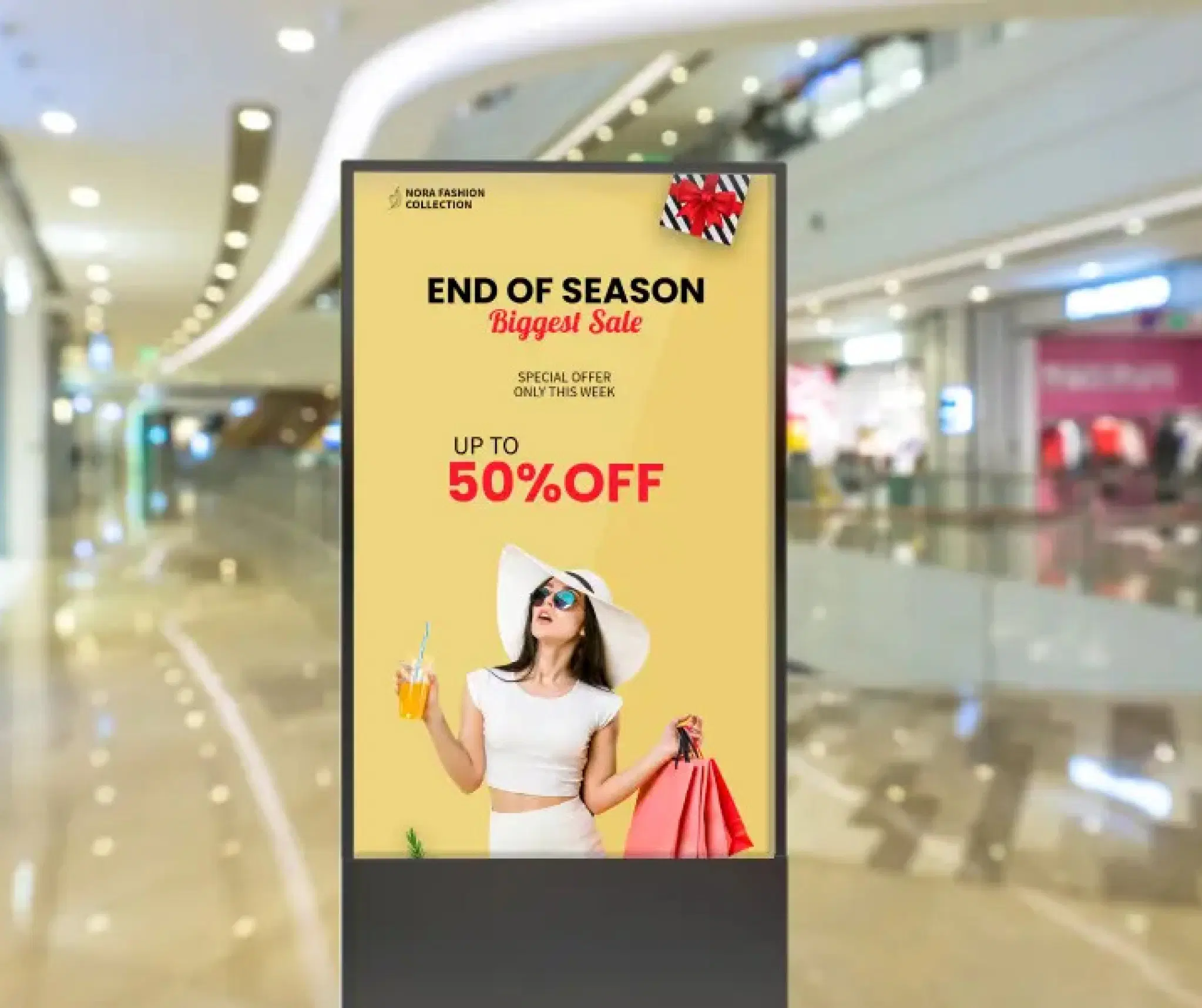
Display time-bound product offers across stores with local targeting. Schedule weekend discounts or flash sales to appear only during promotional hours.
Corporate branding with digital signage

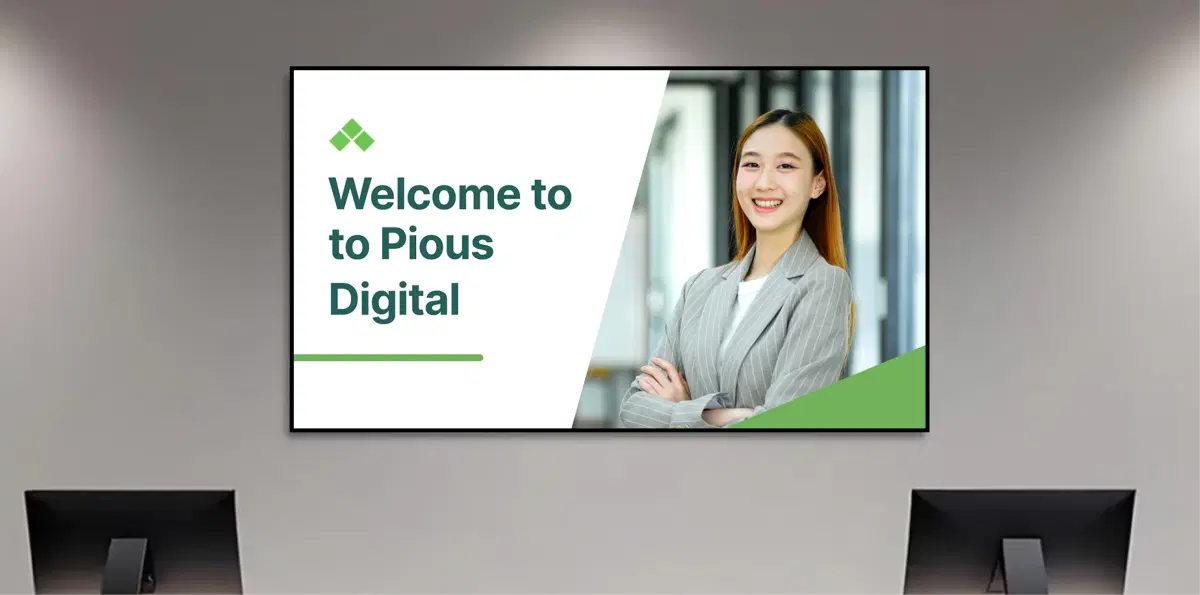
Corporate Branding

Run internal awareness or branding campaigns across office screens. Set campaign durations for events, culture weeks, or milestone celebrations and track display performance.

Need customized apps? Connect with us.

We are open to all kinds of customization & integration with third-party applications.
Contact Us
SharePoint digital signage benefits

How To Steps

The Campaign App connects securely with your Pickcel dashboard and lets you publish campaigns, media files, and app content to office screens, campuses, and common areas—all from one simple interface.

Step 1: Configure Your Campaign

Open the Campaign App from your Pickcel dashboard. Select the images, videos, or apps from your media library, set how long each should play, and define the start and end dates.

Campaign App configuration screen showing media selection and scheduling options

Step 2: Add to Composition

Create a new composition and insert your Campaign App. Adjust its placement and layout to fit your screen design. Preview to ensure your campaign appears exactly as you want.
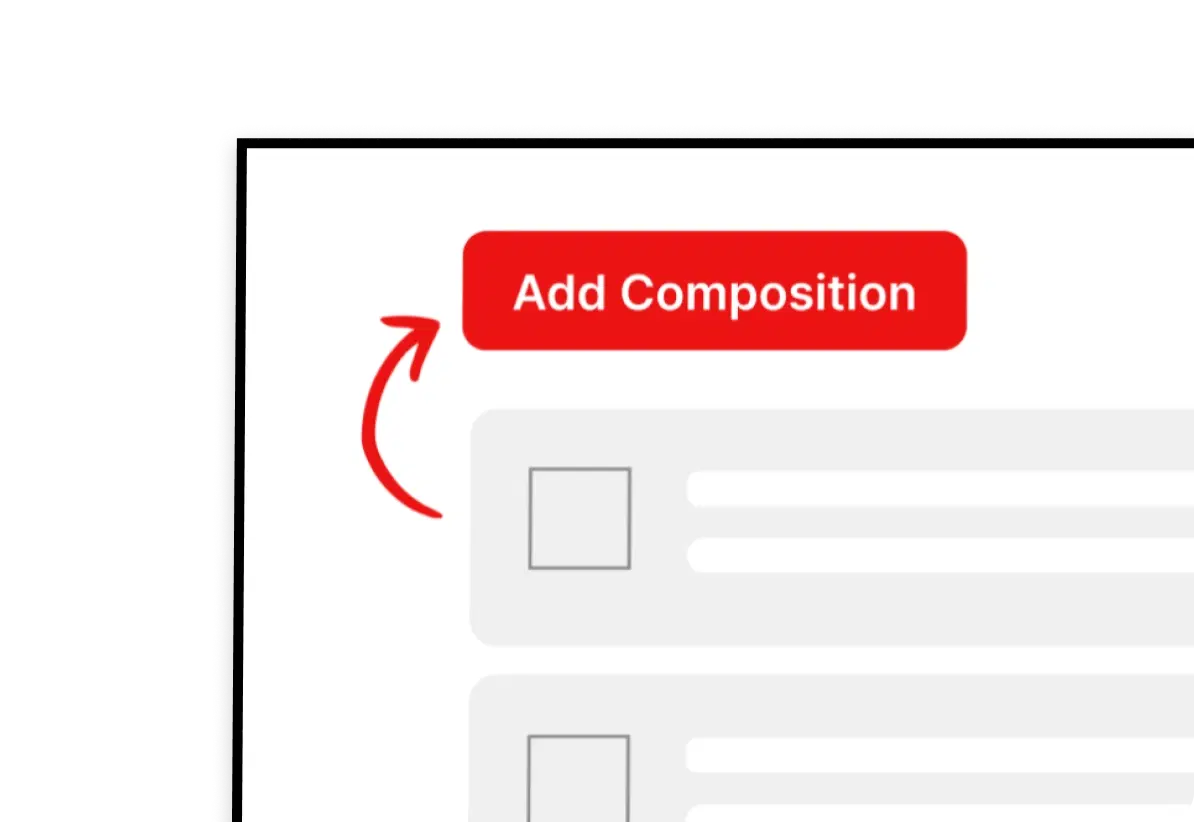
Add Campaign app to composition interface

Step 3: Publish to Screens

Assign the composition to one or multiple screens, and click Publish. Your campaign will begin automatically based on your configured schedule.
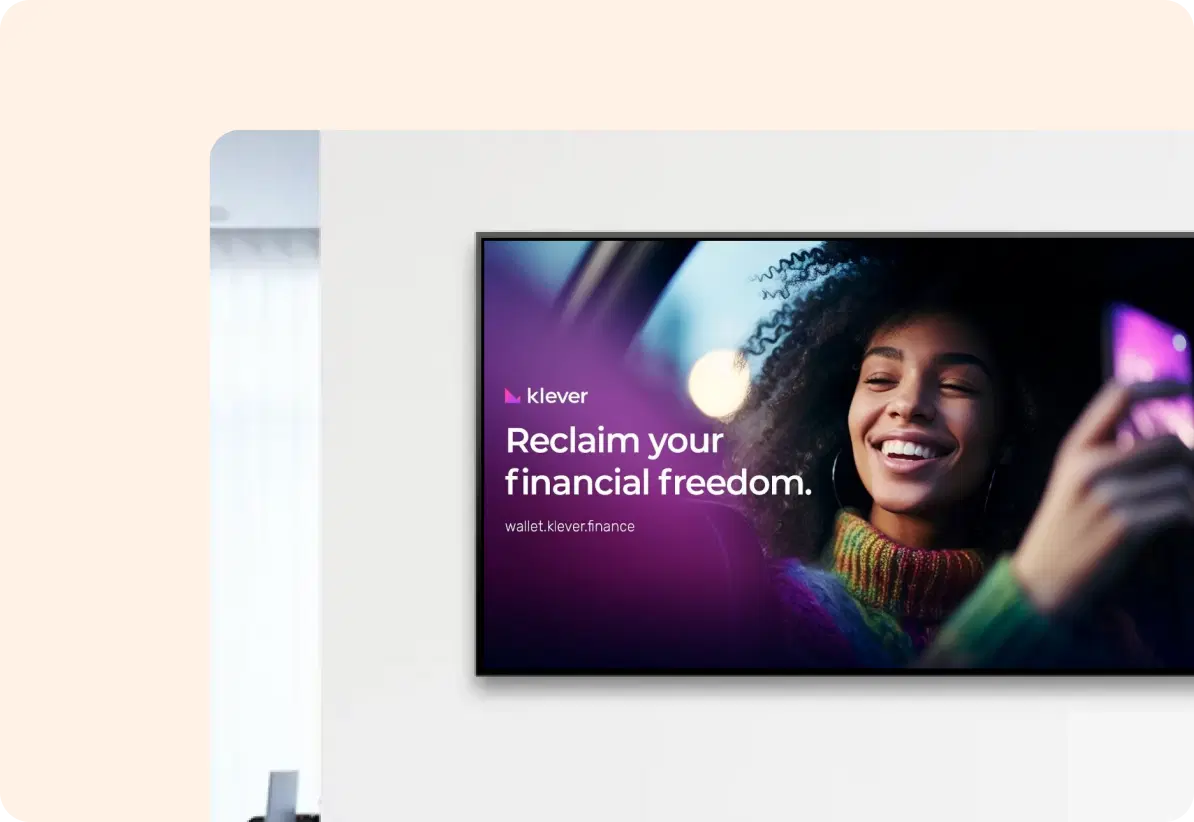
Publish campaign content to digital screens
Start Free Trial

More Pickcel Apps to Complement the SharePoint App on your Digital Signage

Modern workplaces communicate everywhere – not just on wall displays. Pickcel extends your internal communication to every screen employees see.

Product catalog icon

Product Catalog app

Highlight your product's images & specs

View This App →
Youtube App

Youtube App

Display the latest videos from Youtube

View This App →
Social Wall icon

Social Wall app

Aggregate social media posts, tweets & hashtags

View This App →
Power BI app icon

Power BI app

Show the latest data from Power BI

View This App →
Explore 100+ Digital Signage Apps
Product Catalog app
gradient circlegradient circle

Join thousands of brands running powerful
digital signage campaigns.

Start Free Now
Book a Demo
Pickcel Logo

Trusted Cloud & On-Premise Digital Signage Software for Businesses Worldwide.

Facebook logoLinkedIn logoTwitter logoYoutube logoInstagram logoPinterest logo
Capterra BadgeGoodFirms BadgeG2 logo

Product

  • Software Features
  • Digital Signage Hardware
  • Digital Menu Board Software
  • Digital Signage Player
  • Interactive Kiosk
  • OTT Digital Signage Software
  • Queue Management Software
  • Visitor Management software
  • On-premise Digital Signage

Enterprise

  • Integrations & Automation
  • On-premise Digital Signage
  • Our Services

Solutions

  • Corporate Communication
  • Retail Digital Signage
  • Digital Signage Hospitality
  • Multi Channel Employee Communication
  • Restaurant Digital Signage
  • Banking & Finance Signage
  • Transportation Digital Signage
  • Digital Product Catalogue
  • Electronic Bulletin Board
  • Employee Communication App
  • Wayfinding Signage

Company

About UsContact UsSupportPress ReleaseCareers

Resources

  • Case Studies
  • What is digital signage?
  • Digital Signage Blog
  • Apps
  • Pricing
  • FAQ

Partner program

  • White Label Digital Signage
  • Reseller Digital Signage
Privacy|Refund|Terms

Copyright © 2026 LaneSquare Technology Pvt Ltd