Pickcel

Core Platform

  • Software Features
  • Templates
  • Security & Compliance

Extensions & Apps

  • Mobile App
  • App Integrations

Enterprise

  • On-Premise
  • Integrations & Automation
  • Our Services
What is Digital Signage?

    Digital Signage Players

    • Android
    • Amazon Signage Stick
    • BrightSign
    • Samsung Tizen
    • View all

    Industries We Serve

    • Office
    • Retail
    • Restaurant
    • Manufacturing
    • Hospitality
    • Healthcare
    • Transportation
    • Education
    • View all

    Use Cases

    • Dashboard
    • FIDS
    • Digital Menu board
    • Car Dealership App
    • Wall Craft
    • Instastream
    • Transport PIS
    • Social Wall
    See How Pickcel  Helped Amazon
    See How Pickcel Helped Amazon

      Case Studies

      • Mercedes-Benz
      • Accenture
      • Magnolia Bakery
      • View all

      All Resources

      • Digital Signage Blog
      • Learn
      • Digital Signage Gallery
      • Case Studies
      • Support
      • Download
      Partnerships
      Partnerships

        Partnerships

        • White-Label
        • Reseller
        Pricing
        LoginContact UsStart Free Trial

        Amplify Your Teams Meetings with Pickcel

        Microsoft Teams meeting digital signage

        Microsoft Teams has transformed communication, but physical meeting rooms often lag behind. Pickcel's digital signage software bridges this gap, seamlessly integrating with Teams to create a dynamic hub for collaboration.

        Live stream Teams meetings

        Pickcel lets you live stream Microsoft Teams meetings directly onto your digital signage. From key presentations to brainstorming sessions to even whiteboards – streamed everything live, keeping everyone in the loop, regardless of location. It's like adding a jolt of Pickcel energy to your Teams setup, fostering a truly interactive and inclusive meeting environment.

        This guide explores how Pickcel Digital Signage integrates with Microsoft Teams to create a superior meeting room experience.

        Pickcel's live streaming edge

        Seamless Teams Integration: Stream live meetings directly to your signage with Pickcel's flawless integration.

        Granular Control: Customize the stream according to your needs. Choose to display the entire meeting, specific content like presentations, or focus on individual participants.

        Centralized Management: Manage your live streams remotely through Pickcel's user-friendly interface. Schedule streams, set durations, and control displayed content – all from a central location.

        A dynamic meeting hub

        Pickcel's live Teams streaming integration offers more than just technical ease:

        Enhanced Collaboration: Encourage active participation by allowing remote attendees to virtually "attend" meetings and contribute in real-time.

        Fuel Anticipation: Build excitement for upcoming meetings or events by showcasing snippets of the live Teams session on your signage screens.

        Enabling URLs in Teams through the Pickcel console

        Step 1 - Go to the 'Apps' module.

        Pickcel apps module

        Step 2 - Search for the Live Stream app using the search field.

        Search for Live Stream app

        Step 3 - Hover over the app thumbnail and click on the Create App button.

        Create app in Pickcel

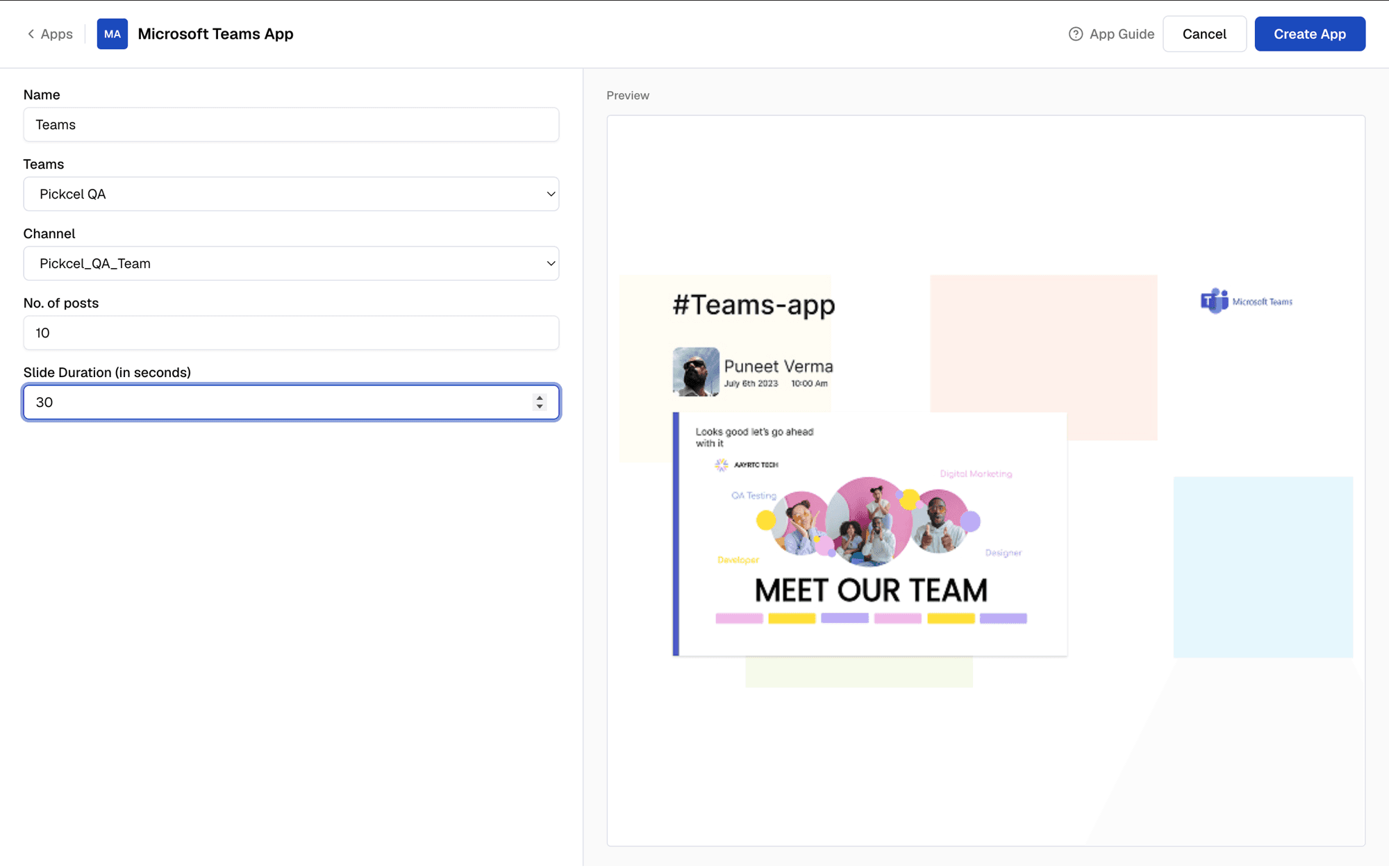
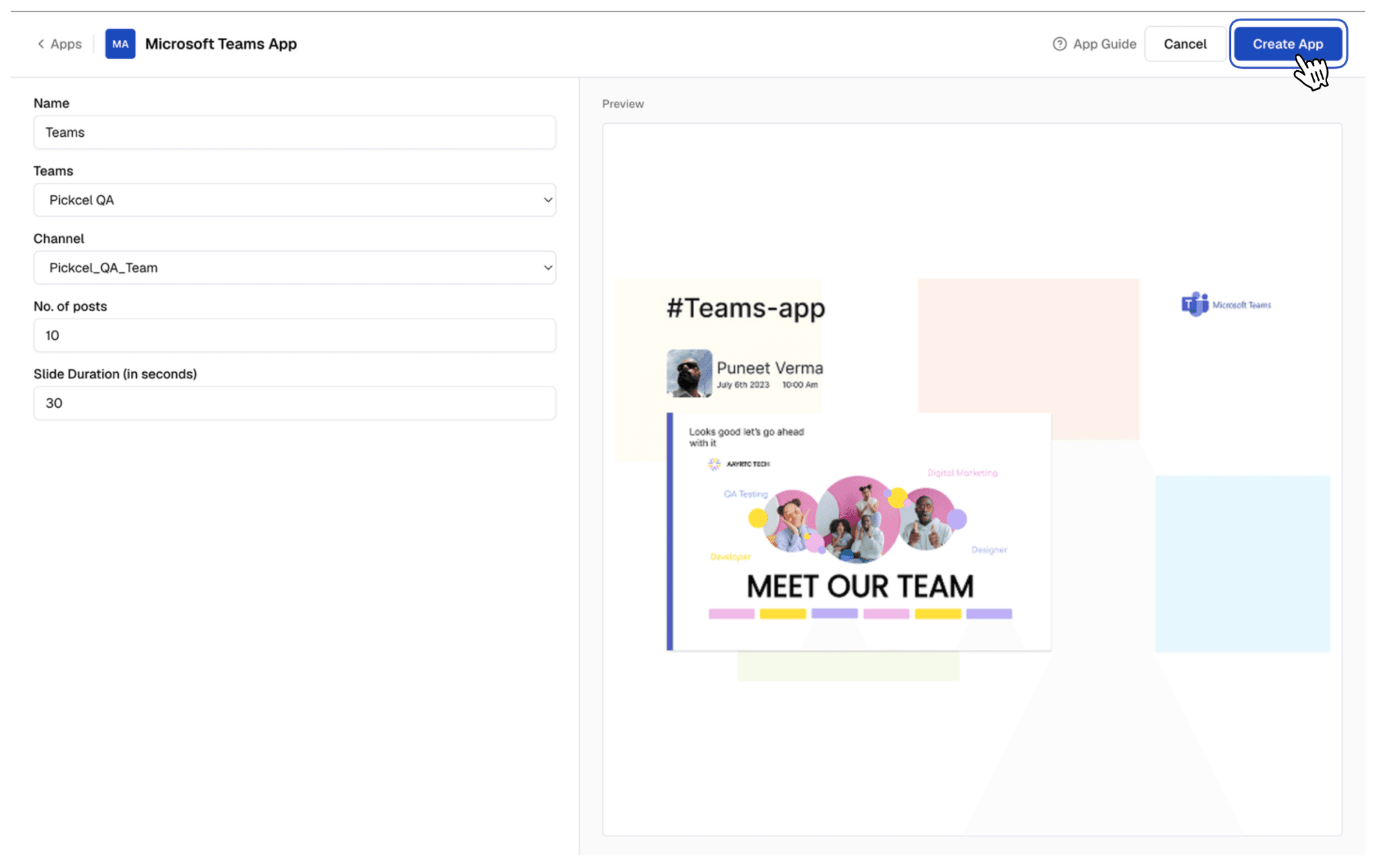
        Step 4 - Enter a Name and click on Create Stream Channel. You will find the credentials which are required for live streaming the Teams meeting. Copy the credentials as they are required to begin the stream.

        Stream URL and credentials

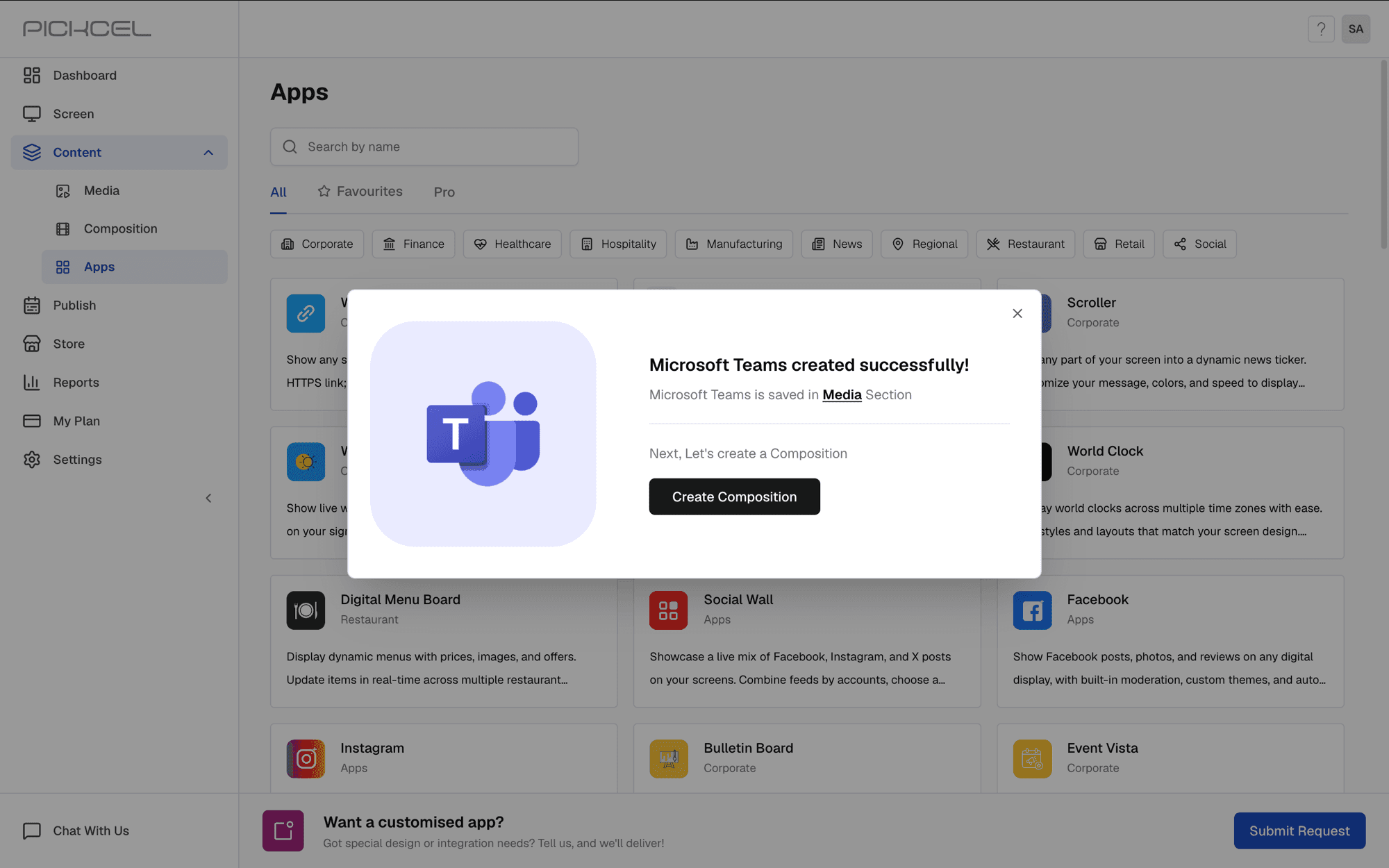
        Create a composition, add the above app to it and assign it to the screen as quickplay or schedule.

        Step 5 - Now, to configure live streaming, go to the Teams meeting (you have to start the meeting) and click on Apps on the top right. You will find a customised streaming option. Click that.

        Add customised stream in Teams

        Step 6 - A popup will appear on your screen for confirmation, click Save.

        Save customised streaming

        Step 7 - A side window will open where you can enter the stream URL & stream key copied from the Pickcel stream app creation. Once this is done, click on Start streaming.

        Start streaming in Teams

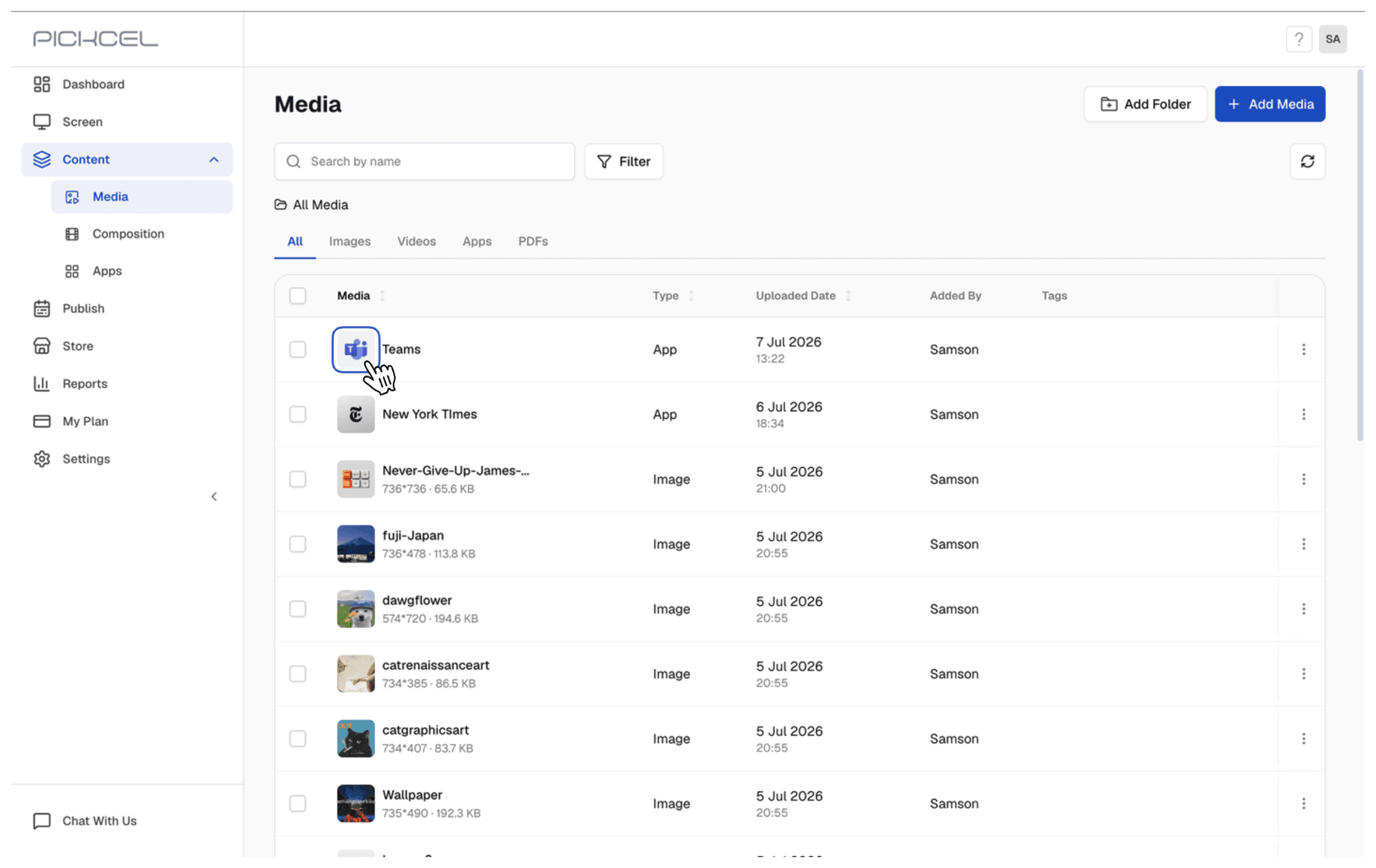
        Step 8 - You can now preview the stream in Media or assign to a screen(s) with Schedule/Quick Play in Pickcel's console

        The future of meeting rooms is here!

        Embrace a dynamic future for meetings with Pickcel and Microsoft Teams. Live streaming unlocks a world of possibilities, turning every meeting into an opportunity to inform, engage, and inspire.

        Ready to explore the full potential of live Teams streaming with Pickcel Digital Signage? Visit Pickcel's official website to learn more!

        Pickcel Logo

        Trusted Cloud & On-Premise Digital Signage Software for Businesses Worldwide.

        Facebook logoLinkedIn logoTwitter logoYoutube logoInstagram logoPinterest logo
        Capterra BadgeGoodFirms BadgeG2 logo

        Product

        • Software Features
        • Digital Signage Hardware
        • Digital Menu Board Software
        • Digital Signage Player
        • Interactive Kiosk
        • OTT Digital Signage Software
        • Queue Management Software
        • Visitor Management software

        Enterprise

        • Integrations & Automation
        • On-premise Digital Signage
        • Our Services

        Solutions

        • Corporate Communication
        • Retail Digital Signage
        • Digital Signage Hospitality
        • School Digital Signage
        • Restaurant Digital Signage
        • Banking & Finance Signage
        • Transportation Digital Signage
        • Digital Product Catalogue

        Company

        About UsContact UsSupportPress ReleaseCareers

        Resources

        • Case Studies
        • What is digital signage?
        • Digital Signage Blog
        • Apps
        • Pricing
        • FAQ

        Partner program

        • White Label Digital Signage
        • Reseller Digital Signage
        Privacy|Refund|Terms

        Copyright © 2026 LaneSquare Technology Pvt Ltd