How to Set Up iOS Digital Signage Using Pickcel?
Apple devices as digital signage screens? Indeed an interesting pair.
With signage technology becoming more prominent by the day, digital signage software for iOS is set to change the realm of communications for one and all. But, how can this be achieved? Read on to find out.
What is iOS digital signage?
iOS digital signage refers to using Apple devices, such as iPads and iPhones, in conjunction with digital signage technology to showcase multimedia content, including text, images, videos, and interactive elements. With Pickcel, your iOS devices can turn into secure and seamlessly paired digital signage displays.
This technology is utilized across various settings, such as retail stores, corporate offices, airports, and restaurants, to deliver information and engage audiences dynamically and visually. The software is SOC-2 certified, ensuring an extra layer of security for your device ecosystem.
How do you set up the Pickcel application on an iOS device?
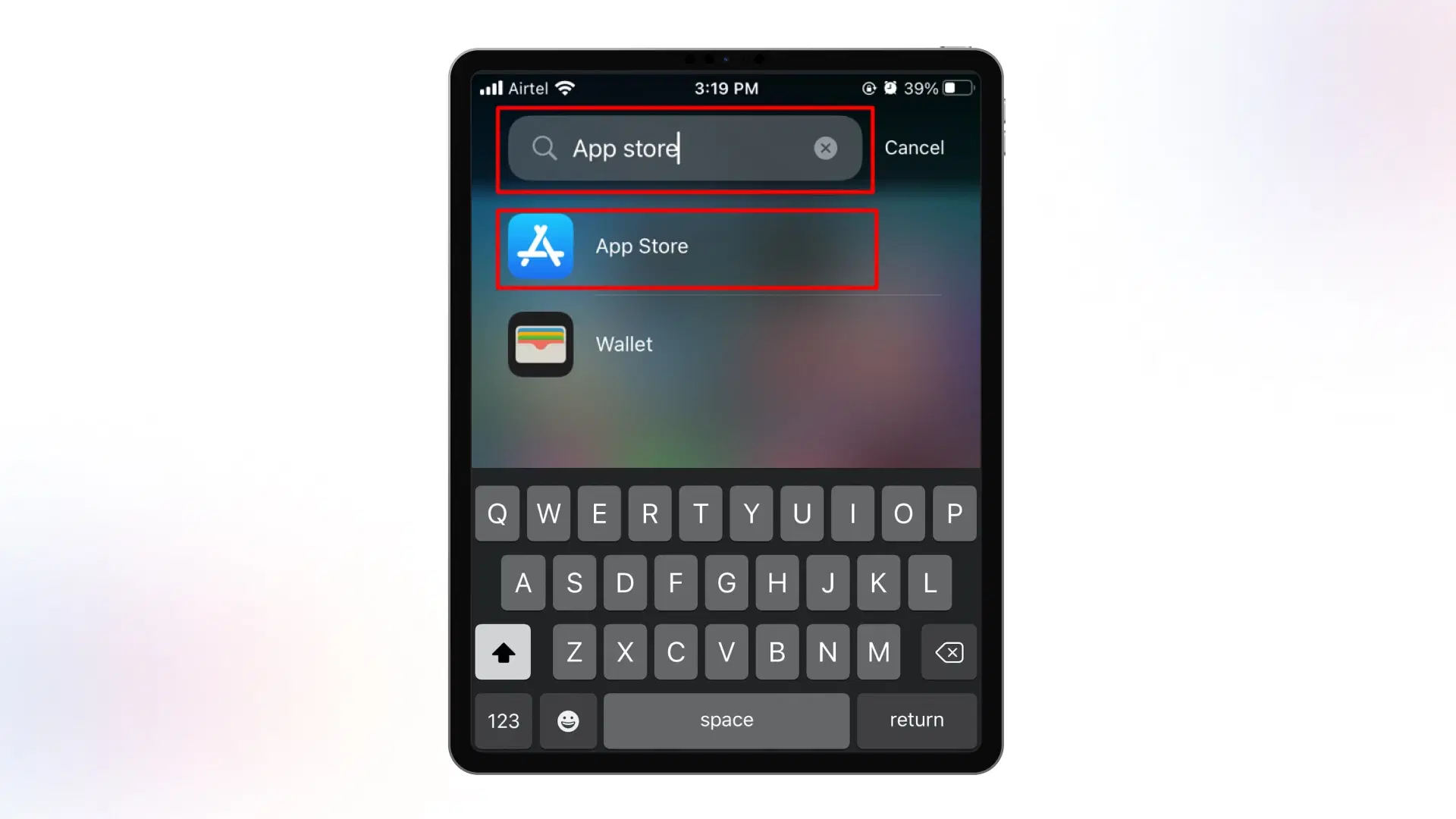
1. Locate the App Store on your iOS device and tap to open it.
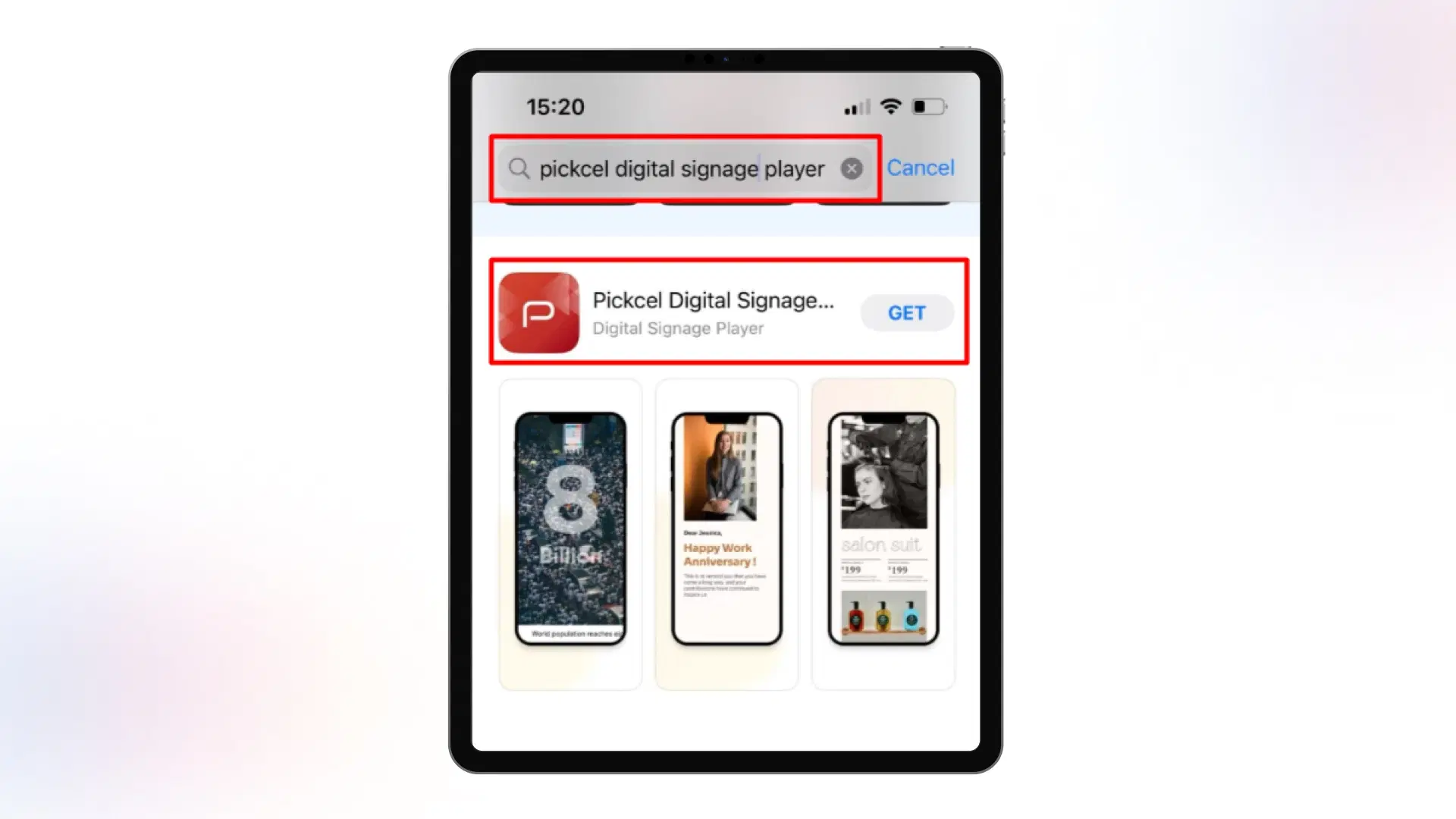
2. Inside the App Store, you'll find a search bar. Type 'Pickcel digital signage player' and tap 'Get' next to the app.
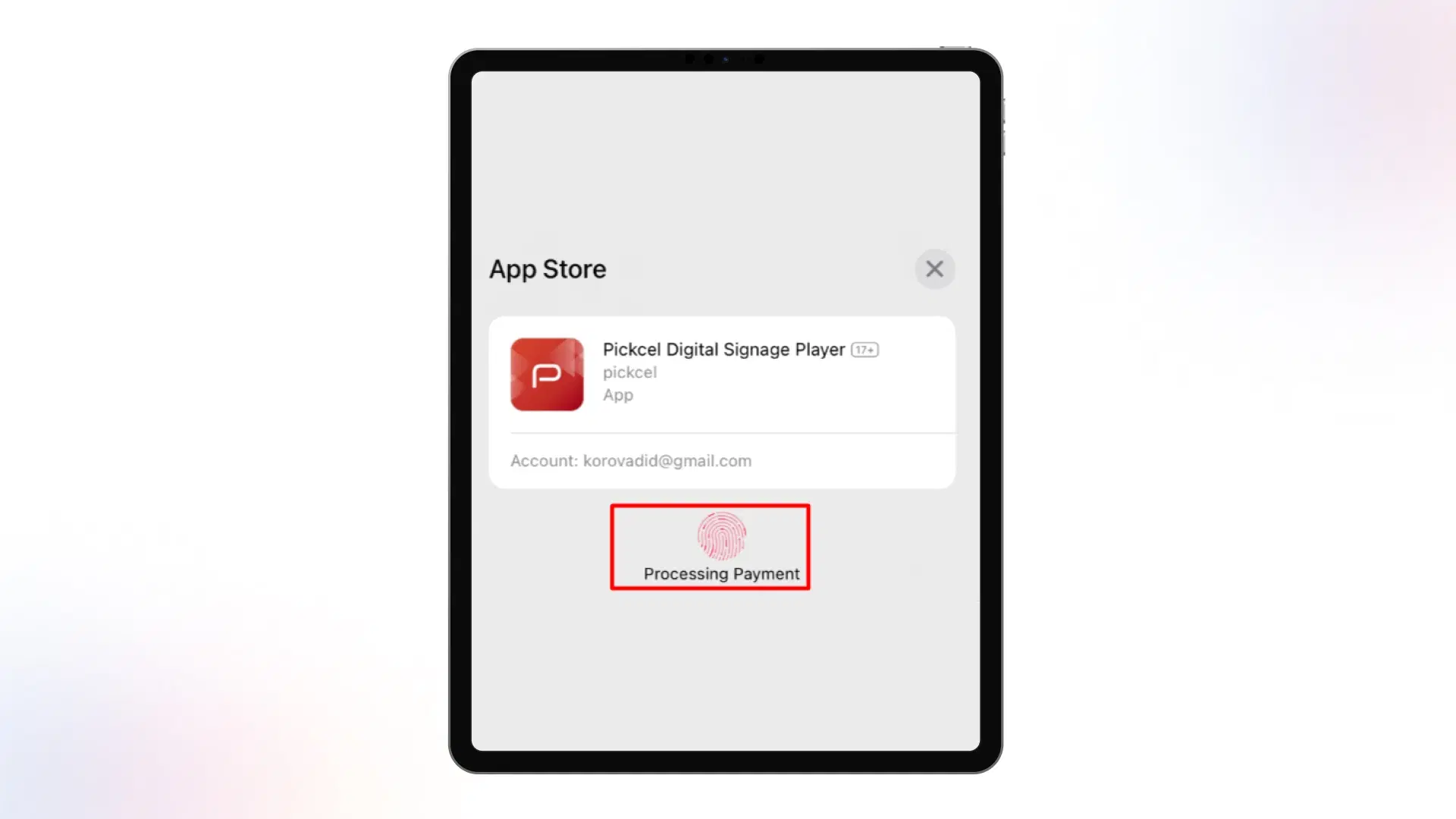
3. You'll be prompted to verify your identity using your fingerprint or password to ensure security. This step is essential for your device's safety. Upon verification, the app will begin downloading and installing.
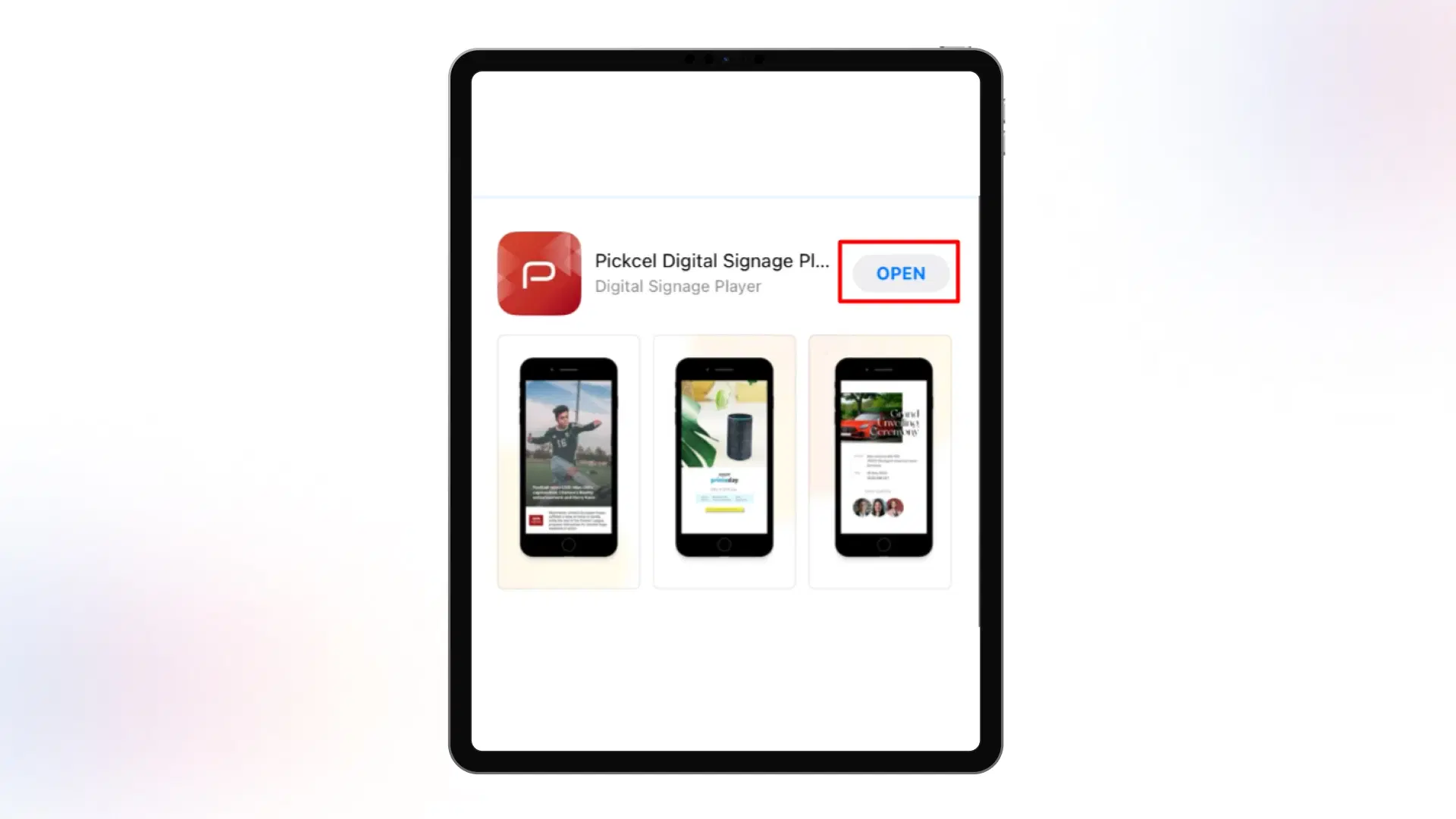
4. Once the installation is complete, you'll see the 'Open' option. Tap it to launch the Pickcel application.
5. Upon opening the app, you'll find a unique code on your device. This code is important for registering your screen.

6. Now login to your Pickcel account and click on "+ Add screen" on top left. Enter the code displayed on your iPhone/iPad and proceed to enter screen name and location alongside your current location. Enter proceed to ensure the process is completed.
7. The iOS screen is now added to your account and running our standard default composition.

What are the most important criteria for setting up iOS digital signage?
This section provides an overview of what is required to attune signage technology to your iOS devices. Read on.
1. Selecting iOS devices
- iPads vs. iPhones: Consider the specific use case when choosing between iOS devices. iPads are ideal for interactive displays, while iPhones are suitable for smaller screens. Pickcel's software supports both of these devices.
- Device Compatibility and specifications: Ensure your chosen Apple devices meet the signage application's hardware and software requirements. For example, if you plan to display 4K videos, select devices with sufficient processing power and screen resolution.
2. Digital signage software
- Content management: The software must provide a platform to upload, organize, schedule, and manage multimedia content. This ensures that the right content is displayed at the right time, whether as videos, images, text, or interactive elements.
- User-friendly interface: The signage software to be selected must come with an intuitive interface that simplifies the process for users, making it easy even for those with minimal technical knowledge to set up and manage their displays.
- Integration capabilities: An iOS signage software must seamlessly integrate with other Apple products and services. This integration ensures a consistent and smooth user experience across devices.
3. Security and privacy
- Protecting your content: Implement standard Apple device security measures like passcodes or biometric authentication to prevent unauthorized access.
- Privacy considerations: Ensure compliance with data privacy regulations when collecting user interactions or analytics data through interactive digital signage. Obtain consent where necessary.
4. Troubleshooting and maintenance
- Regular maintenance tasks: Schedule routine maintenance tasks, such as checking servers and maintaining and updating the software to keep your digital signage running smoothly.
- Updating the iOS software: Stay current with iOS updates and app enhancements to benefit from new features and security improvements.