Pickcel

Core Platform

  • Software Features
  • Templates
  • Security & Compliance

Enterprise

  • On-Premise
  • Integrations & Automation
  • Our Services

Extensions & Apps

  • Mobile App
  • App Integrations

Digital Signage Players

  • Android
  • Samsung Tizen
  • BrightSign
  • Amazon Signage Stick
  • View all Players
What is Digital Signage?

Learn the basics of digital signage and how it can transform your business.

Industries We Serve

  • Office
  • Retail
  • Restaurant
  • Manufacturing
  • Hospitality
  • Healthcare
  • Transportation
  • Education
  • View all Industries

Solutions

  • Dashboard
  • FIDS
  • Digital Menu board
  • Car Dealership App
  • Wall Craft
  • Event Stream
  • Transport PIS
  • Social Wall
  • View all Solutions
See How Pickcel  Helped Amazon
See How Pickcel Helped Amazon

Case Studies

  • Mercedes-Benz
  • Accenture
  • Magnolia Bakery
View all

All Resources

  • Digital Signage Blog
  • Learn
  • Digital Signage Gallery
  • Case Studies
  • Support
  • Download
Partnerships
Partnerships

Partnerships

  • White-Label
  • Reseller
Pricing
Login
OverviewProblemSolutionUse CasesFeaturesCase StudiesTestimonialsComparisonGetting StartedFAQ

Digital Signage for Fashion Retail: Launch Campaigns Faster, Sell More in Every Store

For retail operations and marketing managers running 5 to 100+ store locations, campaign launches still depend on printed POS shipments, USB drives couriered to store managers, and hoping that regional teams apply brand guidelines correctly. Pickcel removes that dependency. Push your new collection lookbooks, seasonal campaign visuals, and promotional price overlays to every screen across your estate the moment they are approved — from one cloud-based CMS, without touching a single display.

Get a Demo
Pickcel reviews on Capterra and G2
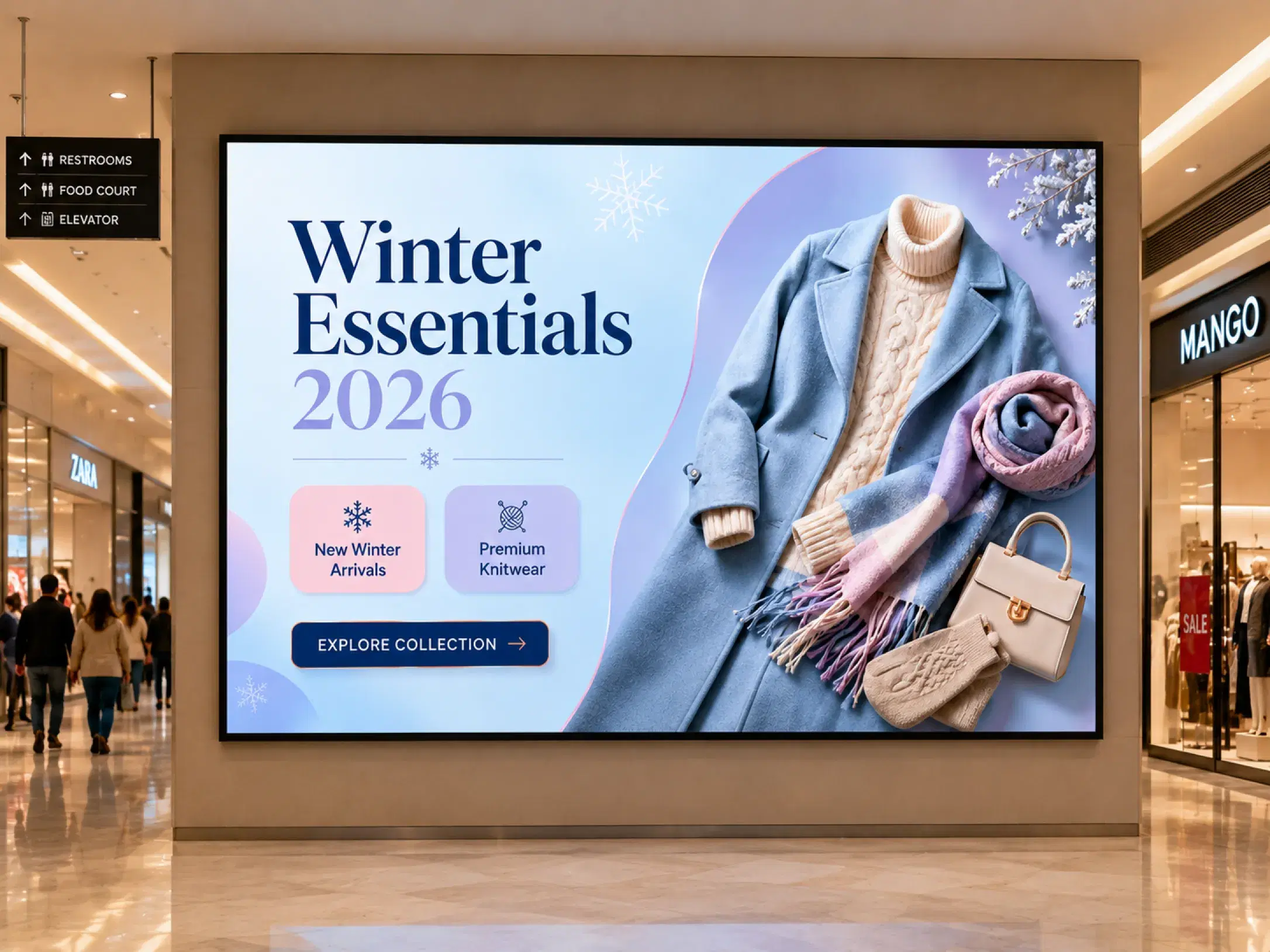
Pickcel digital signage on window display in fashion apparel store showing seasonal campaign lookbook

Trusted by leading retailers worldwide

Trusted by 9,000+ businesses across fashion and retail

Mercedes-Benz logo
Accenture logo
Unilever logo
Nestlé logo
Minutes
To push campaigns to all store screens
50+
Compatible device types
99.9%
Platform uptime SLA
6–10 weeks
Typical print POS cycle

What Is Digital Signage for Fashion Retail?

Digital signage for fashion retail is cloud-based screen management software that lets brands schedule, update, and push new collections, seasonal promotions, and campaign content to store displays across all locations from one central dashboard — using brand-locked templates that enforce visual consistency.

It replaces the printed POS cycle with remotely managed screens that can update lookbooks, promotional overlays, and window displays in minutes across one boutique or an entire apparel estate.

Pickcel helps fashion operations and marketing teams centralise campaign control, keep every store on-brand, and retire seasonal content automatically when the window closes.

Minutes

to push campaigns to every store screen

6–10 wks

typical print POS cycle fashion teams replace

50+

compatible device types for existing store hardware

The Fashion Retail Problem

Why Fashion Retailers Are Replacing Print POS with Digital Screens

Fashion retail moves on a seasonal rhythm that print cannot match. Collections change every 8 to 12 weeks. Three operational friction points define why operations teams are accelerating the shift to in-store digital signage.

Seasonal Campaign Updates Arrive After the Launch Window

Printed POS materials for a seasonal campaign typically enter production 6 to 10 weeks before launch — to account for print runs, quality review, and logistics to each store. When brand teams make late changes, stores go live with outdated materials. Your digital campaign and your in-store execution tell different stories on the day that matters most.

6–10 weeks

Typical print POS cycle before a fashion campaign goes live

Brand Execution Depends on Whoever Is Working That Shift

Fashion brands invest heavily in visual merchandising standards. What they cannot control is which staff member is on duty when a new POS kit arrives, how precisely they interpret the placement instructions, or whether the printed banner survived transit undamaged. Pickcel publishes brand-locked templates — store staff cannot place the wrong imagery or run last season's content.

Brand risk

In-store execution varies by shift, store, and courier quality

Generic Displays Miss the Upsell Moment

Undifferentiated screen content creates a consistent pattern of missed revenue: the wrong content in the wrong zone, no product info in the fitting room, checkout screens showing brand imagery when they could drive accessory sales. Research shows that relevant digital display content makes customers meaningfully more likely to buy, return, and spend longer on the shop floor.

Missed upsells

Fitting rooms and checkout zones underused for pairing prompts

Pickcel for Fashion Retail

One Platform. Every Screen. Every Store.

Pickcel's digital signage software for fashion retail is built for multi-location operators. It functions as the central publishing layer between your creative team and every screen in your estate — lookbooks, promotional banners, and price overlays managed from one cloud dashboard.

01

Pickcel Cloud Dashboard

One control centre for every screen you own.

Pushing update to all stores…0%
02

Store Groups

Organise screens by store, region, concept, or campaign.

  • Downtown Flagship24 Screens
  • Airport Store18 Screens
03

In-Store Displays

Windows, shelves, kiosks, POS, and menu boards update together.

Live — Pushing content from HQ to your stores…
  • Compare Check Icon

    Campaign content pushes live to every store screen in minutes — no print cycle, no courier delay

  • Compare Check Icon

    Compatible with 50+ device types across Windows, Android, and Chrome OS; existing hardware works on day one

  • Compare Check Icon

    Brand-locked templates enforce visual consistency across all locations automatically

  • Compare Check Icon

    Zone-based publishing: flagship lookbooks and outlet clearance boards from one account

  • Compare Check Icon

    Schedules go live and expire by date, store tier, or trading format

  • Compare Check Icon

    One dashboard manages from a single screen to 1,000+ screens across any number of store locations

No credit card required
Getting Started

Live in Your Stores in Three Steps

Most fashion retail teams go from sign-up to live screens quickly for a single location. Multi-store roll-outs are supported by Pickcel's onboarding team.

01

Connect Your Screens

Install the Pickcel app on any screen you already own — Android media players, Samsung Tizen TVs, LG webOS displays, Windows PCs, or Chrome OS. No new hardware required for most fashion store environments.

Install the Pickcel app on any screen you already own — Android media players, Samsung Tizen TVs, LG webOS displays, Windows PCs, or Chrome OS. No new hardware required for most fashion store environments.

Upload lookbook imagery, campaign visuals, and promotional overlays. Lock brand colours, fonts, and logo placement in templates so every store publishes within approved layouts.

Push content to one screen, a store-format tier, a region, or your entire estate — simultaneously. Campaigns go live on schedule and expire automatically when the season ends.

Fashion Use Cases

How Fashion Retailers Use Pickcel In-Store
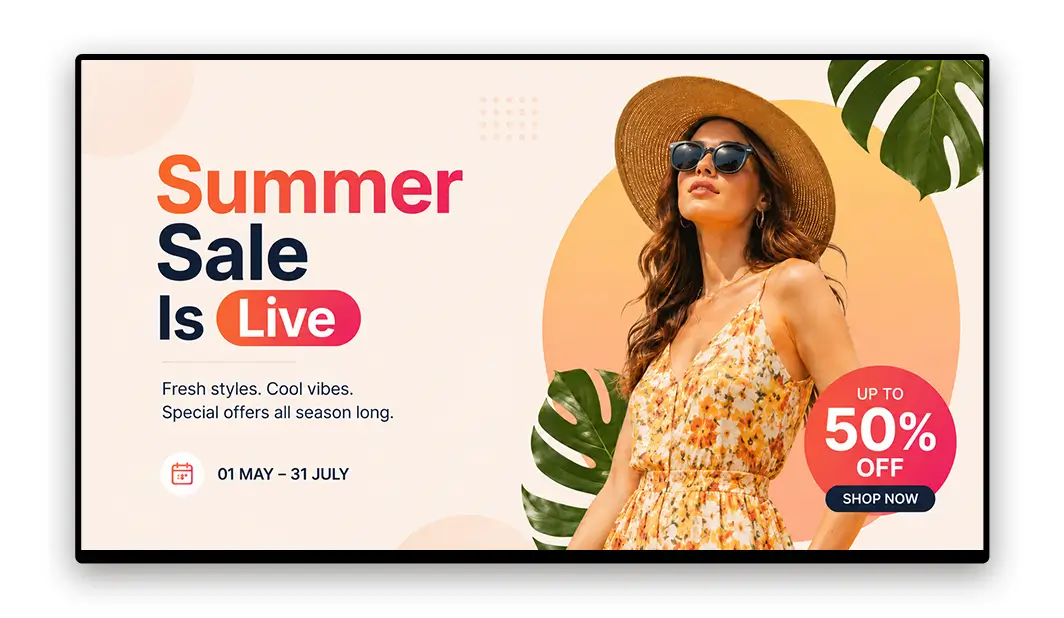
From window lookbooks to fitting-room pairing prompts, Pickcel powers every screen zone fashion brands rely on.

Fashion Use Cases

How Fashion Retailers Use Pickcel In-Store

Consistent Brand Execution Across Every Location

Push seasonal campaign content and window display visuals from head office to every store simultaneously. Set publish dates aligned with your campaign calendar so every screen goes live at exactly the right moment — delivering a minute-accurate launch, not a best-effort one. For the storefront specifically, dedicated window display software for storefronts handles ultra-wide and vertical screen ratios, ambient-light brightness adjustment, and passerby-facing content separately from the in-store campaign layer.

So you can Eliminate store-by-store brand variation
Fashion retail operations manager using Pickcel to push campaign content to all store screens

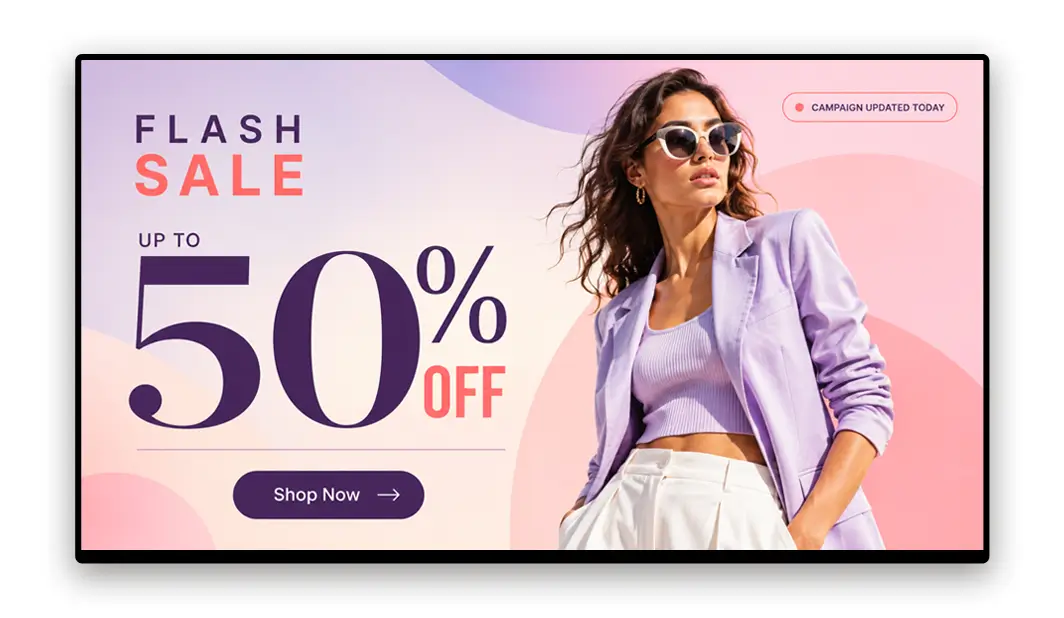
Same-Day Campaign Changes Without a Print Cycle

When the markdown percentage changes the day before a flash sale, update the price overlay in the CMS and it appears on every store screen within minutes. No emergency call to stores. No printed sticker placed over an old price. No missed revenue from screens advertising last week's full price while the promotion runs online. Connect that same screen network to the checkout system with POS-integrated digital signage for retail markdowns and checkout upsells, and the markdown percentage on screen matches the price the register actually charges, while checkout-adjacent displays can prompt a last-minute add-on before the customer pays.

So you can Campaign changes live in minutes, not weeks
Marketing manager updating fashion campaign content in the Pickcel CMS dashboard

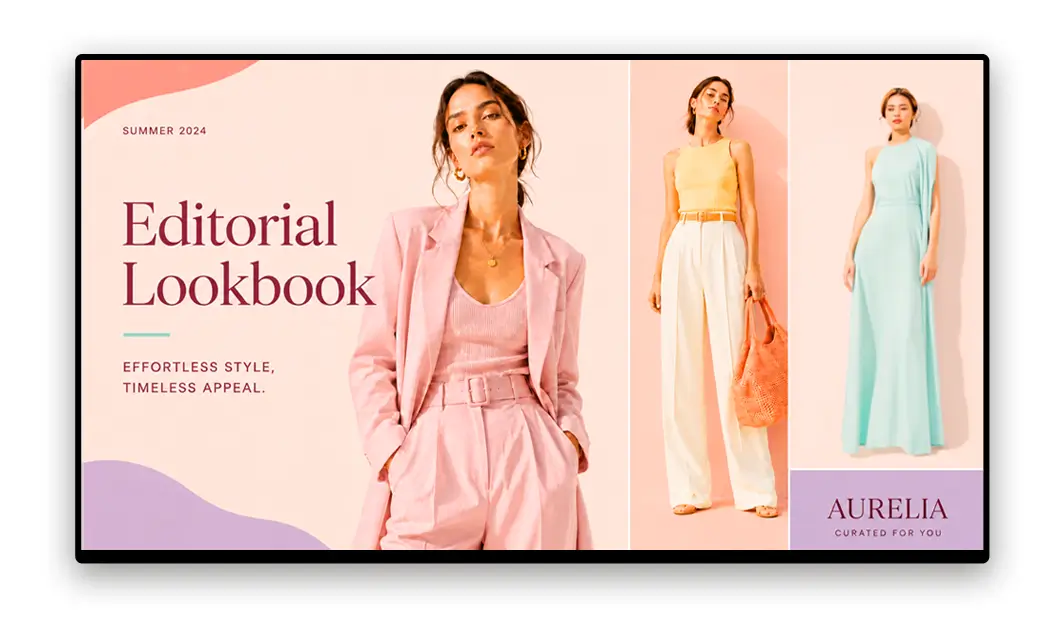
Lookbook Rotation on a Controlled Schedule

Schedule editorial lookbook imagery across window displays, in-store focal points, and fitting room screens. Set start and end dates for each asset. When a season ends, the content retires automatically — no manual removal required at store level.

So you can Automated seasonal content retirement
Visual merchandising team scheduling lookbook content across fashion store screens

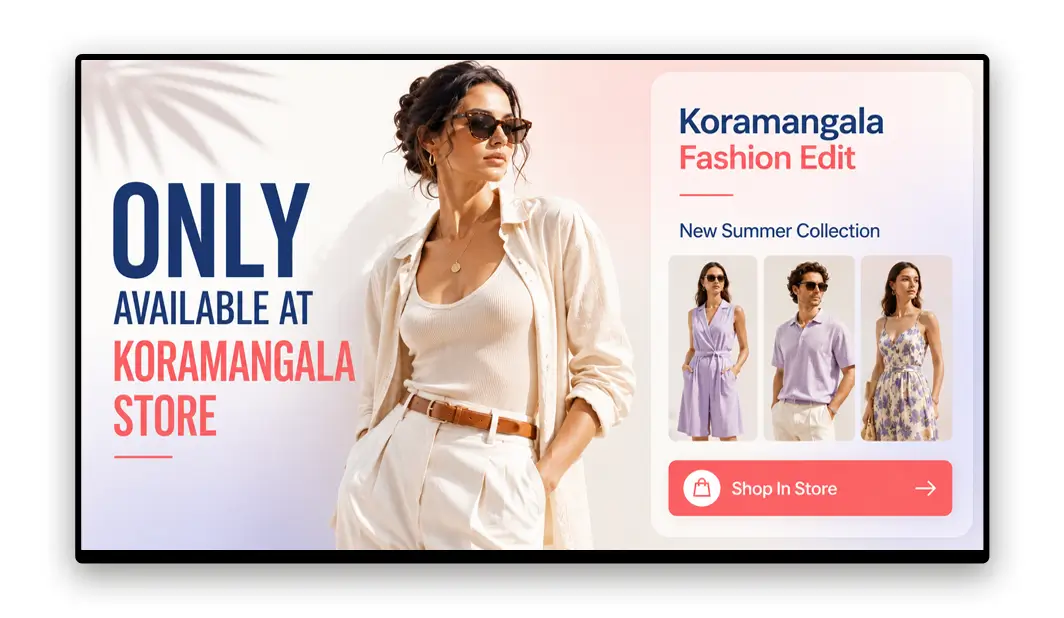
Localised Content Within Brand Boundaries

New colourway arrived early that is not in the campaign toolkit yet? Add a local in-stock callout to the flexible zone of your store's screens without touching the campaign layer controlled from head office. Local relevance, with central brand rules intact.

So you can Local flexibility without brand risk
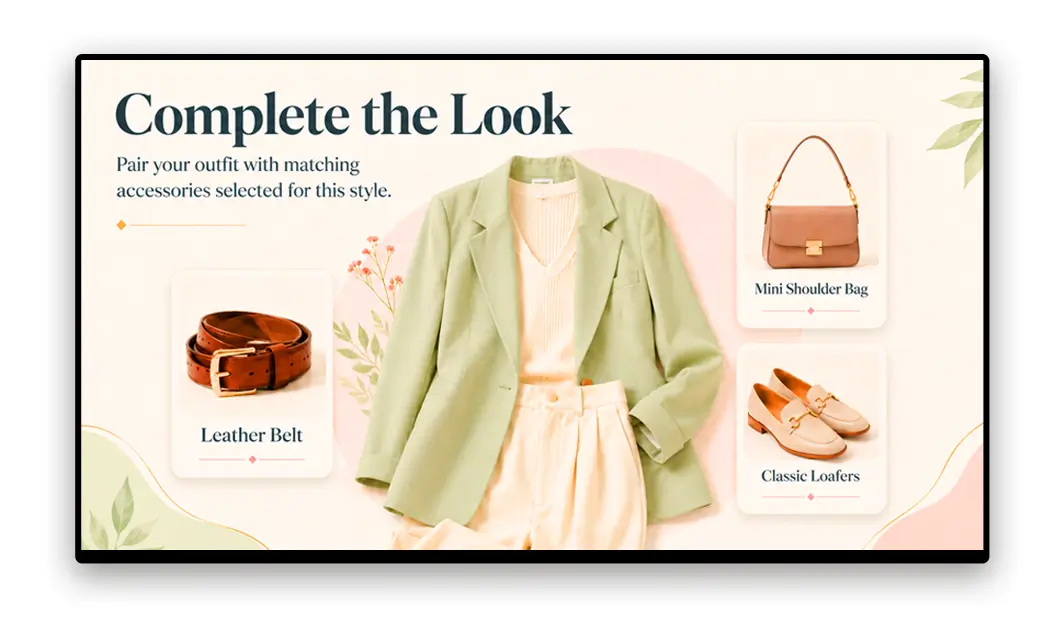
Store manager adding local content to fashion retail digital signage within brand boundaries

Outfit Pairing and Upsell Prompts at the Moment of Highest Intent

Fitting room screens reach customers at the highest-intent moment in a fashion store visit. A customer trying on a jacket is the natural audience for a belt, a bag, or a complementary shirt. Pickcel lets you schedule product pairing content by zone, mapped to the categories merchandised in each area.

So you can Convert fitting room time into accessory sales

Fitting room digital screen showing outfit pairing suggestions in a fashion apparel store
Platform Features

Features Fashion Retailers Rely On

Every Pickcel feature is designed to solve the operational challenges fashion and apparel teams face each season.

Template Library

Your creative team defines approved layouts — aspect ratios, logo positions, colour zones, typography specifications. Every store publishes content only within those templates. New campaign assets load into the approved layout automatically.

Browse fashion-ready display templates →
Pickcel template library for fashion retail brand-locked layouts

Content Scheduling

Build a seasonal content calendar inside the CMS. Set campaign assets to go live at midnight on launch day and expire automatically at the end of the promotional period. Schedules differ by location, store tier, or trading format.

Seasonal content scheduling calendar for fashion retail campaigns

Multi-Location Management

A tiered group structure lets you publish to the entire estate, to a country or region, to a store-format tier, or to a single screen. One publish action can reach thousands of screens. Store-level edits are scoped only to the zones you permit.

Digital product catalogue for retail screens →
Pickcel dashboard grouping fashion store screens by location and format

Playlist Manager

Build hero image rotations, promotional overlays, and brand content into timed playlists. Weight promotional content at peak trading hours and shift to brand-awareness imagery during quieter periods.

Playlist manager rotating fashion lookbook and promotional content

Remote Management

Content updates require no on-site visit, no USB swap, and no dependency on individual store managers. Push any update from anywhere, on any device, and see it live on every assigned screen within minutes.

How real-time updates work →
Remote content update pushed to fashion store screens without on-site visits

Enterprise Security

Pickcel holds SOC 2 Type II and ISO 27001 certifications. Role-based access controls mean head office manages the brand-critical layers, while store managers operate only within explicitly permitted zones.

Security & compliance →
Enterprise security shield with ISO 27001 and AICPA SOC 2 certification badges

Template Library

Your creative team defines approved layouts — aspect ratios, logo positions, colour zones, typography specifications. Every store publishes content only within those templates. New campaign assets load into the approved layout automatically.

Browse fashion-ready display templates →
Pickcel template library for fashion retail brand-locked layouts

Content Scheduling

Build a seasonal content calendar inside the CMS. Set campaign assets to go live at midnight on launch day and expire automatically at the end of the promotional period. Schedules differ by location, store tier, or trading format.

Seasonal content scheduling calendar for fashion retail campaigns

Multi-Location Management

A tiered group structure lets you publish to the entire estate, to a country or region, to a store-format tier, or to a single screen. One publish action can reach thousands of screens. Store-level edits are scoped only to the zones you permit.

Digital product catalogue for retail screens →
Pickcel dashboard grouping fashion store screens by location and format

Playlist Manager

Build hero image rotations, promotional overlays, and brand content into timed playlists. Weight promotional content at peak trading hours and shift to brand-awareness imagery during quieter periods.

Playlist manager rotating fashion lookbook and promotional content

Remote Management

Content updates require no on-site visit, no USB swap, and no dependency on individual store managers. Push any update from anywhere, on any device, and see it live on every assigned screen within minutes.

How real-time updates work →
Remote content update pushed to fashion store screens without on-site visits

Enterprise Security

Pickcel holds SOC 2 Type II and ISO 27001 certifications. Role-based access controls mean head office manages the brand-critical layers, while store managers operate only within explicitly permitted zones.

Security & compliance →
Enterprise security shield with ISO 27001 and AICPA SOC 2 certification badges
By the Numbers

What Fashion Operators Can Expect

The operational baseline for a Pickcel-managed fashion retail screen network.

Minutes

To push approved campaign content to every store screen across your estate

Pickcel platform capability

6–10 weeks

Typical print POS production and logistics cycle fashion teams still run today

Industry estimate for multi-location apparel POS

50+

Compatible device types — existing Windows, Android, and Chrome OS screens work on day one

Pickcel platform data

99.9%

Platform uptime SLA so campaign screens stay live through peak trading windows

Pickcel platform SLA

Customer Stories

How Retail Brands Use Pickcel

From multi-location apparel networks to mall deployments, retailers use Pickcel to standardize in-store experiences and move faster than print.

Decathlon logo

Decathlon

Sports retail • 200+ stores in India

The Challenge

Static POS material made national promotions across 200+ outlets slow, and store managers couldn't publish local content without head-office sign-off.

The Outcome

A role-based cloud signage network lets every store manager schedule local promotions while head office pushes national campaigns to all 200+ stores — with 5X higher engagement from young shoppers.

"Each store manager now publishes promotions matched to their own footfall in minutes, while head office still rolls out national launches across every store from the same dashboard."

Read case study
Amazon logo

Amazon

Retail • 25+ mall locations

The Challenge

Creating consistent, high-impact digital touchpoints across 25+ malls while keeping campaign rollouts fast and centrally controlled.

The Outcome

Pickcel-powered kiosks and in-mall displays enabled Amazon to launch and update campaigns centrally in minutes instead of weeks.

"Our in-mall kiosks finally feel like an extension of our online campaigns — consistent, fast to update, and easy to manage centrally."

Read case study
What Our Customers Say

Fashion Teams Trust Pickcel

★★★★★
"We used to courier USB drives to 40 store managers before every campaign launch. Now we schedule content from head office and every screen is live within minutes of approval. The time saving alone justified the switch."

Operations Manager

Pickcel Customer · Multi-location fashion apparel brand

Pickcel vs. The Status Quo

Digital Signage vs. Printed Fashion POS

The operational difference between Pickcel and traditional printed POS is significant for fashion retailers running multi-week markdown cycles and frequent promotional updates.

Campaign publish speed

Compare Check Icon

Pickcel

Minutes from CMS publish to every store screen

Compare Cross Icon

Printed POS

6–10 week print, ship, and install cycle

Late creative changes

Compare Check Icon

Pickcel

Update overlays and pull content remotely the same day

Compare Cross Icon

Printed POS

Stores go live with outdated materials already shipped

Brand consistency controls

Compare Check Icon

Pickcel

Brand-locked templates; store staff edit only permitted zones

Compare Cross Icon

Printed POS

Depends on shift staff interpreting placement kits

Seasonal content retirement

Compare Check Icon

Pickcel

Schedules expire automatically at campaign end

Compare Cross Icon

Printed POS

Manual removal required at every location

Local flexibility

Compare Check Icon

Pickcel

Local callouts inside flexible zones without touching campaign layer

Compare Cross Icon

Printed POS

Local changes mean reprinting or covering old POS

Multi-location control

Compare Check Icon

Pickcel

One publish reaches a country, store tier, or full estate

Compare Cross Icon

Printed POS

Courier / USB / regional teams per location

CapabilityPickcelPrinted POS
Campaign publish speed
Compare Check IconMinutes from CMS publish to every store screen
Compare Cross Icon6–10 week print, ship, and install cycle
Late creative changes
Compare Check IconUpdate overlays and pull content remotely the same day
Compare Cross IconStores go live with outdated materials already shipped
Brand consistency controls
Compare Check IconBrand-locked templates; store staff edit only permitted zones
Compare Cross IconDepends on shift staff interpreting placement kits
Seasonal content retirement
Compare Check IconSchedules expire automatically at campaign end
Compare Cross IconManual removal required at every location
Local flexibility
Compare Check IconLocal callouts inside flexible zones without touching campaign layer
Compare Cross IconLocal changes mean reprinting or covering old POS
Multi-location control
Compare Check IconOne publish reaches a country, store tier, or full estate
Compare Cross IconCourier / USB / regional teams per location
FAQ

Frequently Asked Questions About Fashion Retail Digital Signage

Digital signage for fashion retail refers to cloud-managed screens inside apparel stores that display campaign content, new collections, promotional pricing, and lookbook imagery. A central CMS controls what plays across every location, replacing the print POS cycle with real-time digital publishing. For multi-location fashion brands, content accuracy and brand consistency are enforced by the platform — not dependent on individual store execution.

Still have questions?

Our team is here to help with anything not covered above.

Contact Us
Resources

Learn More About Fashion & Retail Signage

Winter fashion digital signage ideas for retail stores
Inspiration

8 Winter Fashion Trends for Digital Signage

Eight digital signage tactics for winter collections, weather-triggered ads, lookbooks, and in-store campaigns.

Read more →
In-store retail digital signage examples
Inspiration

6 Examples of In-Store Retail Digital Signage

Six in-store digital signage deployments — including fashion and beauty — with notes on what works.

See examples →
Retail discount digital signage on store screens
Solution

Retail Discount Digital Signage Solution

Run markdowns and promotional overlays on store screens without reprinting POS for every price change.

Explore solution →
Related Solutions

Explore More Retail Sub-Verticals

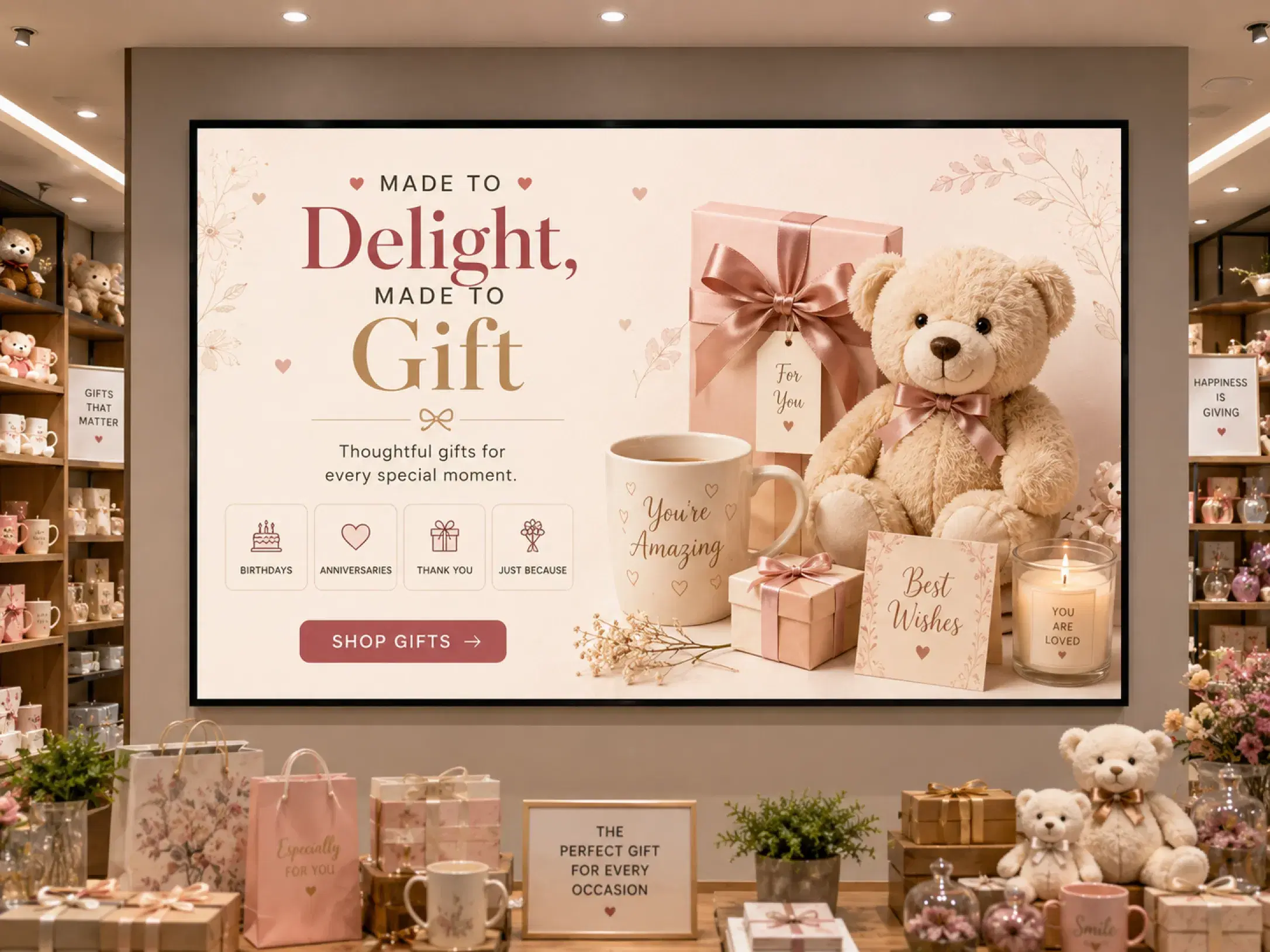
Shopping mall digital signage displays

Shopping Malls Digital Signage

Drive foot traffic, promotions, and wayfinding across mall screens.
Explore →
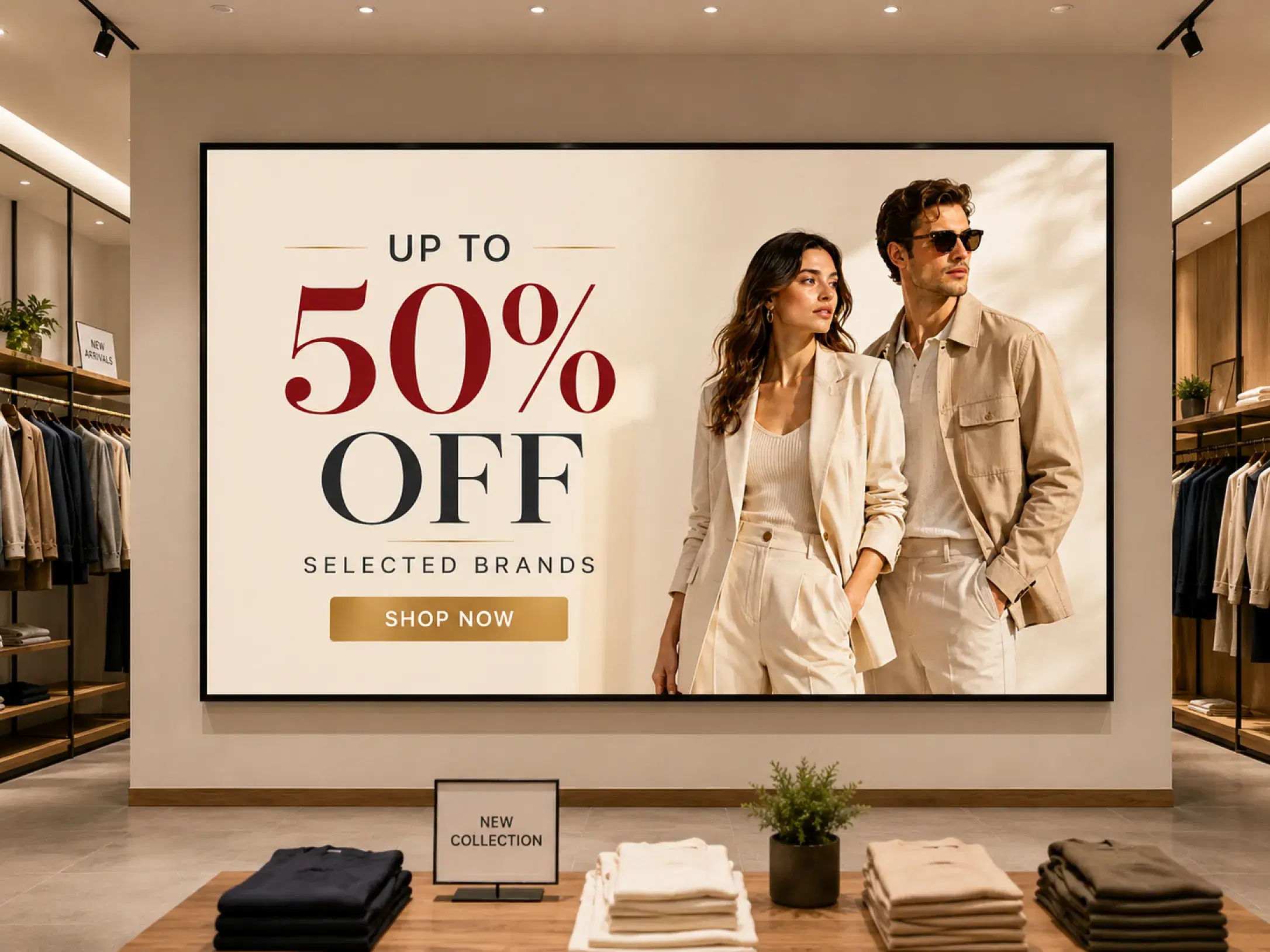
Gift store digital signage with seasonal promotions

Gift Stores Digital Signage

Engage shoppers with seasonal promotions and curated gift displays.
Explore →

Retail Digital Signage

Explore the full range of retail digital signage solutions from Pickcel.

Explore →

Ready to Replace Your Print POS Cycle?

Push your next campaign to every store screen in minutes, not weeks. Book a demo to see how fashion and apparel brands manage multi-location digital signage with Pickcel.

No credit card required · Cancel anytime · Trusted by 9,000+ businesses

Product

  • Software Features
  • Digital Signage Hardware
  • Digital Menu Board Software
  • Digital Signage Player
  • Interactive Kiosk
  • OTT Digital Signage Software
  • Queue Management Software
  • Visitor Management software
  • On-premise Digital Signage

Enterprise

  • Integrations & Automation
  • On-premise Digital Signage
  • Our Services

Solutions

  • Corporate Communication
  • Retail Digital Signage
  • Digital Signage Hospitality
  • Multi Channel Employee Communication
  • Restaurant Digital Signage
  • Banking & Finance Signage
  • Transportation Digital Signage
  • Digital Product Catalogue
  • Electronic Bulletin Board
  • Employee Communication App
  • Wayfinding Signage

Resources

  • Case Studies
  • What is digital signage?
  • Digital Signage Blog
  • Apps
  • Pricing
  • FAQ

Company

  • About Us
  • Contact Us
  • Support
  • Press Release
  • Careers

Trust & Compliance

  • Privacy Policy
  • Terms of Service
  • Refund Policy
  • Data Processing Addendum
  • Sub-processors
  • Security
  • Cookie Policy

Partner program

  • White Label Digital Signage
  • Reseller Digital Signage
Capterra4.6G24.6GoodFirms4.6

© 2026 LaneSquare Technology Pvt Ltd. All rights reserved.