Pickcel

Core Platform

  • Software Features
  • Pickcel Comms
  • Templates
  • Security & Compliance

Enterprise

  • On-Premise
  • Integrations & Automation
  • Our Services

Extensions & Apps

  • Mobile App
  • App Integrations

Digital Signage Players

  • Android
  • Samsung Tizen
  • BrightSign
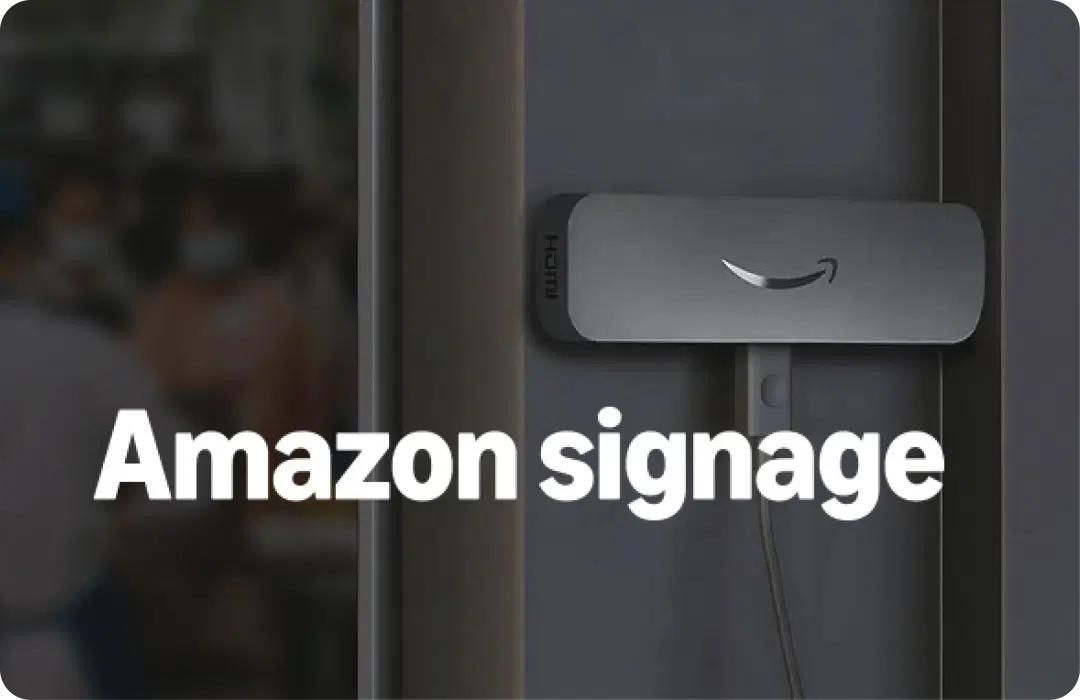
  • Amazon Signage Stick
  • View all Players
What is Digital Signage?

Learn the basics of digital signage and how it can transform your business.

Industries We Serve

  • Office
  • Retail
  • Restaurant
  • Manufacturing
  • Hospitality
  • Healthcare
  • Transportation
  • Education
  • View all Industries

Solutions

  • Dashboard
  • FIDS
  • Digital Menu board
  • Car Dealership App
  • Wall Craft
  • Event Stream
  • Transport PIS
  • Social Wall
  • View all Solutions
See How Pickcel  Helped Amazon
See How Pickcel Helped Amazon

Case Studies

  • Mercedes-Benz
  • Accenture
  • Magnolia Bakery
View all

All Resources

  • Digital Signage Blog
  • Learn
  • Digital Signage Gallery
  • Case Studies
  • Support
  • Download
Partnerships
Partnerships

Partnerships

  • White-Label
  • Reseller
Pricing
Login

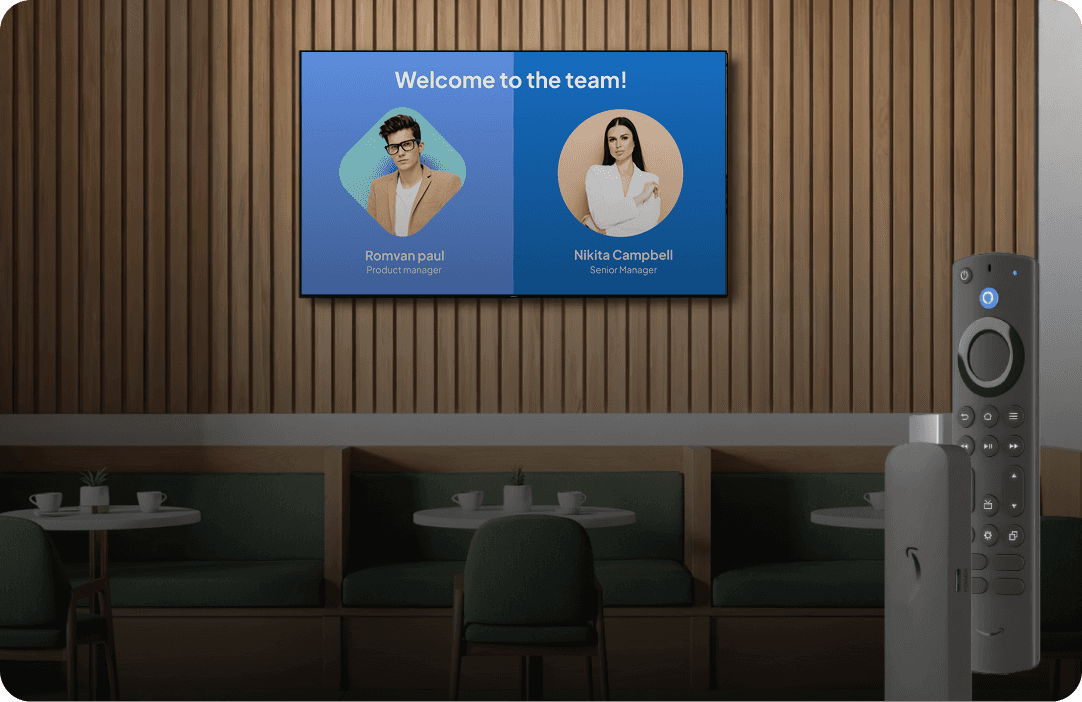
Convert Any TV Into Digital Signage With Your Fire TV Stick

Plug in. Connect. Publish. No new hardware to start. Go live today. Start on Fire TV, scale to Amazon Signage Stick later with the same Pickcel dashboard..
Book a Demo
Android digital signage screens powered by Pickcel

Why Pickcel + Fire TV Stick?

Fire TV Stick runs the screen while Pickcel runs the content. Together, they turn any TV into easy digital signage that helps people see what matters.

Why Pickcel and Fire TV Stick

Simple to Set Up

Your Fire TV Stick lets you display signage in minutes with Pickcel. Quick setup, simple pairing, and instant publishing.

Plug and power
Step 1

Plug and power

Download Pickcel from the Play Store or install it with the APK.

Install Pickcel
Step 2

Install Pickcel

Open the app and get the on-screen code. Enter it in your Pickcel dashboard.

Enter code
Step 3

Enter code

Choose a template or upload your media. Press publish, and your screen goes live.

View Full Setup Guide

Feature Highlights

Key features that make Pickcel and Fire TV Stick simple, stable, and ready for business.

Control screens from one dashboard

Control screens from one dashboard

Update a single screen or an entire fleet from the same cloud console.

Auto launch and self-recovery

Auto launch and self-recovery

The app returns to signage automatically after reboot or power loss.

Built for signage playback

Built for signage playback

The app opens in signage mode and keeps your Fire TV screen locked to content.

Real-time screen monitoring

Real-time screen monitoring

See player status and screen health without visiting locations.

Smart day-part scheduling

Smart day-part scheduling

Set different content to play automatically at the right time of day.

Roles and approvals for growing teams

Roles and approvals for growing teams

Add user roles and simple approvals as more people manage content.

Reliable offline playback

Reliable offline playback

Content keeps playing from the local cache when the internet drops.

Enterprise security ready

Enterprise security ready

A SOC 2 Type II and ISO 27001 certified platform that protects your screens and data.

Which Fire TV Stick should you buy?

Fire TV Stick models from before 2023 are not supported by Pickcel.

ModelBest forWhy pick itSkip if
Fire TV Stick HD (2024)Menus and simple loopsFull HD and the lowest cost. Good for basic signage content.You need 4K or many dashboards.
Fire TV Stick 4K Select (2025)Early testing of the newest modelNew 4K model with Vega OS and HDR support. Good for pilot runs.Your app support for Vega OS is not confirmed. Avoid bulk orders.
Fire TV Stick 4K PlusMost 4K promo loops4K with Wi-Fi 6. Solid all-around choice for retail and promos.Your content is text-heavy and dashboard-led.
Fire TV Stick 4K Max (2nd Gen)Dashboards and heavier video4K with Wi-Fi 6E and extra storage. Best for Power BI/Tableau dashboards and long-hour playback.Budget is tight, or your screens are only 1080p.

What You Can Do with Pickcel

Upload videos, images, and live feeds

Upload videos, images, and live feeds

Schedule content by time, date, or location

Schedule content by time, date, or location

Show dashboards, tickers, and custom apps

Show dashboards, tickers, and custom apps

Monitor device health and playback in real time

Monitor device health and playback in real time

Also Introducing:
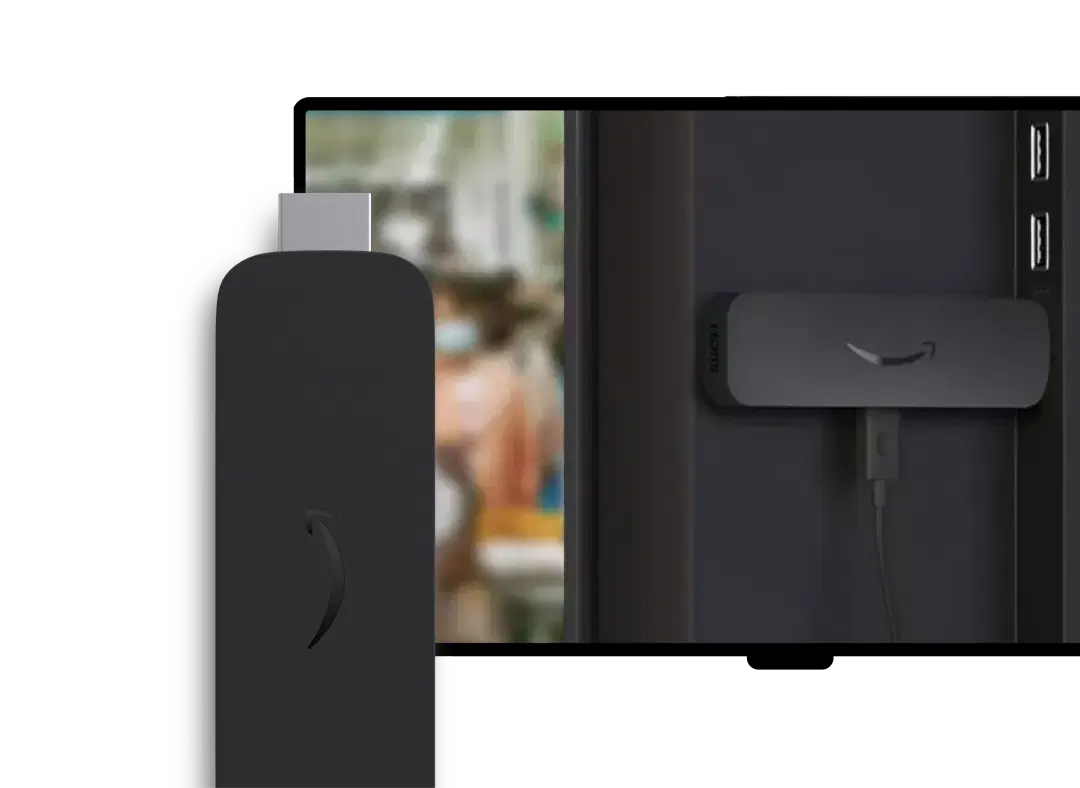
Amazon Signage Stick

Take your Fire TV Stick experience to the next level with the new Amazon Signage Stick, purpose-built for professional digital signage with Pickcel pre-installed.

Amazon Signage Stick

Why Businesses Choose Pickcel

150,000+

Screens

9,000+

Global Customers

100+

Apps & Integrations

70+

Countries

FAQ

Frequently Asked Questions

Use 2023-or-newer models for best results; 4K Max handles text-heavy dashboards most comfortably.
Your current playlist keeps showing from local storage and syncs changes when the connection returns.
Yes. You can keep your sticks, pair them to Pickcel, and manage everything from one dashboard.
Fire TV can be configured to stay in signage. Amazon Signage Stick provides a locked experience by default.
Yes. Power BI, Tableau, Grafana, Salesforce, and more are supported; 4K Max is recommended for text-heavy boards.
From one to thousands—use groups and bulk actions to organize rollouts.
You’ll get quickstart videos, templates, and support.
Yes—resellers can manage client workspaces and grow fleets without changing the Pickcel workflow.

Product

  • Software Features
  • Digital Signage Hardware
  • Digital Menu Board Software
  • Digital Signage Player
  • Interactive Kiosk
  • OTT Digital Signage Software
  • Queue Management Software
  • Visitor Management software
  • On-premise Digital Signage

Enterprise

  • Integrations & Automation
  • On-premise Digital Signage
  • Our Services

Solutions

  • Corporate Communication
  • Retail Digital Signage
  • Digital Signage Hospitality
  • Multi Channel Employee Communication
  • Restaurant Digital Signage
  • Banking & Finance Signage
  • Transportation Digital Signage
  • Digital Product Catalogue
  • Electronic Bulletin Board
  • Employee Communication App
  • Wayfinding Signage

Resources

  • Case Studies
  • What is digital signage?
  • Digital Signage Blog
  • Apps
  • Pricing
  • FAQ

Company

  • About Us
  • Contact Us
  • Support
  • Press Release
  • Careers

Trust & Compliance

  • Privacy Policy
  • Terms of Service
  • Refund Policy
  • Data Processing Addendum
  • Sub-processors
  • Security
  • Cookie Policy

Partner program

  • White Label Digital Signage
  • Reseller Digital Signage
Capterra4.6G24.6GoodFirms4.6

© 2026 LaneSquare Technology Pvt Ltd. All rights reserved.