Pickcel

Core Platform

  • Software Features
  • Templates
  • Security & Compliance

Extensions & Apps

  • Mobile App
  • App Integrations

Enterprise

  • On-Premise
  • Integrations & Automation
  • Our Services
What is Digital Signage?

    Digital Signage Players

    • Android
    • Amazon Signage Stick
    • BrightSign
    • Samsung Tizen
    • View all

    Industries We Serve

    • Office
    • Retail
    • Restaurant
    • Manufacturing
    • Hospitality
    • Healthcare
    • Transportation
    • Education
    • View all

    Use Cases

    • Dashboard
    • FIDS
    • Digital Menu board
    • Car Dealership App
    • Wall Craft
    • Instastream
    • Transport PIS
    • Social Wall
    See How Pickcel  Helped Amazon
    See How Pickcel Helped Amazon

      Case Studies

      • Mercedes-Benz
      • Accenture
      • Magnolia Bakery
      • View all

      All Resources

      • Digital Signage Blog
      • Learn
      • Digital Signage Gallery
      • Case Studies
      • Support
      • Download
      Partnerships
      Partnerships

        Partnerships

        • White-Label
        • Reseller
        Pricing
        LoginContact UsStart Free Trial
        gradient background

        Wi-Fi Connect App

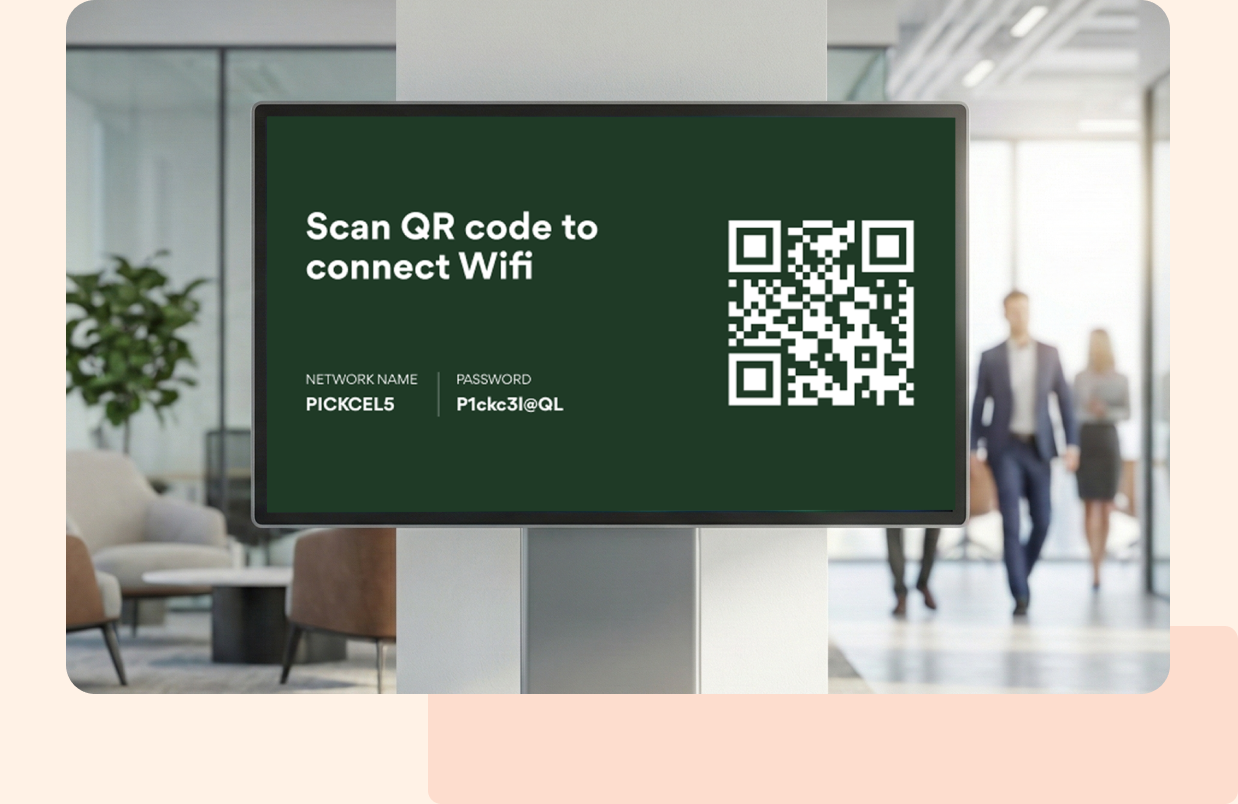
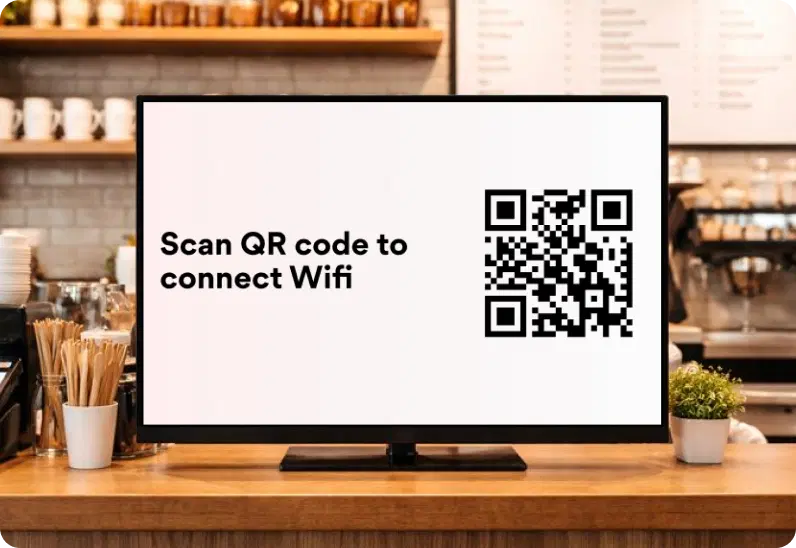
        Display a branded Wi-Fi QR code for instant, password-free access—manage network credentials and updates centrally across all screens.

        Book Demo
        Pickcel reviews on Capterra and G2
        Wi-Fi Connect App

        Trusted by businesses worldwide

        Trusted by 9,000+ Businesses • 150,000+ Screens • 70+ Countries

        Unilever
        Uber
        Amazon
        Decathlon
        HCLTech
        Radisson
        circle check

        SOC 2 Type II

        circle check

        ISO Certified

        Key Feature Highlights

        QR Code Icon

        Instant QR Access

        Generate and display a unique QR code that guests can scan to connect immediately — no passwords or staff assistance required.

        Branding Icon

        Custom Branding

        Add your company logo and personalized message to make even Wi-Fi access feel like part of your brand experience.

        Multiple Networks Icon

        Flexible Themes & Layouts

        Pick from Classic, Minimal, or Transparent themes in light or dark mode to fit any signage design or screen orientation.

        Auto Update Icon

        Secure Network Sharing

        Credentials are safely encoded within the QR code, ensuring guest access without exposing sensitive details.

        Secure Icon

        Portrait & Landscape Support

        Optimize your Wi-Fi display for any setup — from vertical lobby screens to widescreen menu boards.

        Display Styles Icon

        Real-Time Updates

        Manage and refresh your Wi-Fi details remotely from the Pickcel dashboard — changes appear instantly across all screens.

        One App, Many Display Styles

        Classic, modern, or minimal - find a style that fits your brand.

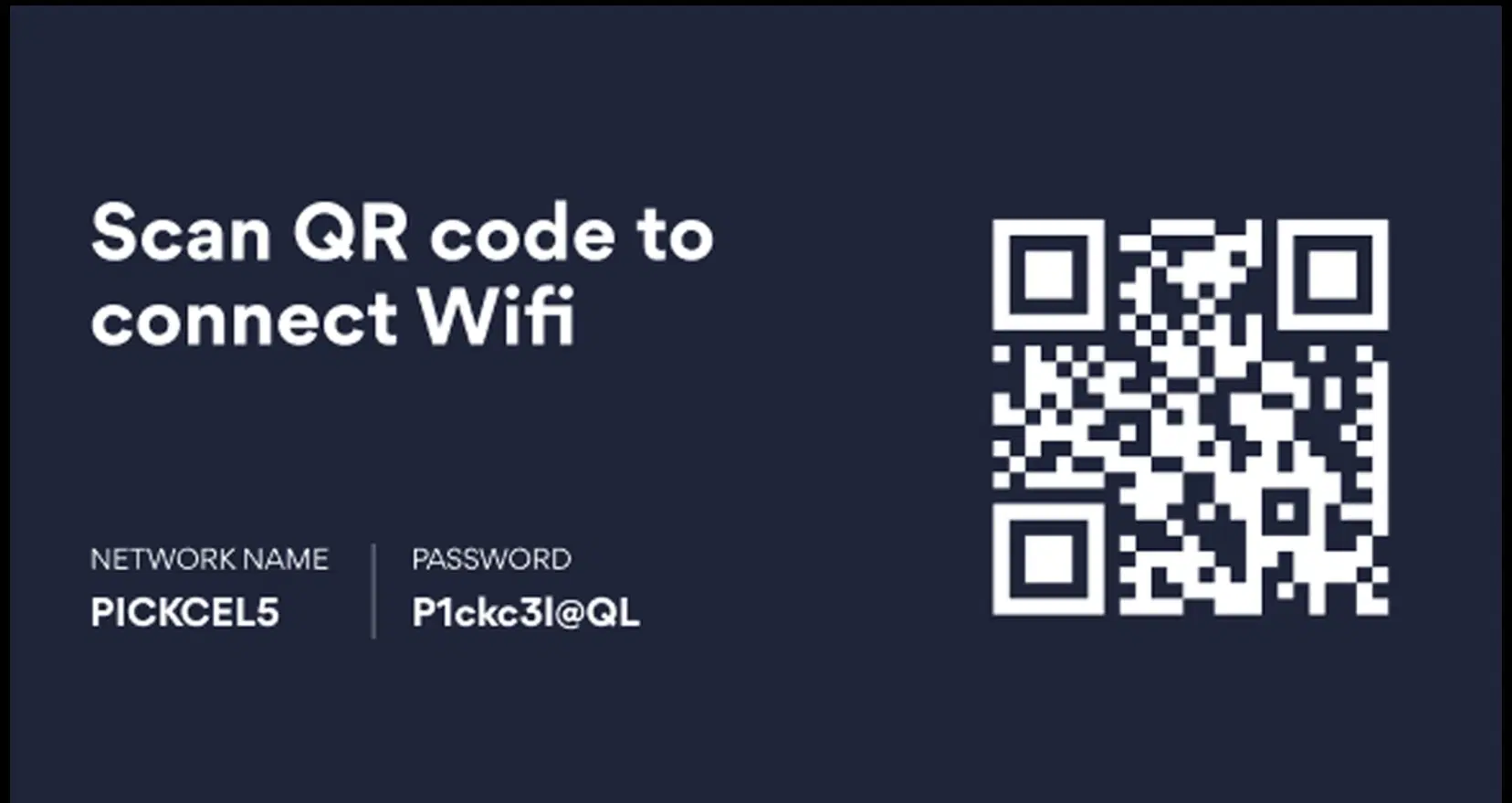
        Wi-Fi Connect digital signage display
        Wi-Fi Connect digital signage screen 1
        Wi-Fi Connect digital signage screen 2

        Interesting Use Cases

        See how global brands deploy Pickcel to unify updates, broadcast insights, and improve visibility across corporate environments.
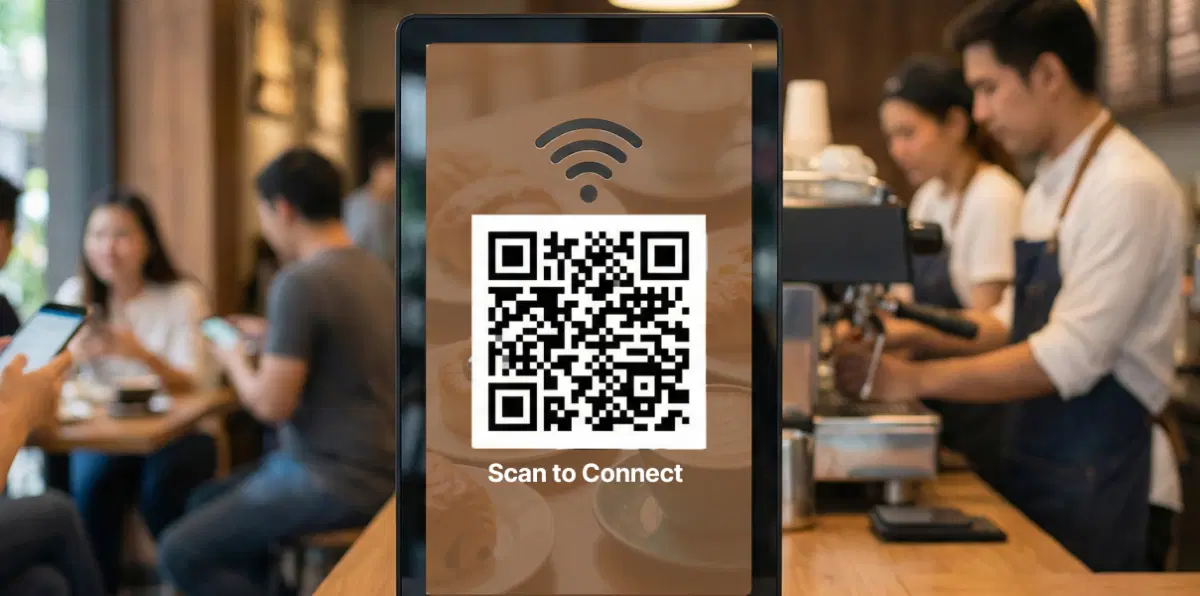
        Hospitality and cafes using Wi-Fi Connect on digital signage

        Hospitality & Cafés

        Display your Wi-Fi QR code on counter or waiting-area screens so customers can connect in a single tap while ordering or dining. No more asking staff for credentials — it’s fast, friendly, and efficient.
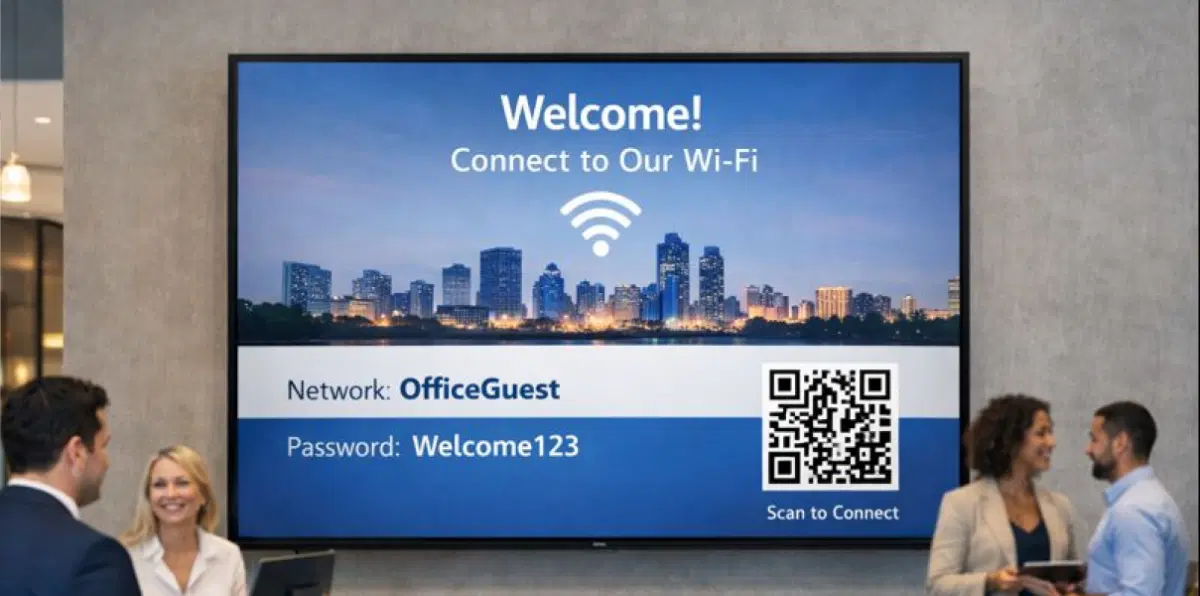
        Corporate offices and co-working spaces using Wi-Fi Connect on digital signage

        Corporate Offices & Co-Working Spaces

        Welcome clients and guests with an easy, branded Wi-Fi access point in lobbies or meeting areas. It saves time for reception teams and adds a professional touch to your workplace experience.
        Need customized apps? Connect with us.

        We are open to all kinds of development & integration with third-party applications.

        Customized apps development

        How-To Steps

        The Wi-Fi Connect App connects securely with Pickcel CMS and lets you publish Wi-Fi QR codes to screens in cafes, lobbies, and meeting areas — all from one simple interface.

        Step 1: Configure the app

        Open the Pickcel dashboard, go to Apps, and select Wi-Fi Connect. Click Create App, name it, then enter your Wi-Fi SSID, password, and security type. Choose a theme, set screen orientation, and optionally add your logo and a short welcome message.
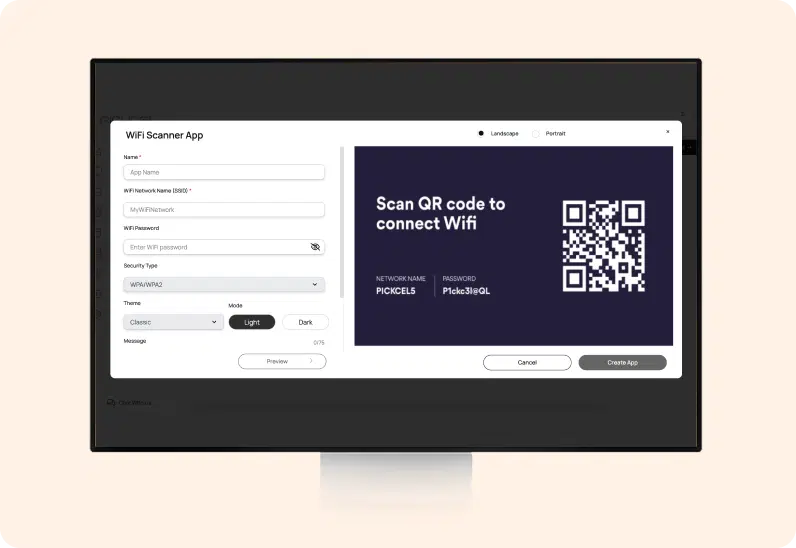
        Wi-Fi Connect App configuration screen

        Step 2: Add to a composition

        Click Create App to save it to your media library. Create a new composition, drag the Wi-Fi Connect app onto the canvas, position and size it, and optionally pair it with a welcome banner or promo.
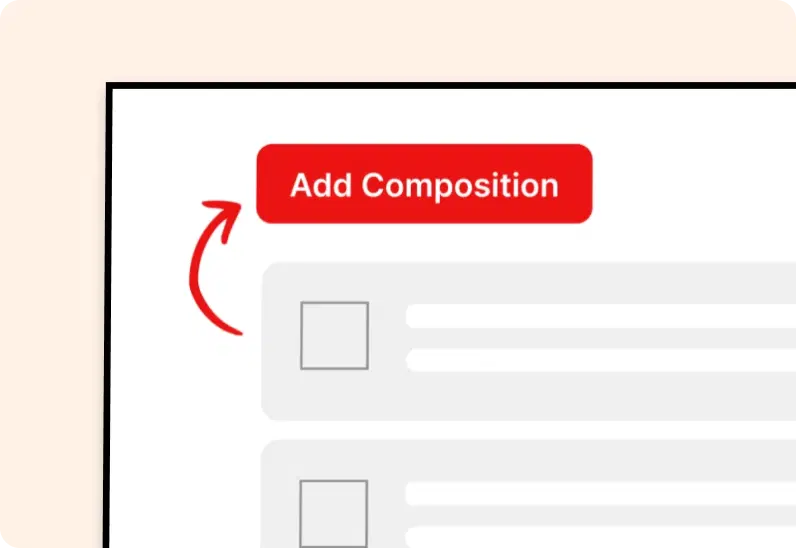
        Add Wi-Fi Connect app to composition

        Step 3: Publish to Screens

        Assign the composition to your selected screens or screen groups and click Publish. Your QR code appears instantly on the displays so guests can scan and connect.
        Publish Wi-Fi Connect content to screens
        Try For Free

        More Pickcel Apps to Complement the Wi-Fi Connect App on your Digital Signage

        Modern businesses communicate everywhere — not just on wall displays. Pickcel extends your communication to every screen customers see.

        CNN News app icon

        CNN News

        Show the latest news from CNN app

        View This App →
        Weather app

        Weather

        Display your Slack messages on your display

        View This App →
        World Clock

        World Clock

        Display the time of any city in the world

        View This App →
        Twitter icon

        Twitter Plus App

        Display live tweets, follow any hashtag or account

        View This App →
        Explore 100+ Digital Signage Apps
        CNN News
        gradient circlegradient circle

        Engage Customers with WiFi Login & Smart Signage

        Contact Us
        Pickcel Logo

        Trusted Cloud & On-Premise Digital Signage Software for Businesses Worldwide.

        Facebook logoLinkedIn logoTwitter logoYoutube logoInstagram logoPinterest logo
        Capterra BadgeGoodFirms BadgeG2 logo

        Product

        • Software Features
        • Digital Signage Hardware
        • Digital Menu Board Software
        • Digital Signage Player
        • Interactive Kiosk
        • OTT Digital Signage Software
        • Queue Management Software
        • Visitor Management software

        Enterprise

        • Integrations & Automation
        • On-premise Digital Signage
        • Our Services

        Solutions

        • Corporate Communication
        • Retail Digital Signage
        • Digital Signage Hospitality
        • School Digital Signage
        • Restaurant Digital Signage
        • Banking & Finance Signage
        • Transportation Digital Signage
        • Digital Product Catalogue

        Company

        About UsContact UsSupportPress ReleaseCareers

        Resources

        • Case Studies
        • What is digital signage?
        • Digital Signage Blog
        • Apps
        • Pricing
        • FAQ

        Partner program

        • White Label Digital Signage
        • Reseller Digital Signage
        Privacy|Refund|Terms

        Copyright © 2026 LaneSquare Technology Pvt Ltd