OneDrive
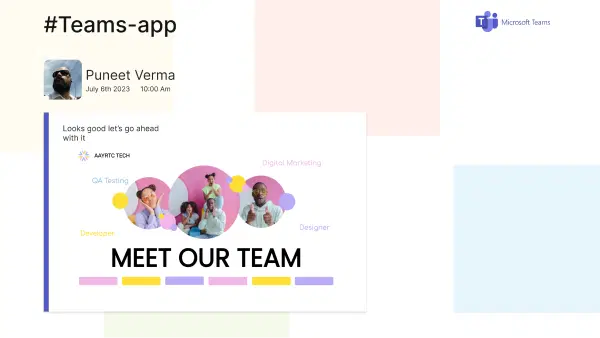
Show images and videos from your OneDrive folder on your digital signage screens.
App Features
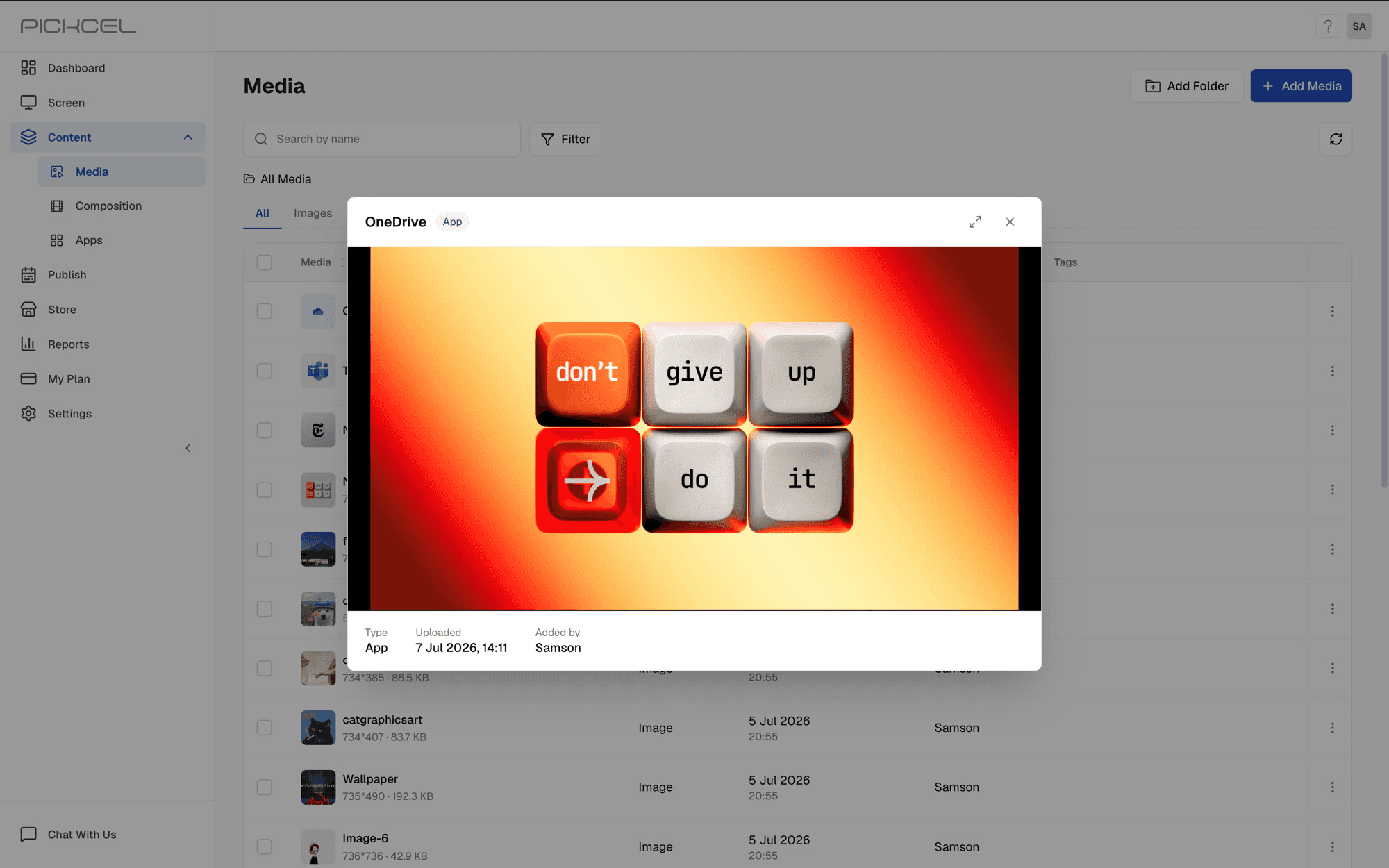
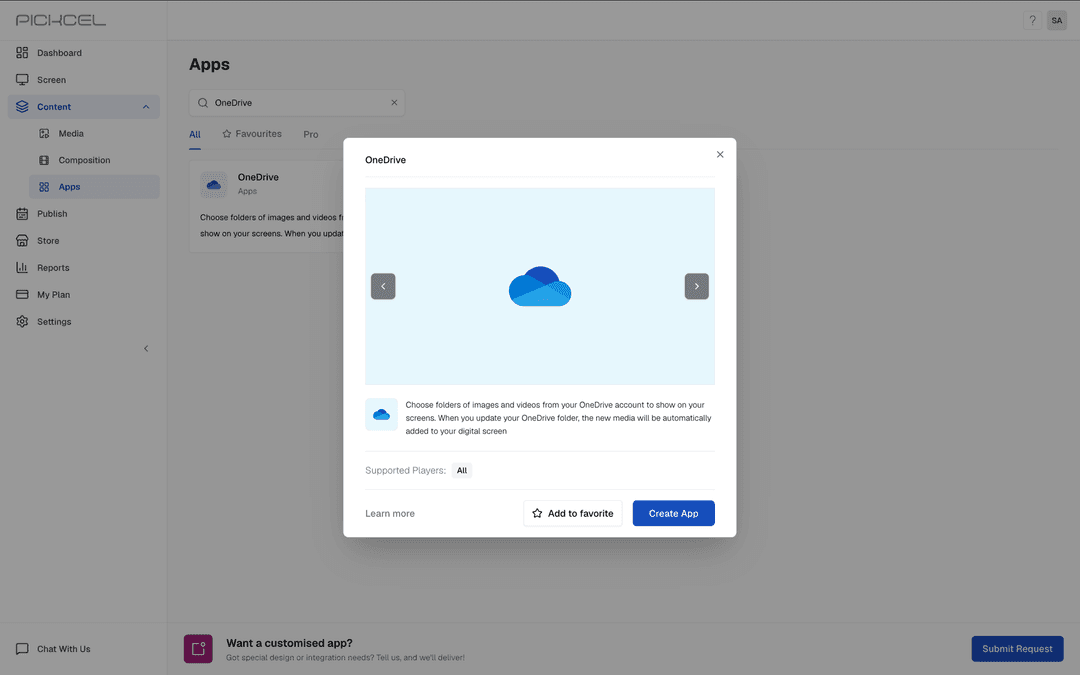
The Pickcel OneDrive app, part of our digital signage solutions, lets you connect once, pick a folder, and keep your screens in sync: add a file to the folder and it appears on screen automatically.
What you need:
- A Microsoft account
- Images and videos in a OneDrive folder
- Ownership of the folder you want to display
Automatic folder sync
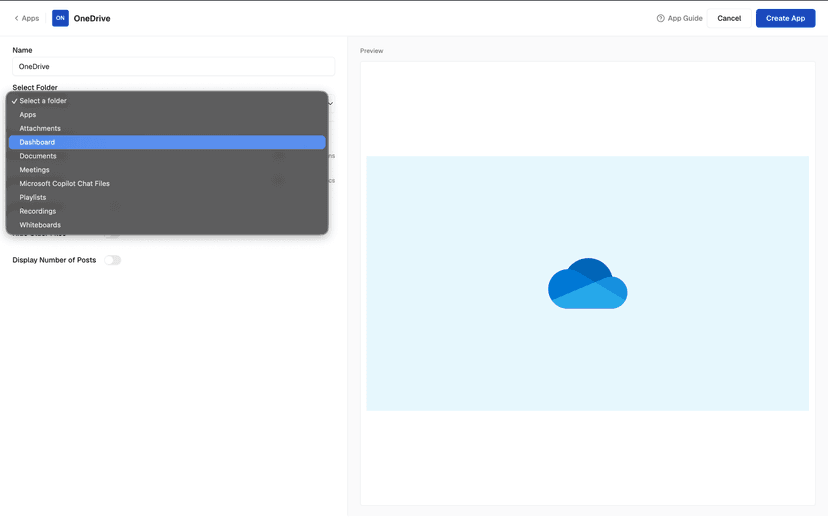
Add, replace, or remove files in your OneDrive folder and your screens update on their own. No manual re-uploads needed.
Control image & video timing
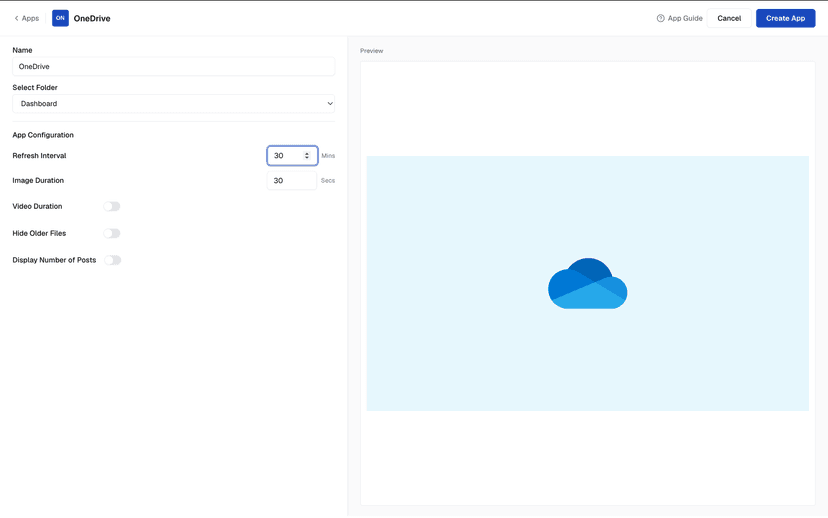
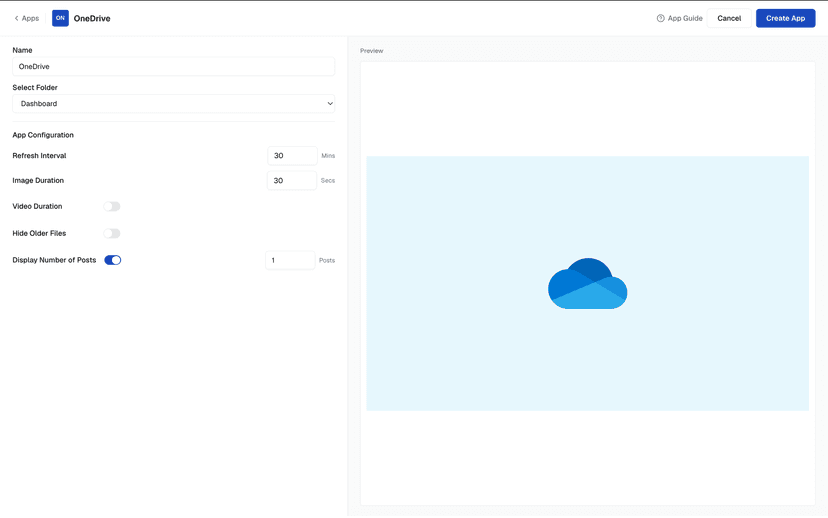
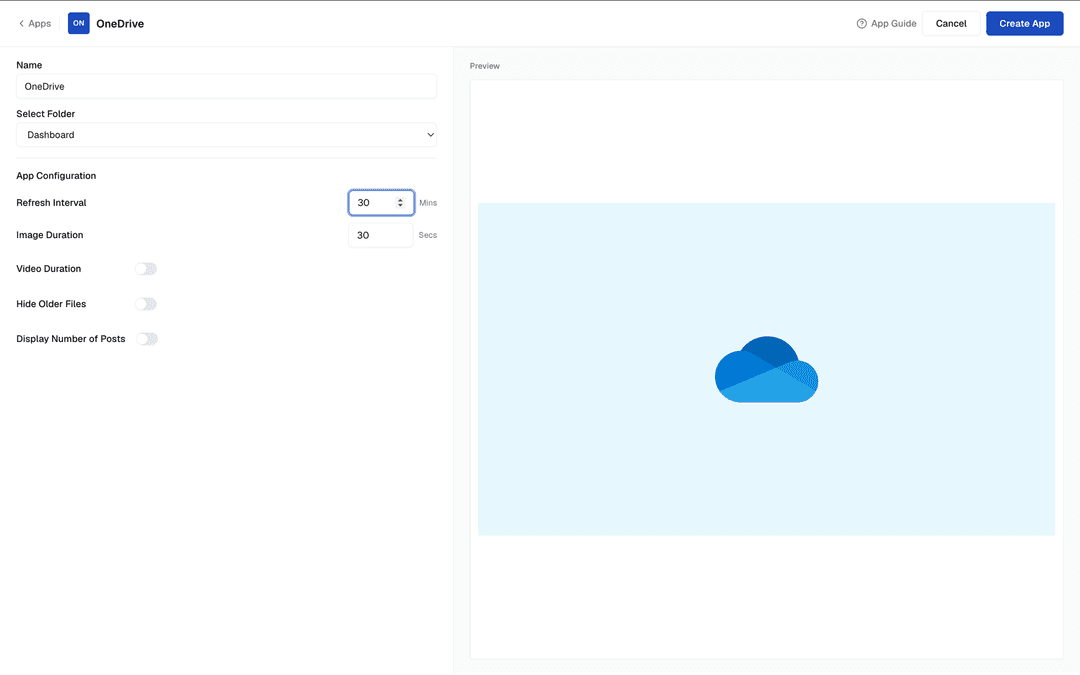
Set how long each image stays on screen, cap video playback time, and choose how often the app checks the folder for new files.
Show only the latest files
Limit the number of newest files shown, or set it to one to always display the most recent snapshot. Hide files older than a set number of days.
Secure Microsoft sign-in
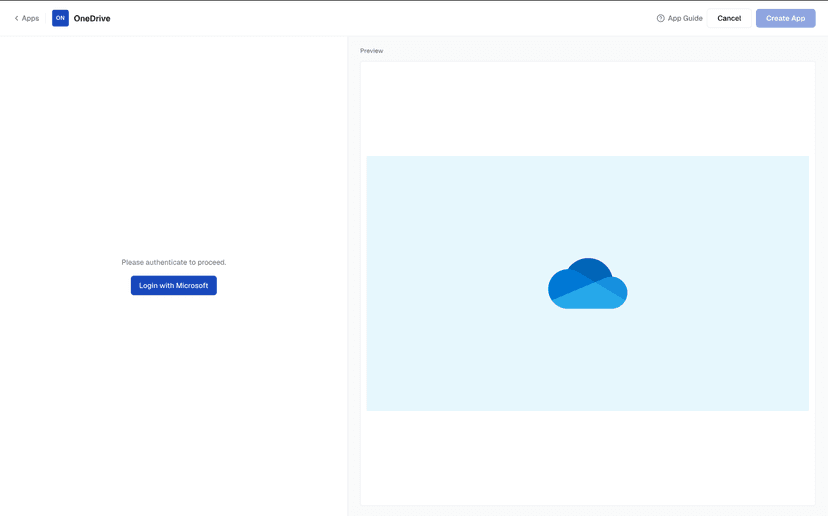
Authorize Pickcel with your Microsoft account once. Create one app per folder to run separate feeds for different teams and screens.
Your OneDrive Folder, Live on Screen
Connect once, pick a folder, and let your screens follow along as files change.
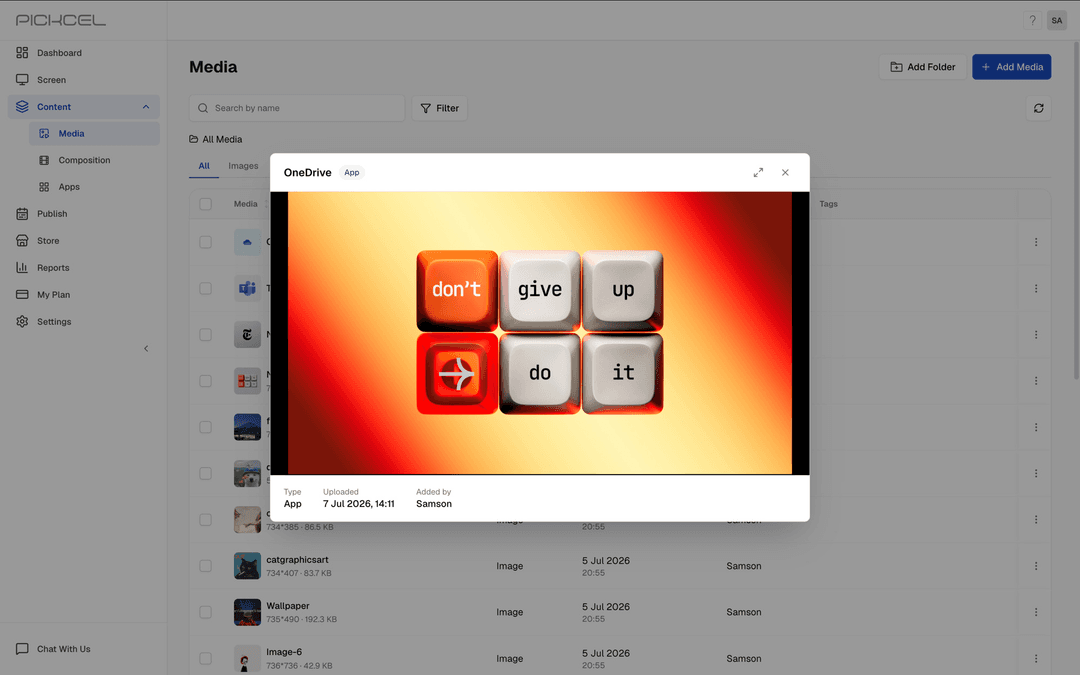
Ready to unlock the Pickcel OneDrive app for your digital signage?

Interesting Use Cases for the OneDrive App
We have listed a few. Your folders can power many more!

Marketing content & team announcements
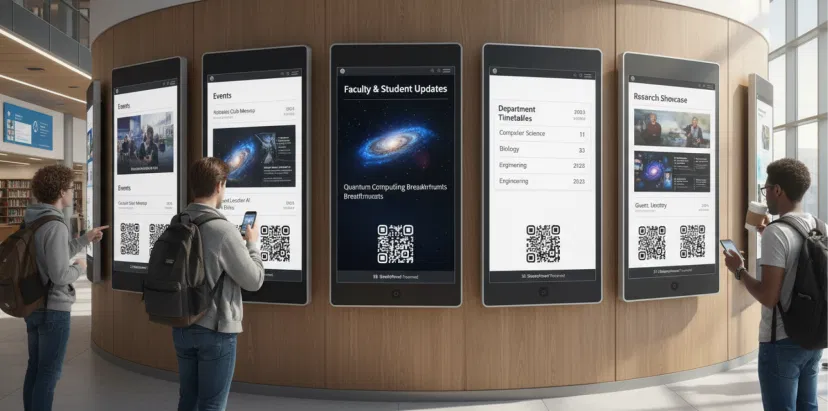
Marketing and internal comms teams drop posters, product photos, promo videos, and event updates into a shared OneDrive folder. Screens pick up new files automatically.
Auto-refreshing reports & photo galleries
Export a dashboard or report snapshot to OneDrive on a schedule and show only the latest file. Or loop a curated photo gallery of events in lobbies and break rooms.
How to add the Pickcel OneDrive app on your digital signage?
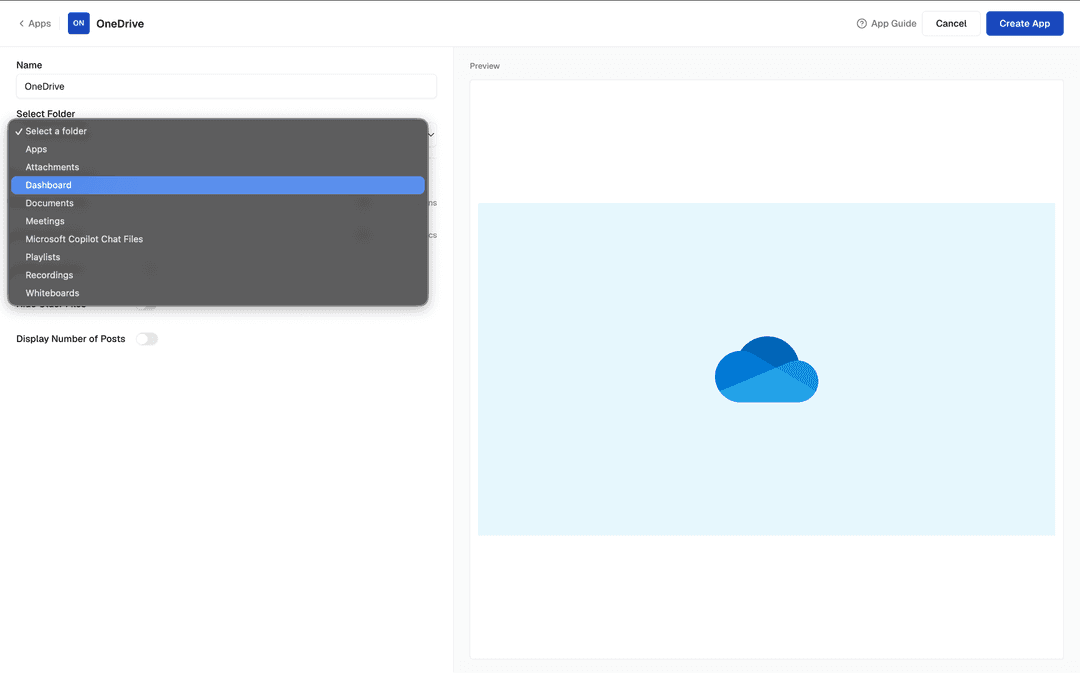
Configure the app from the app store
Sign in with Microsoft, add the app name, select your folder and set the playback settings.
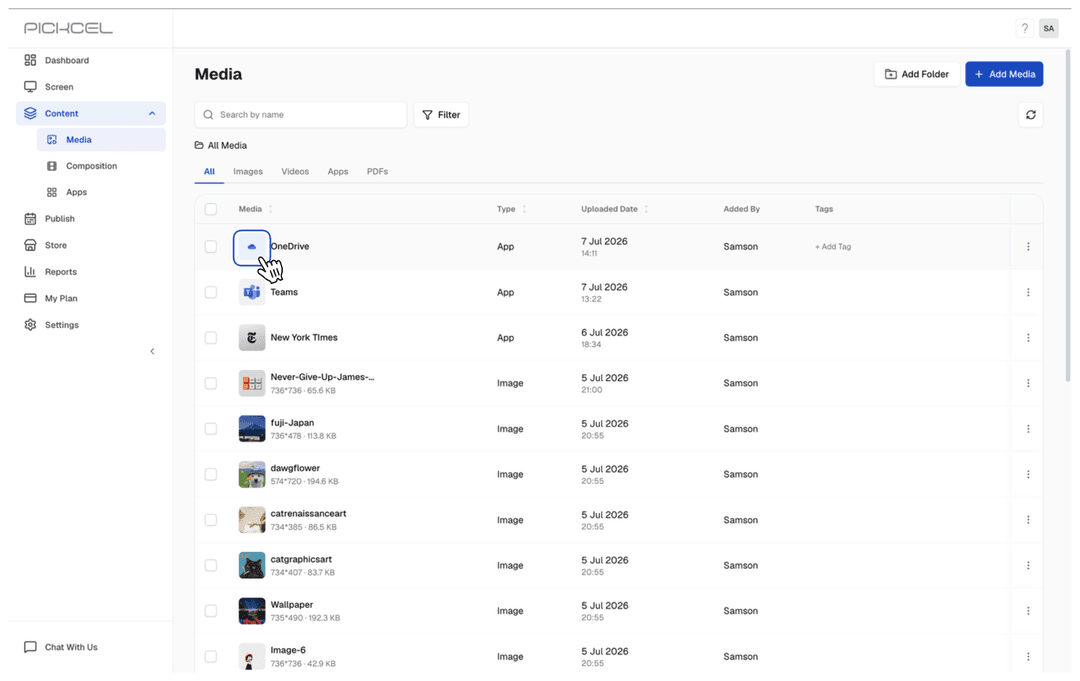
Create a composition
Show your OneDrive images and videos on the entire screen. Or, create a multi-zone layout.
Publish the composition
Select the screens and hit publish.
Learn the step-by-step tutorial of adding the Pickcel OneDrive appNeed customized apps? Connect with us.
We are open to all kinds of customization & integration with third-party applications.
More Pickcel Apps to Complement the OneDrive App on your Digital Signage

Microsoft Team app
Share team reports and files on your digital signage screens

Social Wall app
Aggregate social media posts, tweets & hashtags

Google Slides
Show your work spreadsheets on digital signage

Youtube App
Display the latest videos from Youtube