How Pickcel's Artboard will Accelerate the Content Design Process for Quick Communications
What is Pickcel Artboard?
Artboard by Pickcel is a cutting-edge and adaptable design tool that empowers businesses to create compelling visual experiences. This user-exclusive feature within the Pickcel digital signage software console ensures access to an efficient and seamless design experience, allowing them to create impactful visual displays effortlessly. With its intuitive user interface and robust feature set, Artboard enables users to craft and customize visually stunning content to power signage screens.
With Artboard, users can effortlessly tailor-design and publish stunning images, shapes, texts, and more, with ready-to-use templates supported in portrait and landscape modes. These can be tweaked to fit advanced branding requirements, like creating digital menu boards, corporate announcements, or announcing flash sales at retail stores.
Benefits of using Artboard for content design
Pickcel's artboard can be a useful design solution for corporates, retailers, restaurants, healthcare centers, and manufacturing companies. With options to customize templates per requirements and numerous font and color options, brands can now use their design palette and ideas to create unique user experiences.
Enhanced branding and communication
Corporates can design stunning content to display company announcements, CSR initiatives, employee recognition and onboarding, and mission statements, enhancing internal communication and brand visibility across sections.

Dynamic menu displays
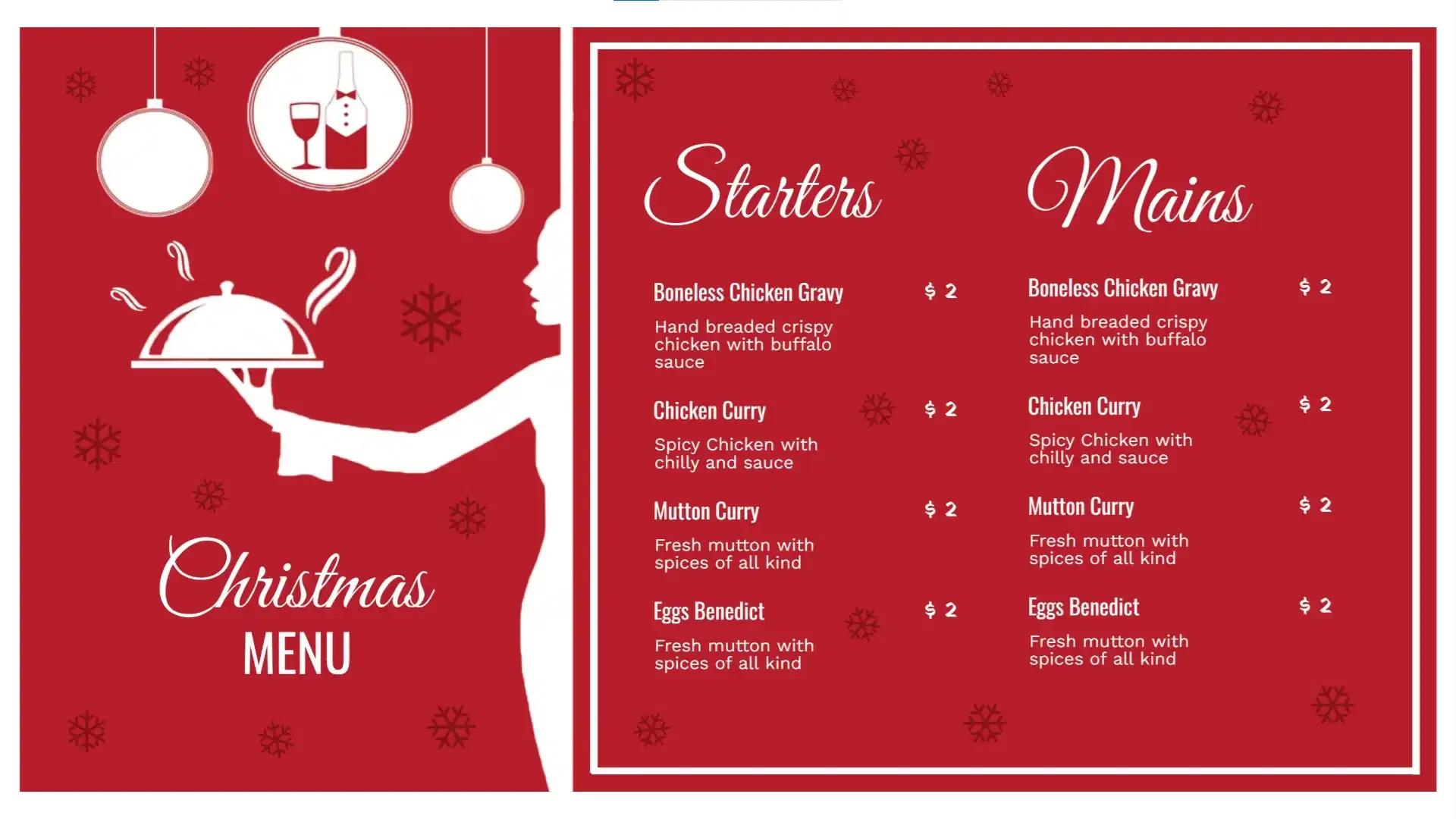
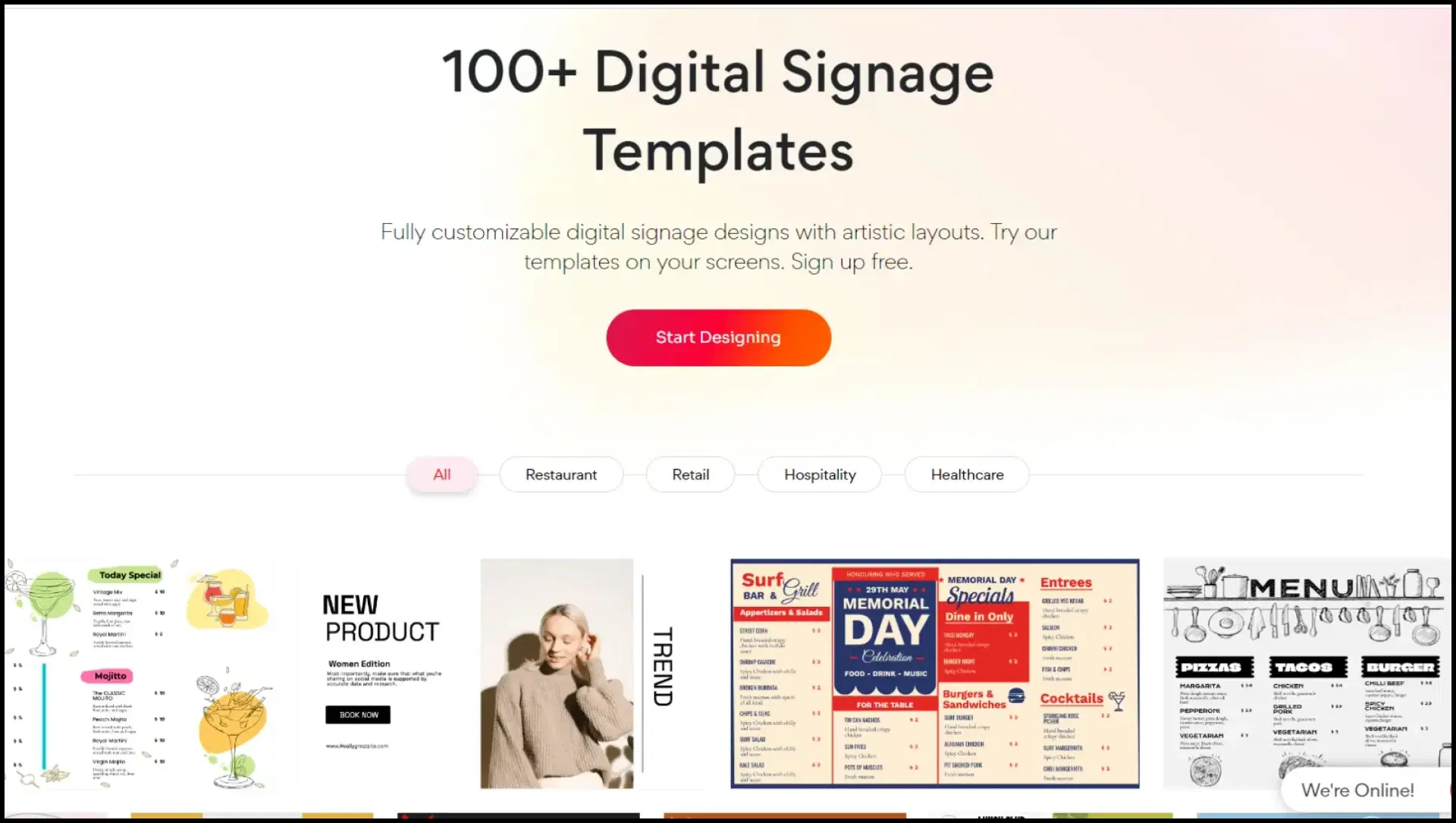
Restaurants benefit from using artboards as a dedicated design tool for digital signage. The design software offers tailored templates specifically designed to cater to the unique needs of businesses. Unlike other tools, it doesn't clutter the interface with non-relevant templates. This focused approach allows restaurants to quickly access and customize templates that align perfectly with their branding and communication goals.
All-in-one retail solution
With Artboard, retail businesses can effortlessly design flash sales updates, new launch announcements, and eye-catching posters featuring customer reviews. By leveraging this powerful tool within the Pickcel CMS, businesses can save valuable time in content creation. This helps to focus more on creating immersive experiences and engaging customers.

Informative template designs
Hospitals, clinics, and welfare centers can design educational templates for the digital signage screens or video walls in patient-waiting rooms, and the lobby area. These can help deliver vital information on health conditions, dietary plans, procedures, etc., and also raise awareness about local charity events.

Streamlined ideas for large businesses
Manufacturing units can utilize Artboard to create visual work instructions, safety and emergency guidelines, and quality control displays, reducing errors, improving efficiency, and ensuring compliance with standard operating procedures.

Accelerate your content! Features that make Pickcel Artboard a useful design tool
When it comes to what Artboard has to offer, there is more than one reason why it can prove to be a smooth content creation tool for your business.
1. Facilitates the ability to design content that accurately reflects specific scenarios. Whether it's simulating product usage, signaling about upcoming sales, displaying step-by-step instructions, or informing of upcoming events, the tool helps to create templates that are precise and realistic representations.
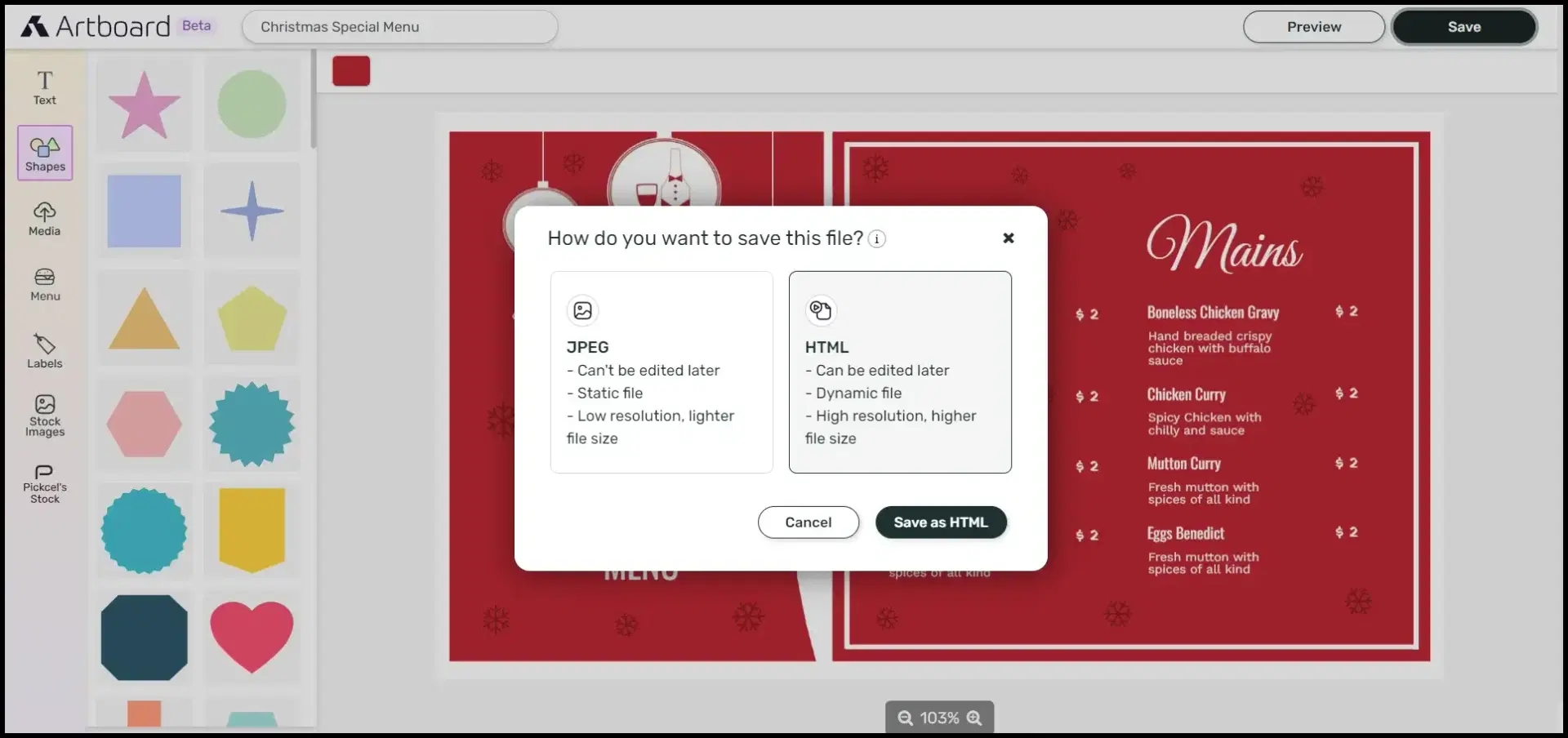
2. Artboard can help save valuable time by creating and modifying content. With the feature to save your creatives in both JPG and HTML formats, the latter offers flexible editing options! No need to worry about finishing your design all at once or being left with no options to modify later.
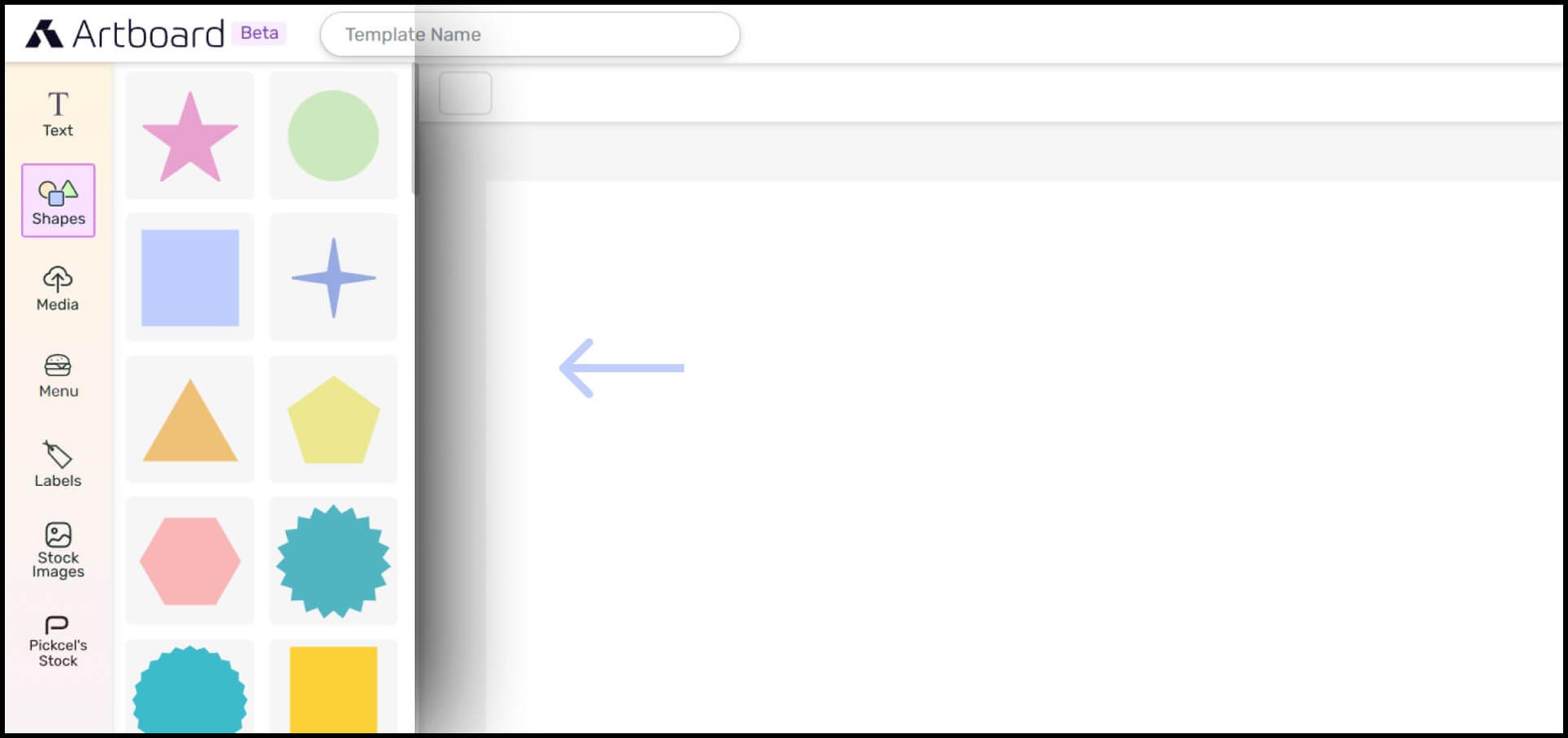
3. Offers a diverse color palette, a variety of fonts, and the ability to customize font sizes and styles, allowing you to design templates with precision. Additionally, you can easily drag and position images, and edit existing texts, shapes, or menus as per your requirements. This ensures flexibility and creative control over your digital signage designs.
4. Provides user-friendly editing features that make designing content a breeze! Artboard is equipped with a stock-image repository sourced from Unsplash; it also houses exclusive stock images from Pickcel. Besides, it allows customizations such as the feature of uploading images of your choice and using them as a background or to display some specific item or feature.
How to use Pickcel's Artboard?
Here's a video of how to use the Pickcel Artboard!
Follow these five easy steps to get started with Artboard! Pickcel offers a 14-day free trial without taking up your card details, so just sign up and start engaging!
- Login to your Pickcel account and navigate to the Media module. Next, click on "Add media" and select "Artboard" from the drop-down.
- Select a template of your choice by navigating the available options or create one from scratch using the 'create custom' option on the top right! Here's a handy guide on how to create custom templates in Artboard.
- On the left side of the interface, there are options such as text, shapes, media, menu, labels, stock images, etc. Add or remove elements as desired to make the template visually appealing. Reposition, resize, and modify font styles and colors as needed.
- Once you create a design, click on save and there will appear two options - JPG or HTML. To learn more, check out the difference between JPG and HTML saving formats for Artboard here.
- When done, your saved file will appear in the Media list, ready to use!
Drive more sales at your restaurant with Pickcel!